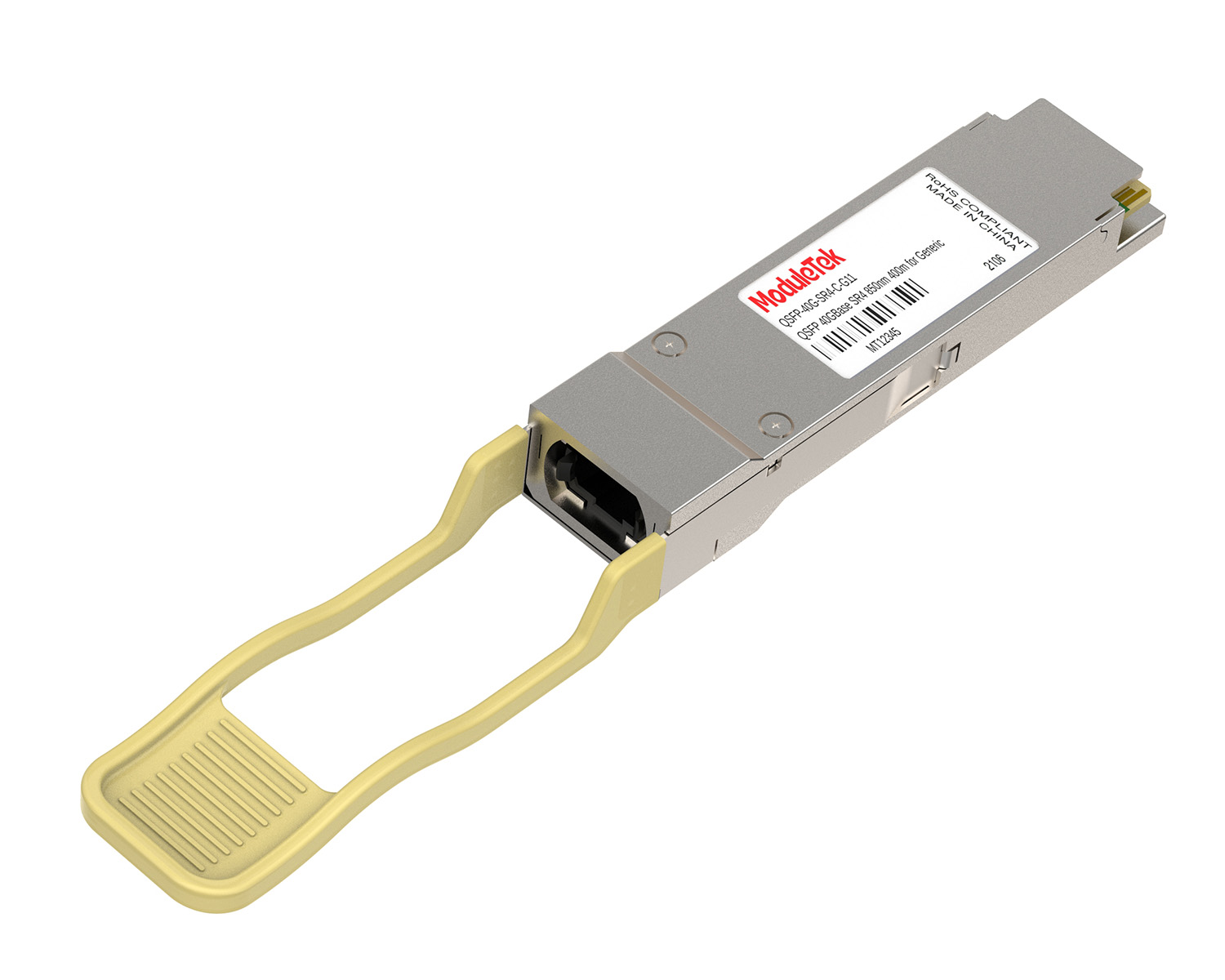
 40G/100G Optical Transceivers
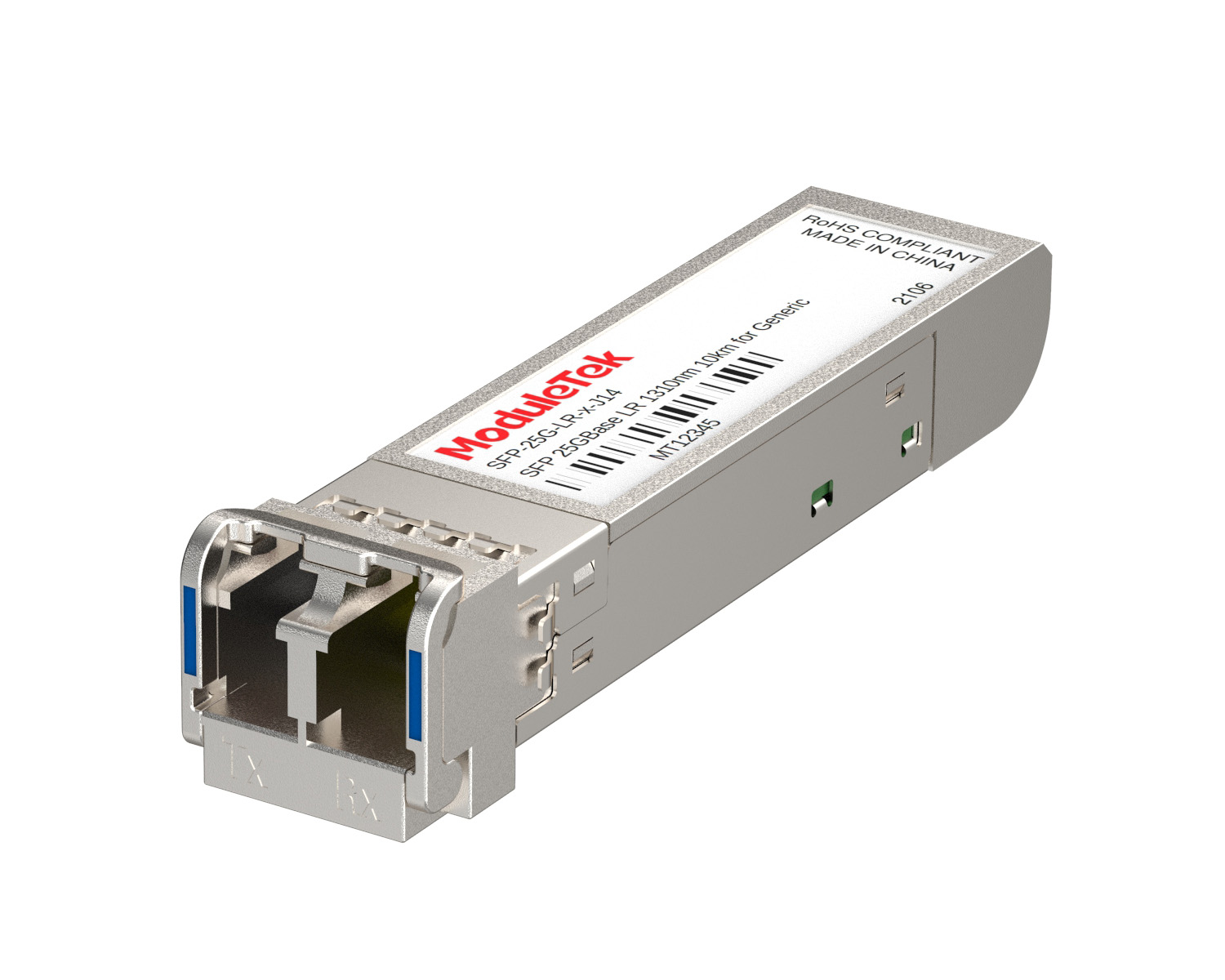 25G Optical Transceivers
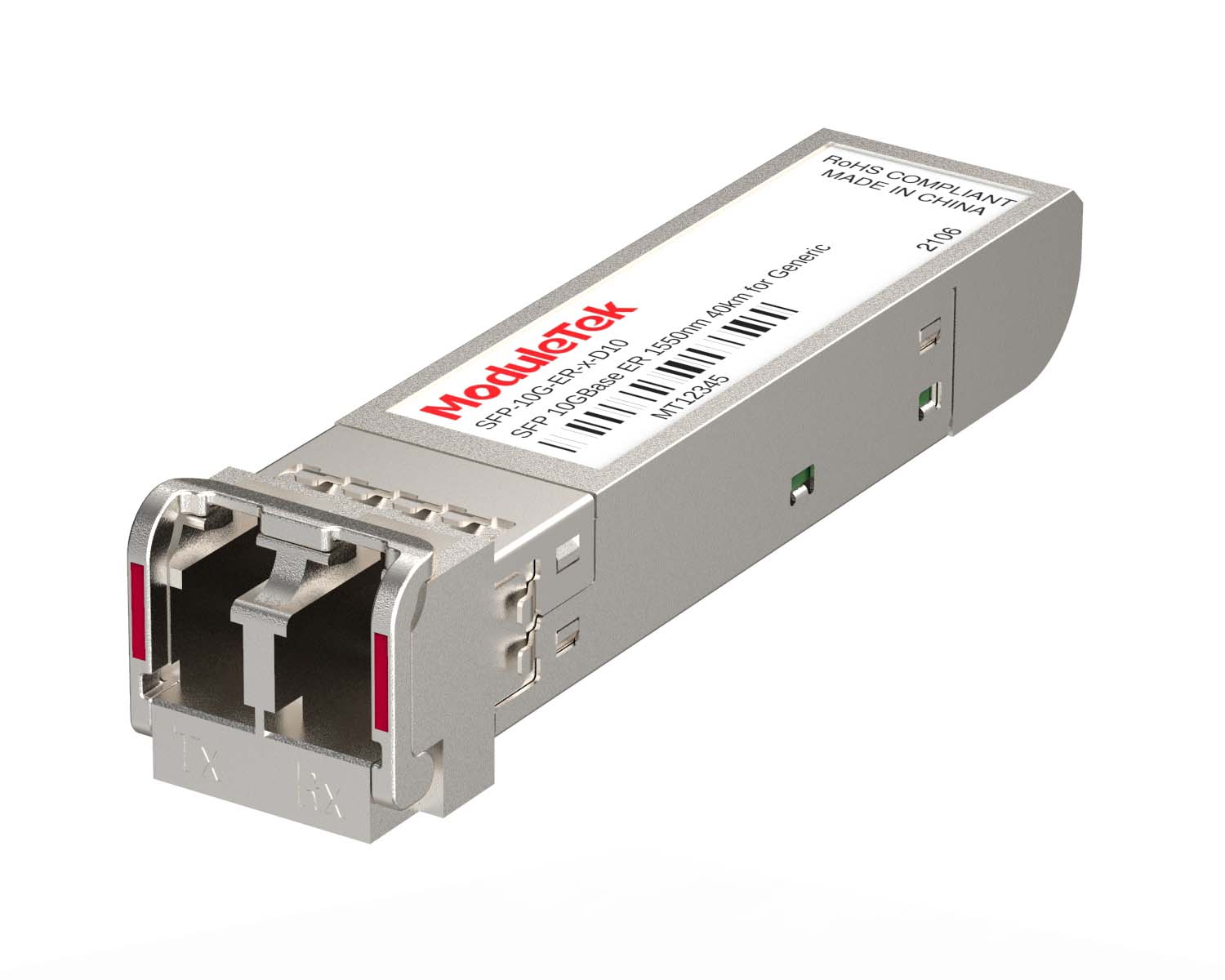 10G Optical Transceivers
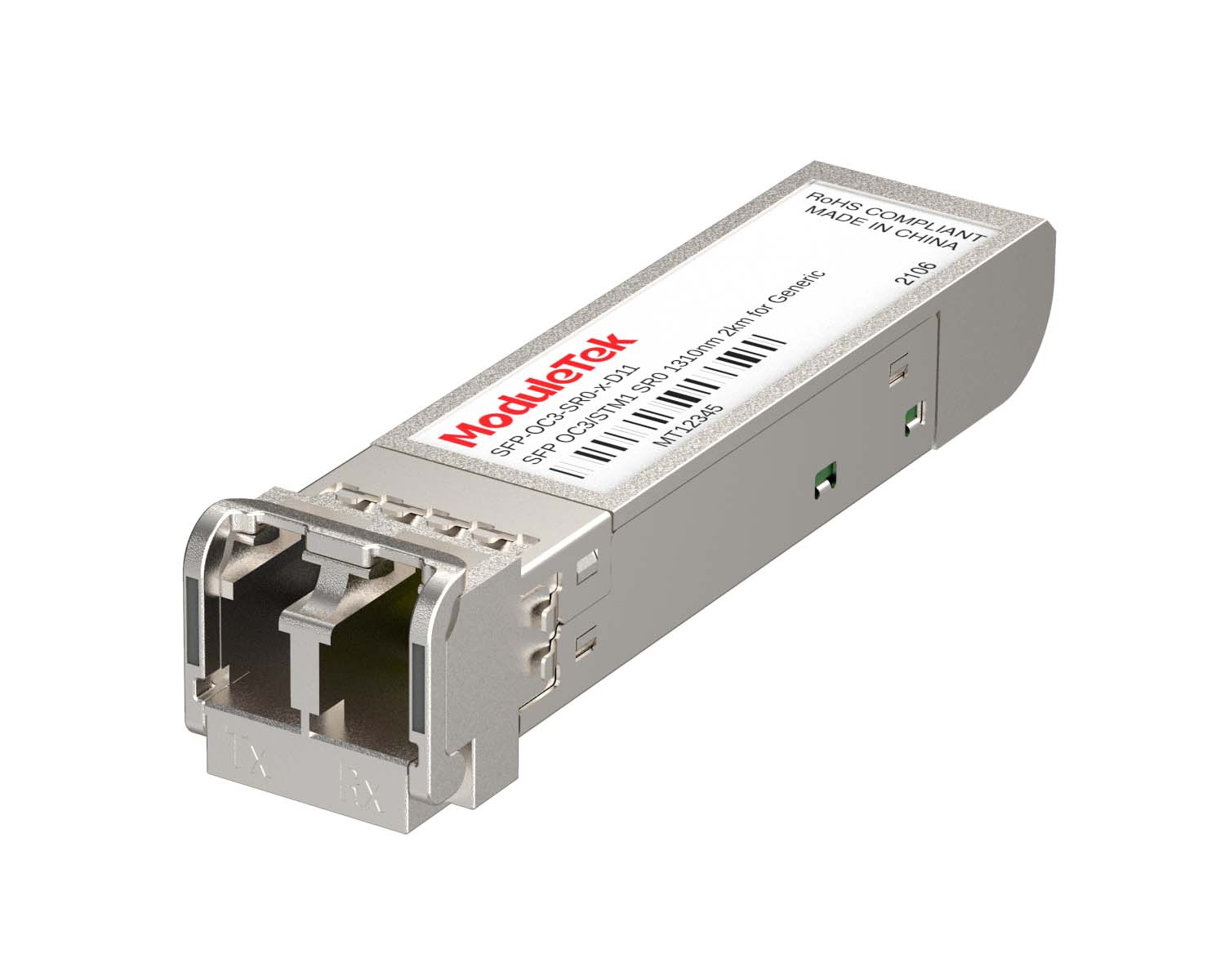 155M/2.5G Optical Transceivers
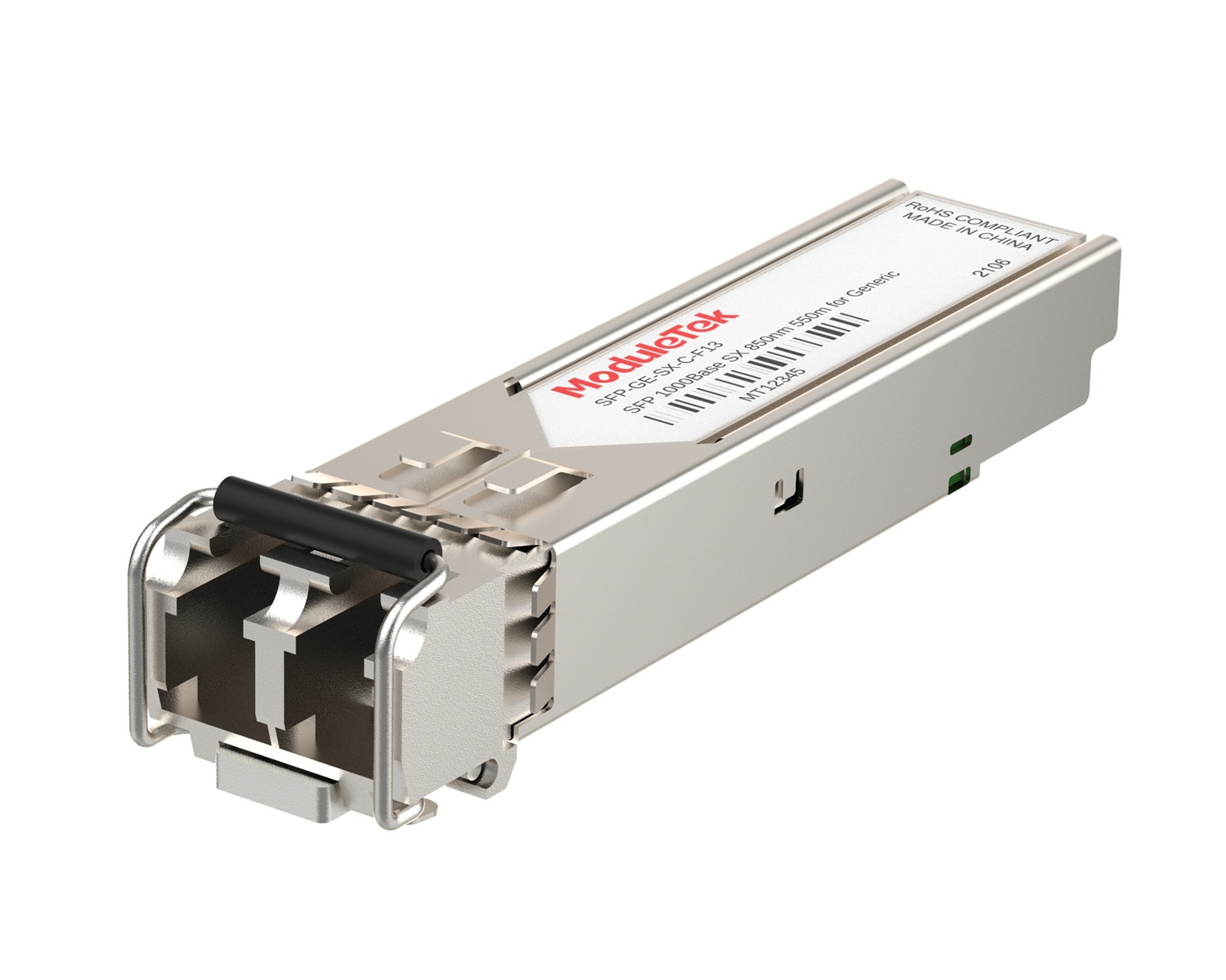 1G Optical Transceivers
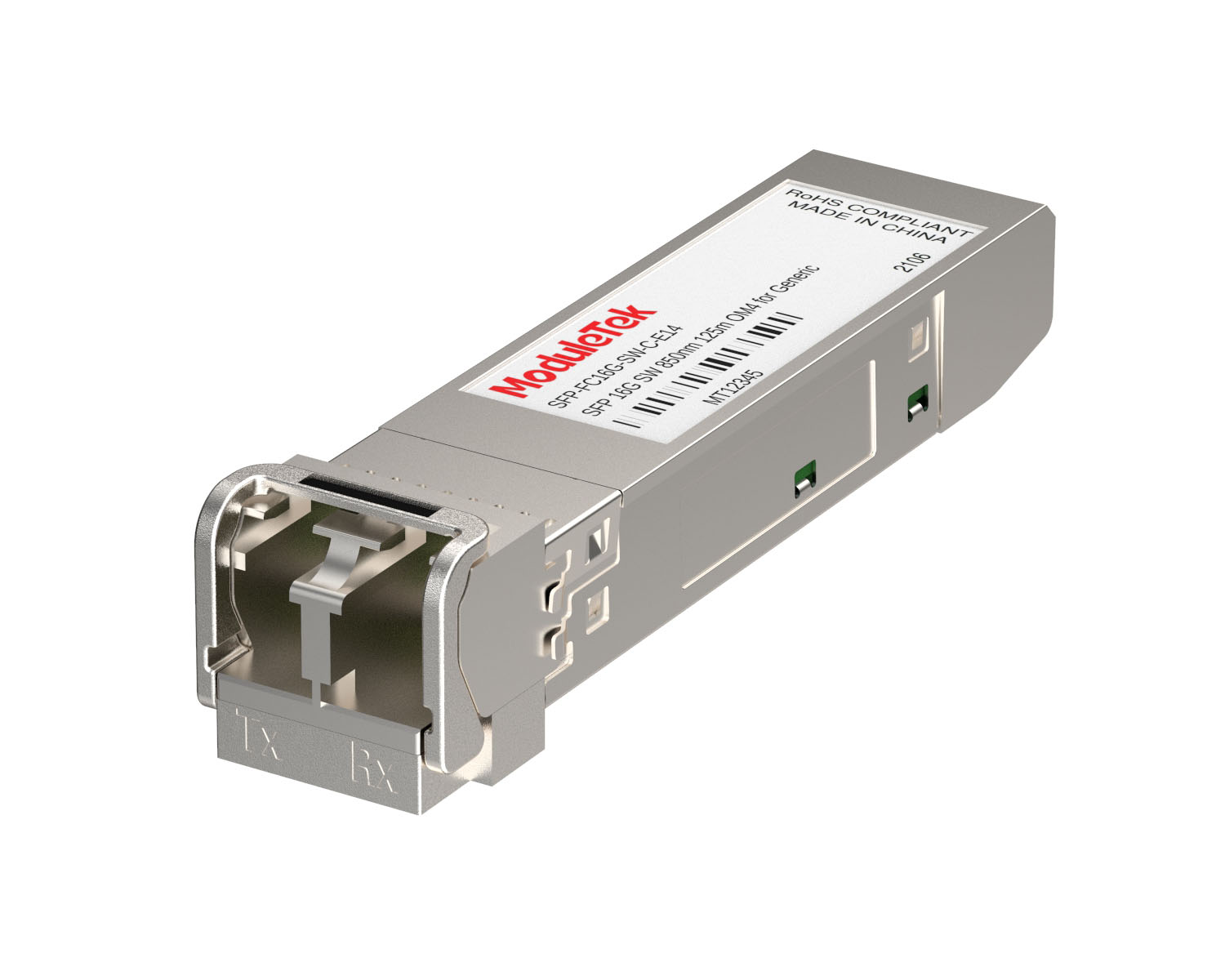 FC 16G/32G Optical Transceivers
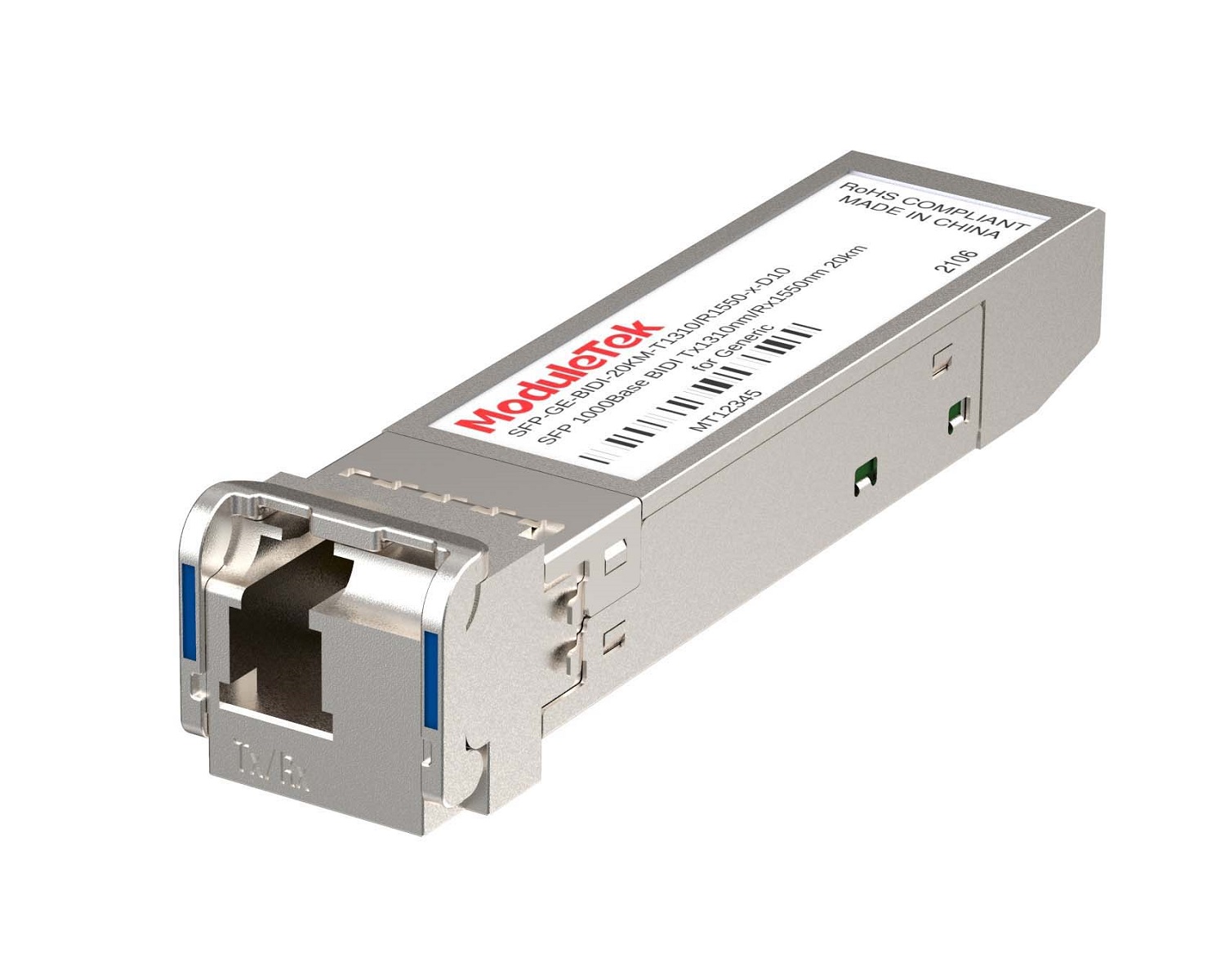 1G BIDI Optical Transceivers
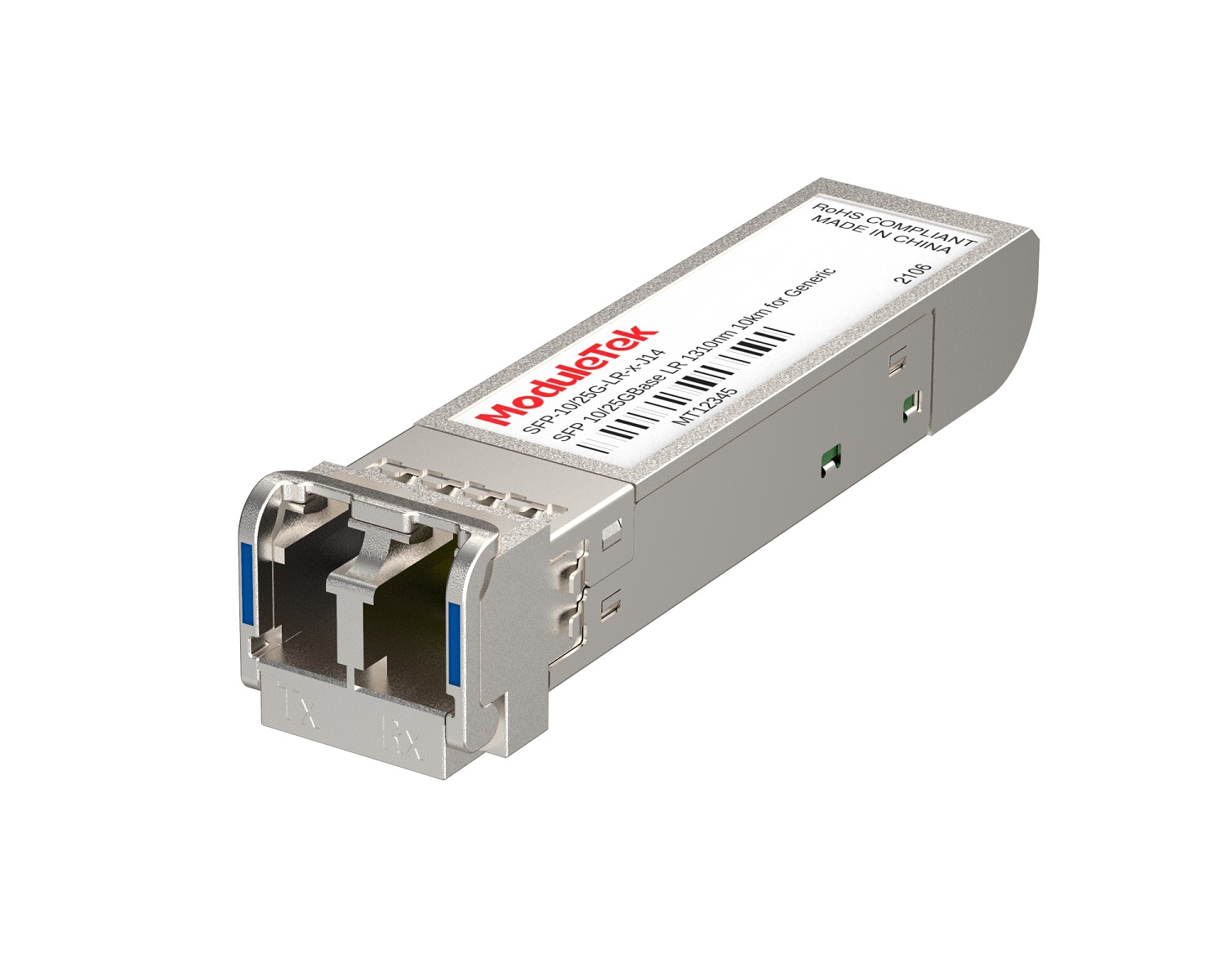 Dual-Rate Optical Transceivers
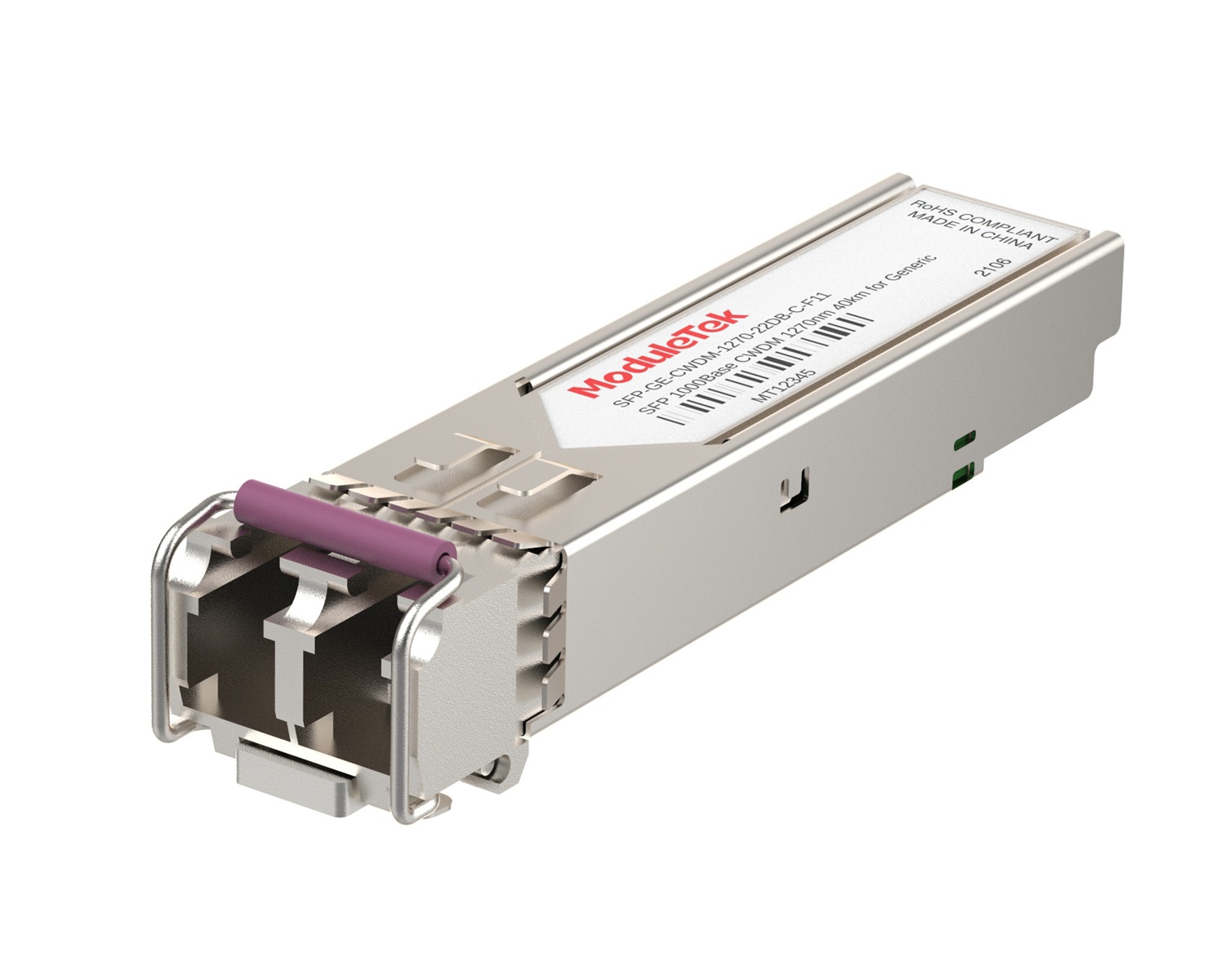 CWDM Optical Transceivers
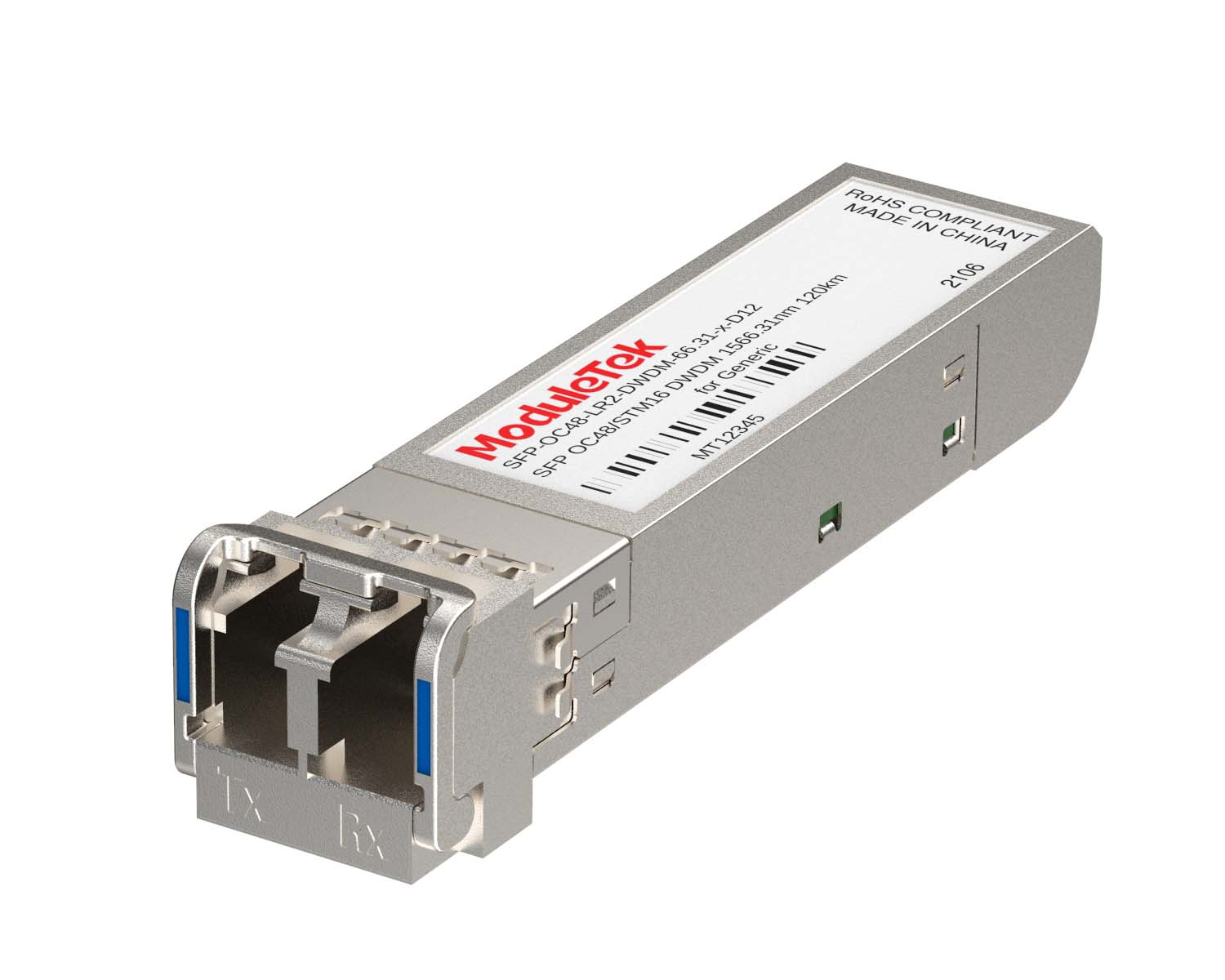 DWDM Optical Transceivers
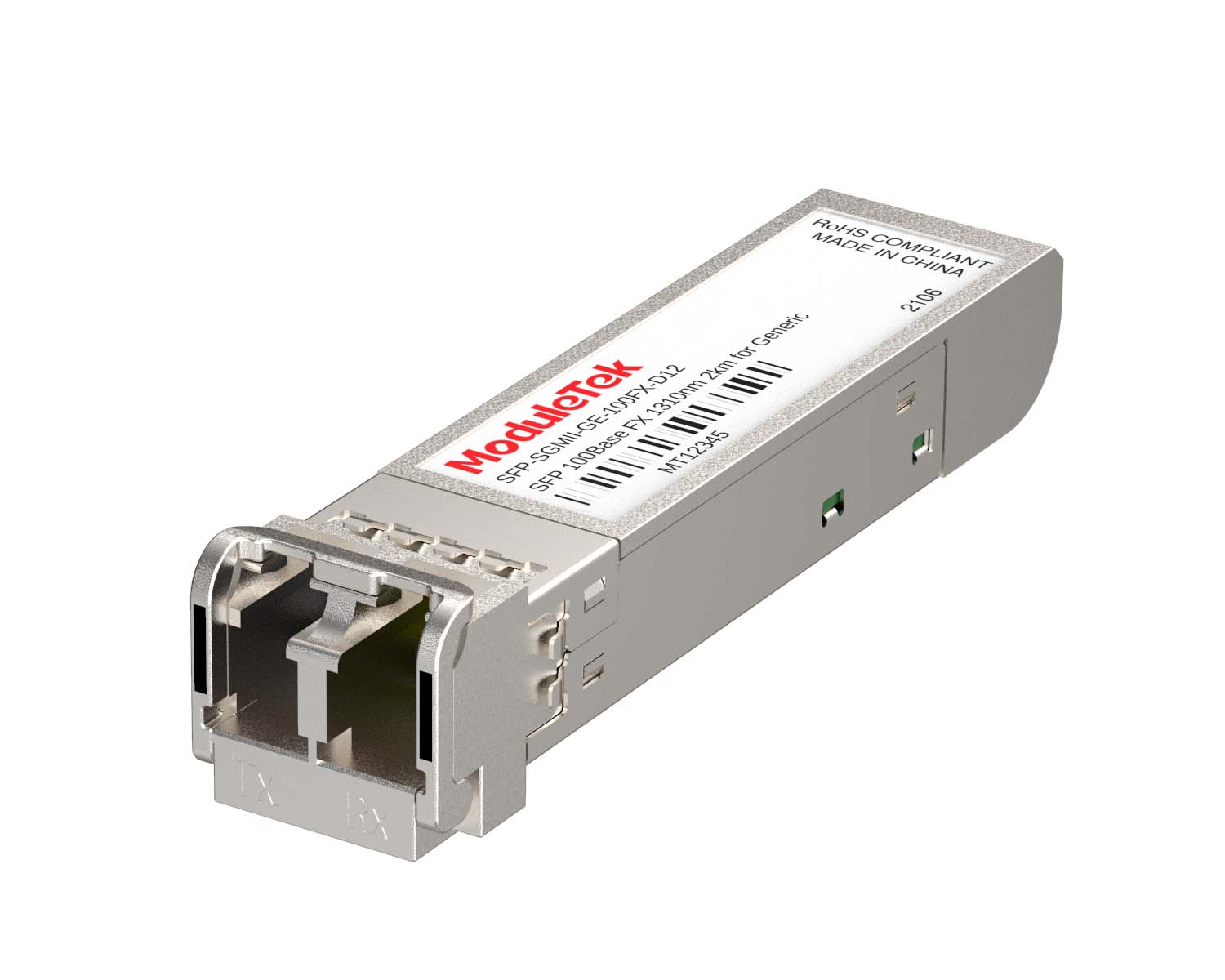 SGMII Port Optical Transceivers
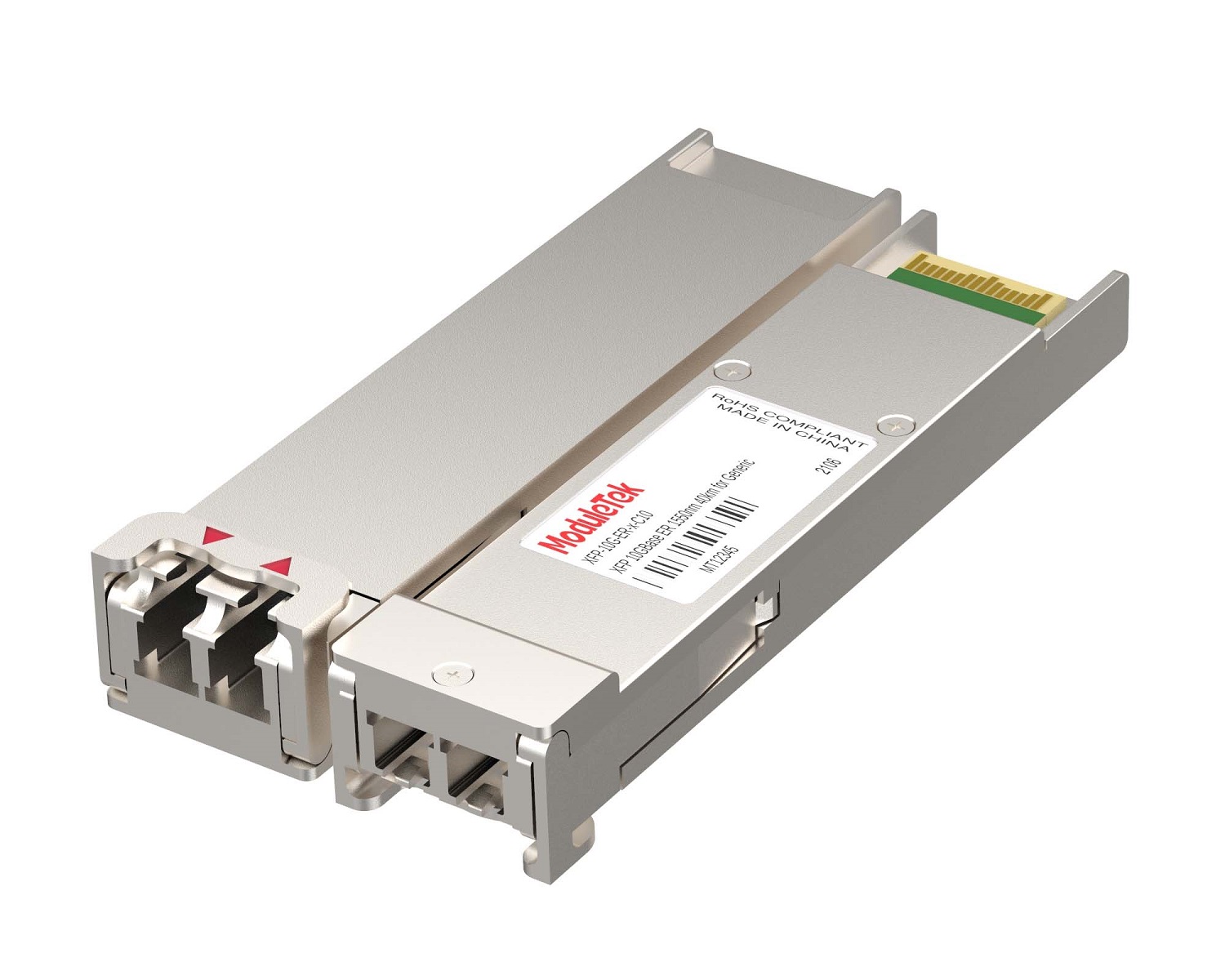 XFP Optical Transceivers
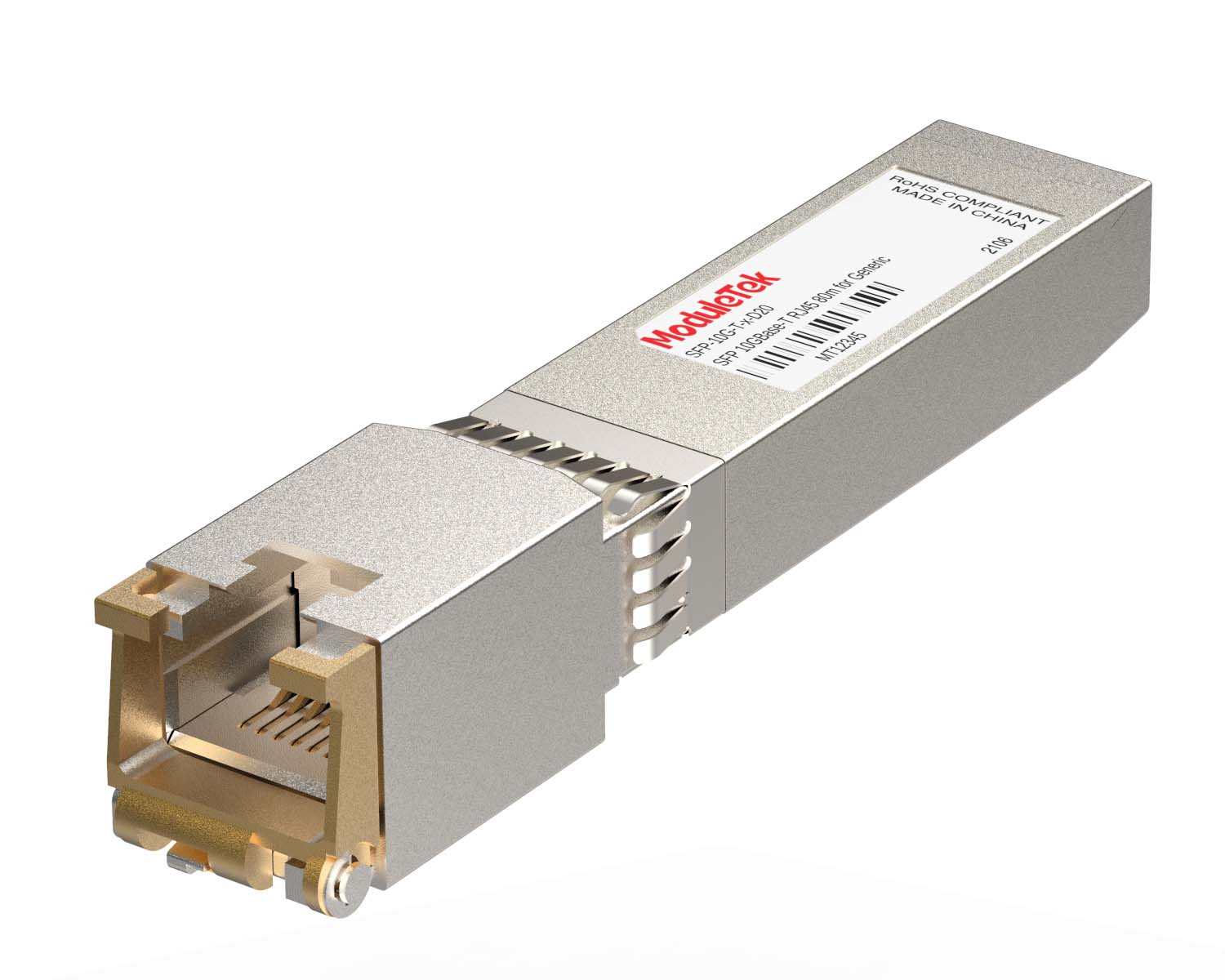 100M/1G/10G Coppers
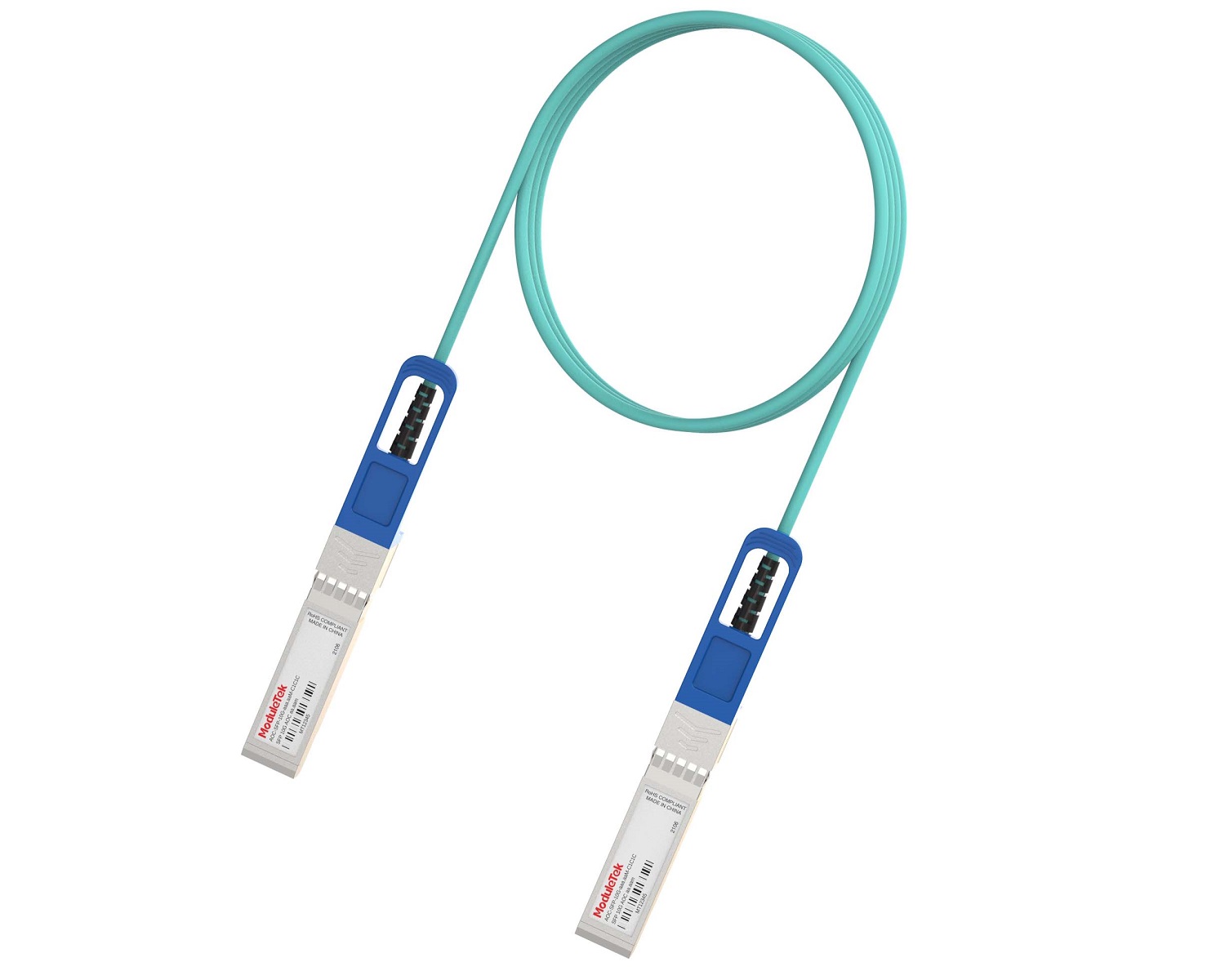 Full-Rate AOC & Breakout Series
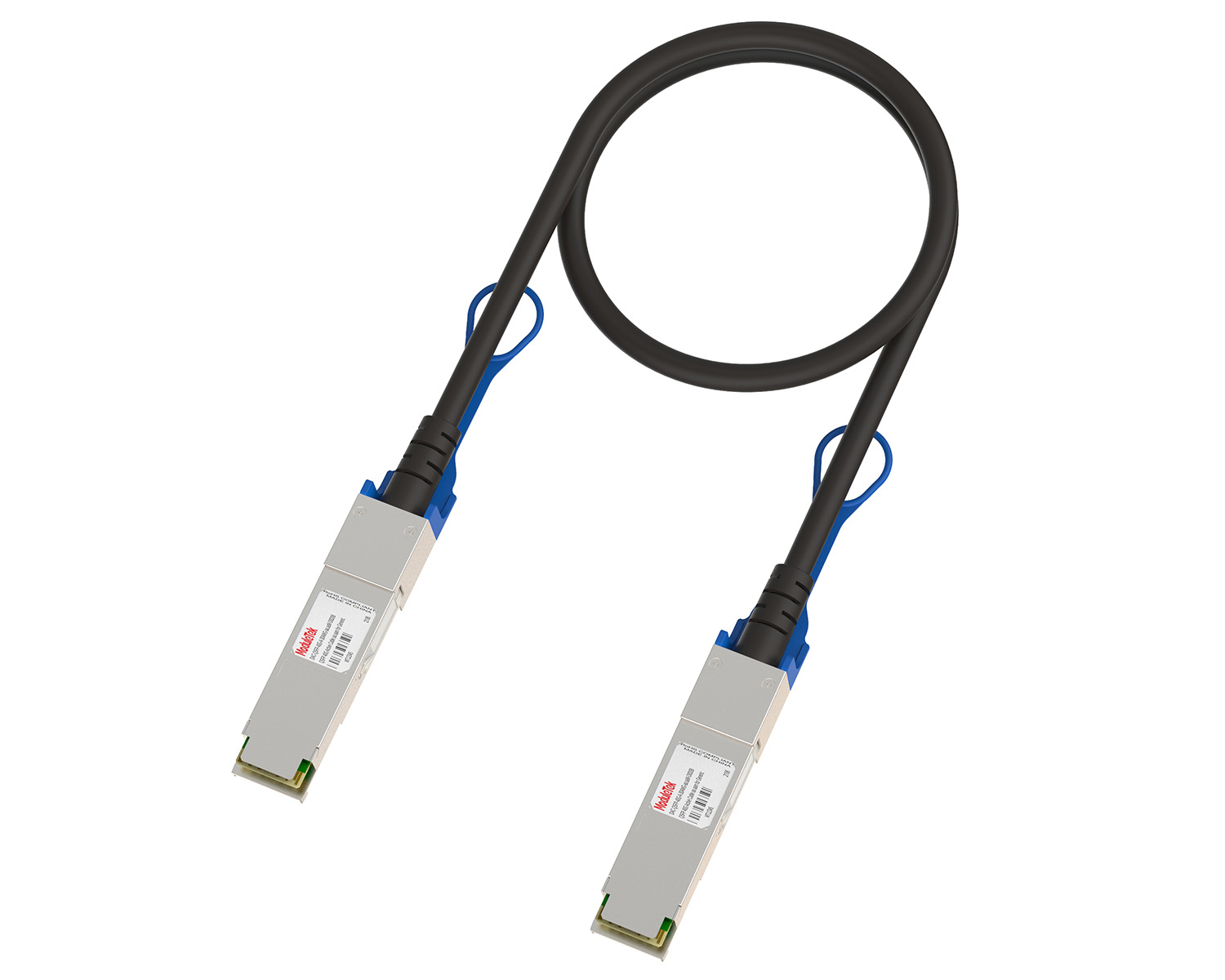 10G/40G Active DAC Series
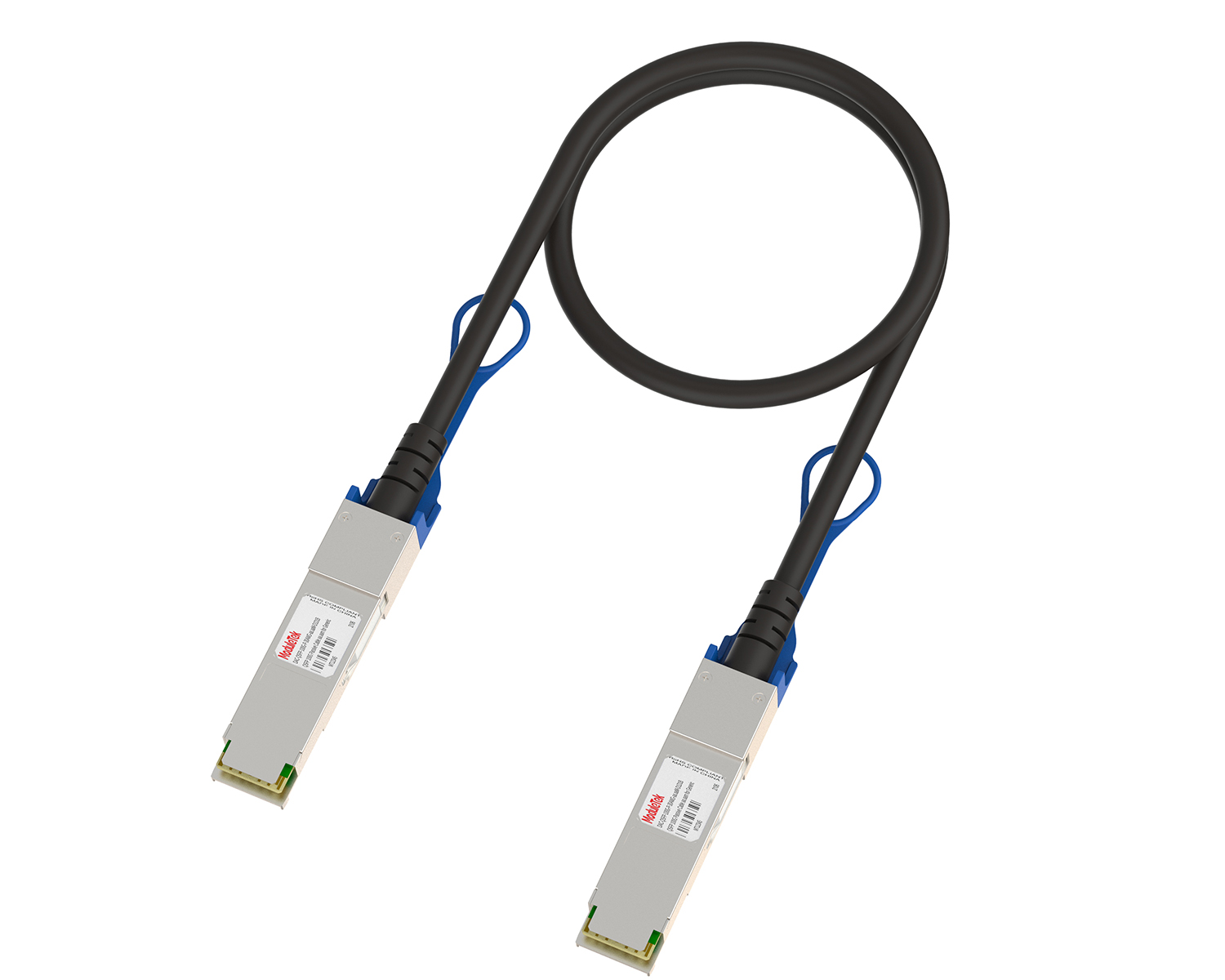 Full-Rate Passive DAC Series
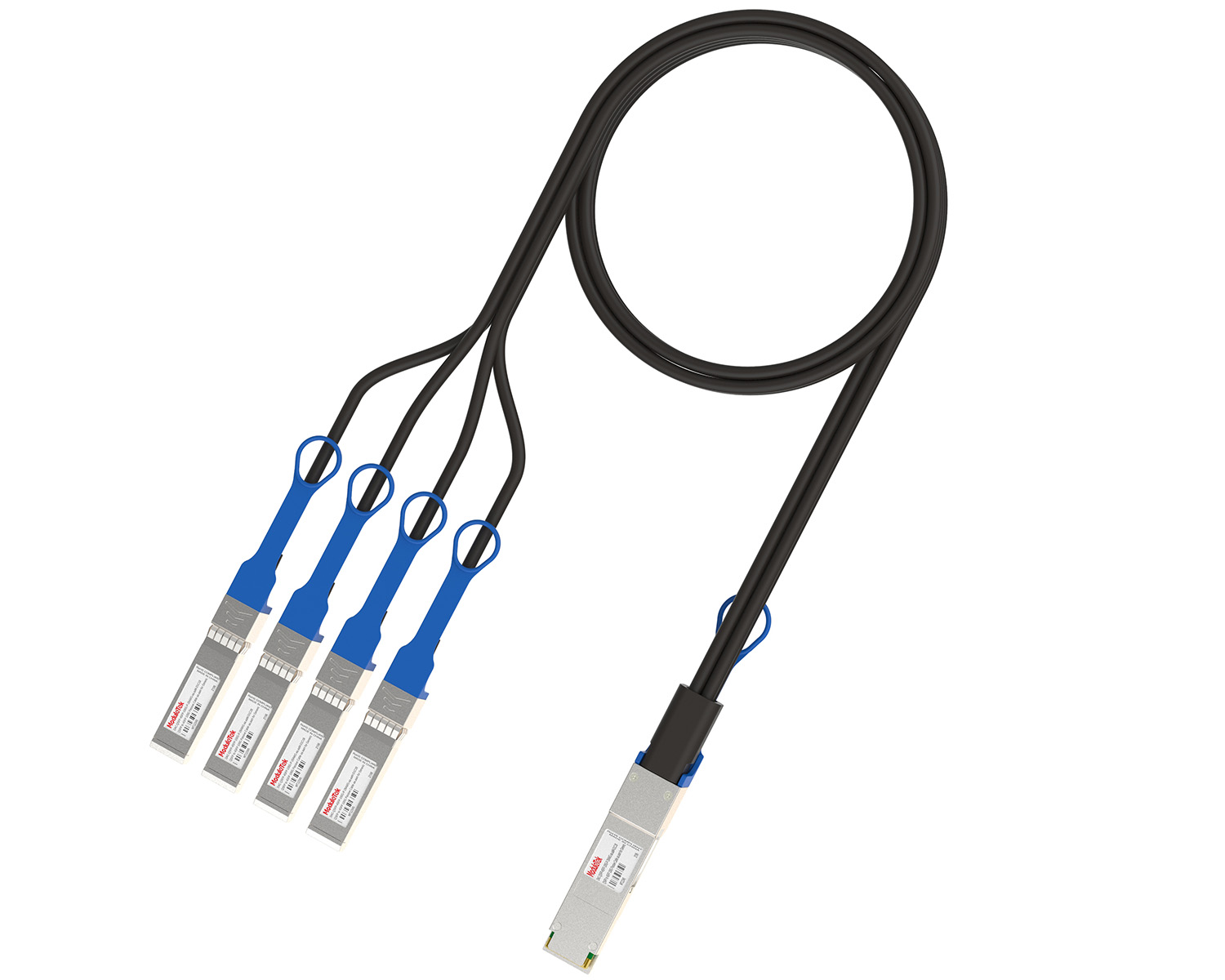 40G/100G Passive Breakout DAC Series
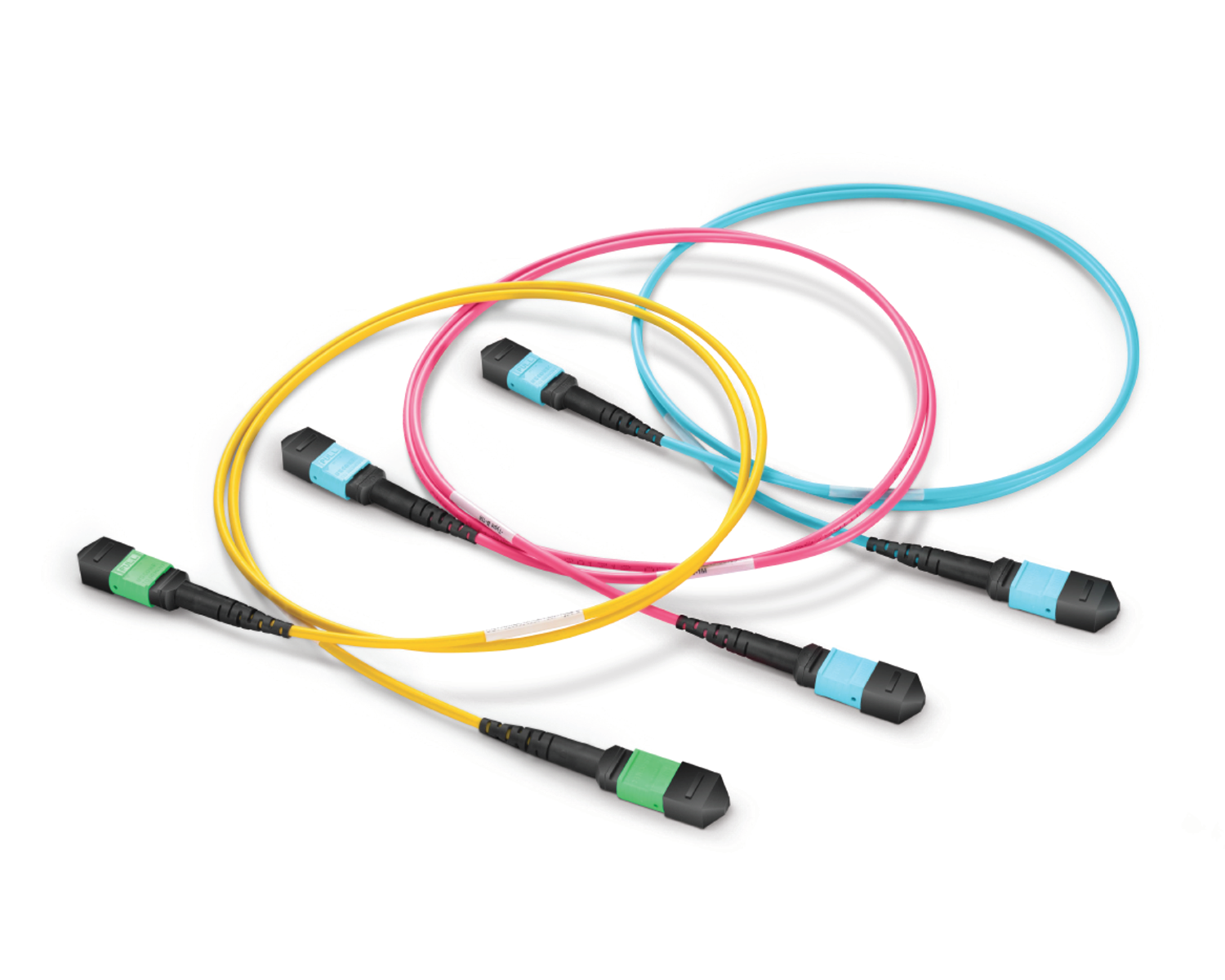 Regular/MTP-MPO Fiber Patch Cords
 MT2011
 MT2010
 CodingBox
 QSFP to SFP Adapter
 首頁 > Home > Application Notes > How To View Port Status And Optical Module Information On Cisco Switches
How To View Port Status And Optical Module Information On Cisco Switches
Time: 2023-03-22
When optical modules operate on a switch, it is usually necessary to read the module's internal information to understand its working status—such as connection status and real-time metrics like optical power and temperature. Additionally, identifying module information helps detect coding compatibility between the module and the switch. The following introduces the specific operations to view the working status and internal information of an optical module on a Cisco switch.
This guide uses the Moduletek SFP-25G-SR optical module connected to a Cisco C9300 switch as an example.
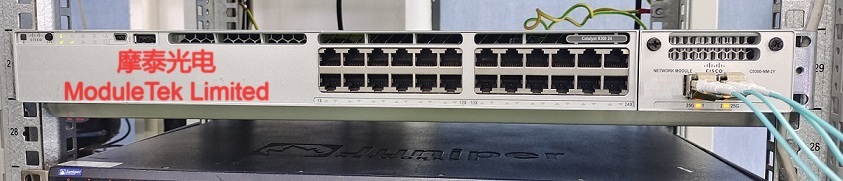
Figure 1: Schematic Diagram of Optical Module Connected to Switch
1. Check Optical Module and Port Status
Execute the command show interface interface-type interface-number to view detailed interface and optical module status:
The command output includes interface rate, module type, module link state (a UP state is a prerequisite for the optical module to work normally), and statistical data—all of which facilitate troubleshooting.
Note: interface-type interface-number refers to the interface type and number where the optical module is installed. You can first execute show interface status to view the brief status of all interfaces, then confirm the specific interface number according to the switch panel (e.g., GigabitEthernet1/0/1). If the interface type and number are unknown, omit them (i.e., execute show interface directly), and the switch will output information for all interfaces.
2. View Optical Module Identification Information
Execute show inventory to view device board information and identification details of optical modules on all interfaces:
The output includes module type, serial number, Cisco-compatible model number, etc., which is derived from the encoded data pre-written in the optical module.
To view the specific coding definition of a single optical module, execute show idprom interface interface-type interface-number and specify the target interface.
3. Check Optical Module DDM Data
Execute the command show interfaces interface-type interface-number transceiver detail to view the Digital Diagnostic Monitoring (DDM) data of the optical module on the target interface:
The output includes real-time diagnostic metrics and their corresponding threshold ranges. Focus on key parameters such as receive optical power, transmit optical power, temperature, and current to verify whether the optical module operates normally on both ends of the link.
Moduletek provides a variety of optical modules compatible with Cisco switches. Welcome to place your orders!
If you have any questions about the above content, you can contact us by Email : web@moduletek.com