
 40G/100G Optical Transceivers
 25G Optical Transceivers
 10G Optical Transceivers
 155M/2.5G Optical Transceivers
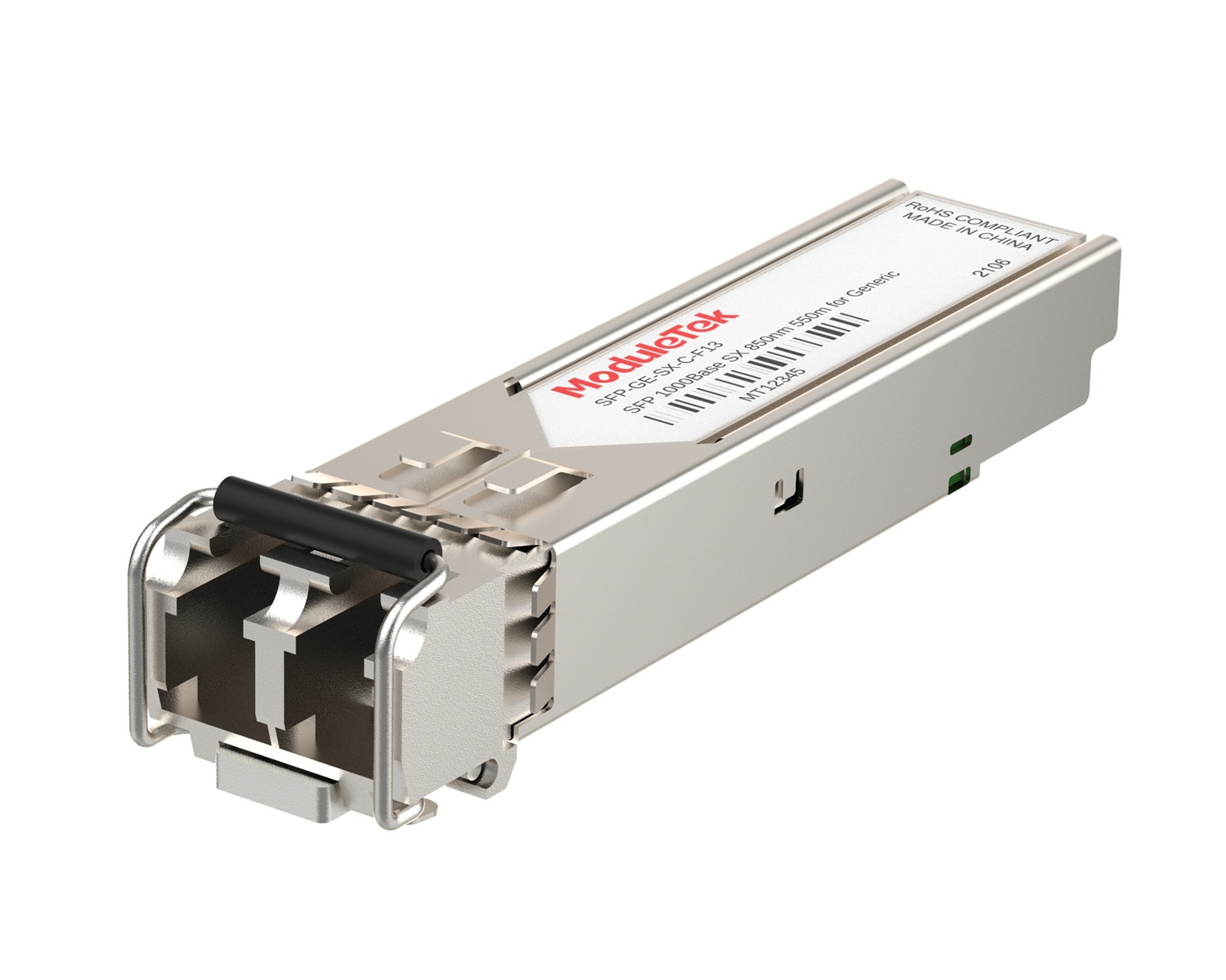 1G Optical Transceivers
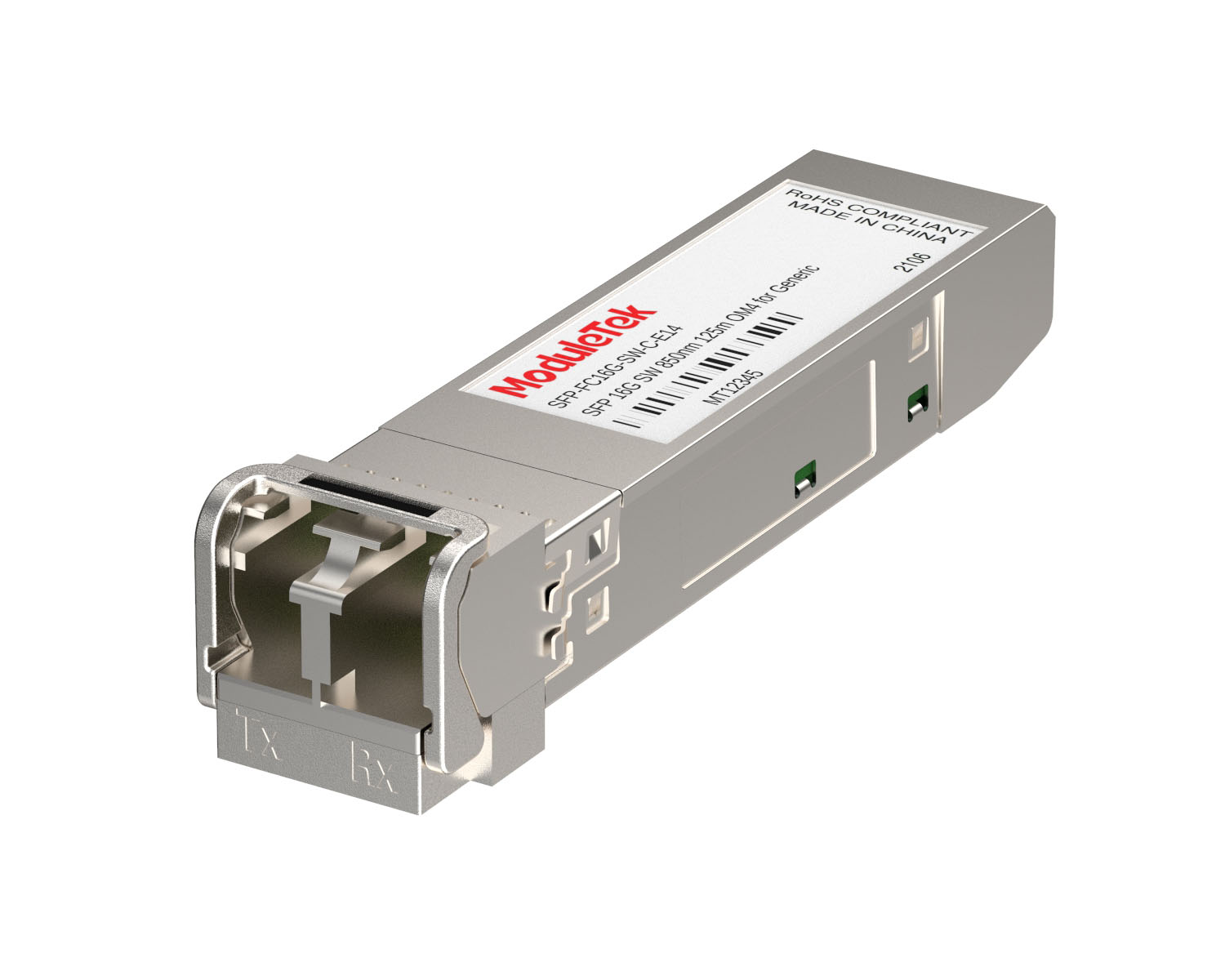 FC 16G/32G Optical Transceivers
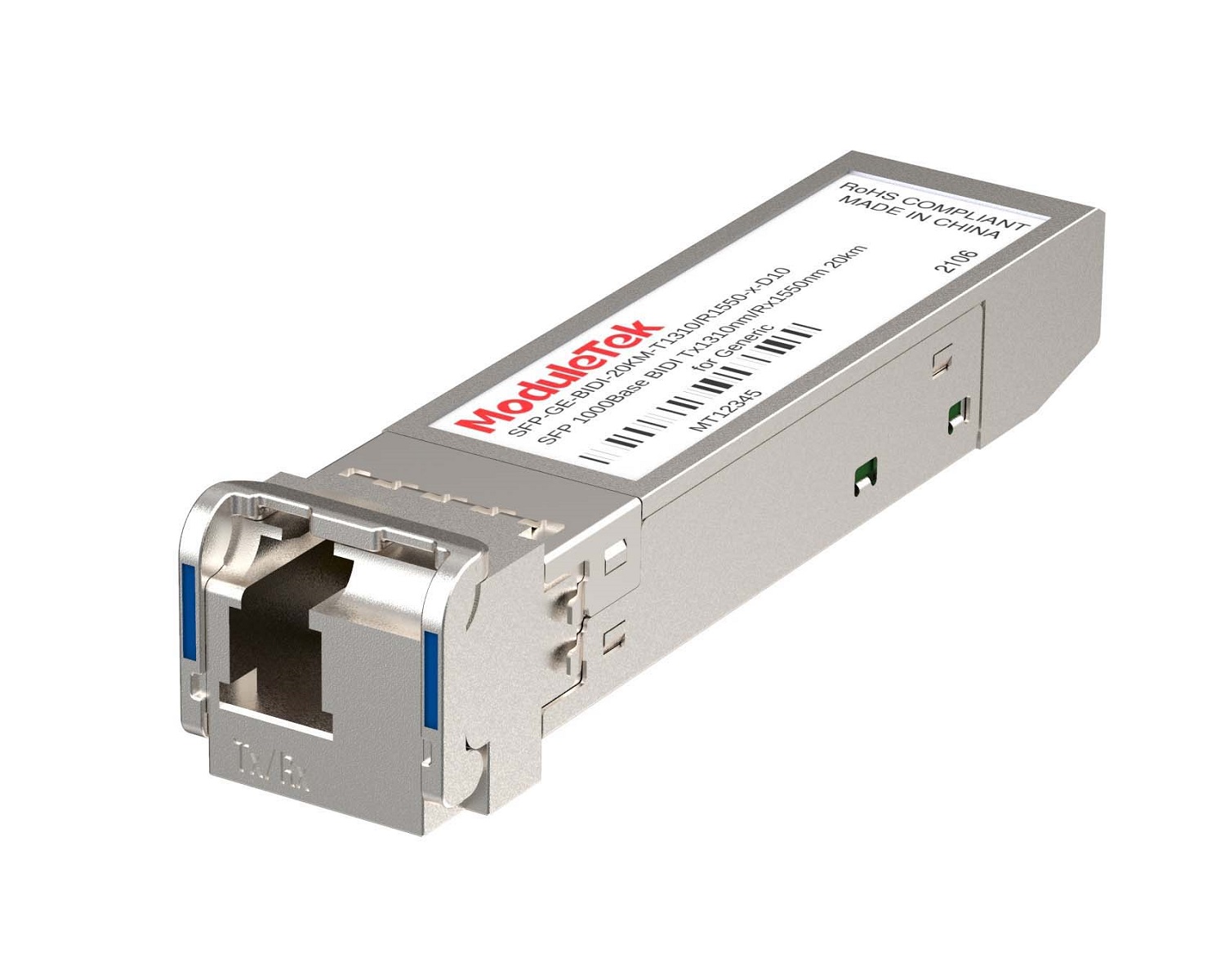 1G BIDI Optical Transceivers
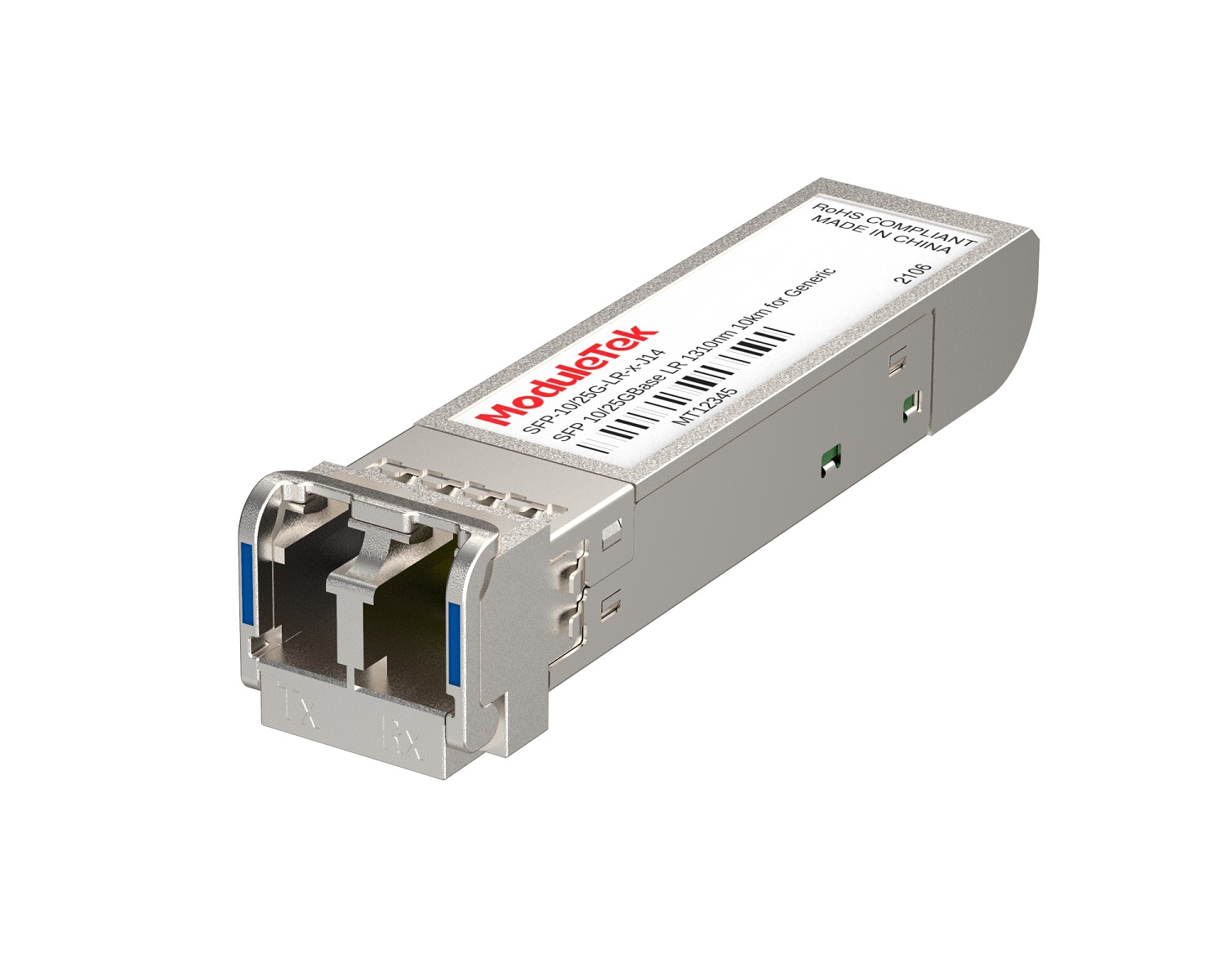 Dual-Rate Optical Transceivers
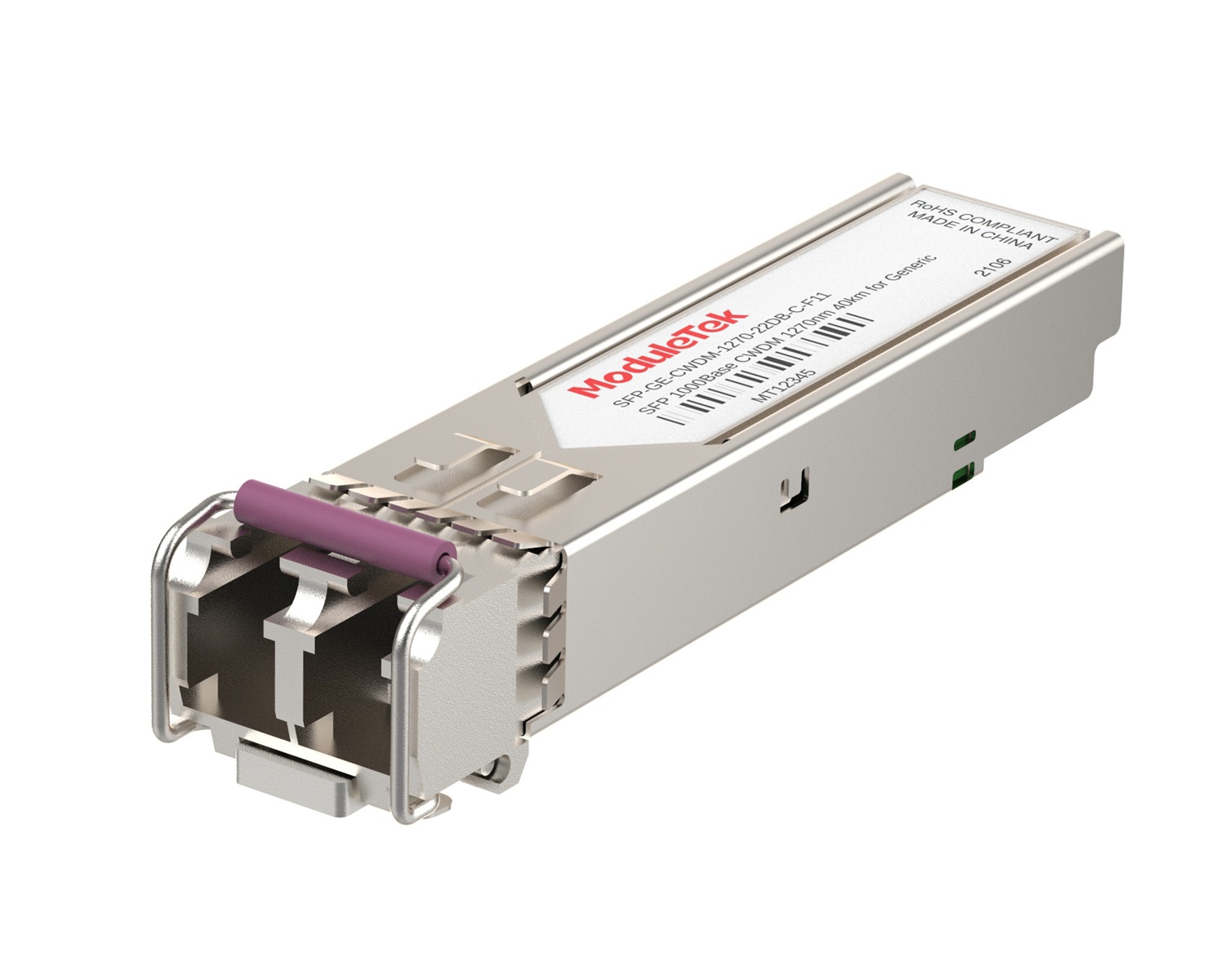 CWDM Optical Transceivers
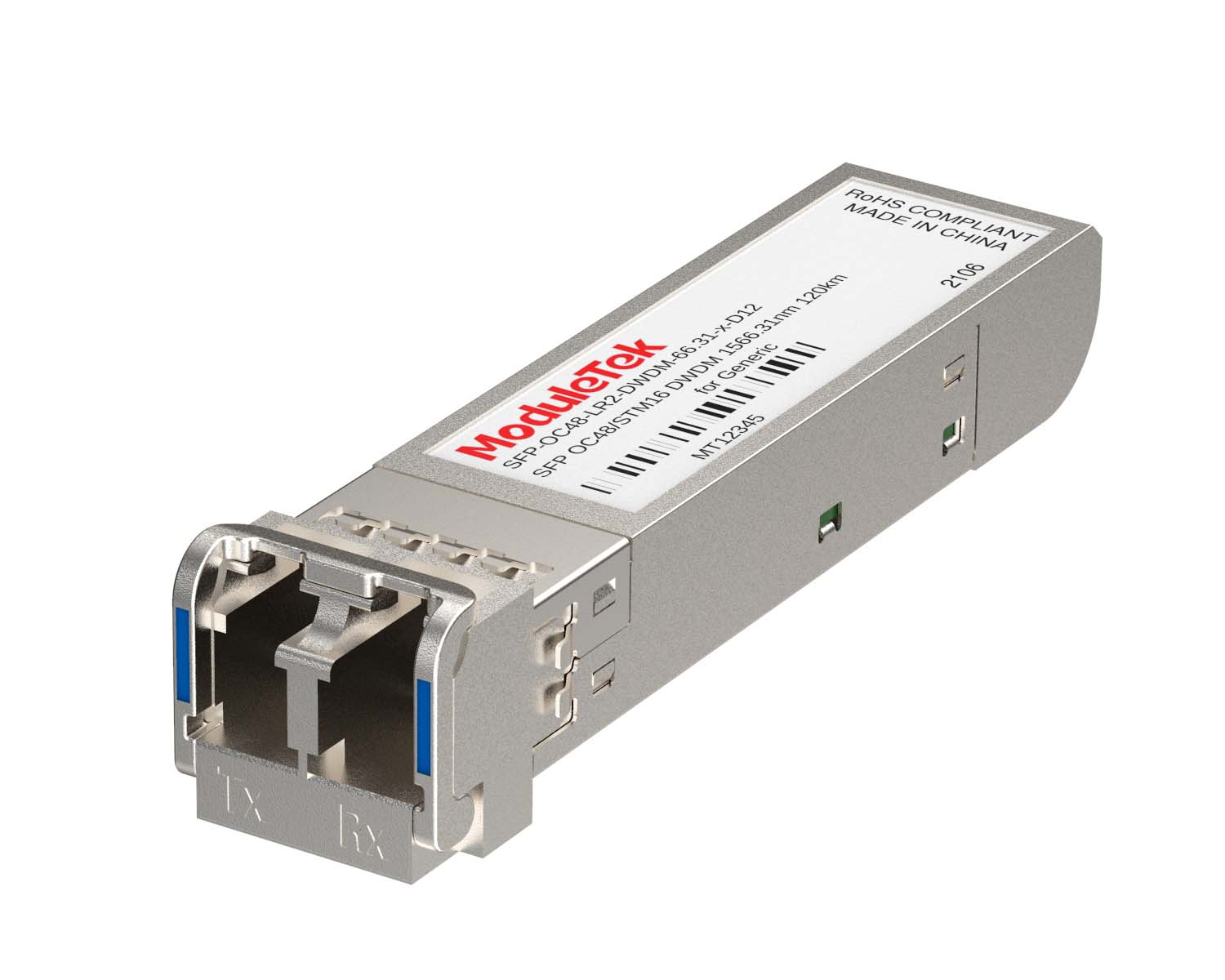 DWDM Optical Transceivers
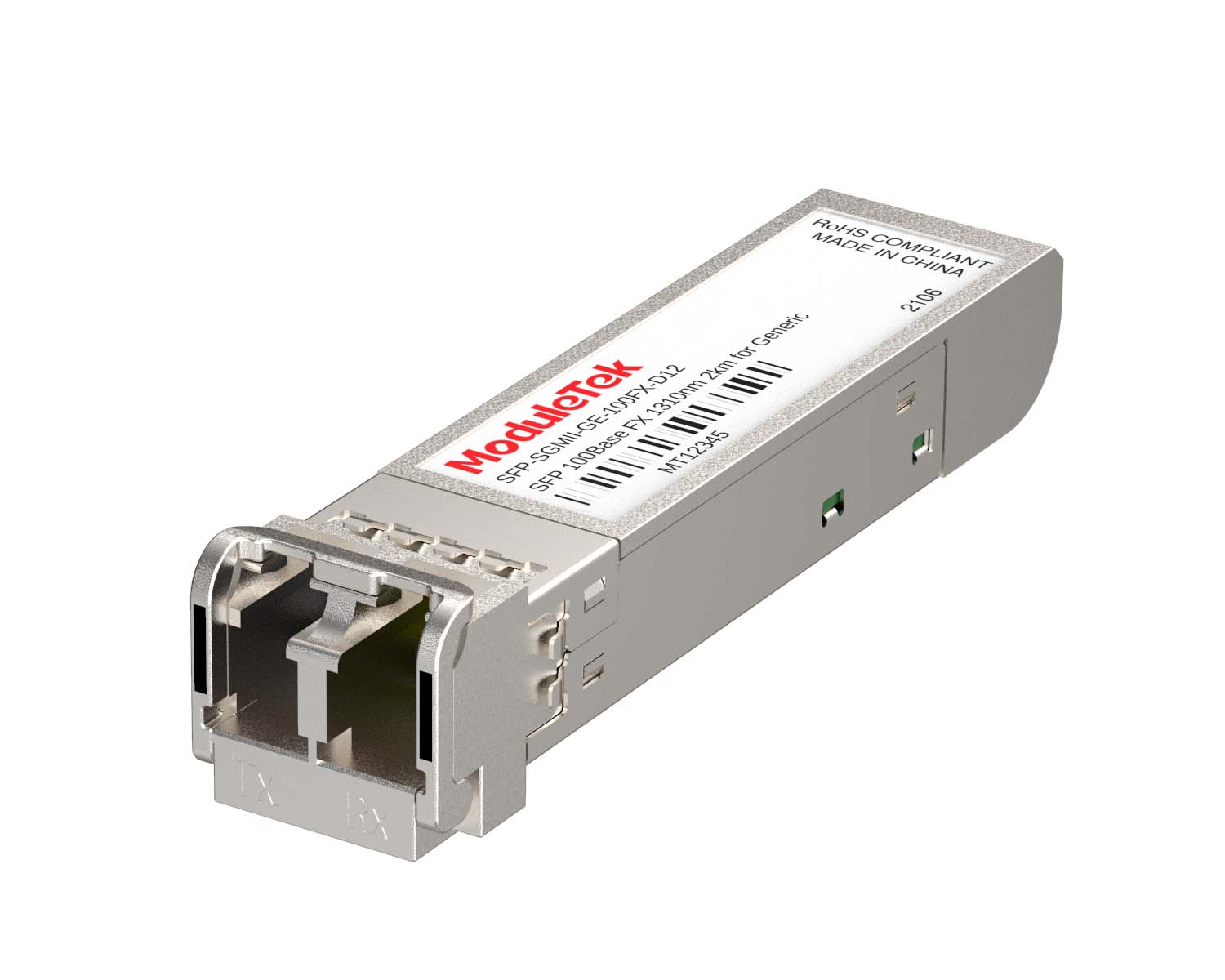 SGMII Port Optical Transceivers
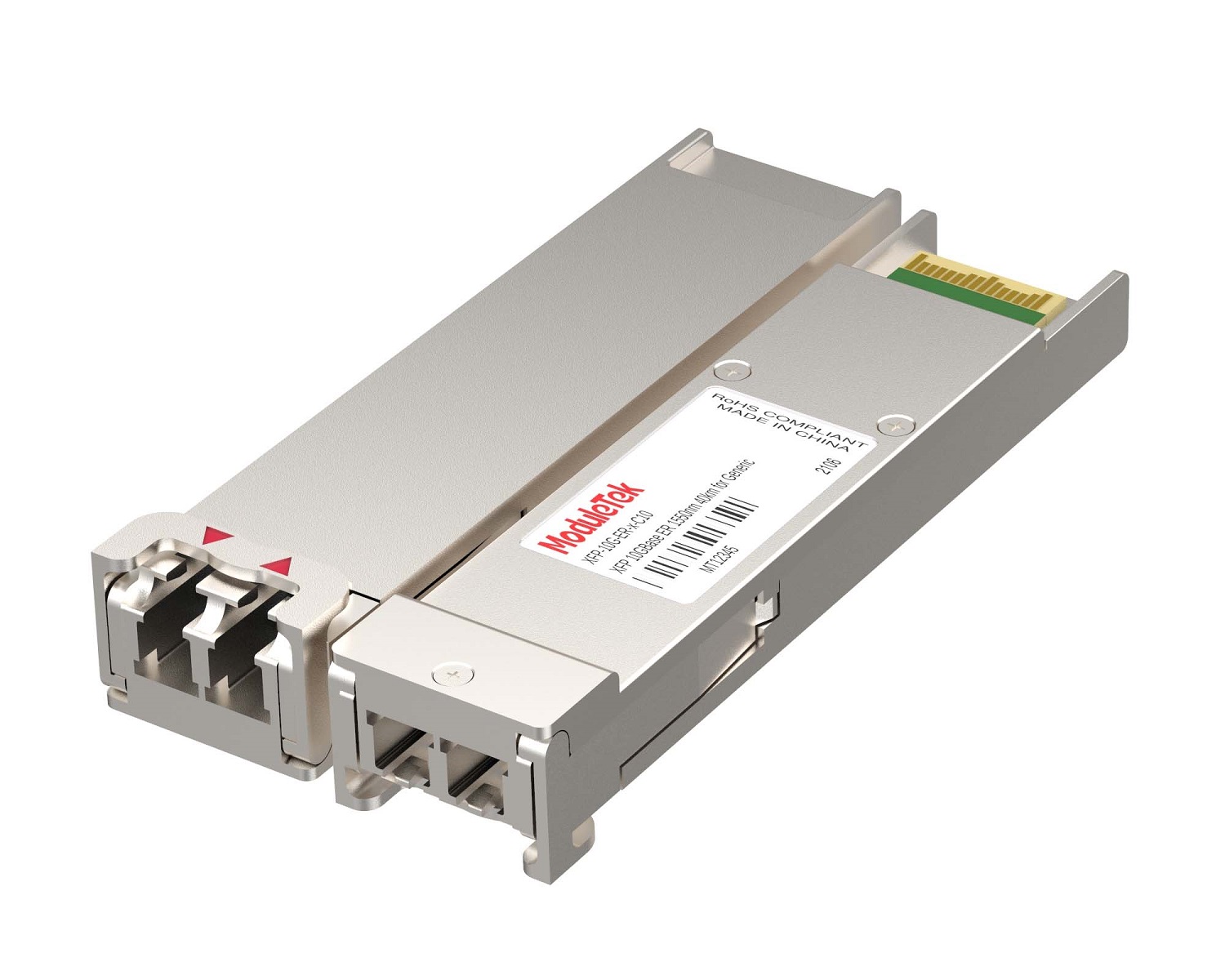 XFP Optical Transceivers
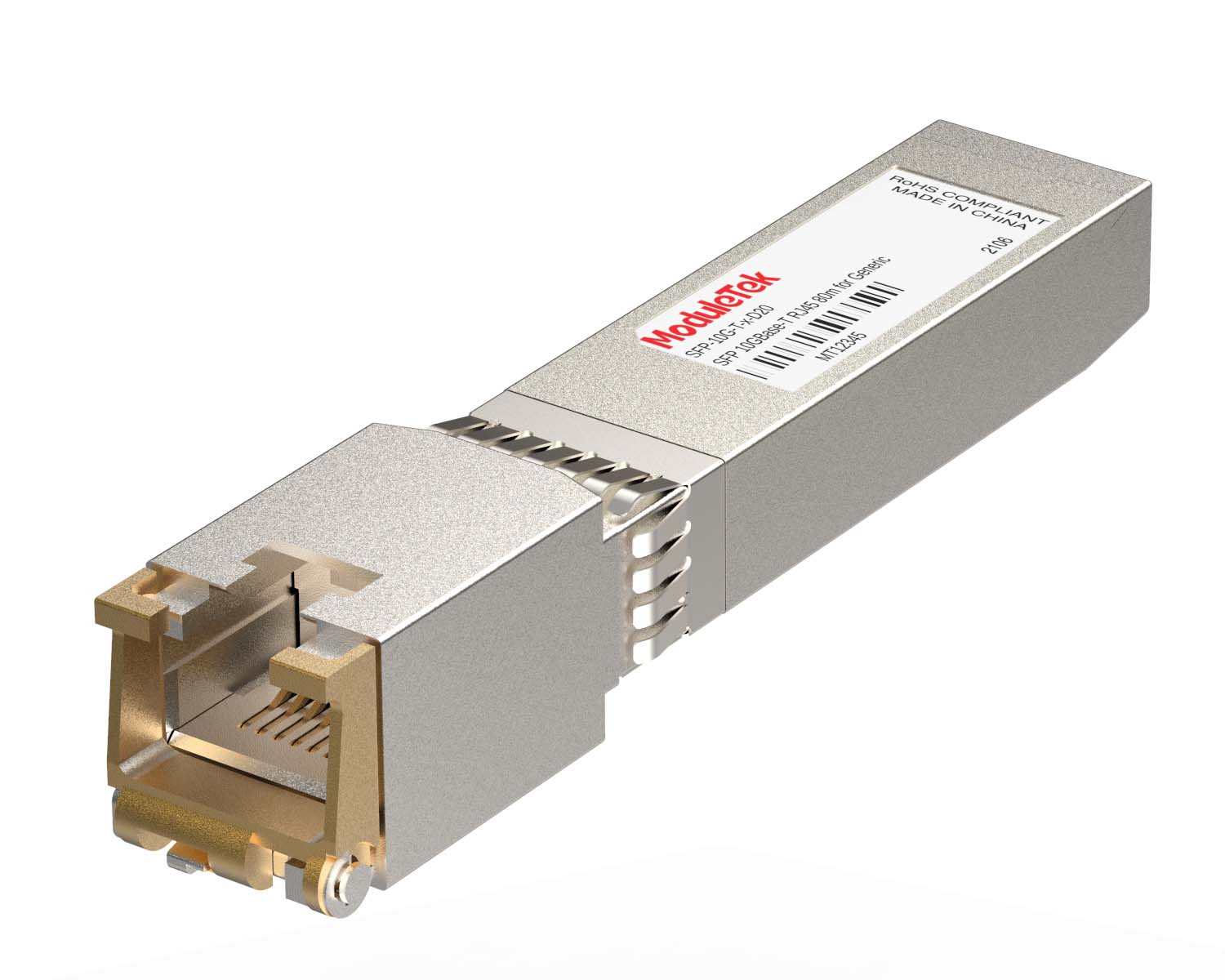 100M/1G/10G Coppers
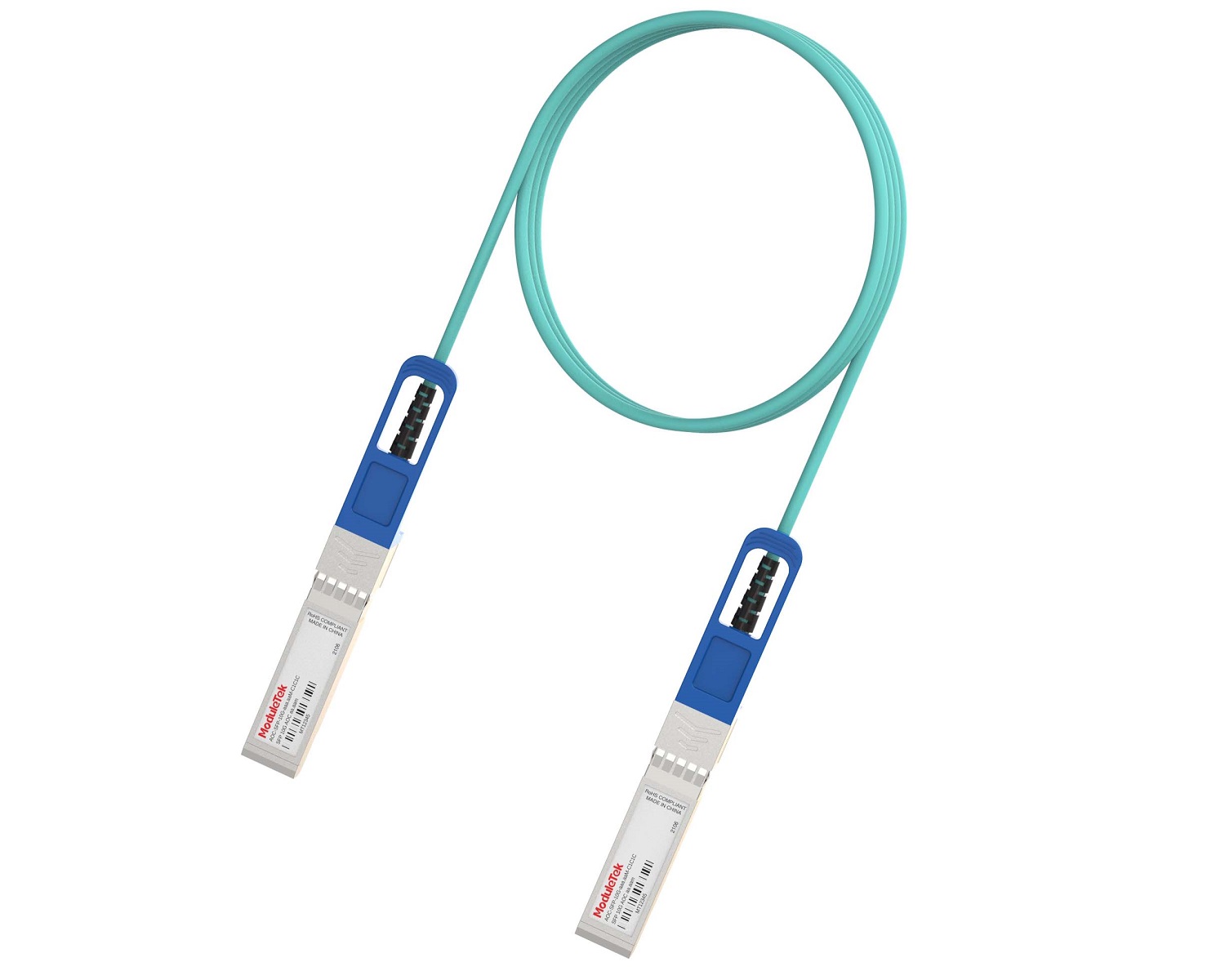 Full-Rate AOC & Breakout Series
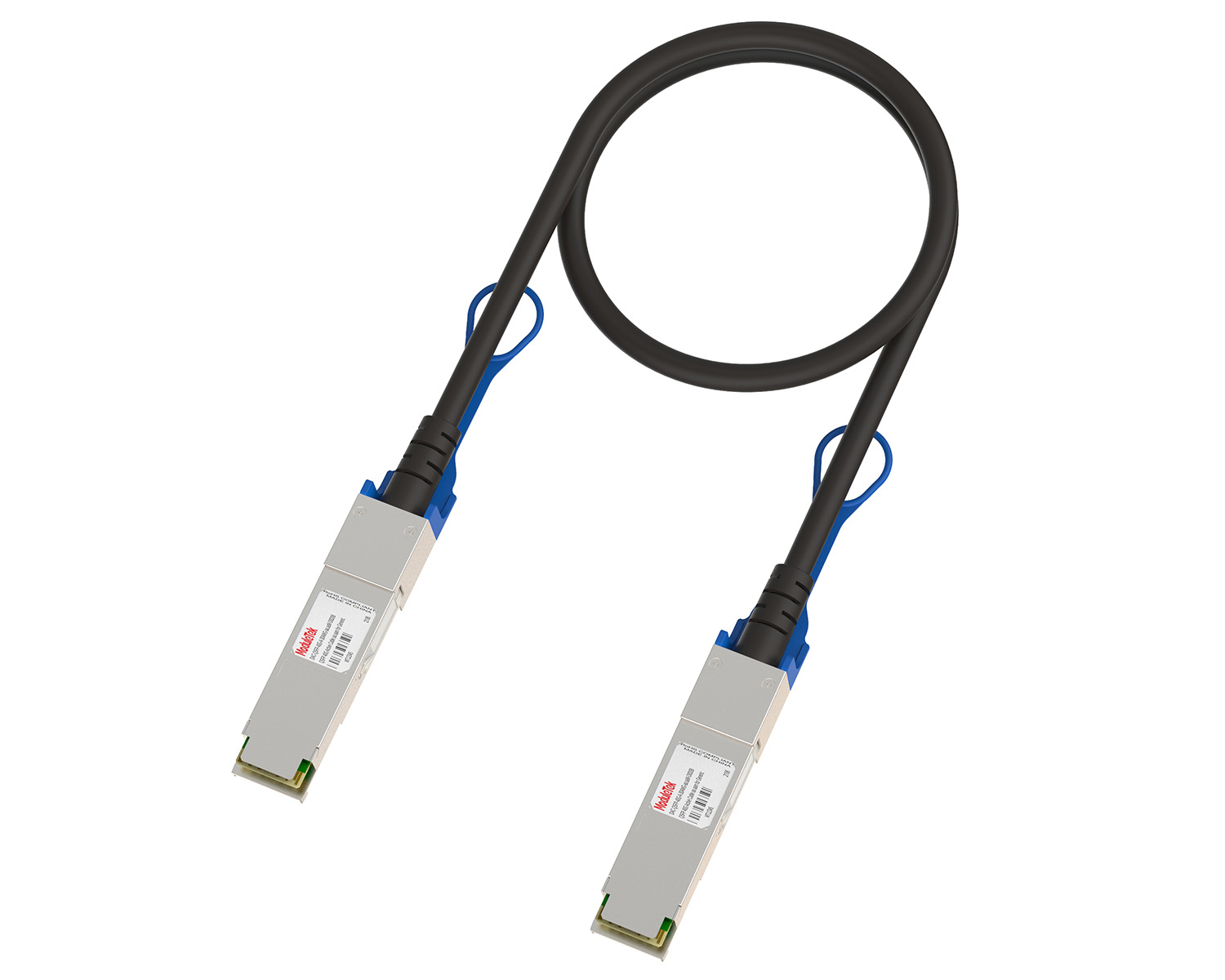 10G/40G Active DAC Series
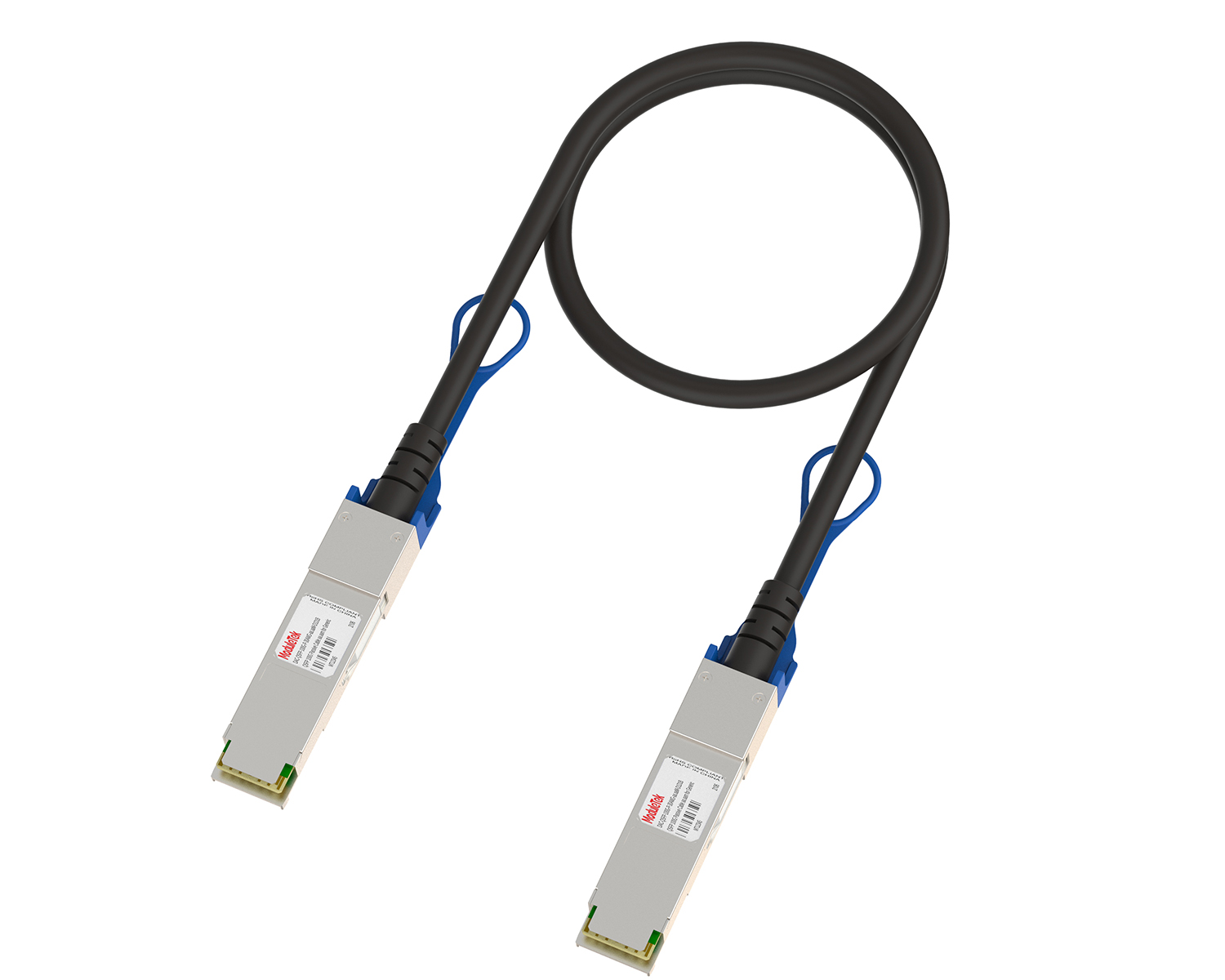 Full-Rate Passive DAC Series
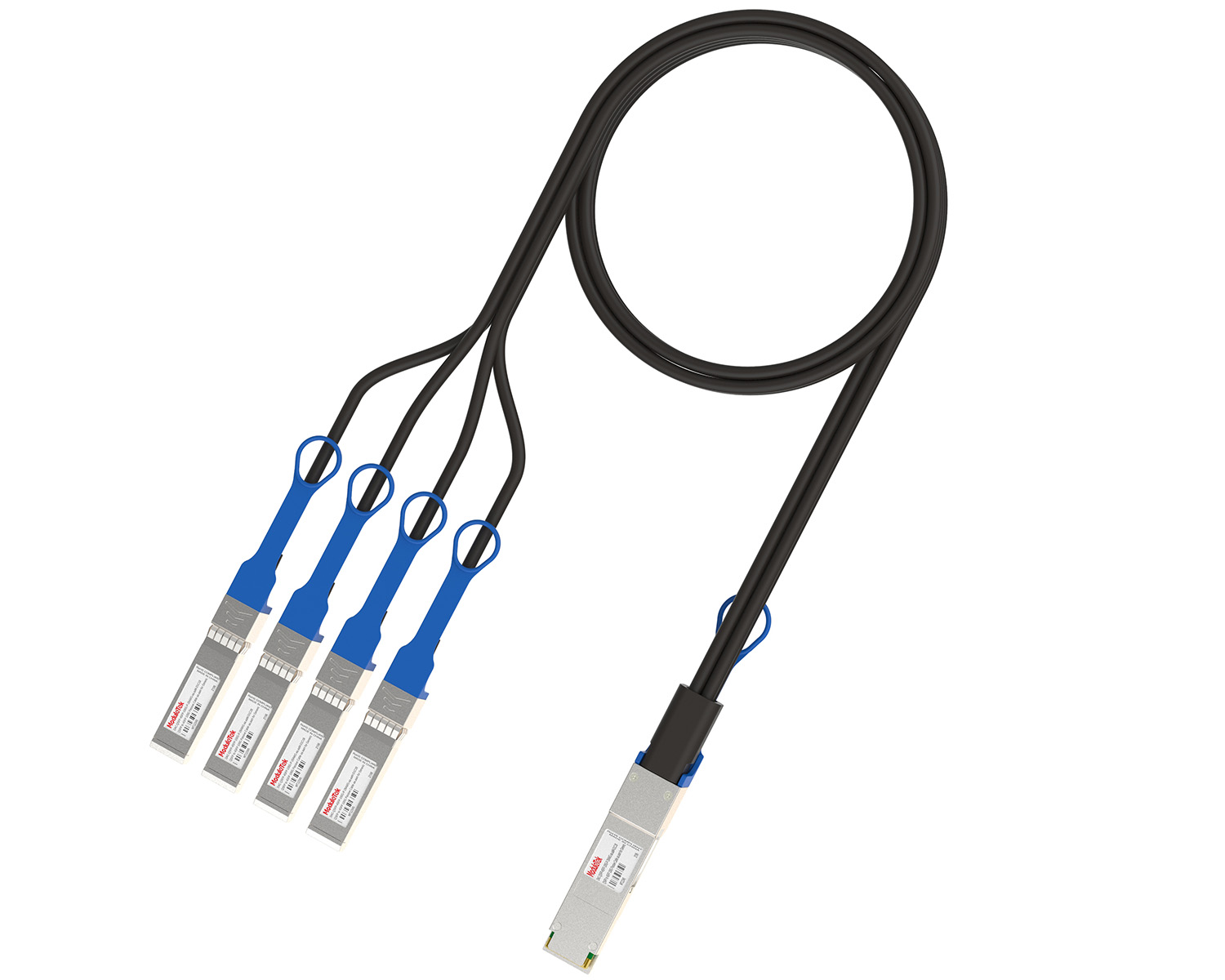 40G/100G Passive Breakout DAC Series
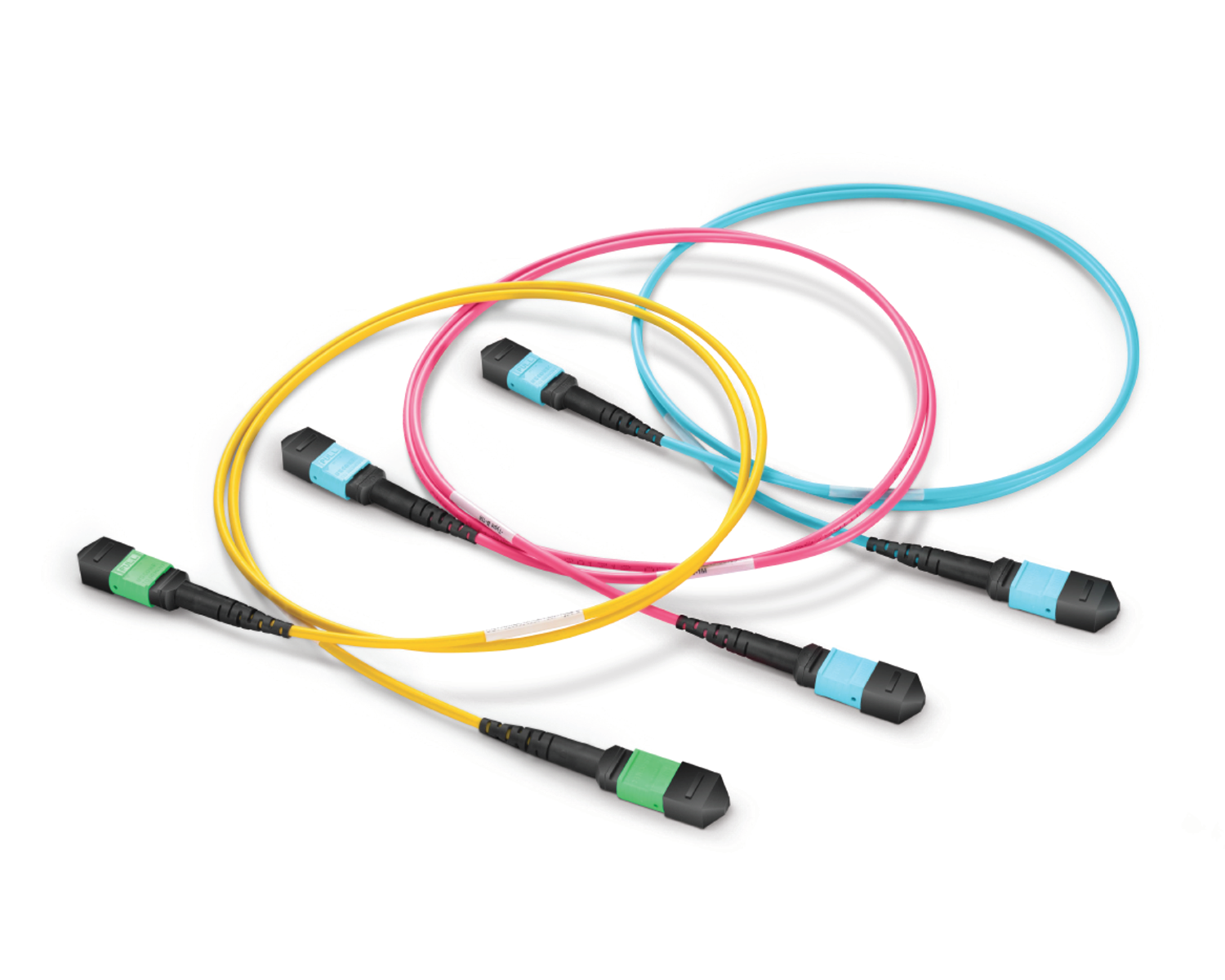 Regular/MTP-MPO Fiber Patch Cords
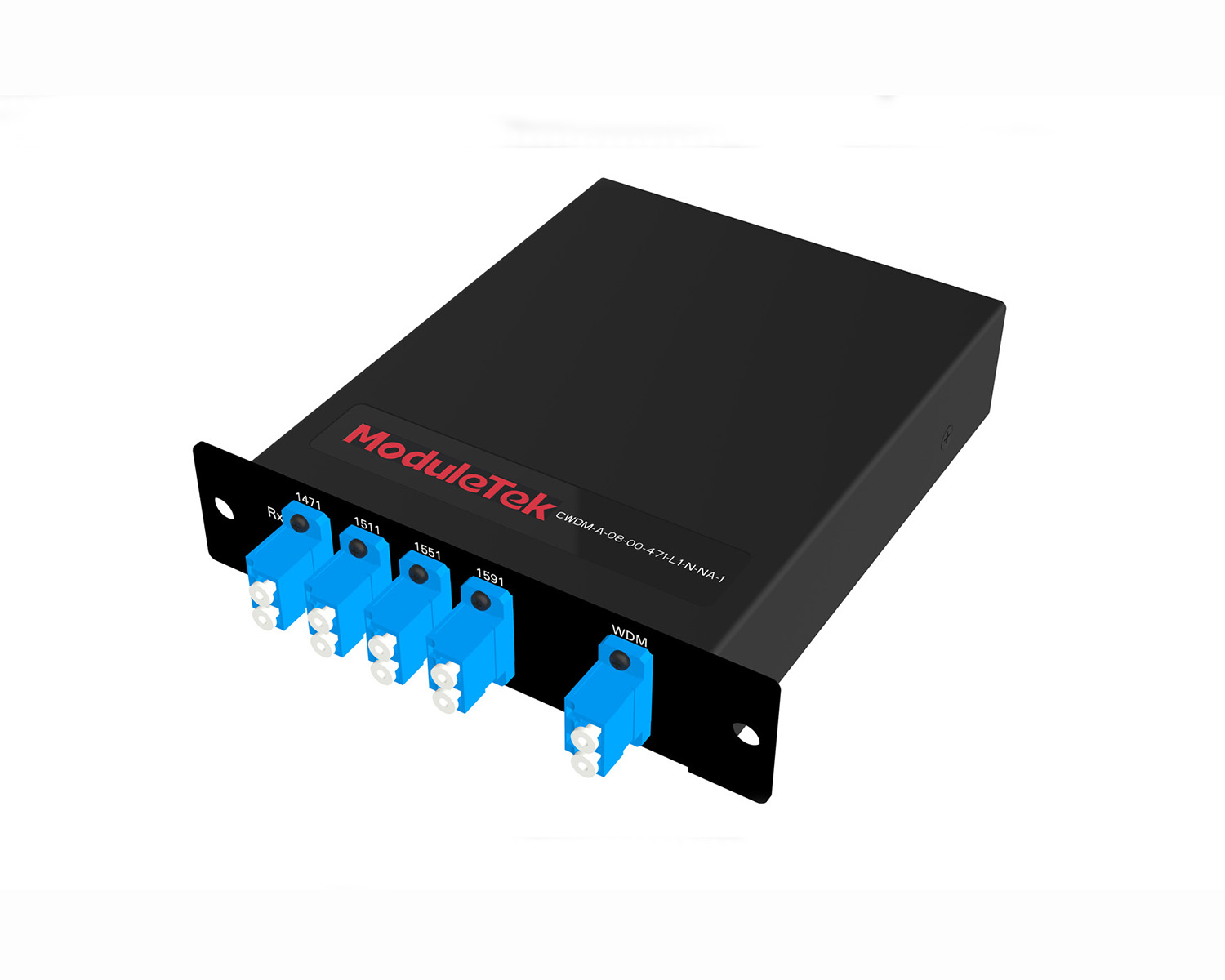 MT2011
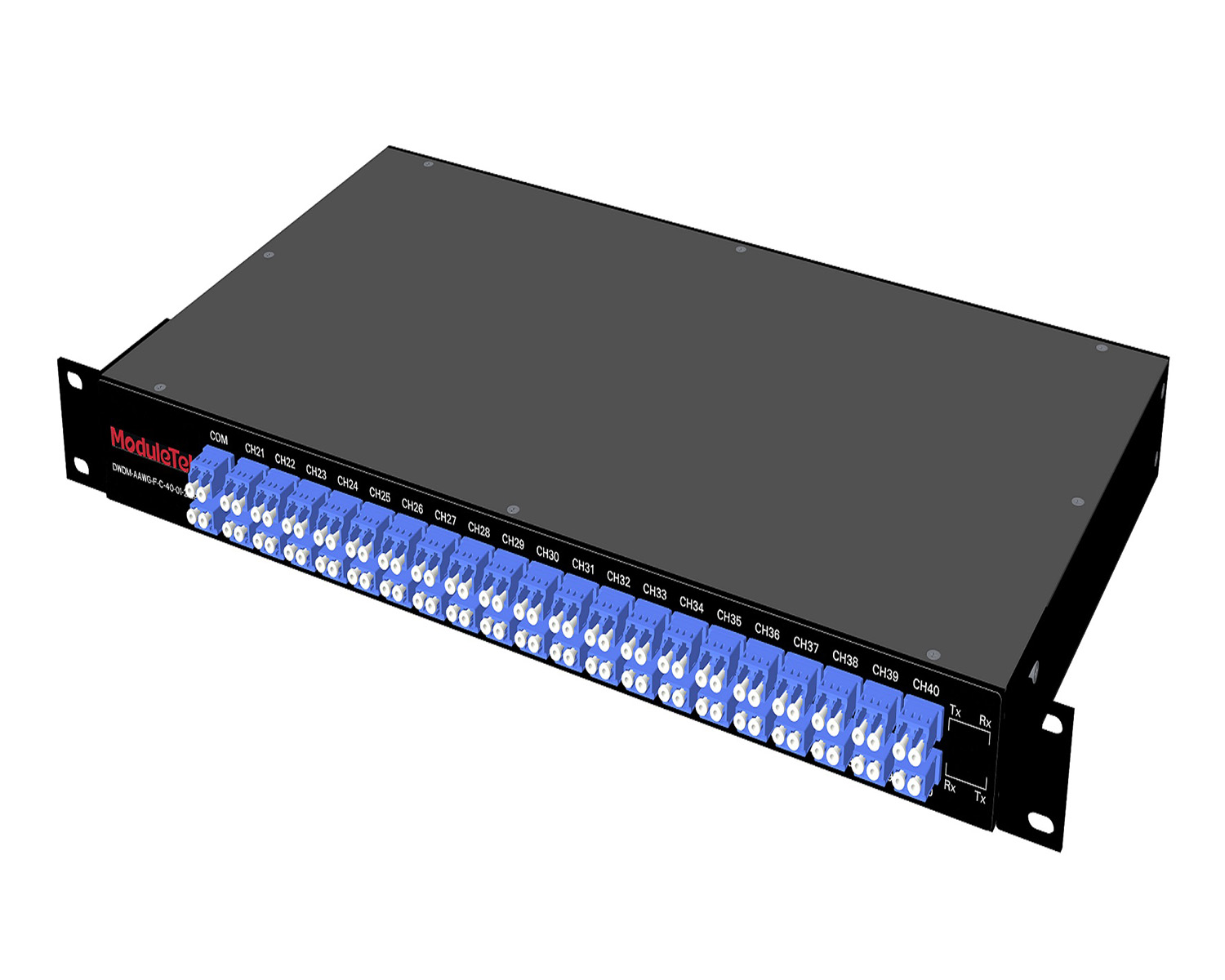 MT2010
 CodingBox
 QSFP to SFP Adapter
How To Enable Support For Third-Party Modules On Aruba Switches
Time: 2023-06-14
Aruba switches will authenticate the access module in the default state, and may take actions such as closing the port or popping up alarm prompts when the access module is verified to be non-Aruba original; at the same time, Aruba also provides commands to support the use of third-party modules.
Let's take Aruba 3810M switch as an example to learn how to enable support for third-party modules on Aruba switches:
1. When a third-party module is accessed to the Aruba switch, the module cannot be linked up, and the port indicator shows an orange blinking state, identifying the module as Unsupported;
2. In system view mode, execute the command "allow-unsupported-transceiver", the switch will allow the use of third-party modules;
Note: This command is a hidden command and cannot be found by ? to find it, and you cannot use Tab key to complete the command. When executing this command, you need to remove the access module first, otherwise you need to re-plug the module or reboot to recognize the optical modules from other vendors.
3. After allowing the use of third-party modules, the module can be linked up normally, and it will be prompted as a third-party module in the identification information;
4. In system view mode, execute the command "no allow-unsupported-transceiver" to exit the mode of using third-party modules;
For Intel related commands, please refer to: How to enable support for third-party Modules on intel NICs
Moduletek provides optical modules which can be used in different series of Aruba switches.
If you have any questions about the above content, please contact us via email: sales@moduletek.com