 40G/100G Optical Transceivers
 25G Optical Transceivers
 10G Optical Transceivers
 155M/2.5G Optical Transceivers
 1G Optical Transceivers
 FC 16G/32G Optical Transceivers
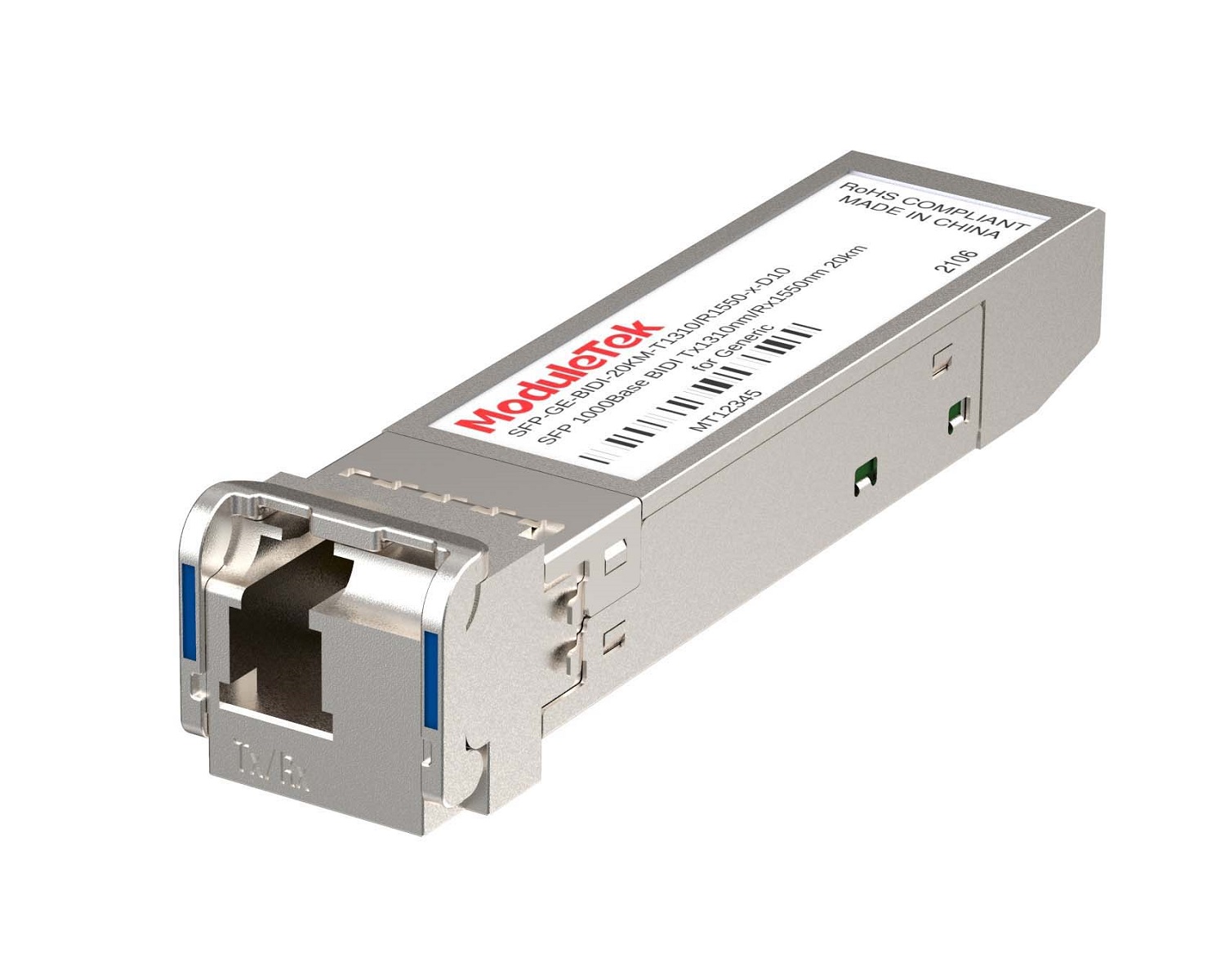 1G BIDI Optical Transceivers
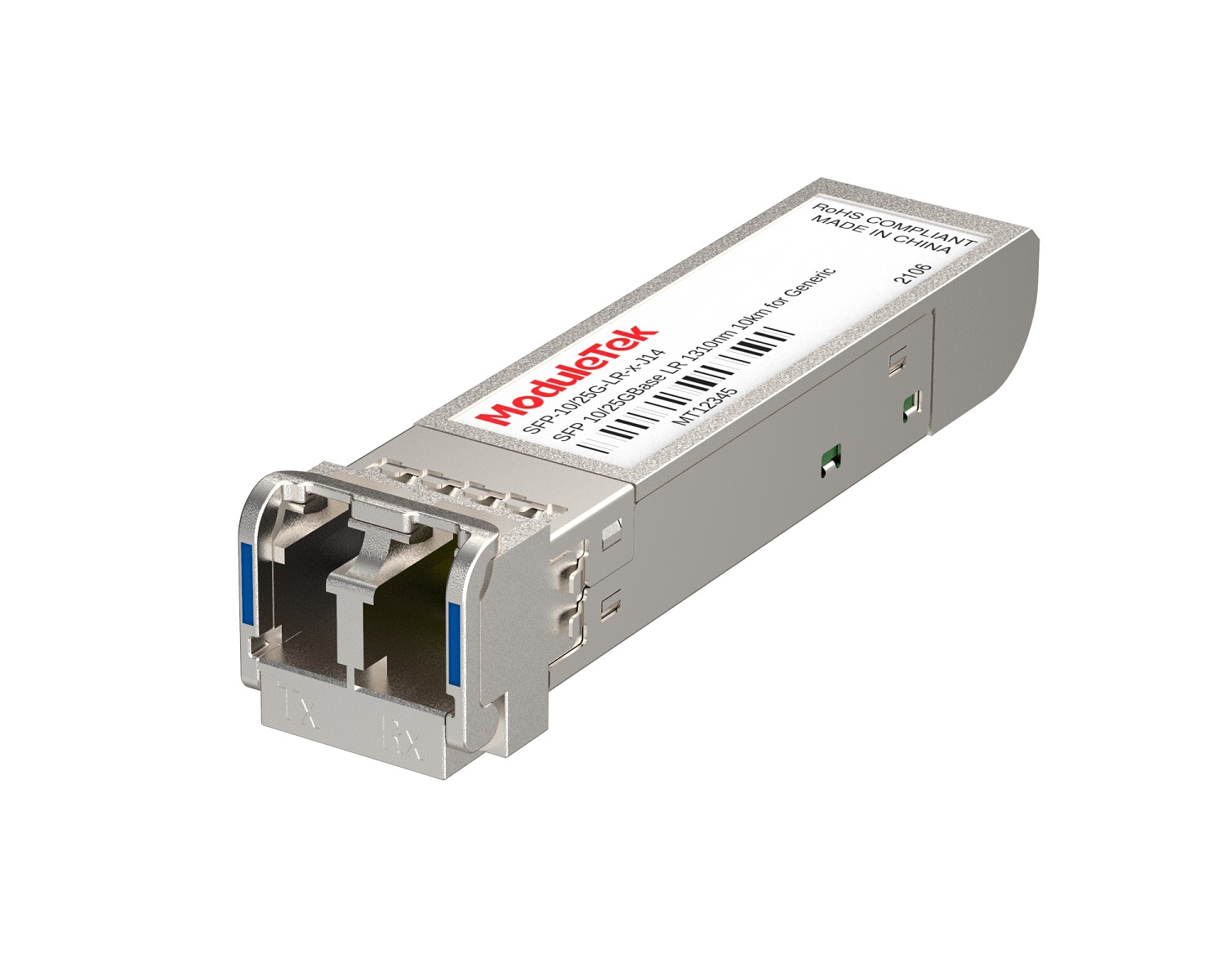 Dual-Rate Optical Transceivers
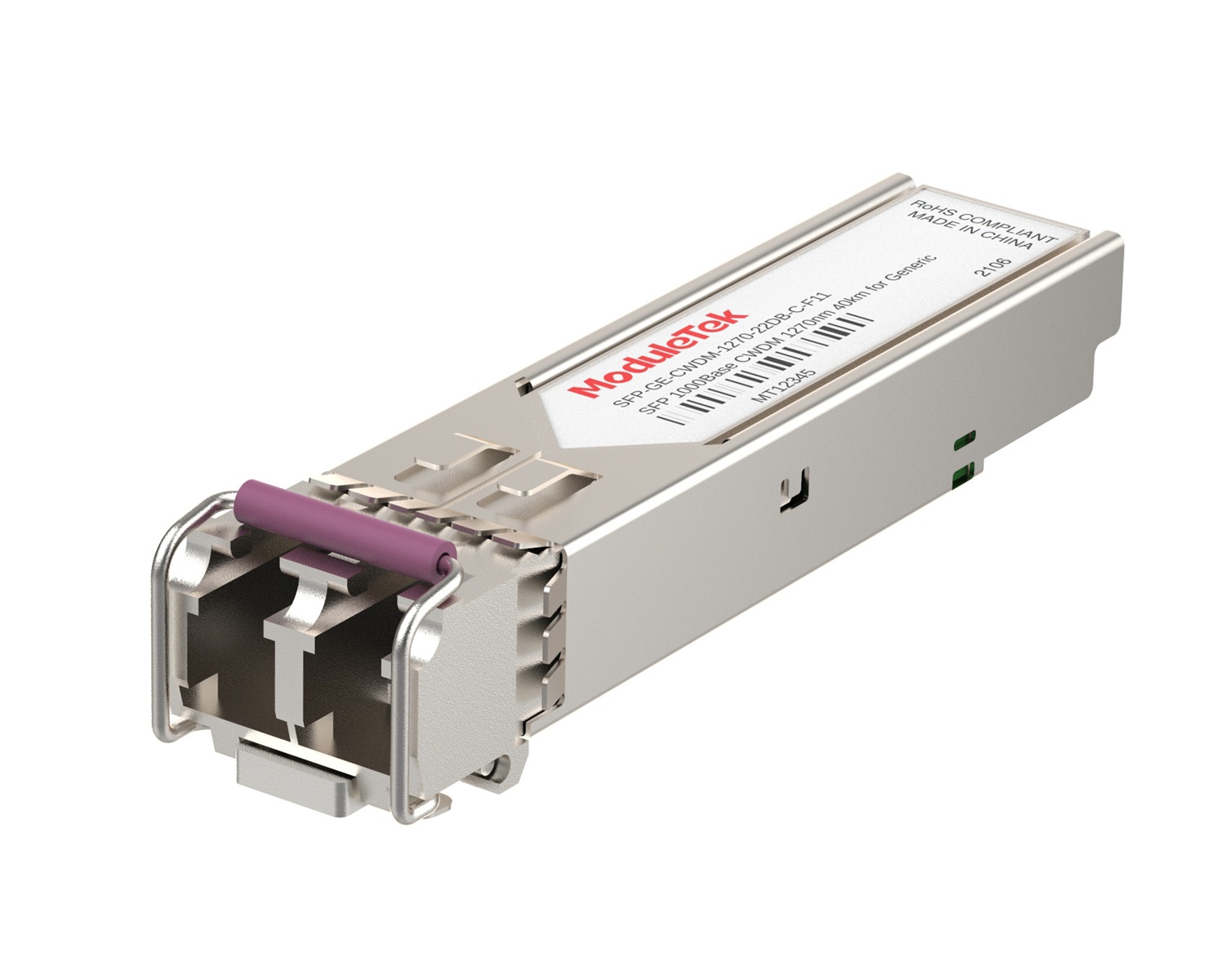 CWDM Optical Transceivers
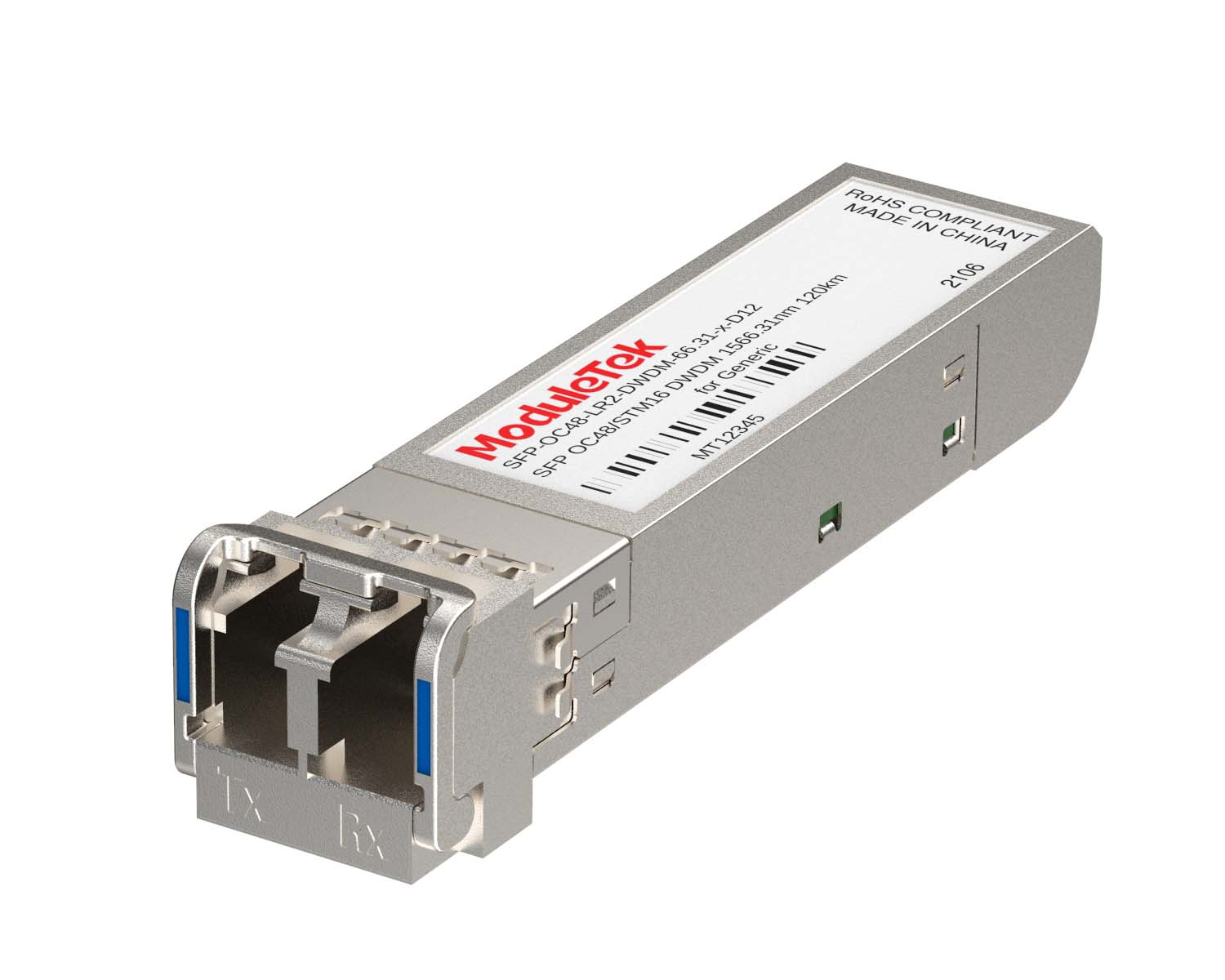 DWDM Optical Transceivers
 SGMII Port Optical Transceivers
 XFP Optical Transceivers
 100M/1G/10G Coppers
 Full-Rate AOC & Breakout Series
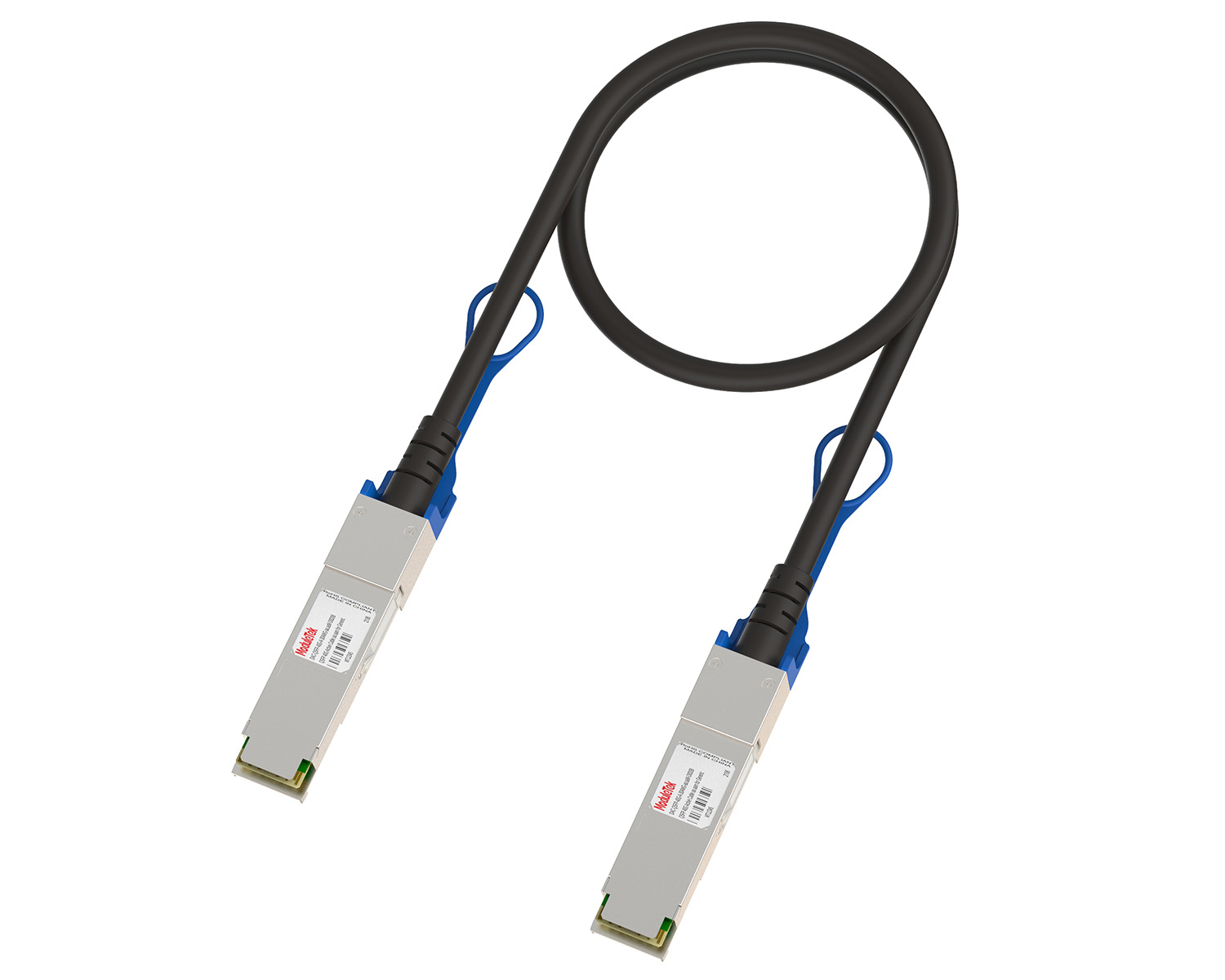 10G/40G Active DAC Series
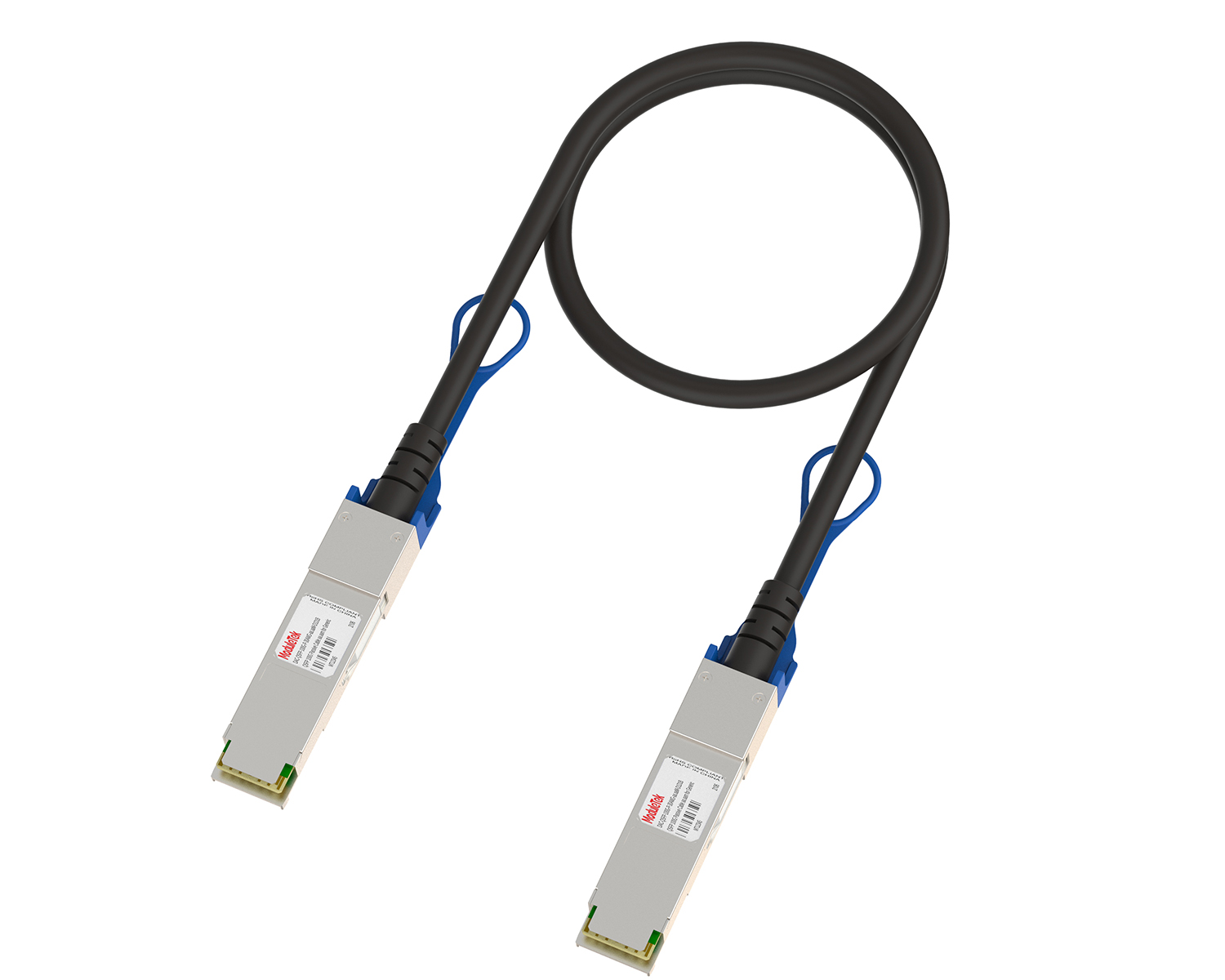 Full-Rate Passive DAC Series
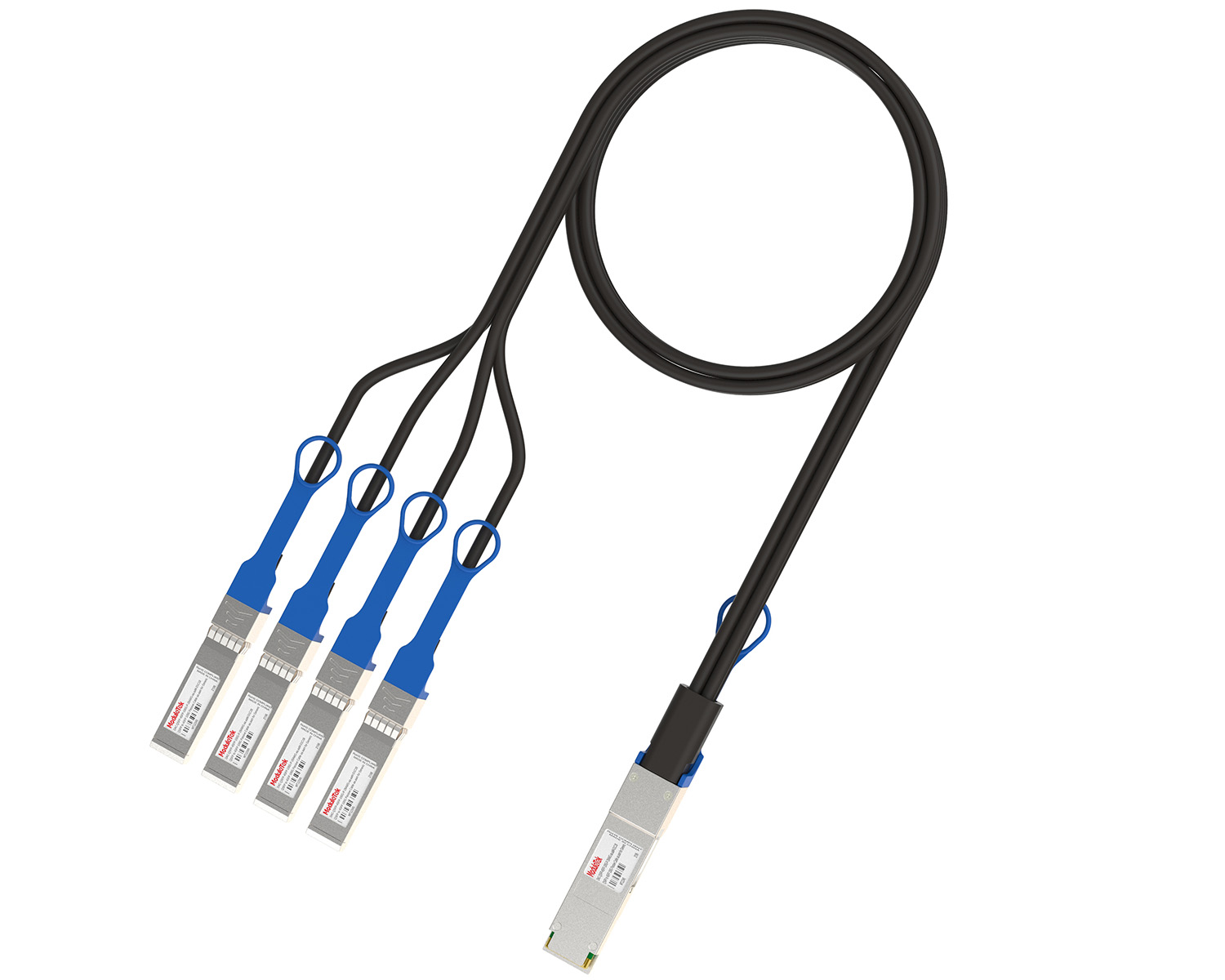 40G/100G Passive Breakout DAC Series
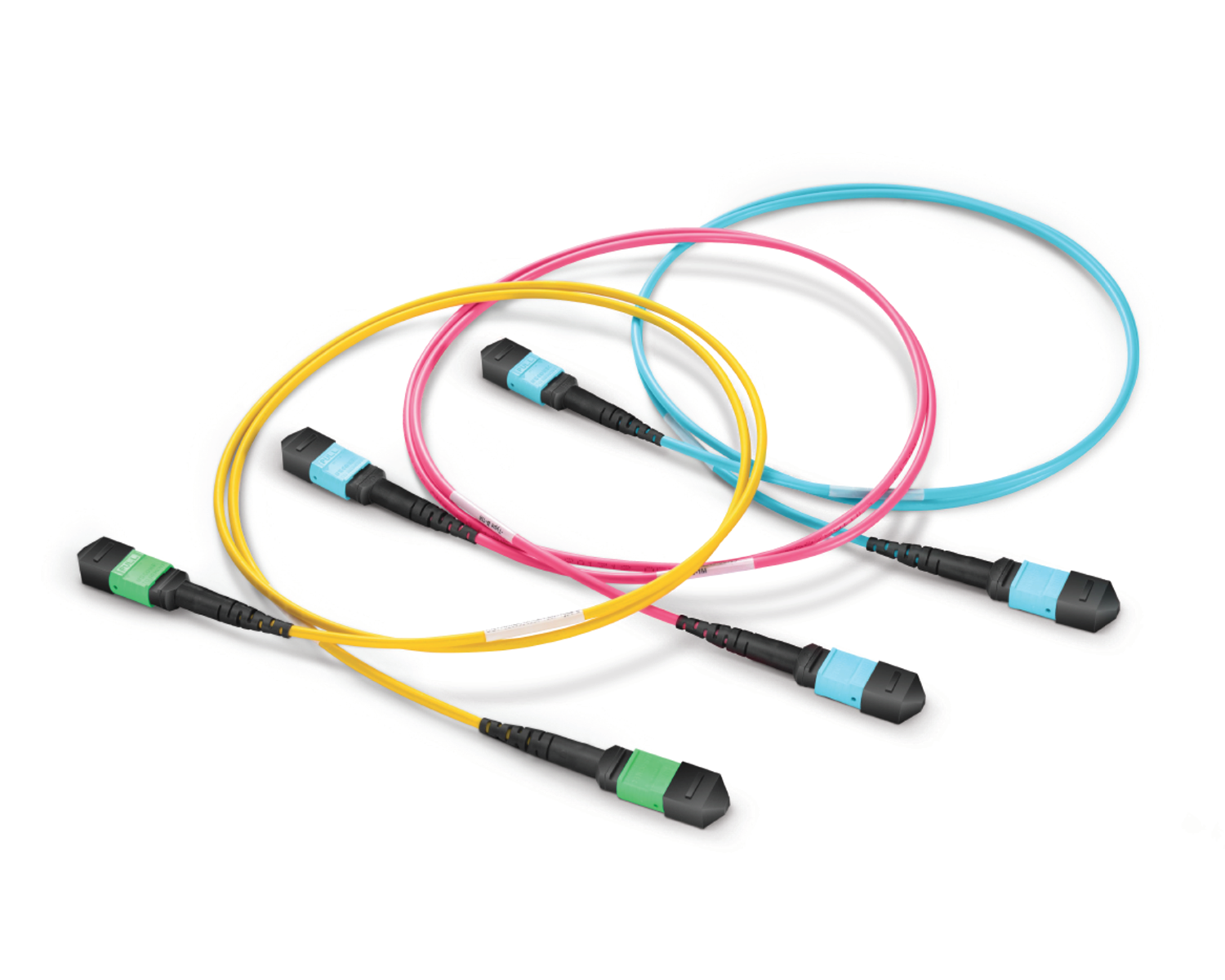 Regular/MTP-MPO Fiber Patch Cords
 MT2011
 MT2010
 CodingBox
 QSFP to SFP Adapter
 首頁 > Home > Application Notes > Viewing SFP-FC16G-SW Optical Module Information On Brocade G610 Switch
Viewing SFP-FC16G-SW Optical Module Information On Brocade G610 Switch
Time: 2023-12-22
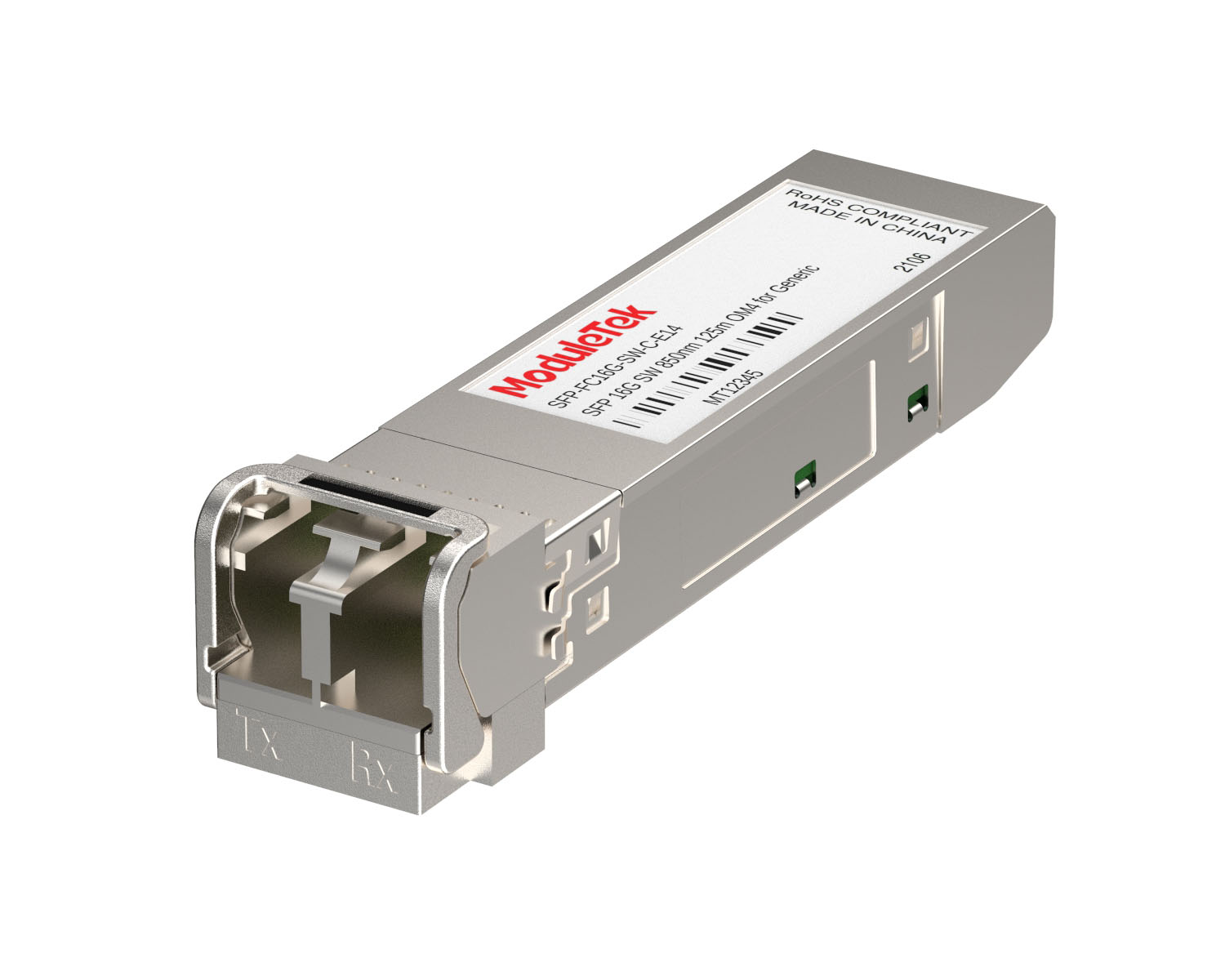
Brocade launched a SFP-FC16G-SW Fibre Channel module, model number: 57-0000088-01, today to introduce you to the Brocade G610 switch to view the information of this model optical module.

Figure 1 Brocade 57-0000088-01 Optical Module
Brocade 57-0000088-01 optical module supports 16G, 8G, and 4G working rates, so it is displayed under the port rates of 16G, 8G, and 4G respectively.
1. Status of Brocade 57-0000088-01 Optical Module on Brocade G610 Switch
If the port rate is set to 16G, enter the command "diagshow" to view the information of the switch port where the optical module is inserted, mainly including the Link status of the optical module inserted in the port, the working rate and so on.
With the port rate set to 8G, enter the command "diagshow" to view the information of the switch port where the optical module is plugged in, mainly including the link status of the optical module plugged in the port, the working rate, etc.
If the port rate is set to 4G, enter the command "diagshow" to view the information of the switch port where the optical module is plugged in, mainly including the link status of the optical module plugged in the port, working rate and so on.
Note: The Brocade G610 switch port rate setting commands are as follows:
switchcfgspeed 16 (sets the port to 16G)
switchcfgspeed 8 (sets the port to 8G)
switchcfgspeed 4 (sets the port to 4G
2. Brocade 57-0000088-01 Optical Module on Brocade G610 Switch Identification and DOM Information
With the port rate set to 16G, enter the command "sfpshow 0/0" to view the identification and DOM information of the switch port (port number: 0/0) where the optical module is plugged in, mainly including: Brocade model number of the optical module plugged in the port, serial number, power-on time, temperature, voltage, bias current, transmit optical power, receive optical power, DOM information of the optical module. power, DOM real-time value of received optical power, etc.
With the port rate set to 8G, enter the command "sfpshow 0/0" to view the identification and DOM information of the switch port (port number: 0/0) where the optical module is plugged in, mainly including: Brocade model number of the optical module plugged in the port, serial number, power-on time, temperature, voltage, bias current, transmit optical power, receive optical power, DOM value of the optical module. power, DOM real-time value of received optical power, etc.
With the port rate set to 4G, enter the command "sfpshow 0/0" to view the identification and DOM information of the switch port (port number: 0/0) where the optical module is plugged in, mainly including: Brocade model number of the optical module plugged in the port, serial number, power-on time, temperature, voltage, bias current, transmit optical power, receive optical power, DOM value of the optical module. power, DOM real-time value of received optical power, etc.
Moduletek can provide compatible Brocade 57-0000088-01 (SFP-FC16G-SW) optical module products, welcome to buy.
If you have any questions about the above content, please contact us via email: sales@moduletek.com