 40G/100G Optical Transceivers
 25G Optical Transceivers
 10G Optical Transceivers
 155M/2.5G Optical Transceivers
 1G Optical Transceivers
 FC 16G/32G Optical Transceivers
 1G BIDI Optical Transceivers
 Dual-Rate Optical Transceivers
 CWDM Optical Transceivers
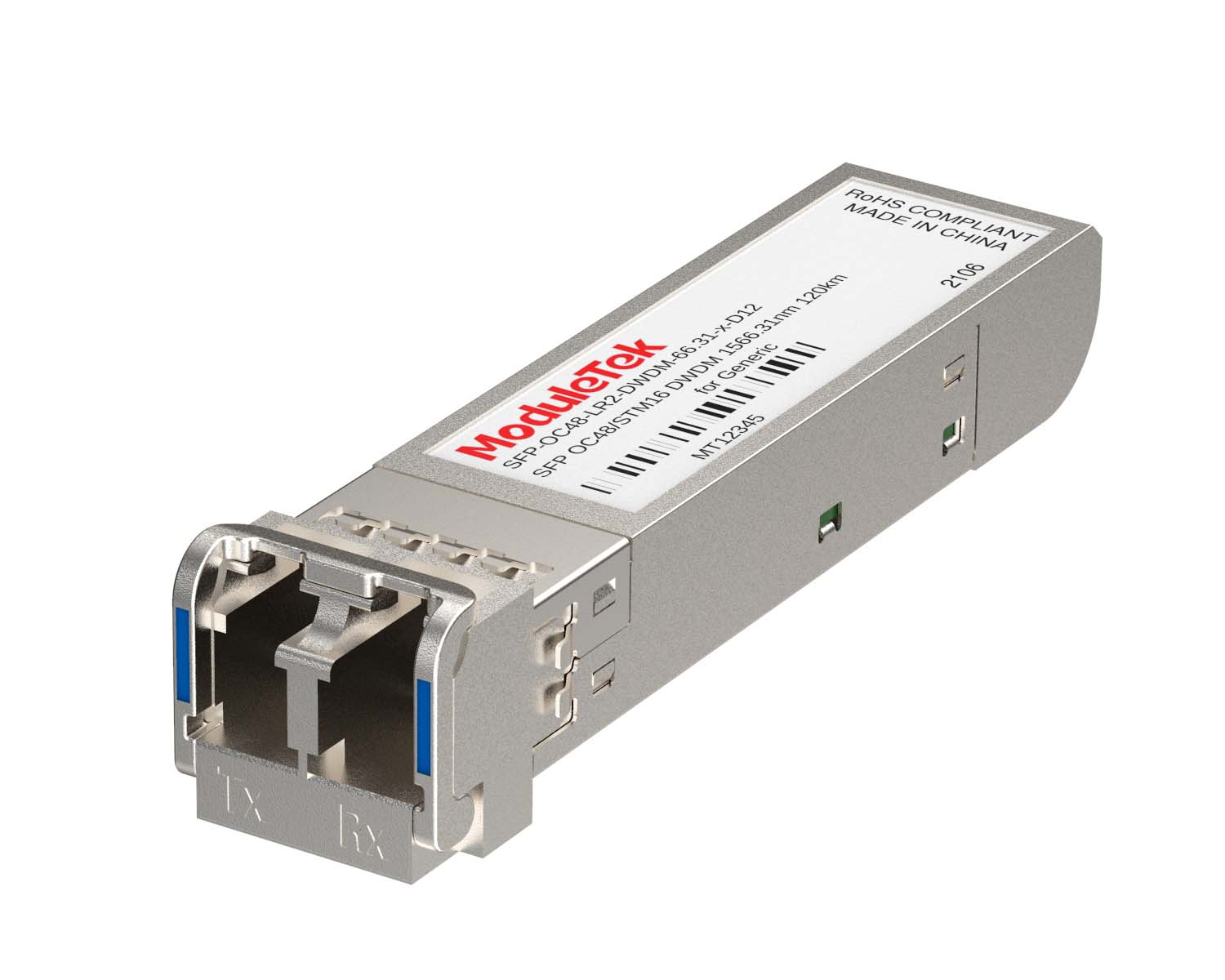 DWDM Optical Transceivers
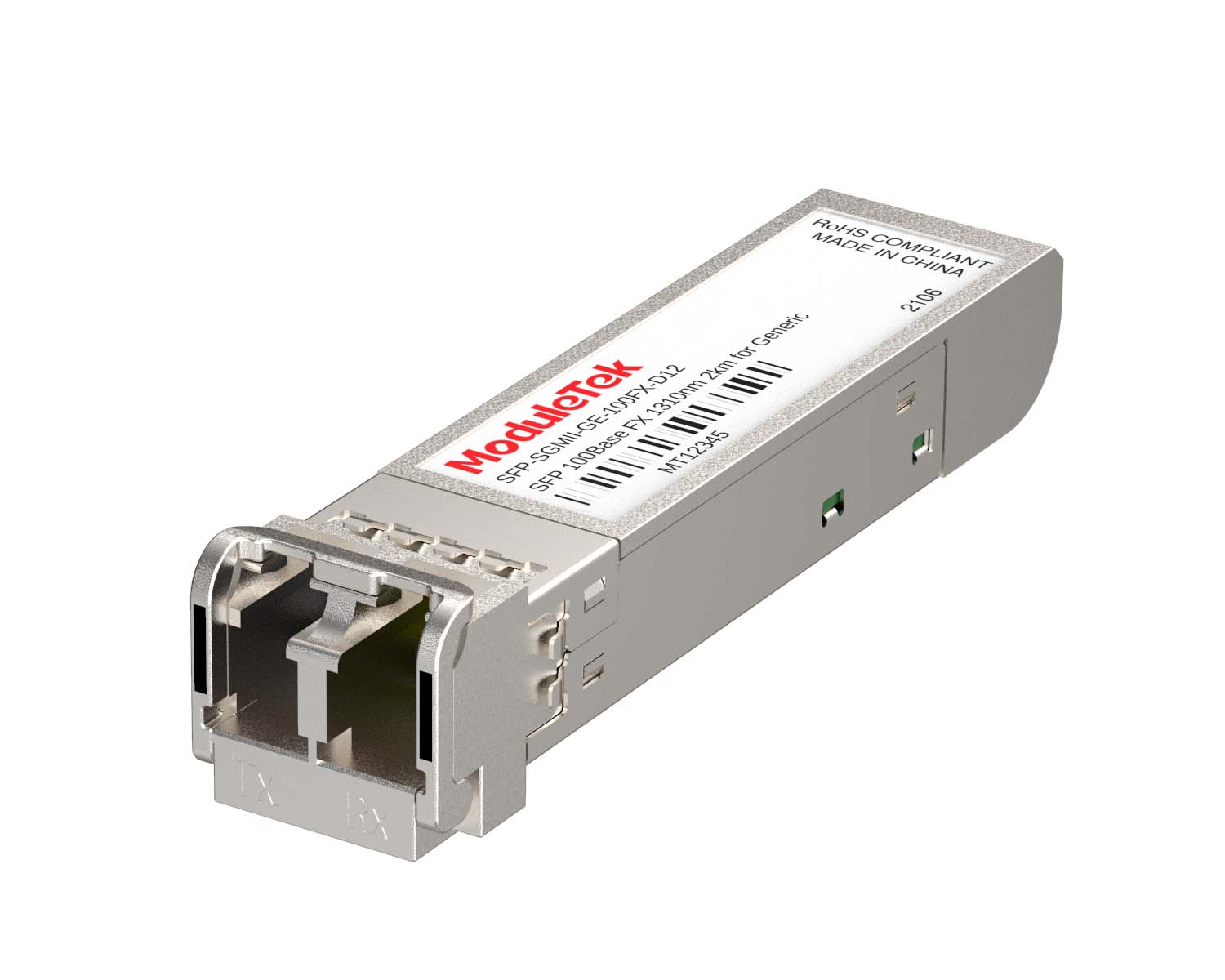 SGMII Port Optical Transceivers
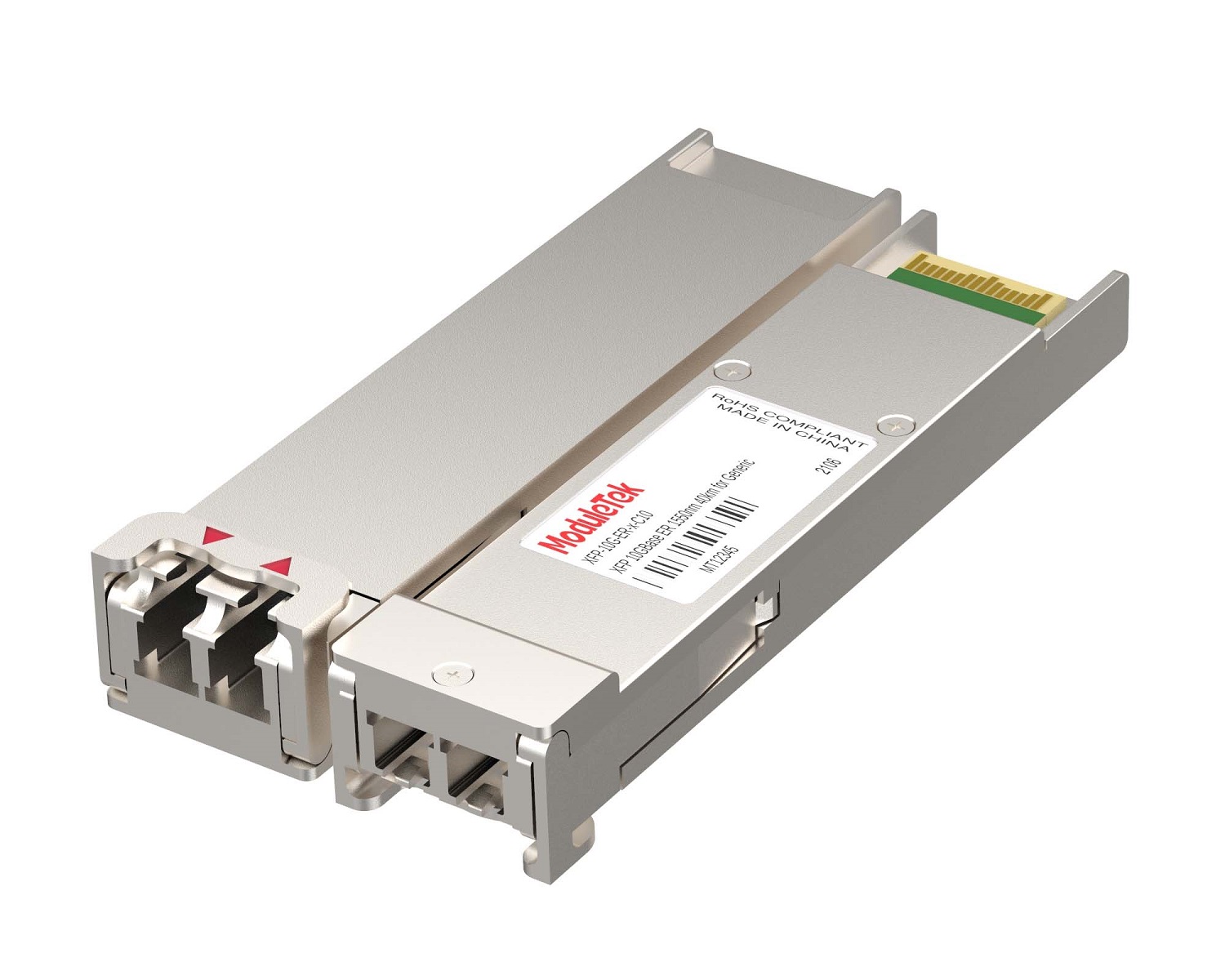 XFP Optical Transceivers
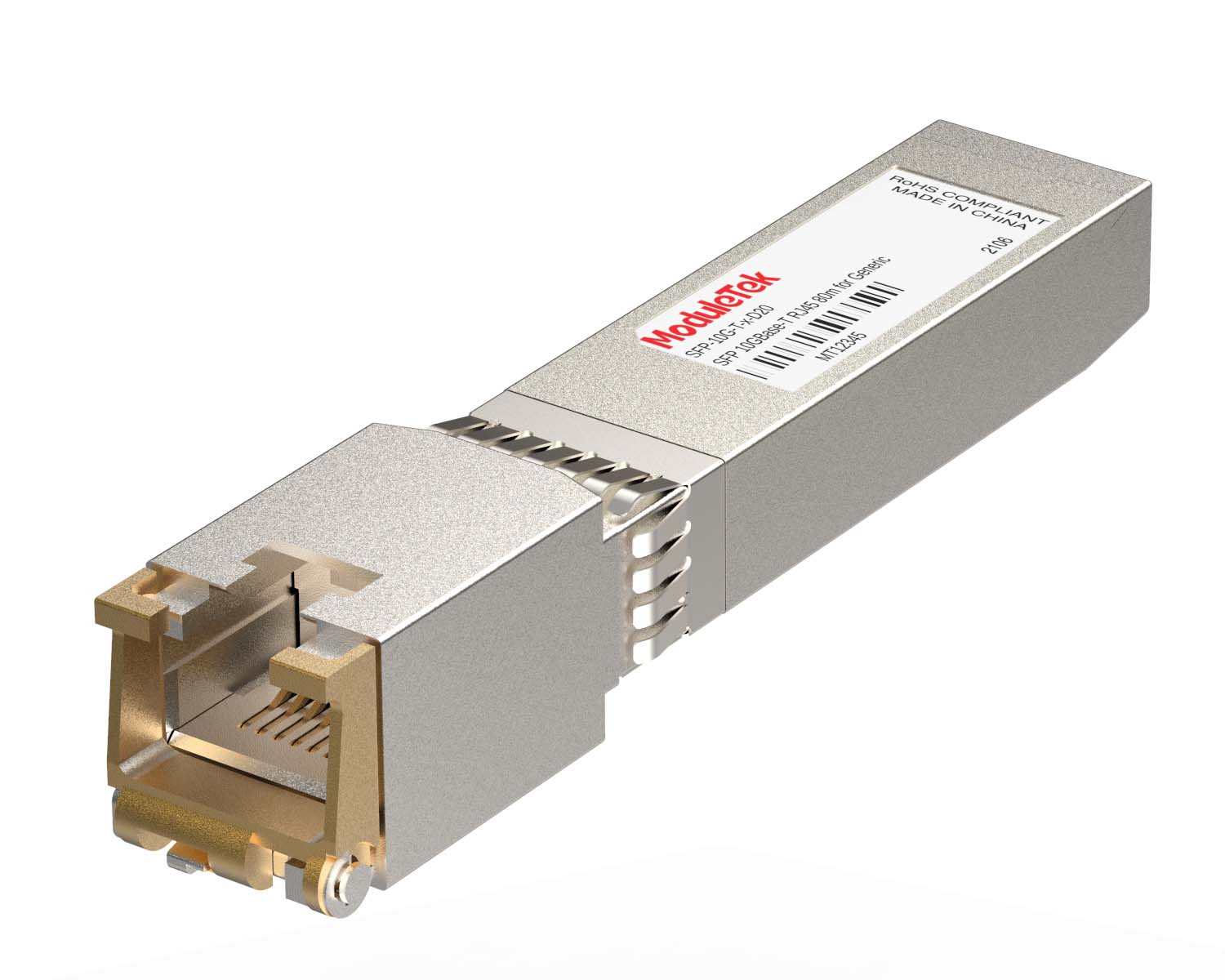 100M/1G/10G Coppers
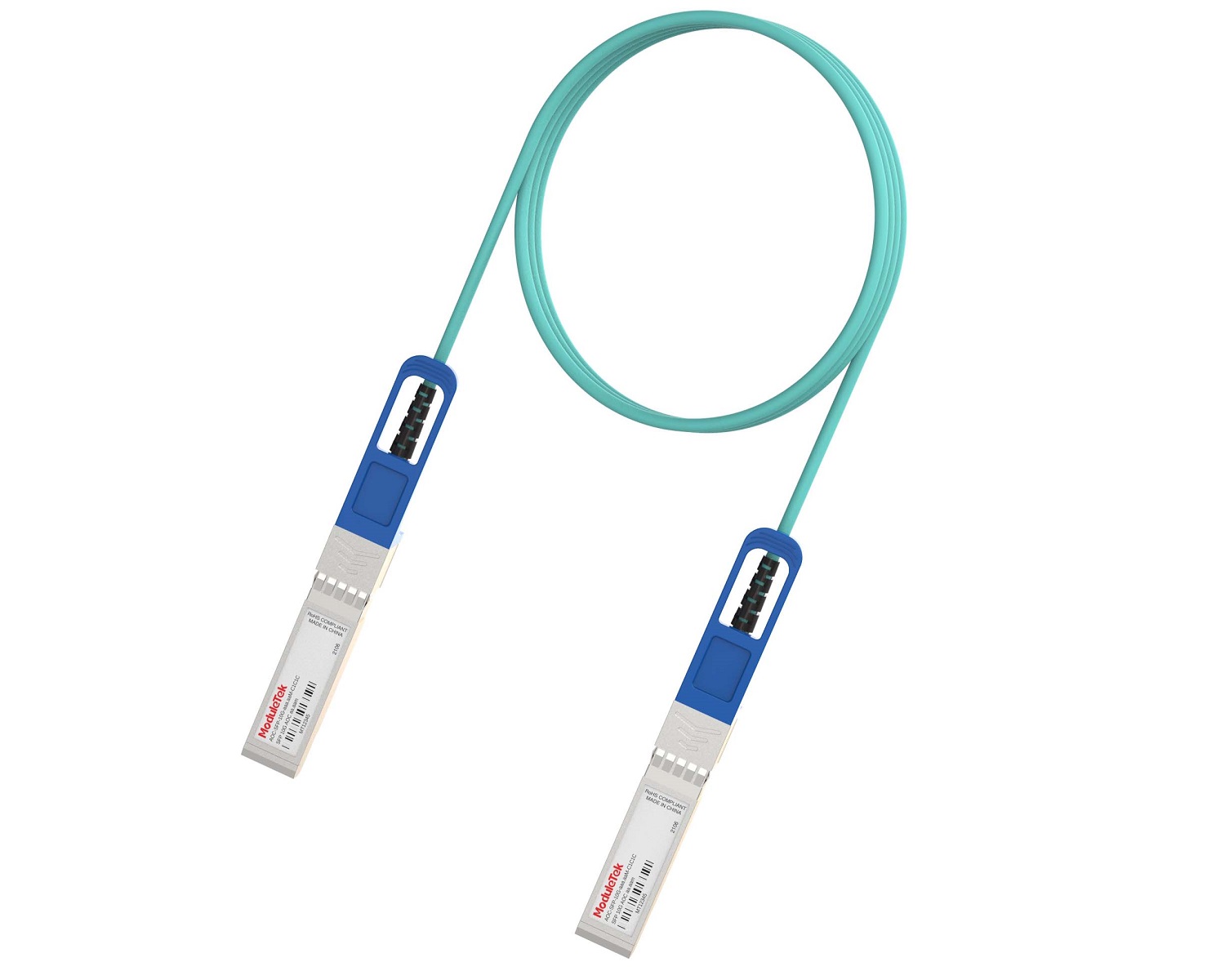 Full-Rate AOC & Breakout Series
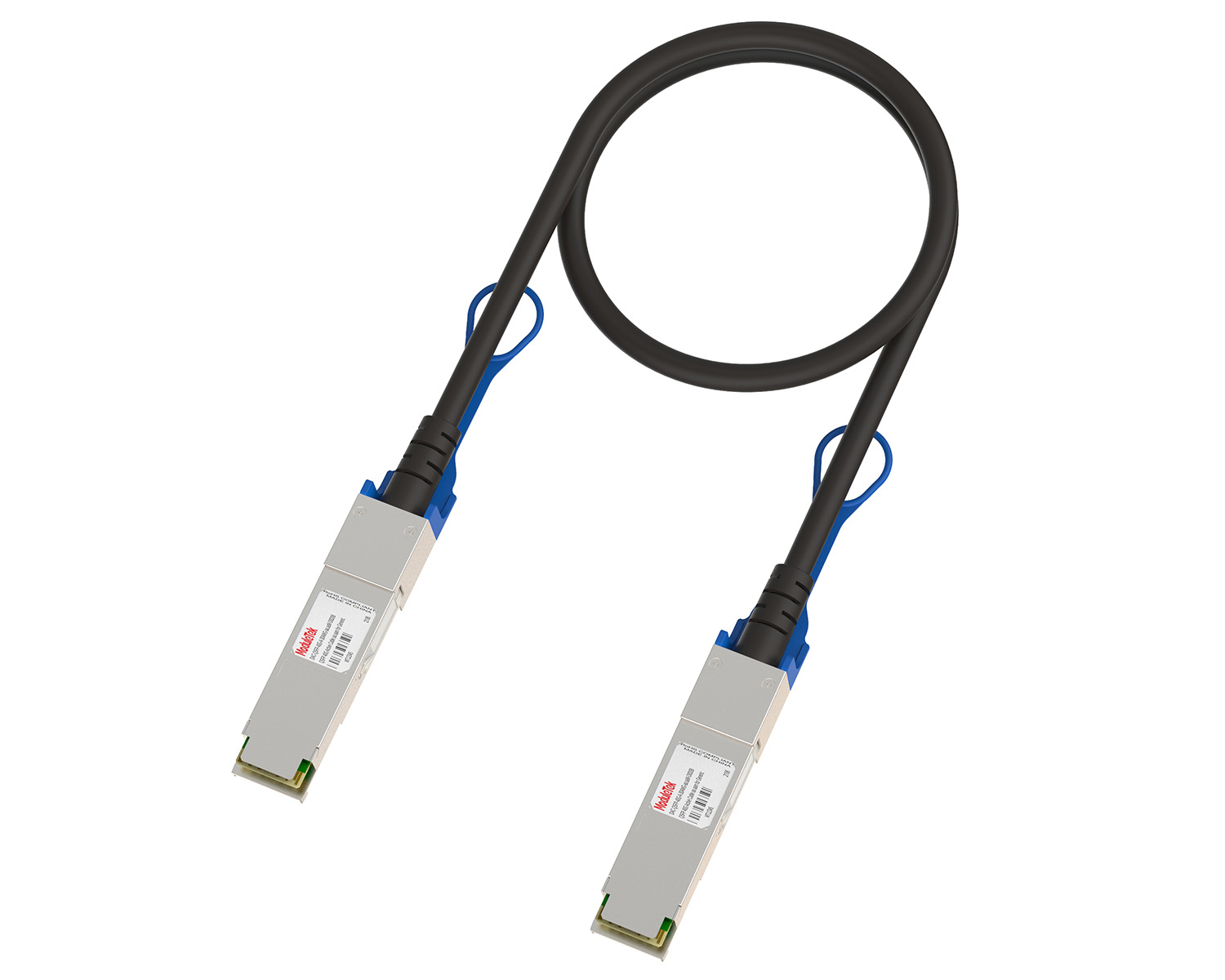 10G/40G Active DAC Series
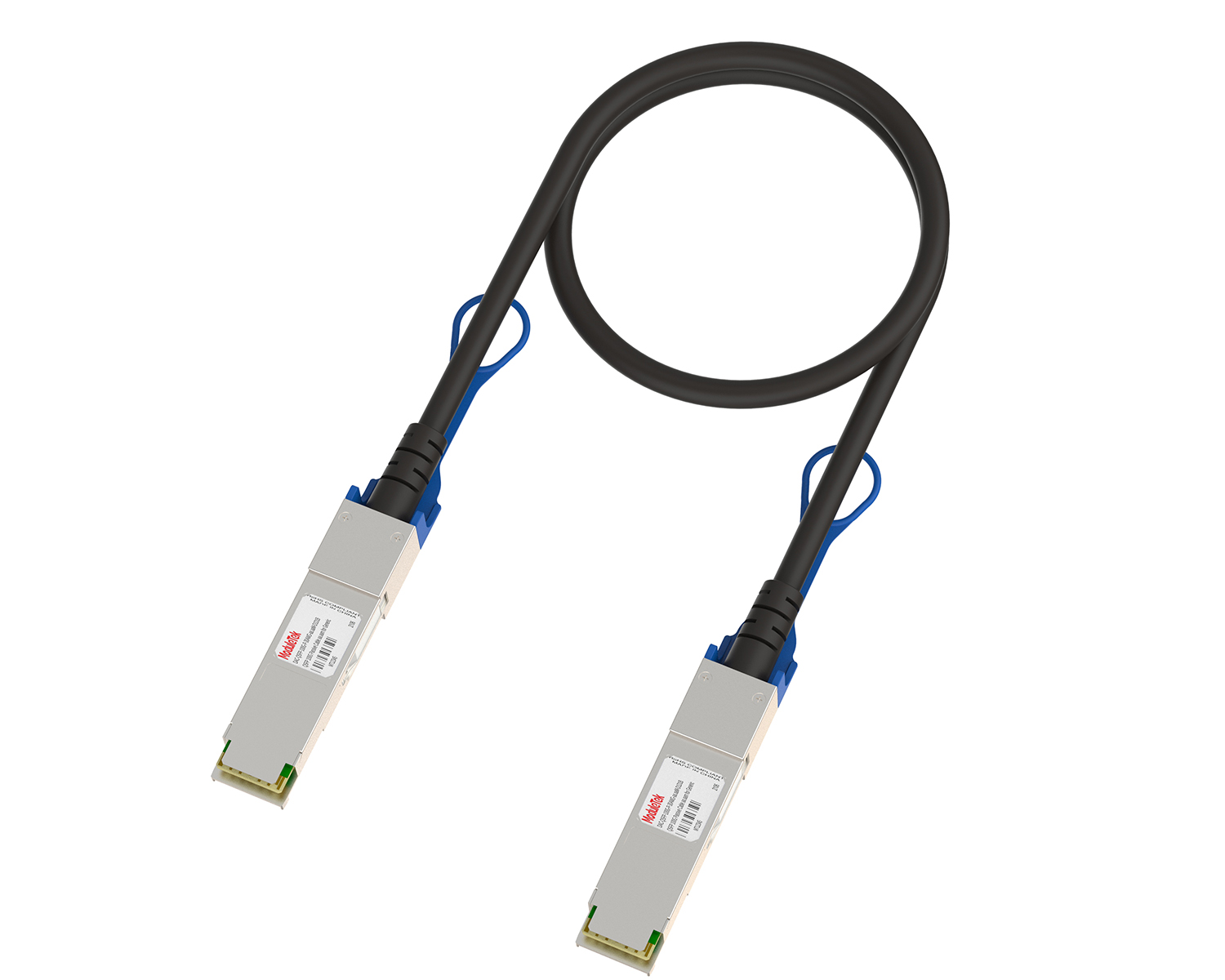 Full-Rate Passive DAC Series
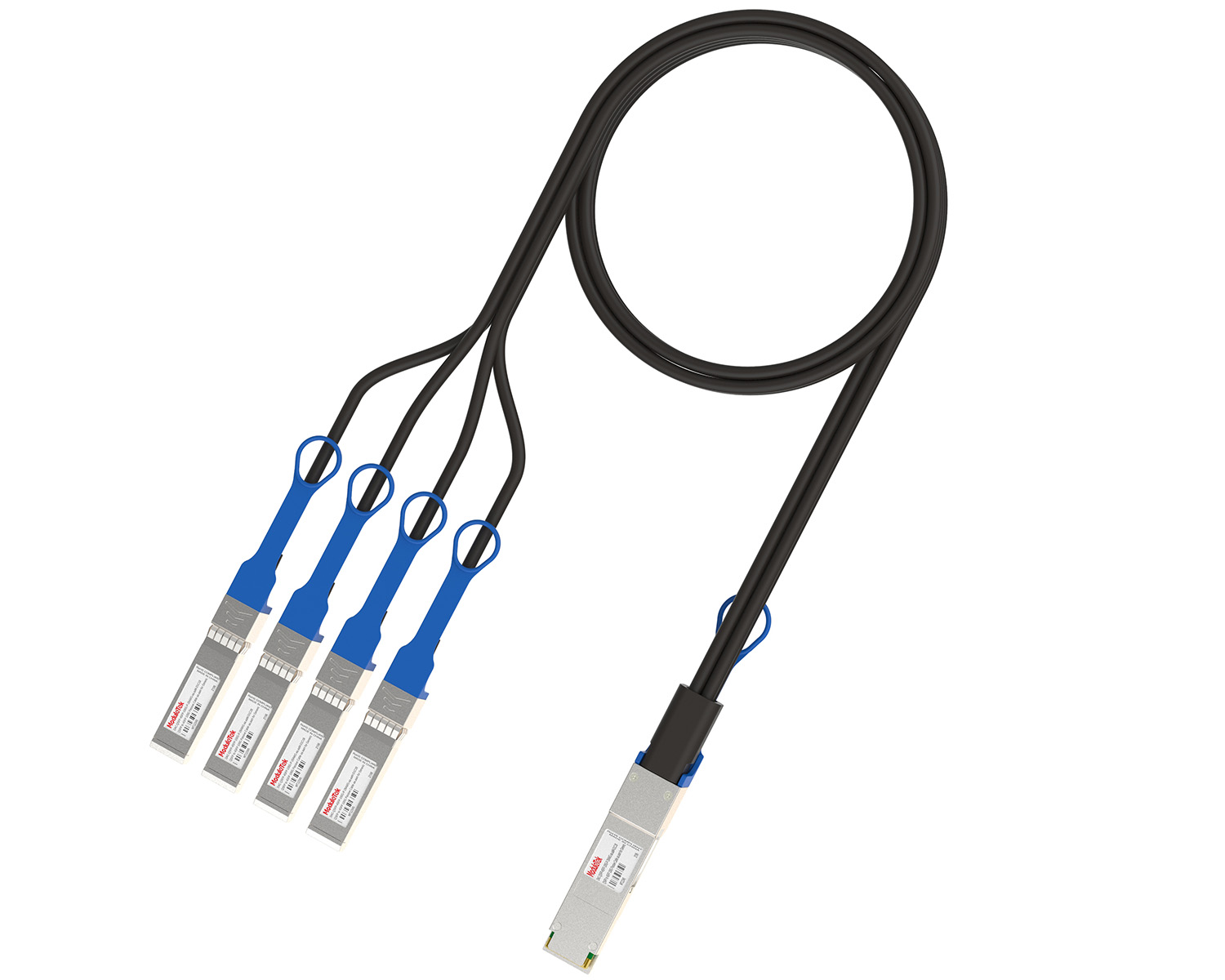 40G/100G Passive Breakout DAC Series
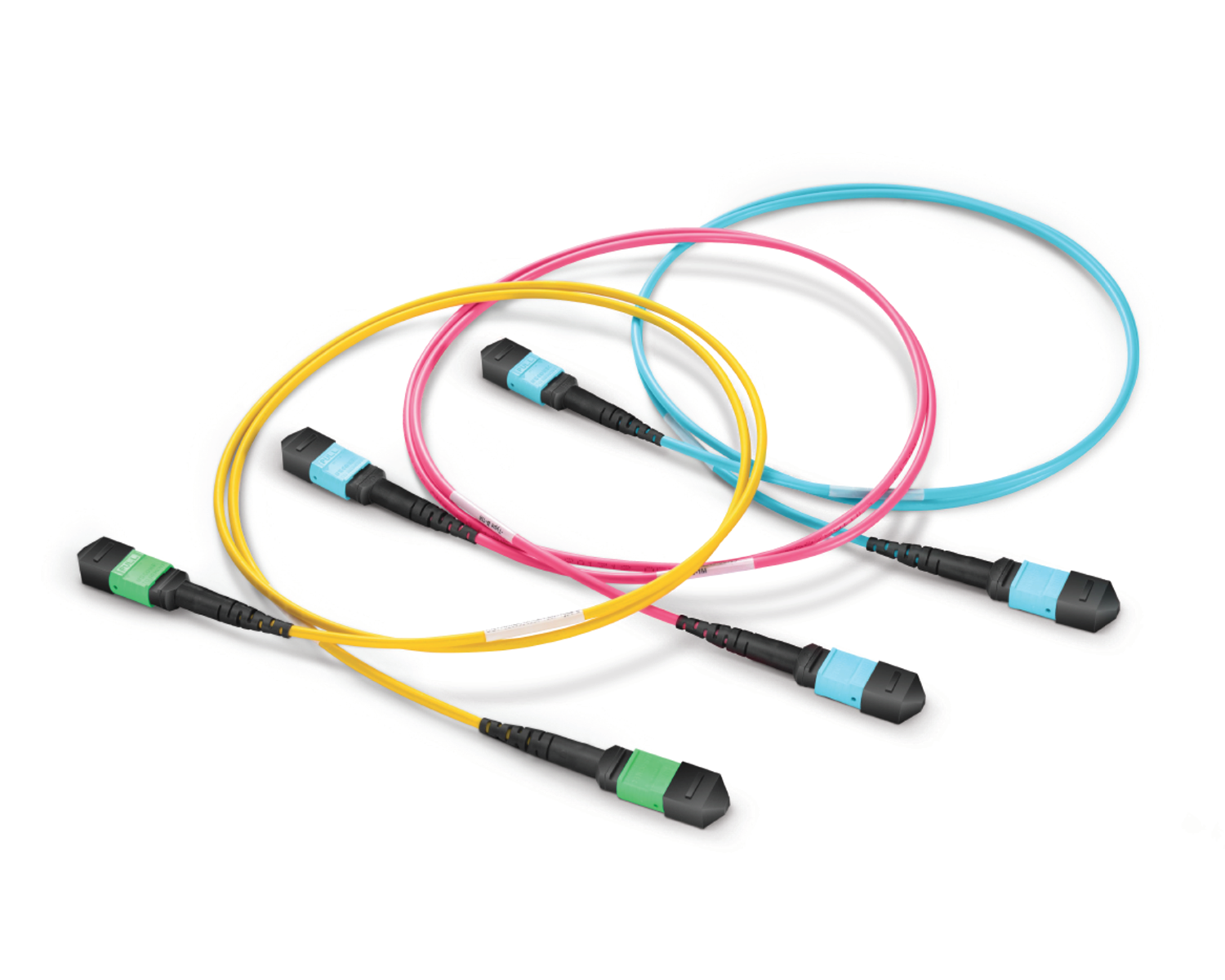 Regular/MTP-MPO Fiber Patch Cords
 MT2011
 MT2010
 CodingBox
 QSFP to SFP Adapter
 首頁 > Home > Application Notes > How To View Port Status And Optical Module Information On DELL Switches
How To View Port Status And Optical Module Information On DELL Switches
Time: 2024-06-19
Optical modules working on the switch usually need to read the internal information of the module to understand its working status, such as the module connection and real-time collection of light, temperature, etc., through the identification of the module information can be detected by the module and the switch's coding compatibility; then how to view the working status of the optical module in the process of use as well as the internal information?
The following is an example of accessing DELL Z9000-ON switch with QSFP-100G-LR4 optical module of Moduletek to show you the specific operation of reading the accessed optical module information on DELL switch.

Figure 1 Optical module access to the switch schematic diagram
1. Status of optical module
Execute the command "show interface interface-type interface-number " to view the interface information;
The information output under this command contains the interface rate, module type, module link state, etc. (the state of UP is a prerequisite for the work of the optical module), as well as some statistical information for troubleshooting.
Note: interface-type interface-number is the interface number where the module is located, you can determine the interface number according to the switch panel; if you do not know the interface number, you can not enter it, and at this time, it will output the information of all interfaces.
2. Authentication of the module by the switch
Execute the command "show inventory media" to view the basic information of the optical module on the interface and DELL authentication detection.
The output of this command is module identification/certification information, including module type, model number, serial number, etc. The non-DELL Qualified module will display No as an alarm.
3. DDM detection data of the switch to the module
Execute the command "show interface interface-type interface-number transceiver" to view the digital diagnosis of the optical module on the interface.
The output under this command has two parts of information, one part is module identification information, including serial number, date, wavelength, etc., which originates from the coded data written by the optical module.
The other part of the information is the optical module DDM data, including real-time data diagnosis as well as the threshold range.
Moduletek Limited can provide all kinds of optical modules compatible with DELL switch, welcome to buy.
If you have any questions about the above content, please contact us via email: sales@moduletek.com