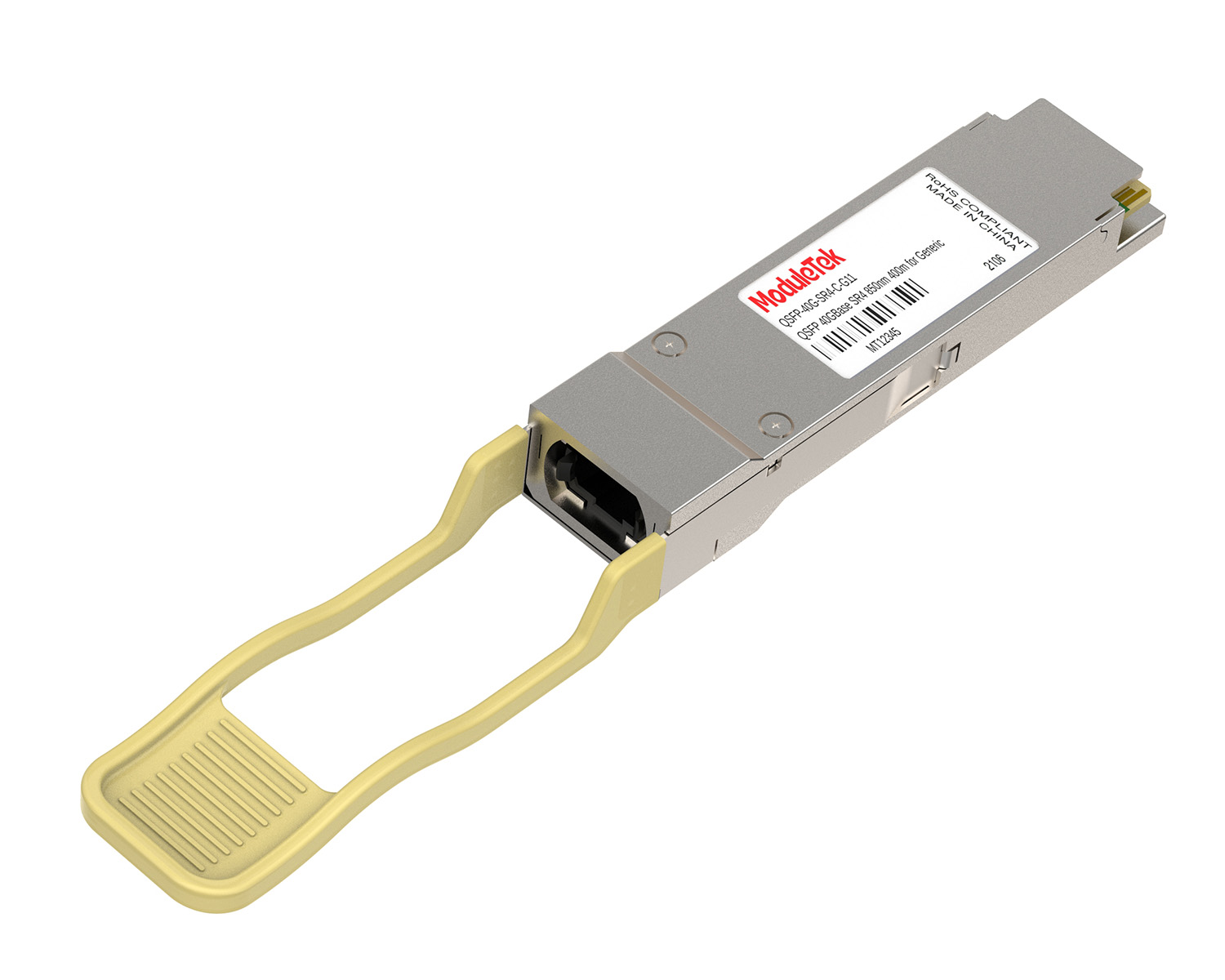
 40G/100G Optical Transceivers
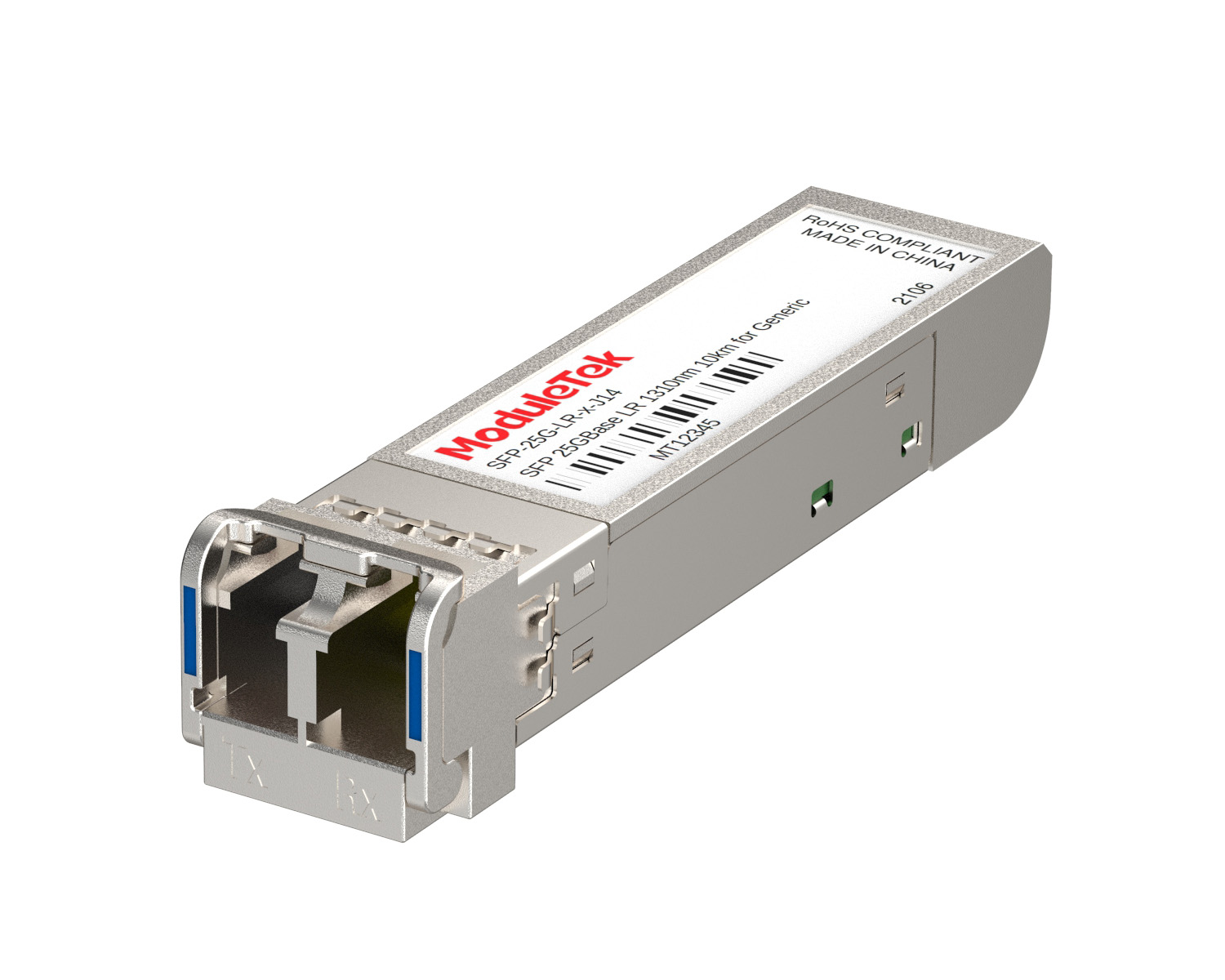 25G Optical Transceivers
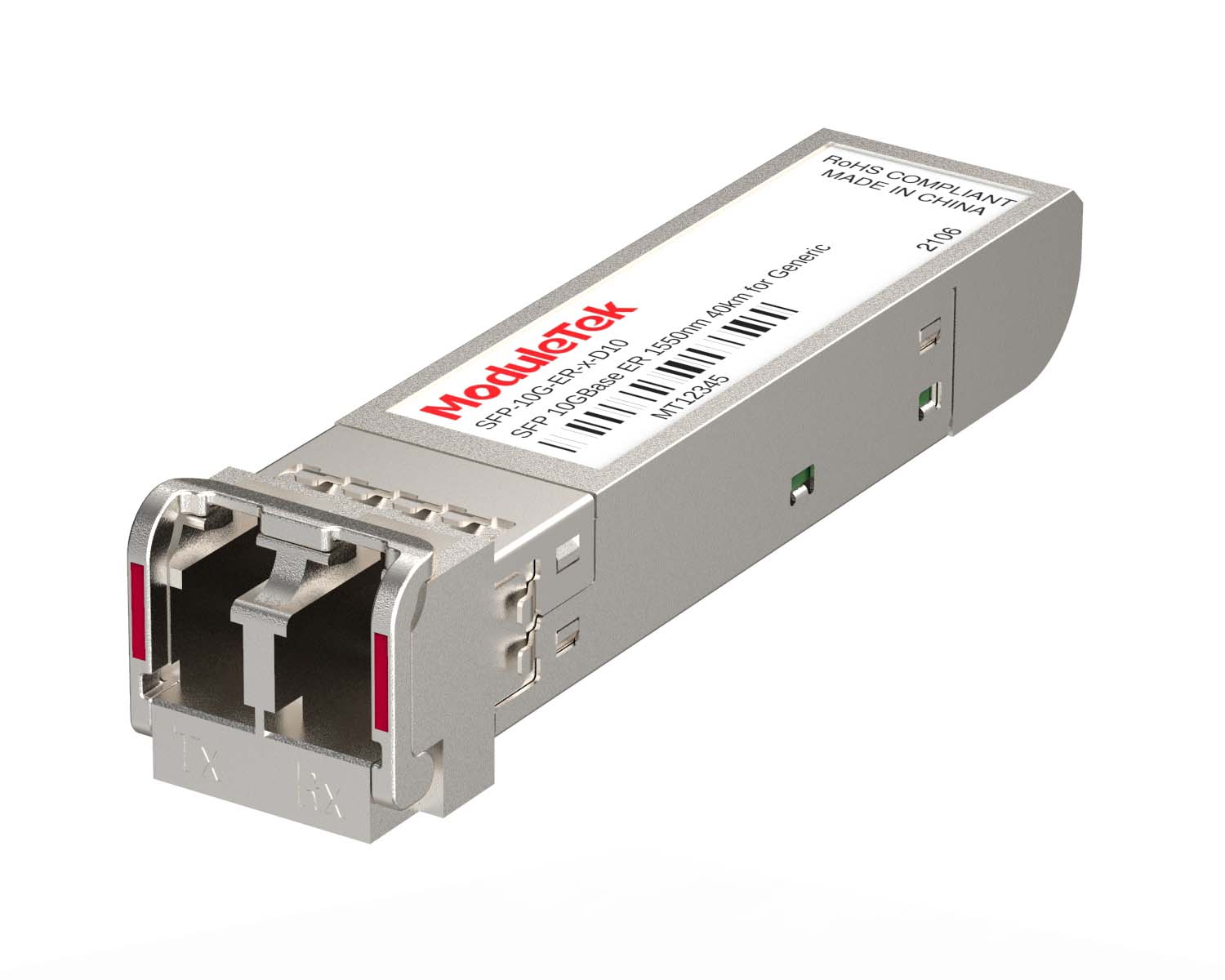 10G Optical Transceivers
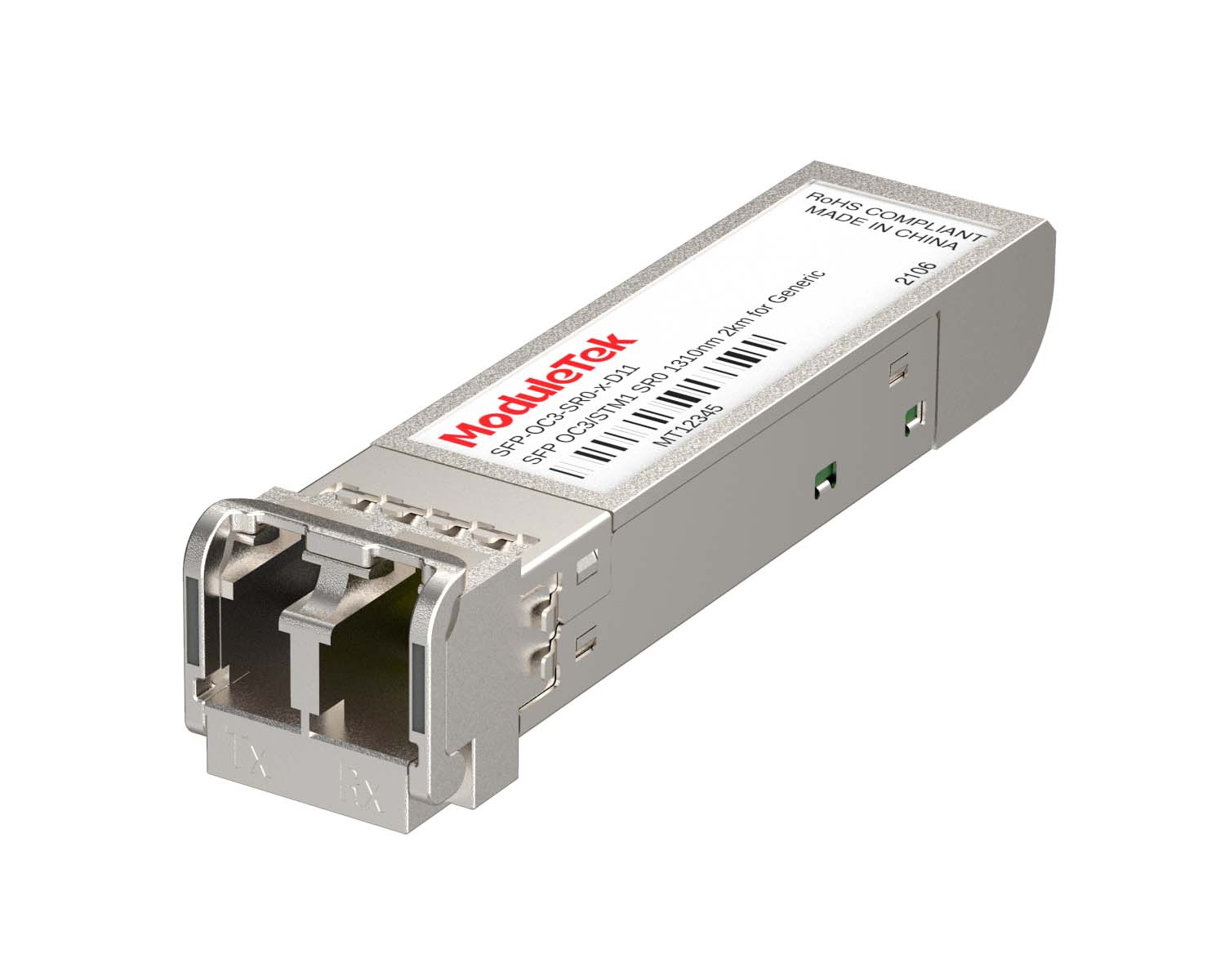 155M/2.5G Optical Transceivers
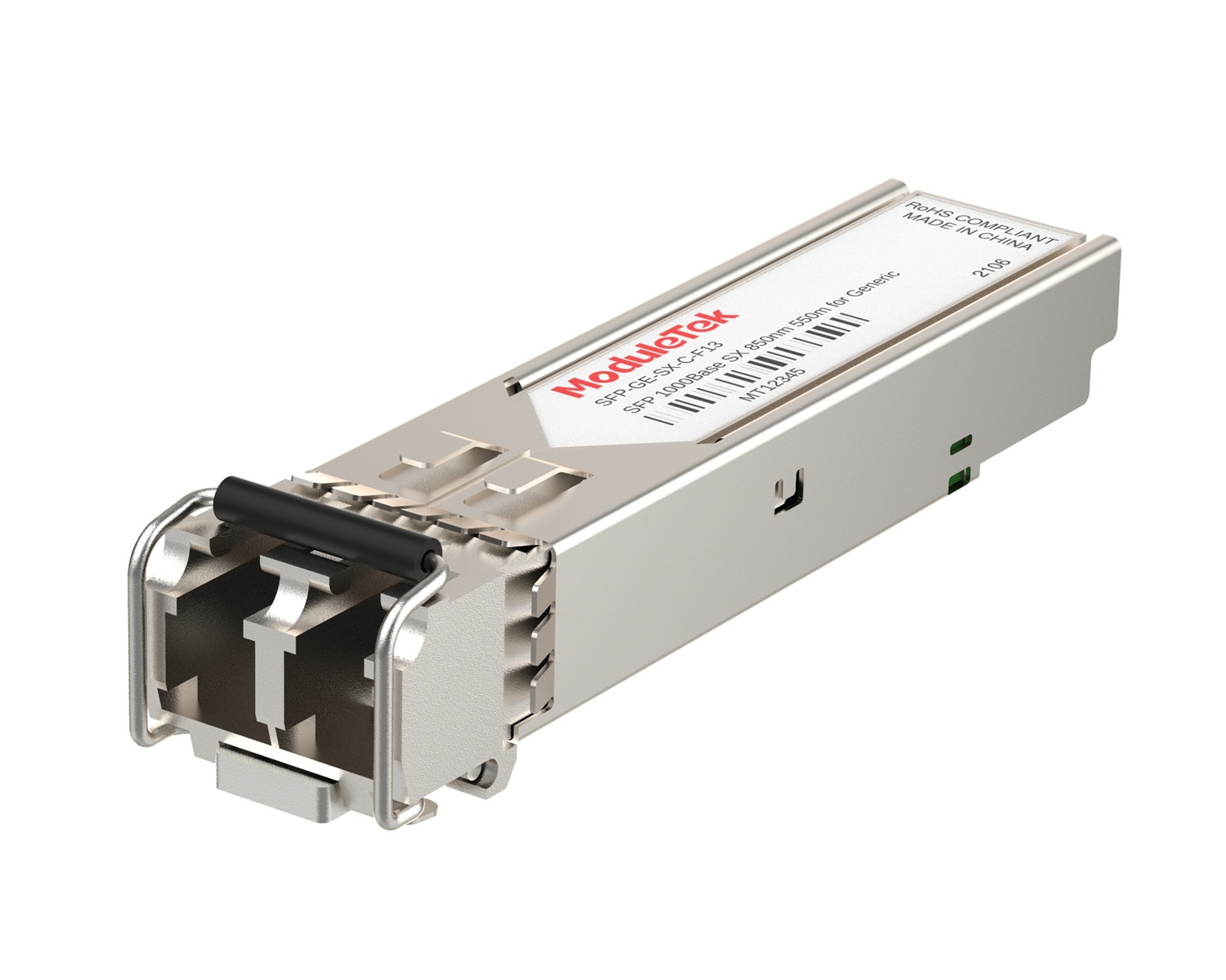 1G Optical Transceivers
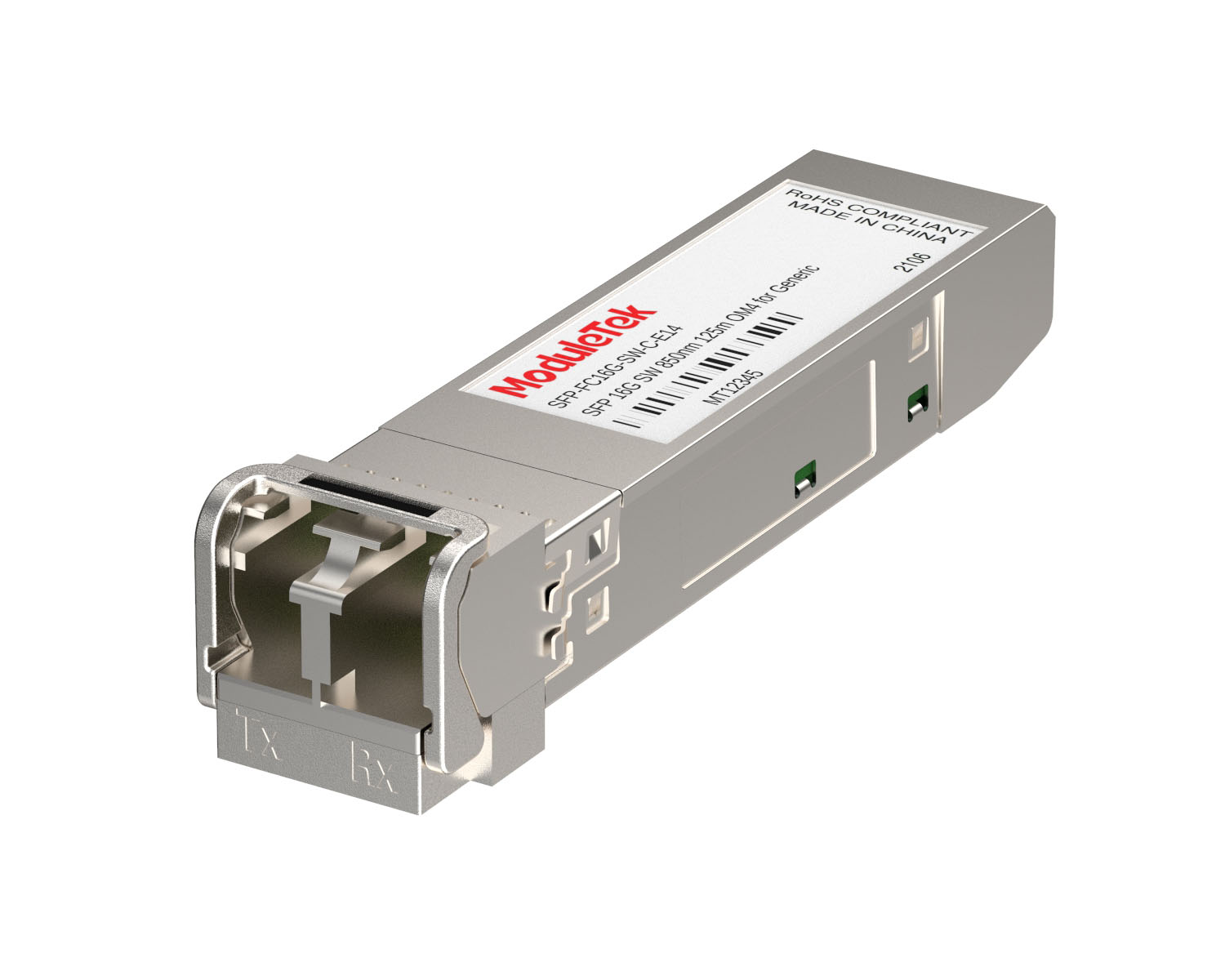 FC 16G/32G Optical Transceivers
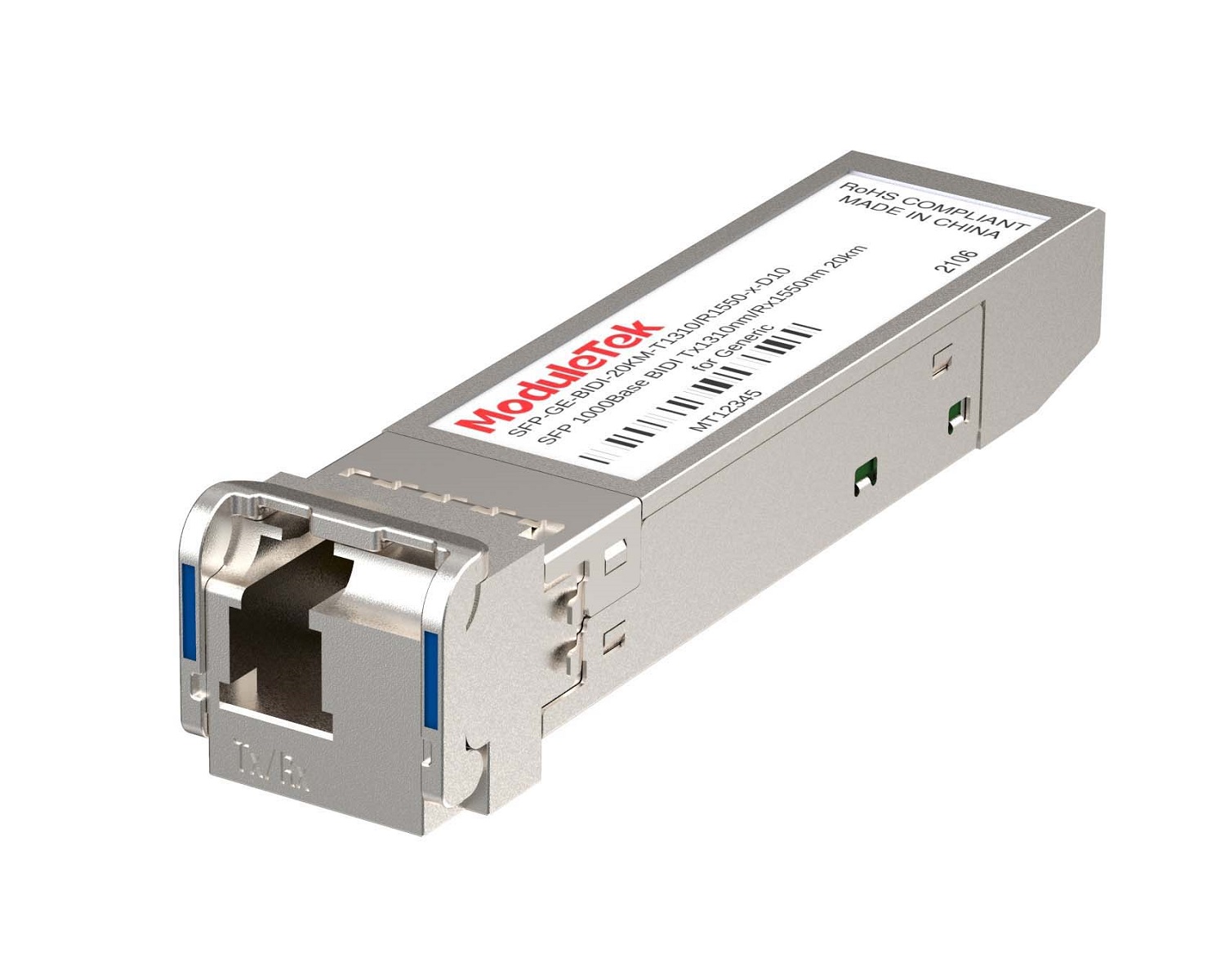 1G BIDI Optical Transceivers
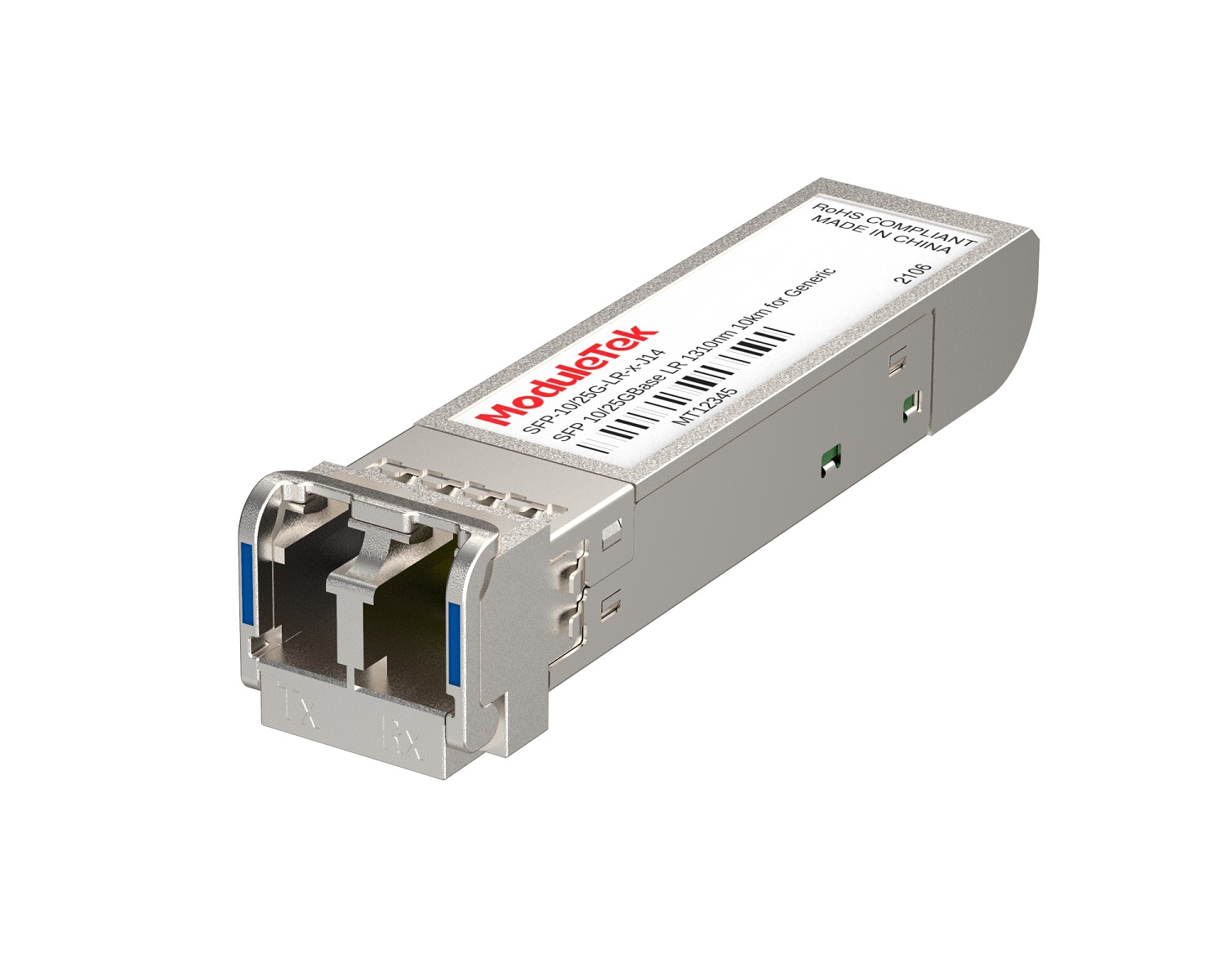 Dual-Rate Optical Transceivers
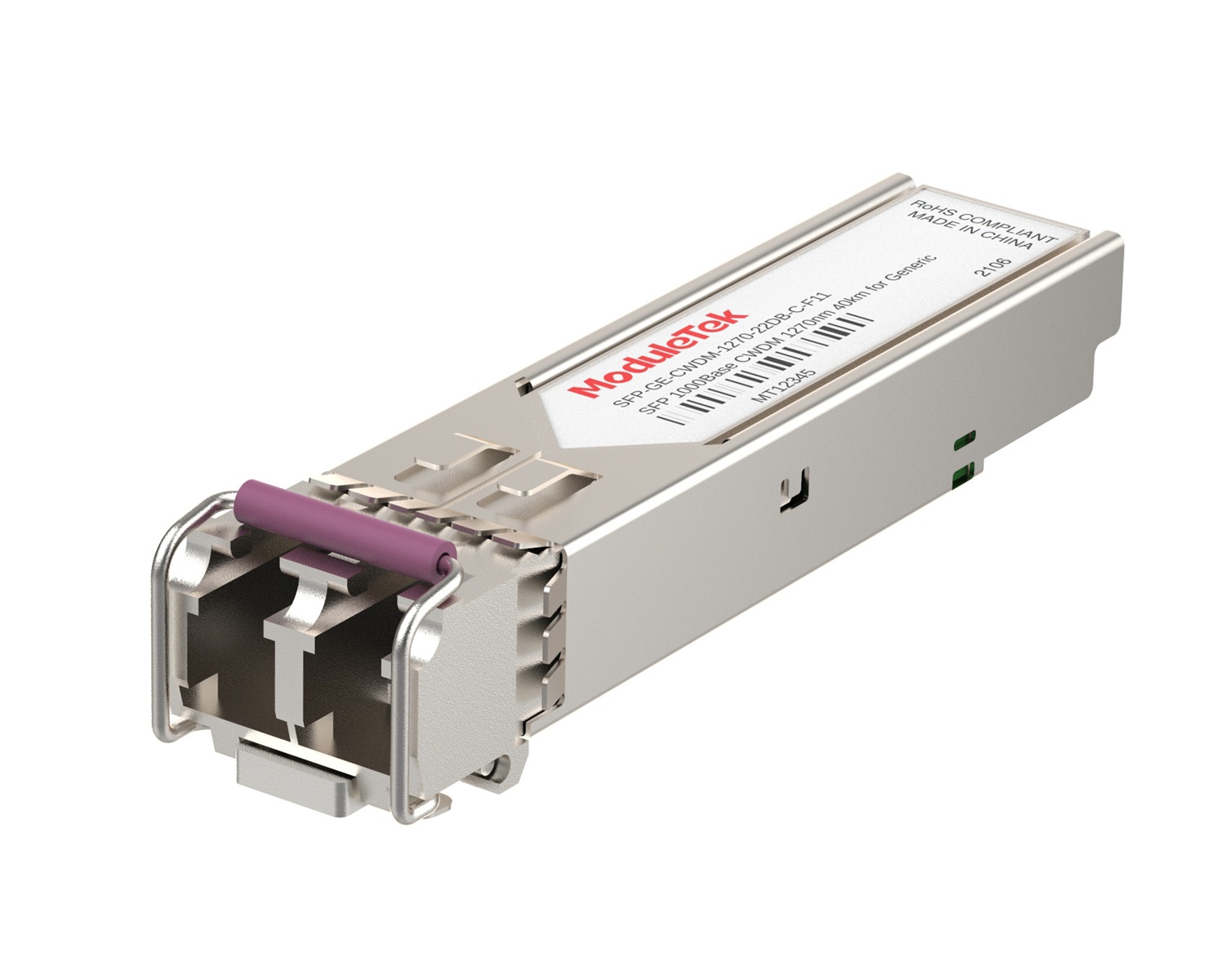 CWDM Optical Transceivers
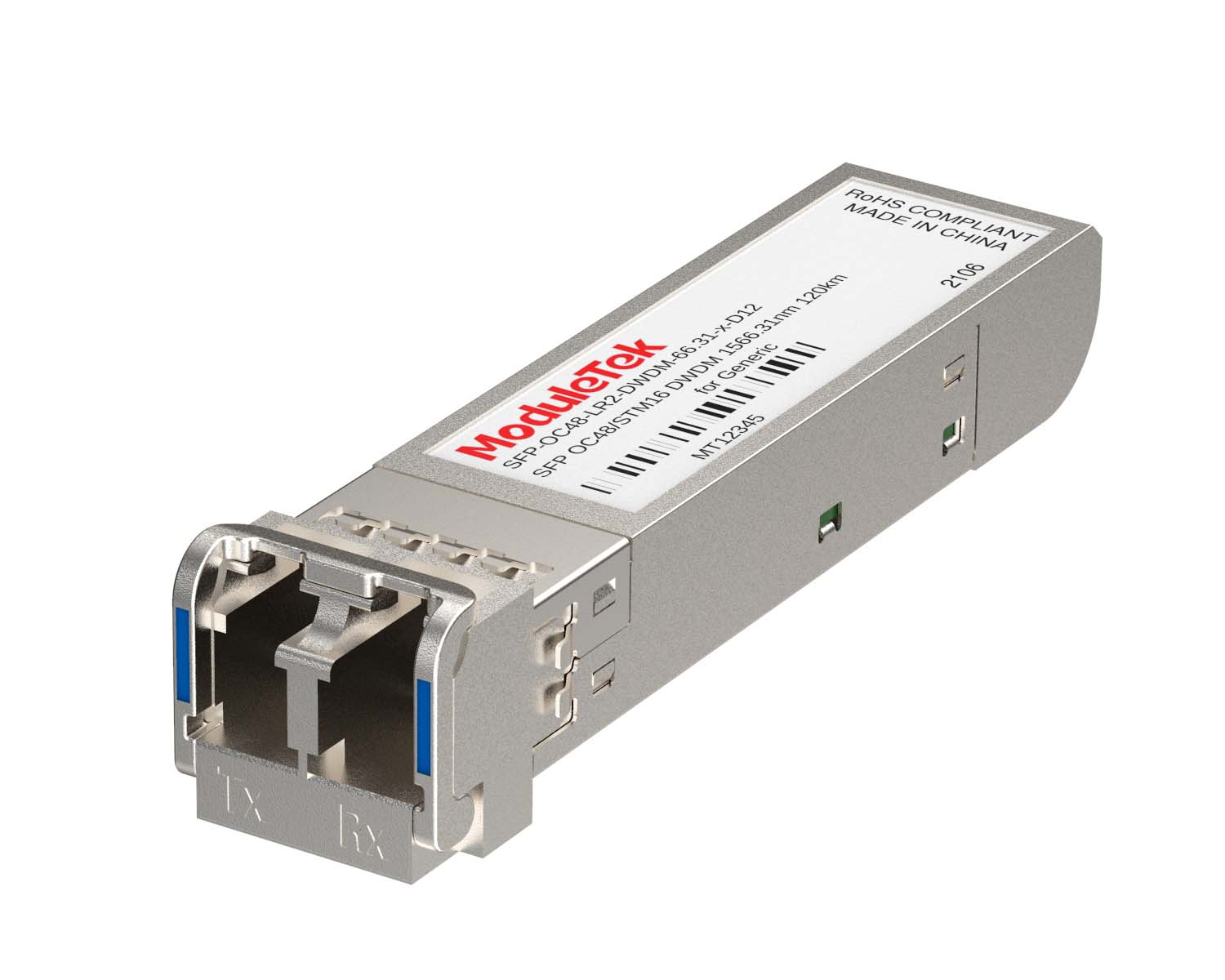 DWDM Optical Transceivers
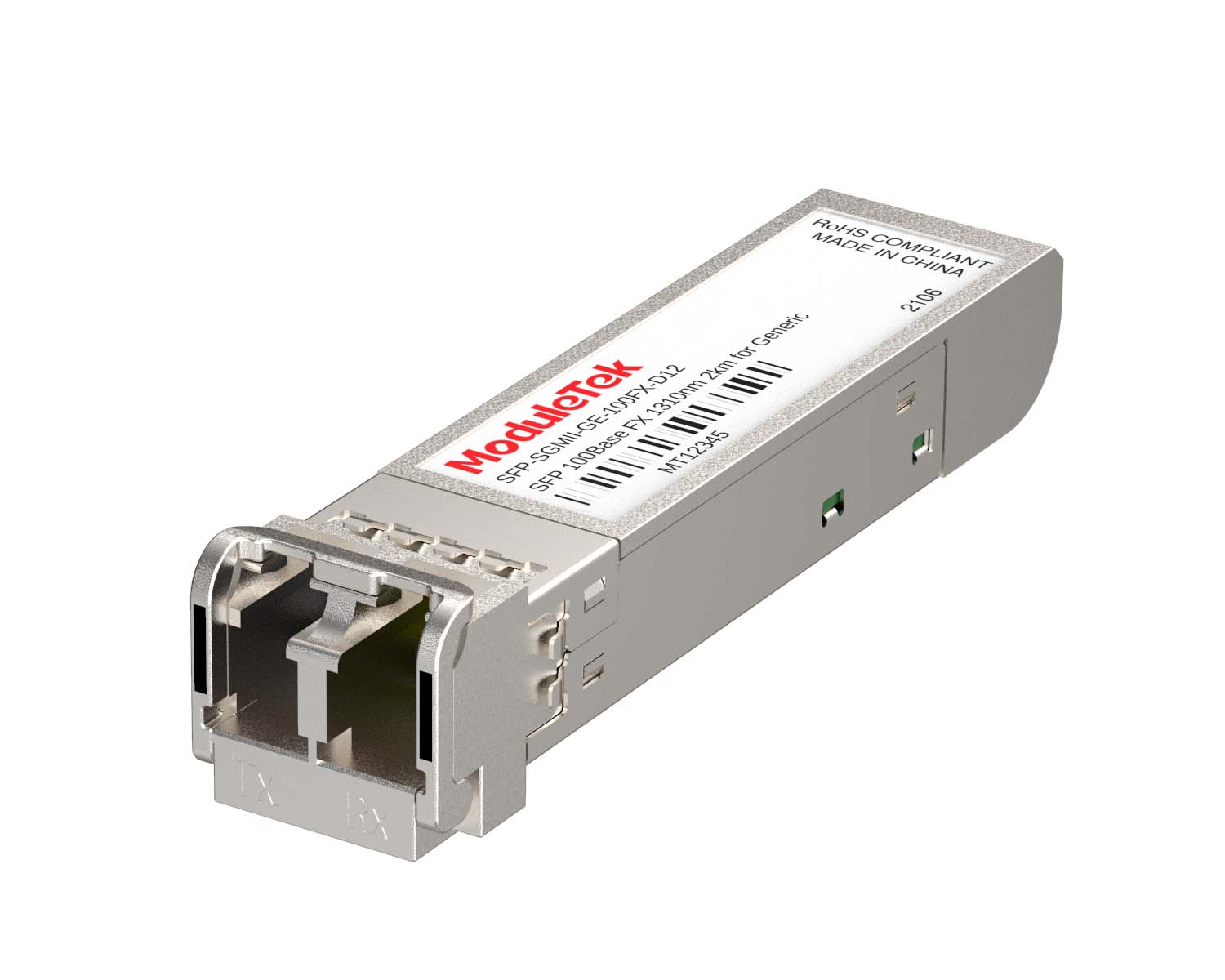 SGMII Port Optical Transceivers
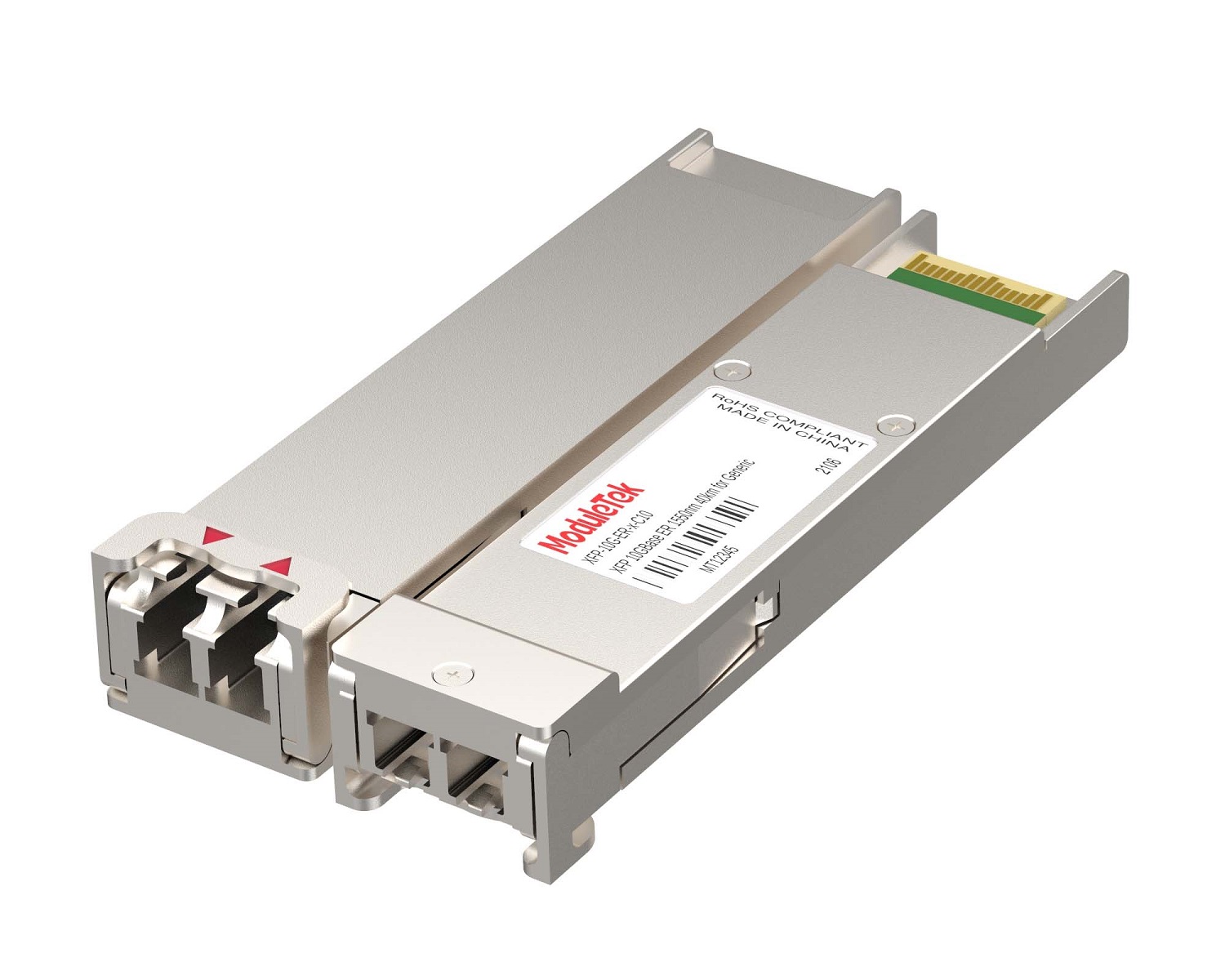 XFP Optical Transceivers
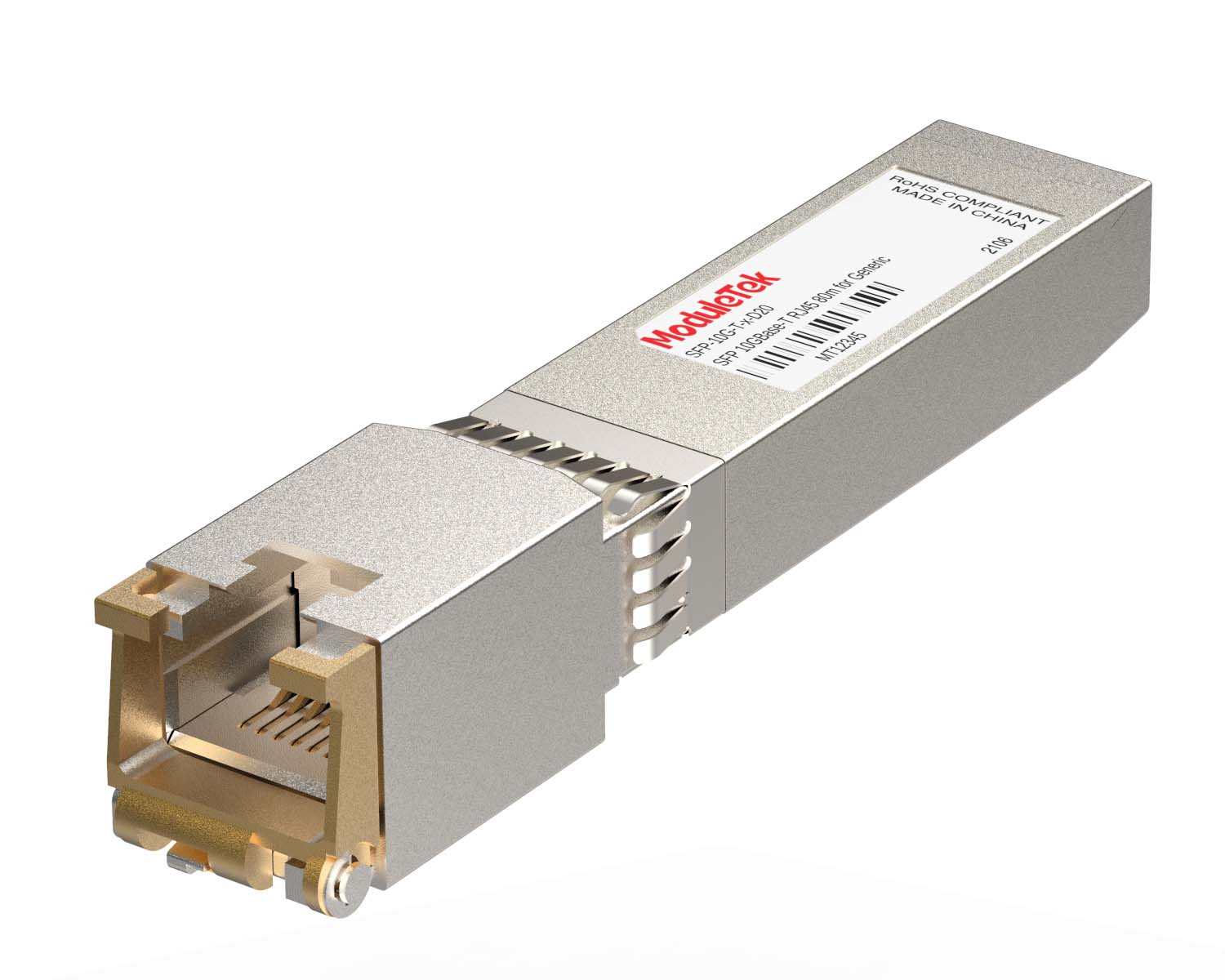 100M/1G/10G Coppers
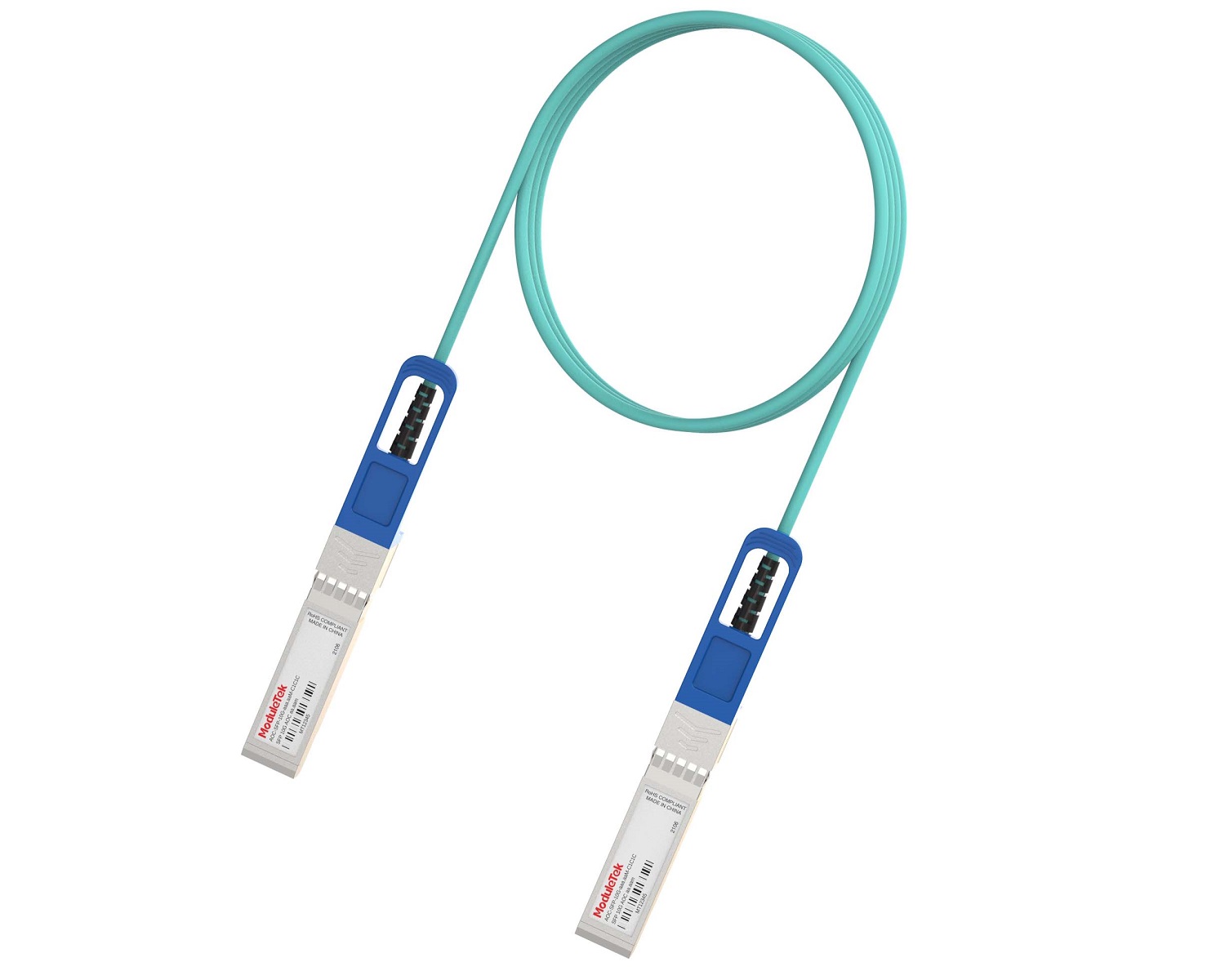 Full-Rate AOC & Breakout Series
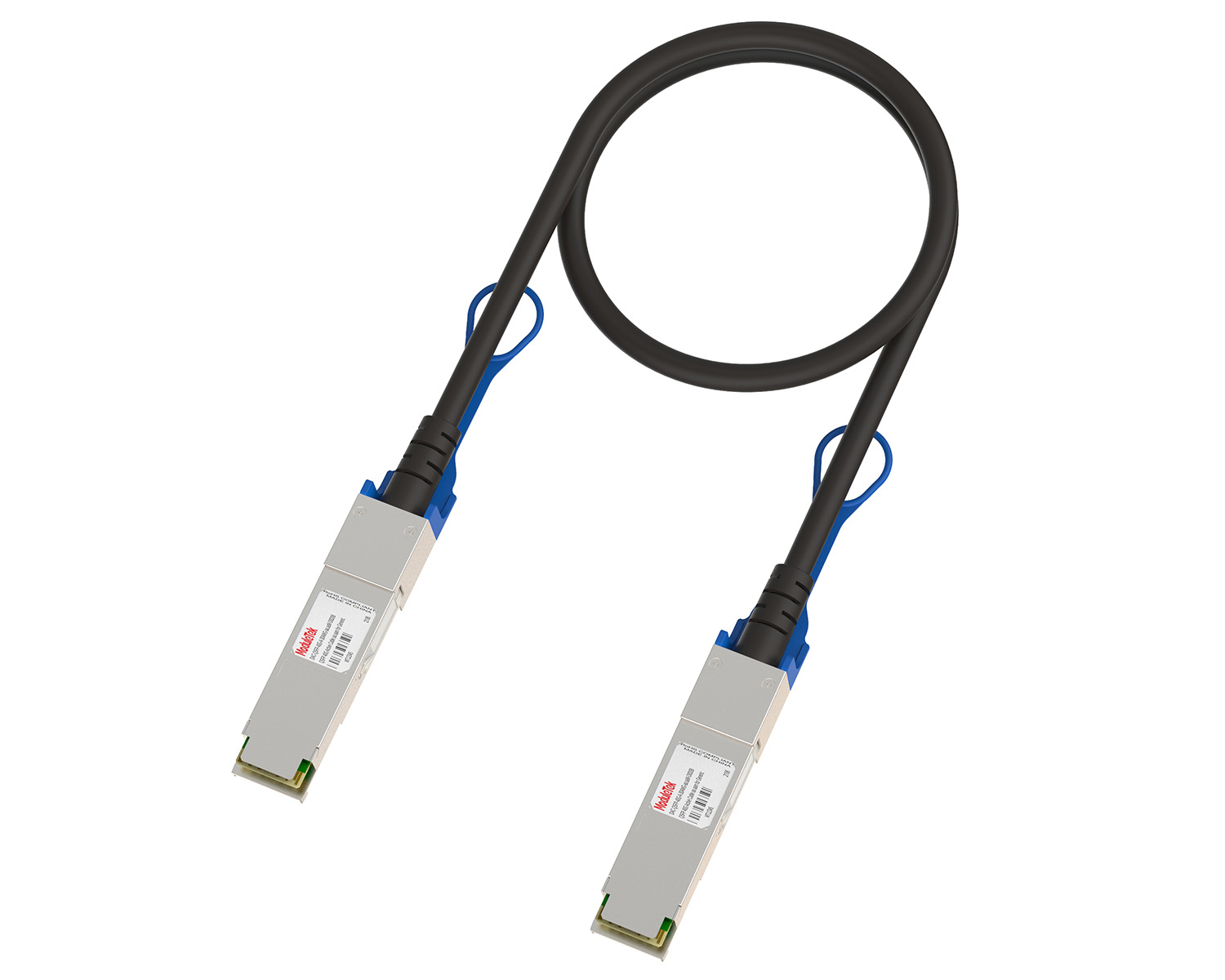 10G/40G Active DAC Series
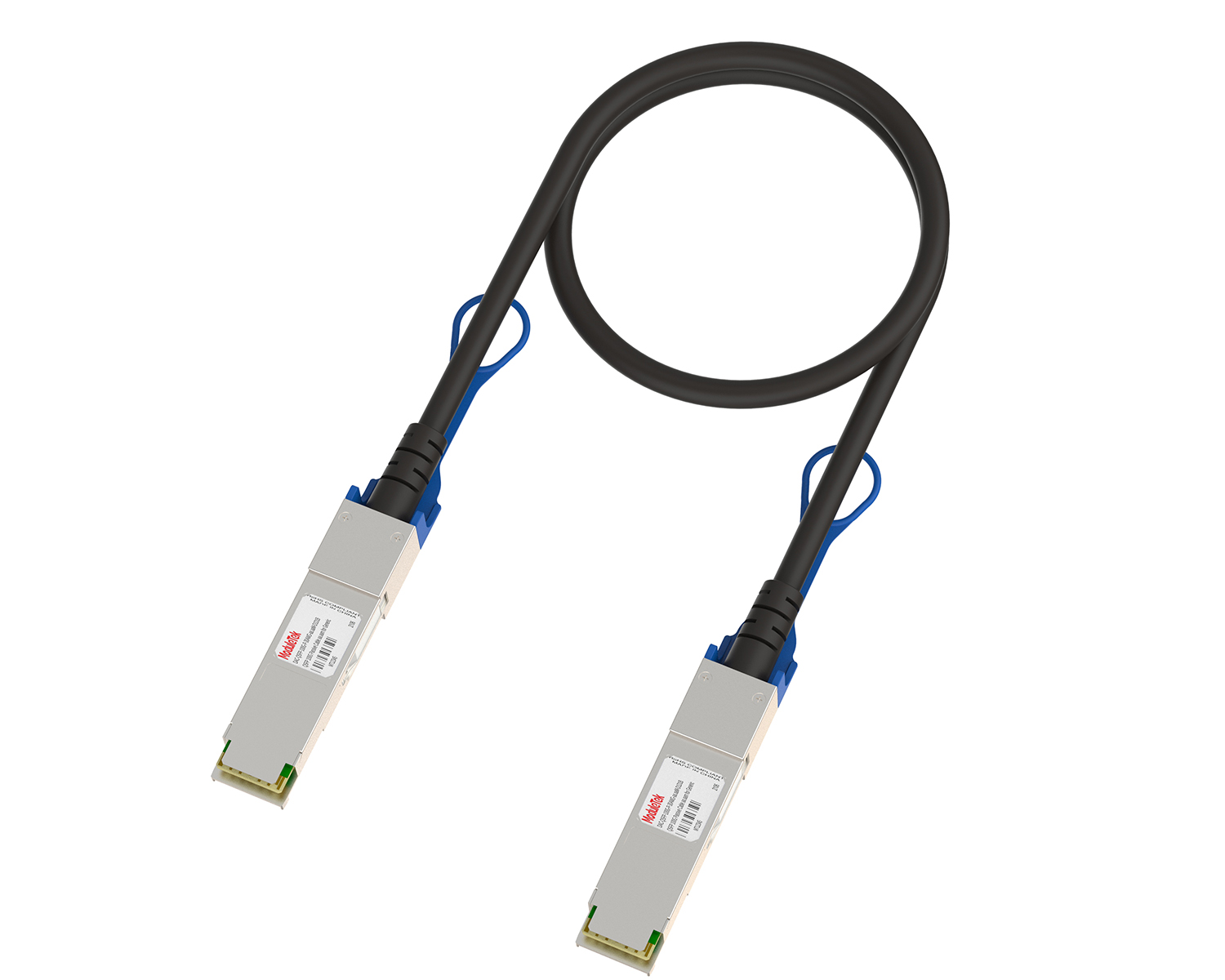 Full-Rate Passive DAC Series
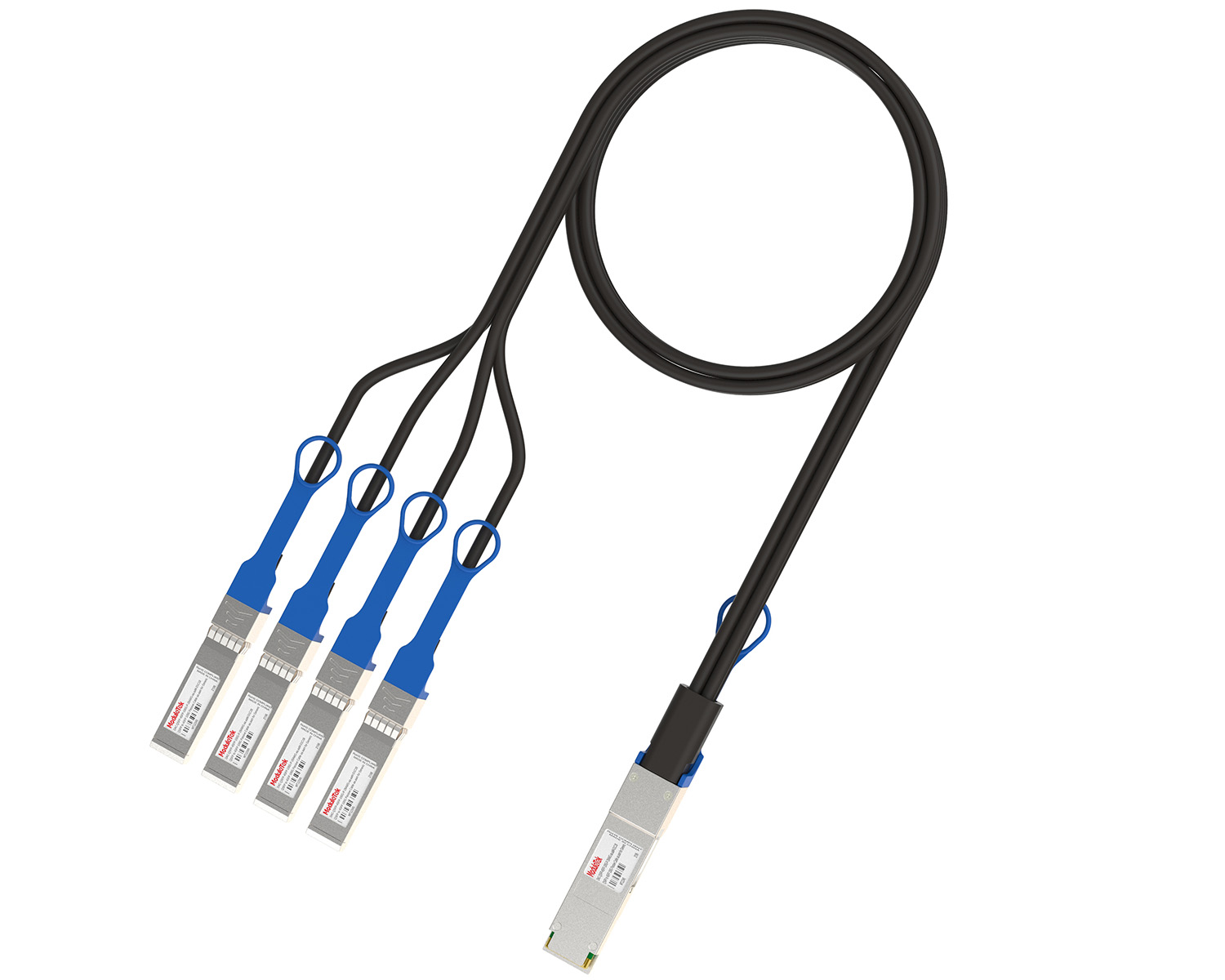 40G/100G Passive Breakout DAC Series
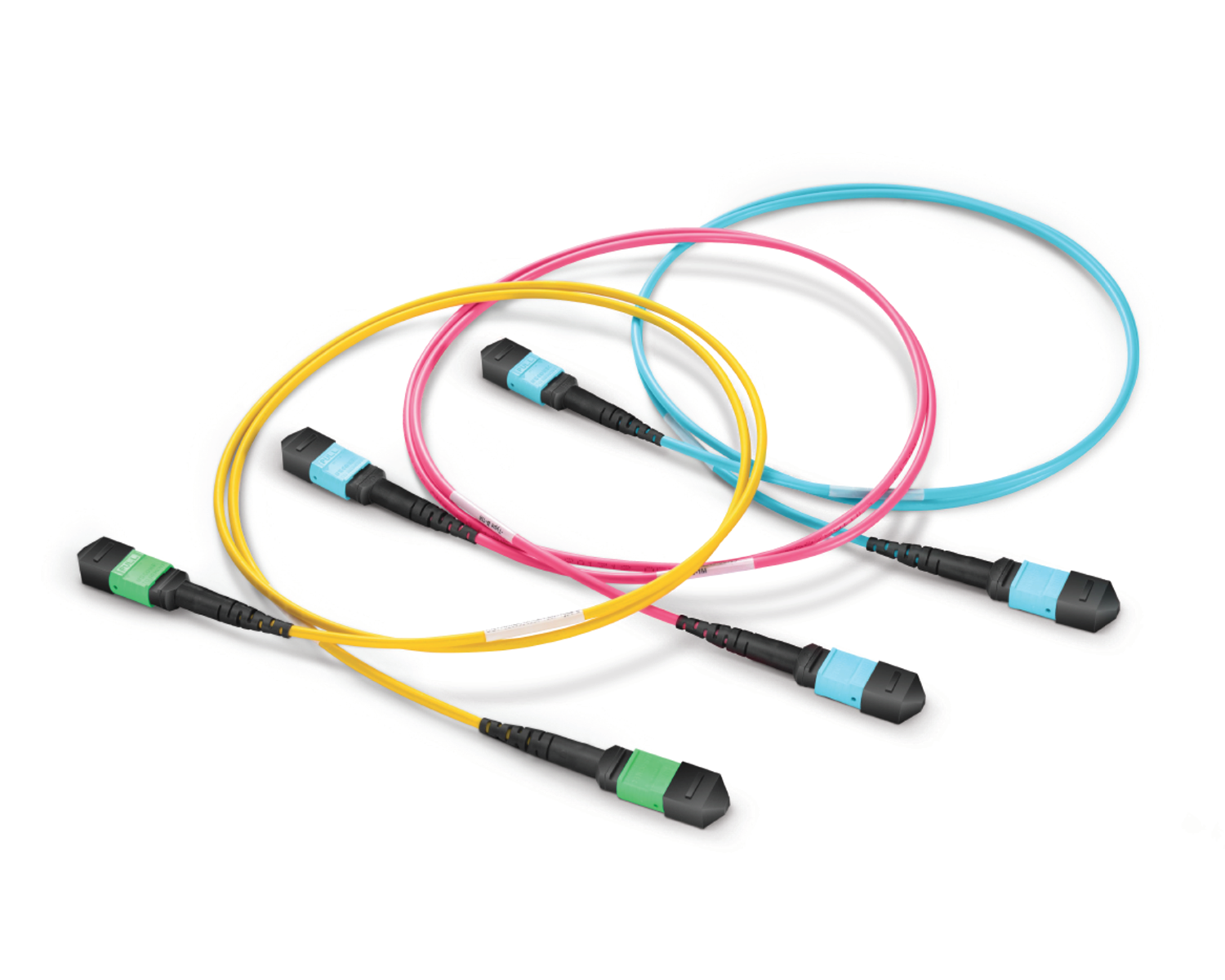 Regular/MTP-MPO Fiber Patch Cords
 MT2011
 MT2010
 CodingBox
 QSFP to SFP Adapter
Huawei Switch Configuration File Backup And Switching
Time: 2024-06-19
Backing up a switch's configuration file allows you to troubleshoot the switch when it fails, or restore it in case of an unexpected reset.
The following shares the use of FTP to backup and replace the configuration file of the Huawei S6700-24-EI switch based on a specific case.
Table 1 Parameter description
| Item | Description |
| Switch model | S6700-24-EI |
| Configuration file name | vrpcfg.zip |
| Switch management port ip | 192.168.30.51 |
| FTP server ip | 192.168.30.2 |
| FTP User Name | test |
| FTP user password | admin123 |
I. Importing/Exporting Switch Configuration File Methods
1. Enter dir on the switch to view the files in the switch, where vrpcfg.zip is the configuration file for the switch, which should be subsequently exported to the computer for backup;
2. Enable the FTP server on the switch side, add a local FTP user account, set its password and level, and set its access directory and service type;
3. Create a folder on the computer side and place the configuration files to be imported under this folder. In this example, put the configuration file config.zip into D:/test. Run CMD and enter the IP of the ftp switch management port to log in to the FTP server;
4. In CMD, enter get vrpcfg.zip to back up the switch's configuration file, and enter put config.zip to upload the file to be replaced into the switch flash:/. At this point, you can see the backup switch configuration file vrpcfg.zip in the D:/test folder;
5. Use the dir command on the switch side to see the configuration file config.zip that has been uploaded;
II. Switching Configuration File Methods
1. Enter display startup on the switch to view the current switch configuration file, and you can see that the current configuration file is vrpcfg.zip;
2. Enter startup saved-configuration config.zip on the switch side to switch the configuration file to config.zip and view the current configuration file;
3. Use the command to reboot the switch. When rebooting, the switch prompts to save the current configuration to the switched configuration file, at this time, select N;
4. After rebooting, view the current switch configuration file, which has been switched to config.zip;
Moduletek can provide optical module products for HUAWEI switches.
If you have any questions about the above content, please contact us via email: sales@moduletek.com