
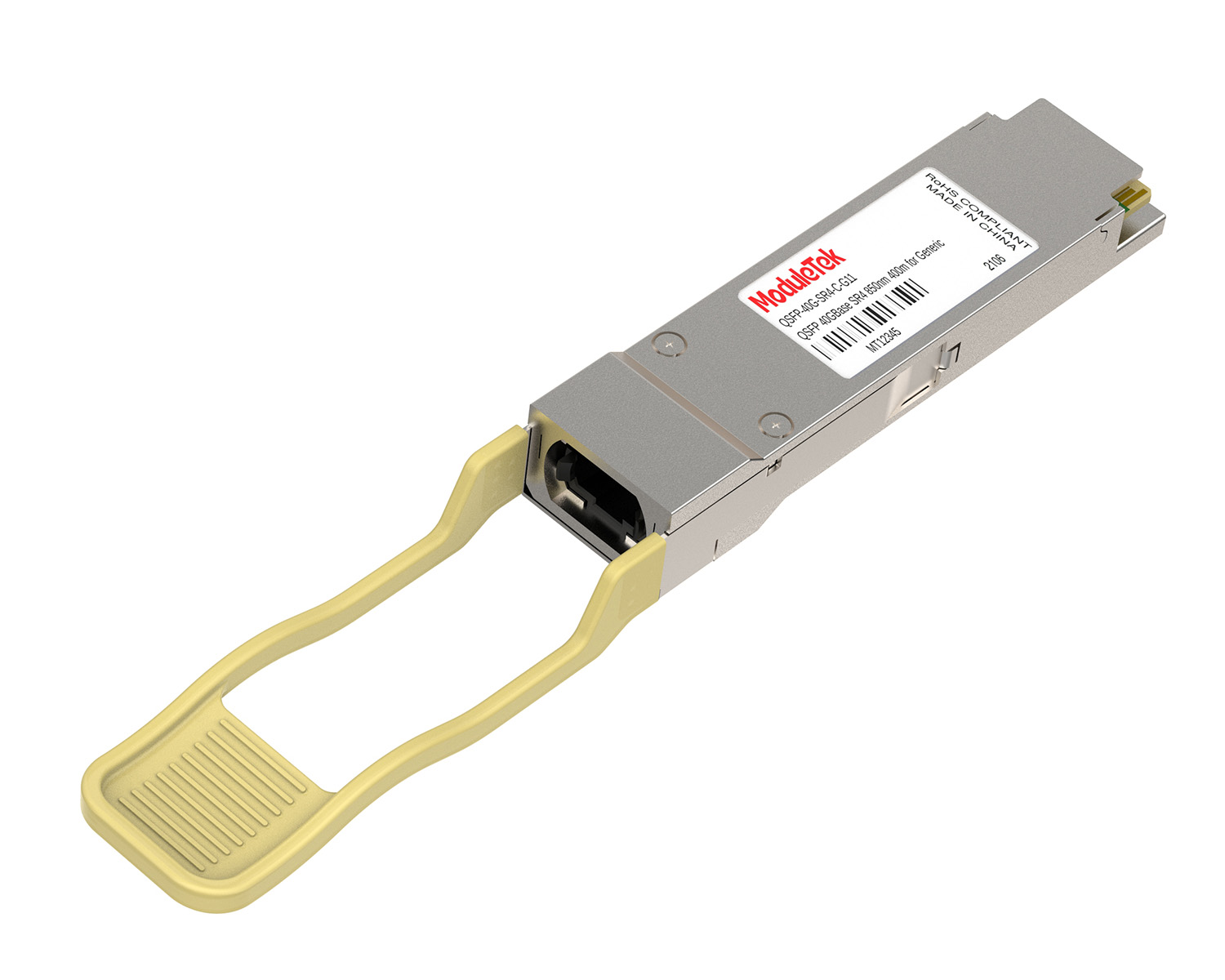
 40G/100G Optical Transceivers
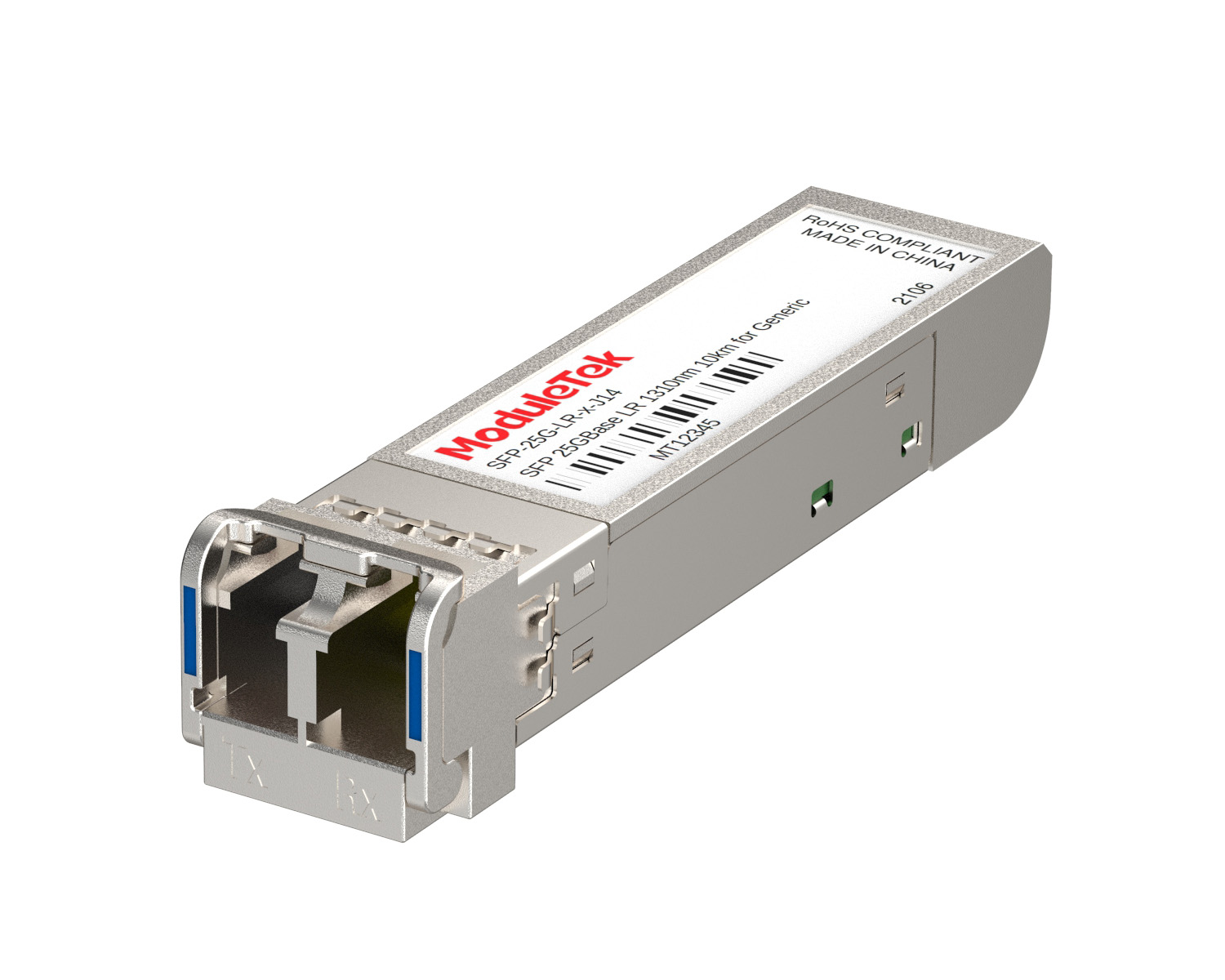 25G Optical Transceivers
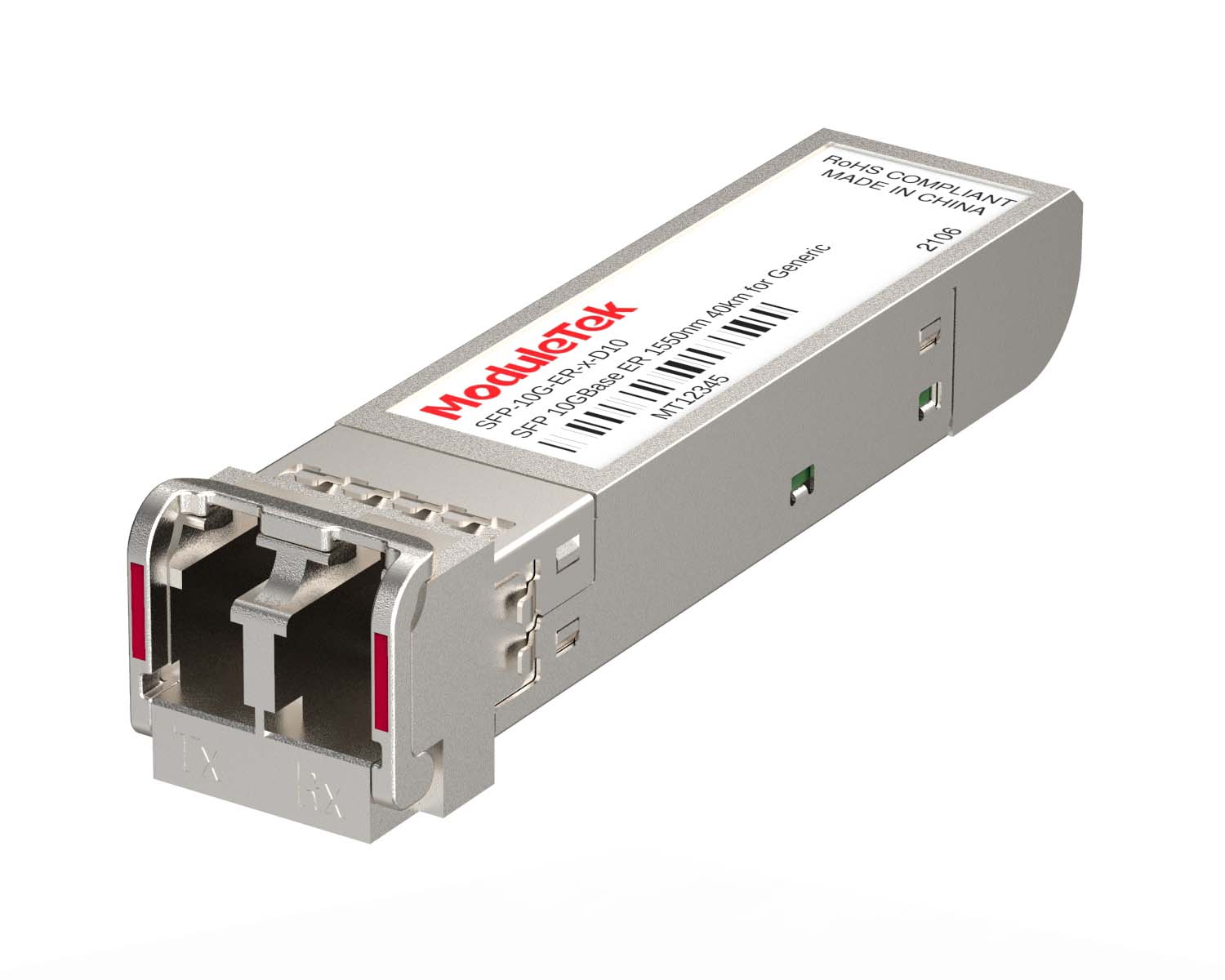 10G Optical Transceivers
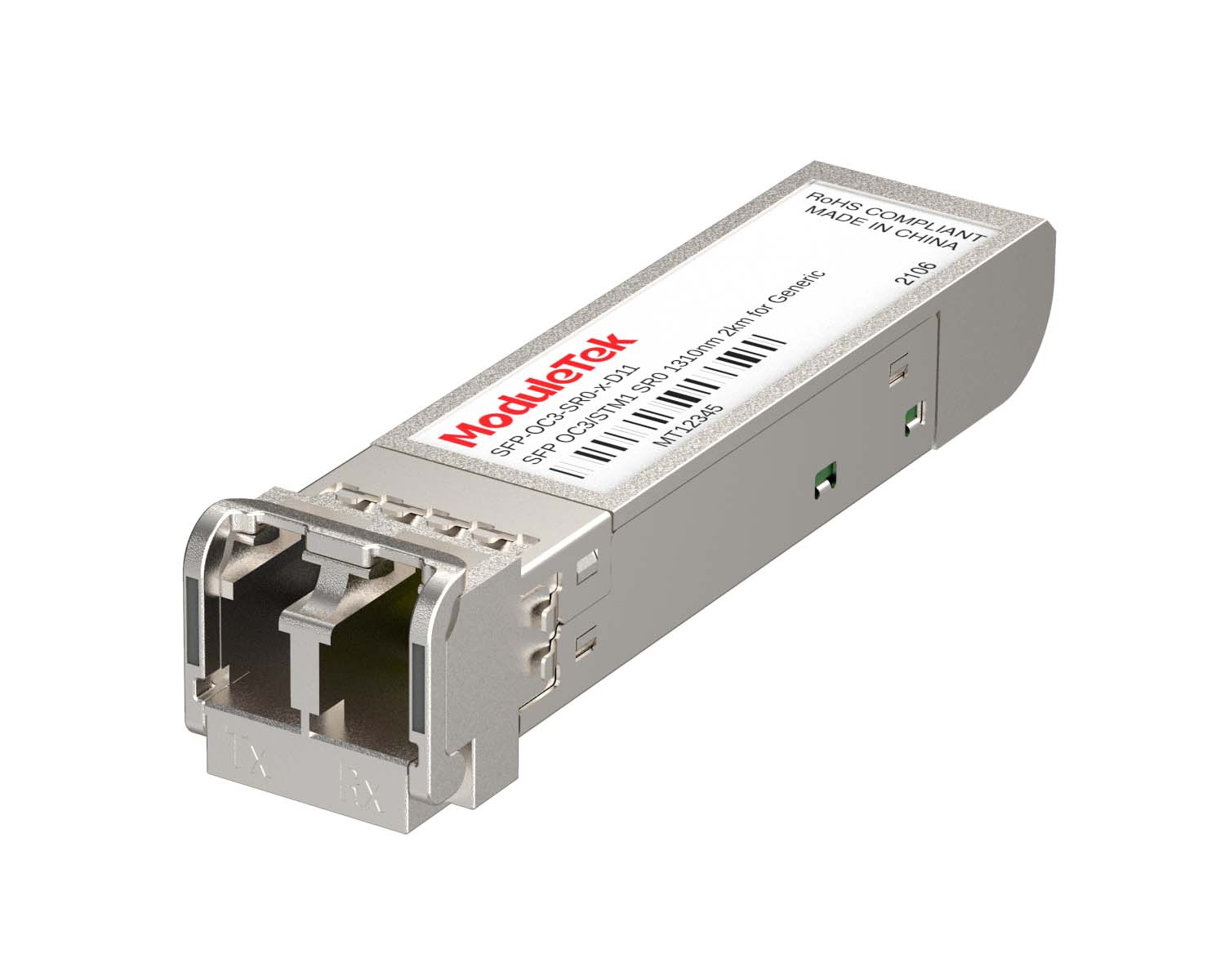 155M/2.5G Optical Transceivers
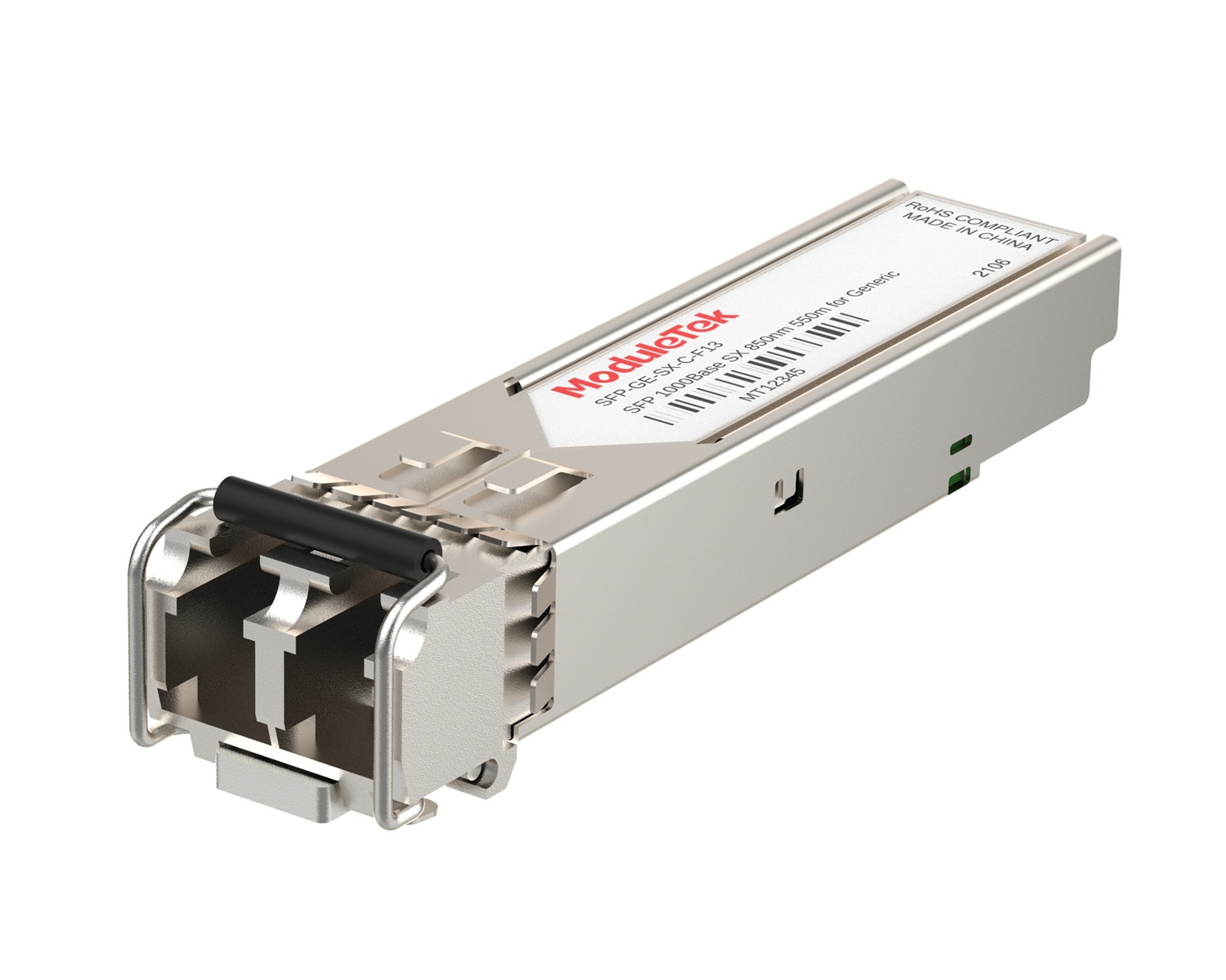 1G Optical Transceivers
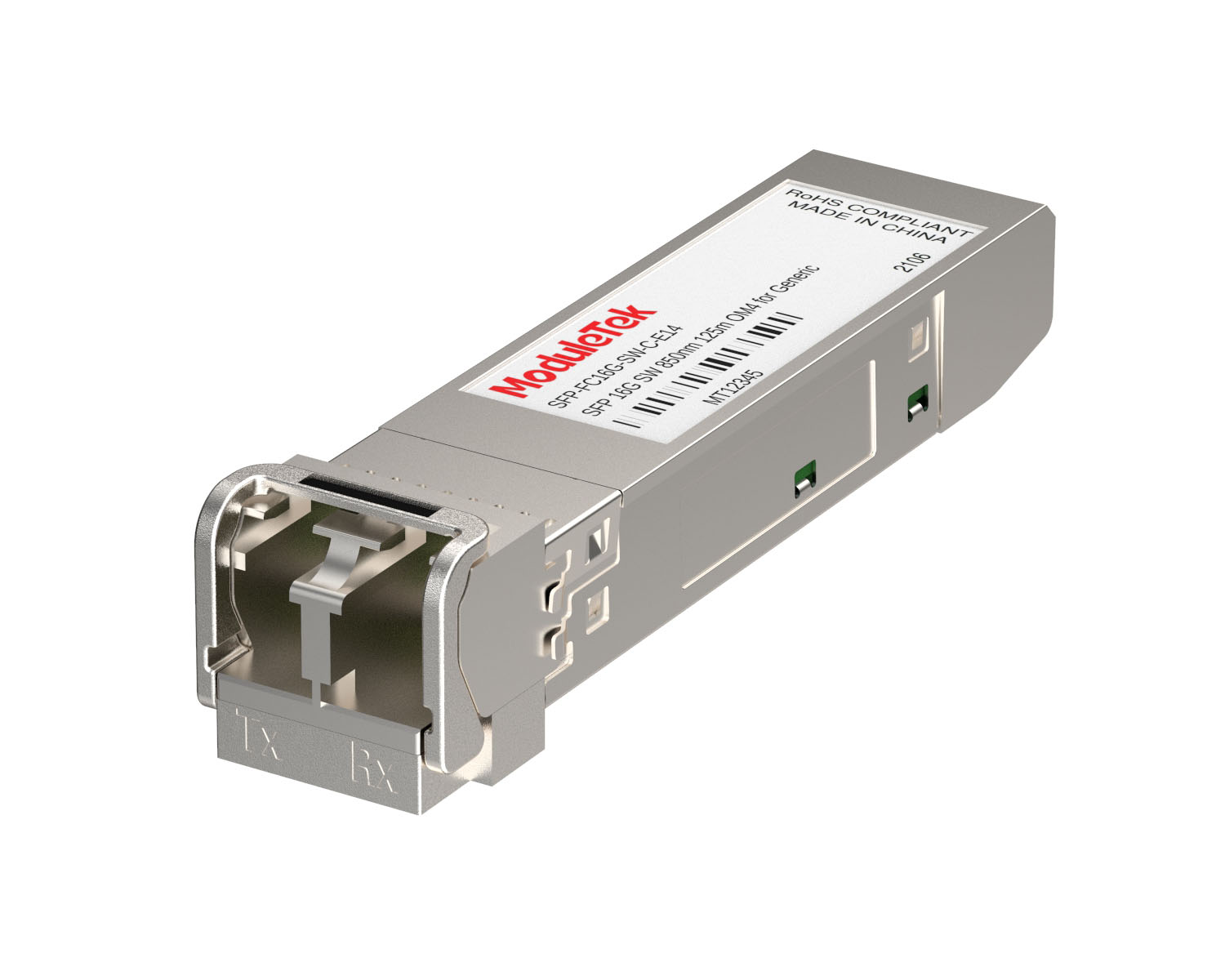 FC 16G/32G Optical Transceivers
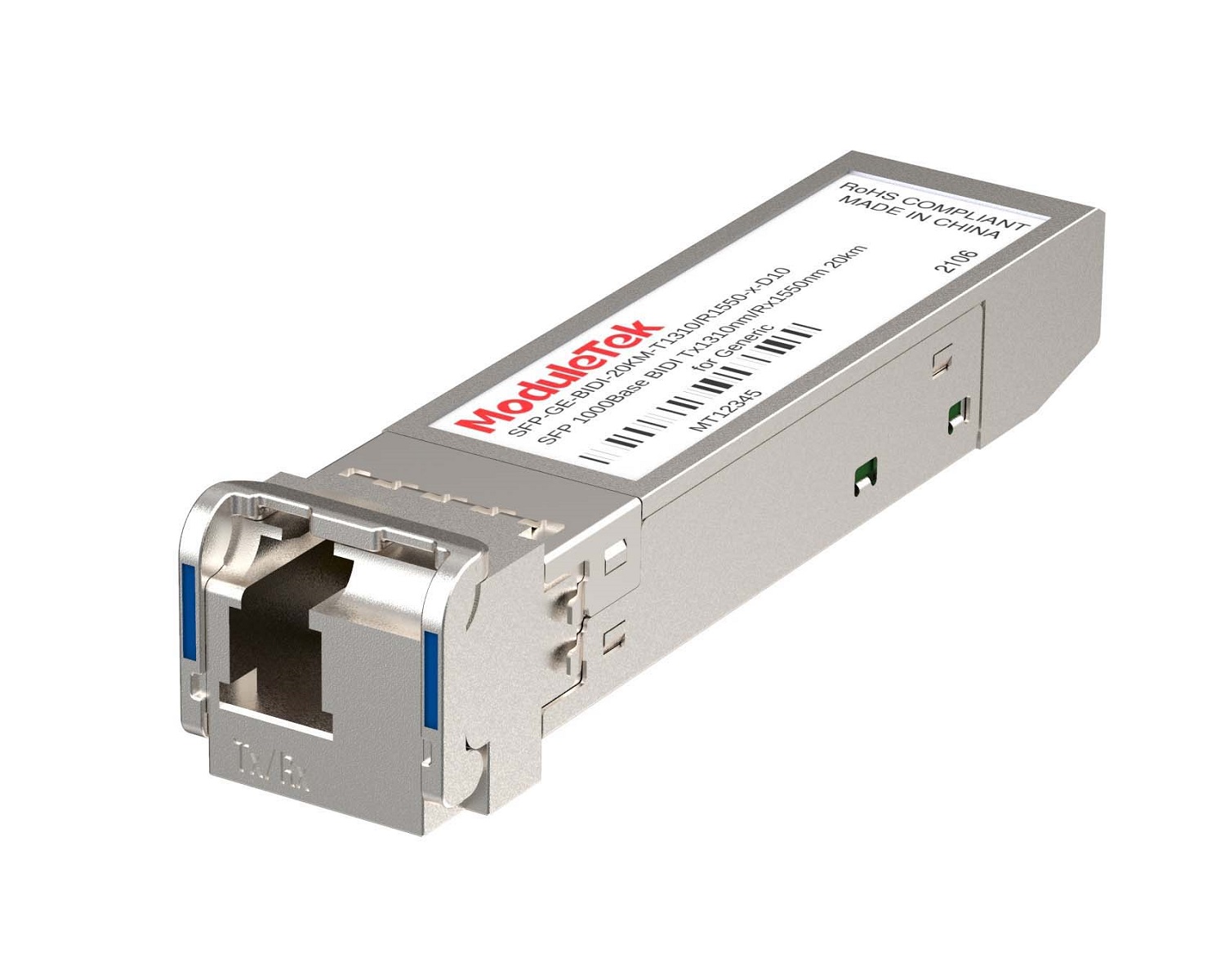 1G BIDI Optical Transceivers
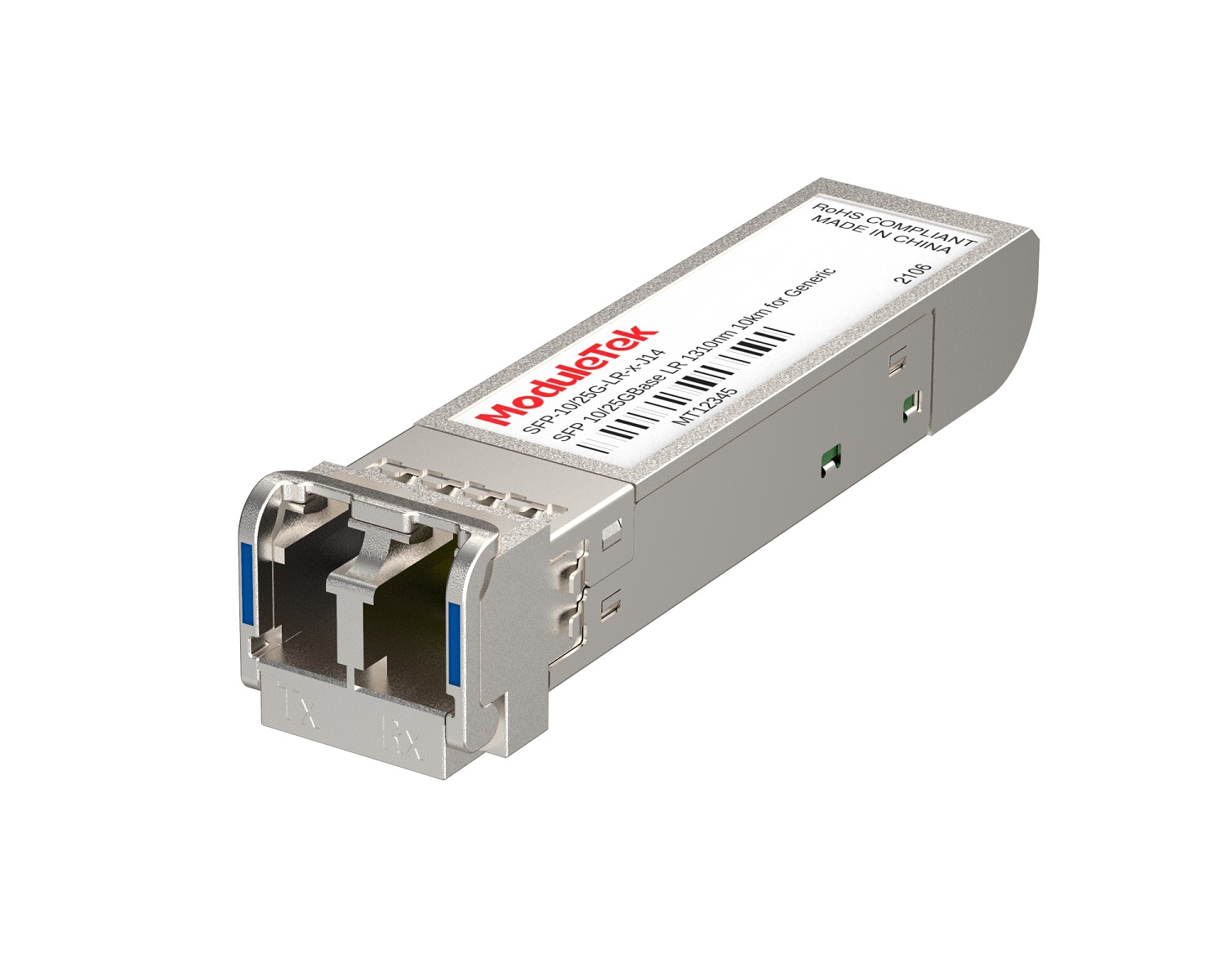 Dual-Rate Optical Transceivers
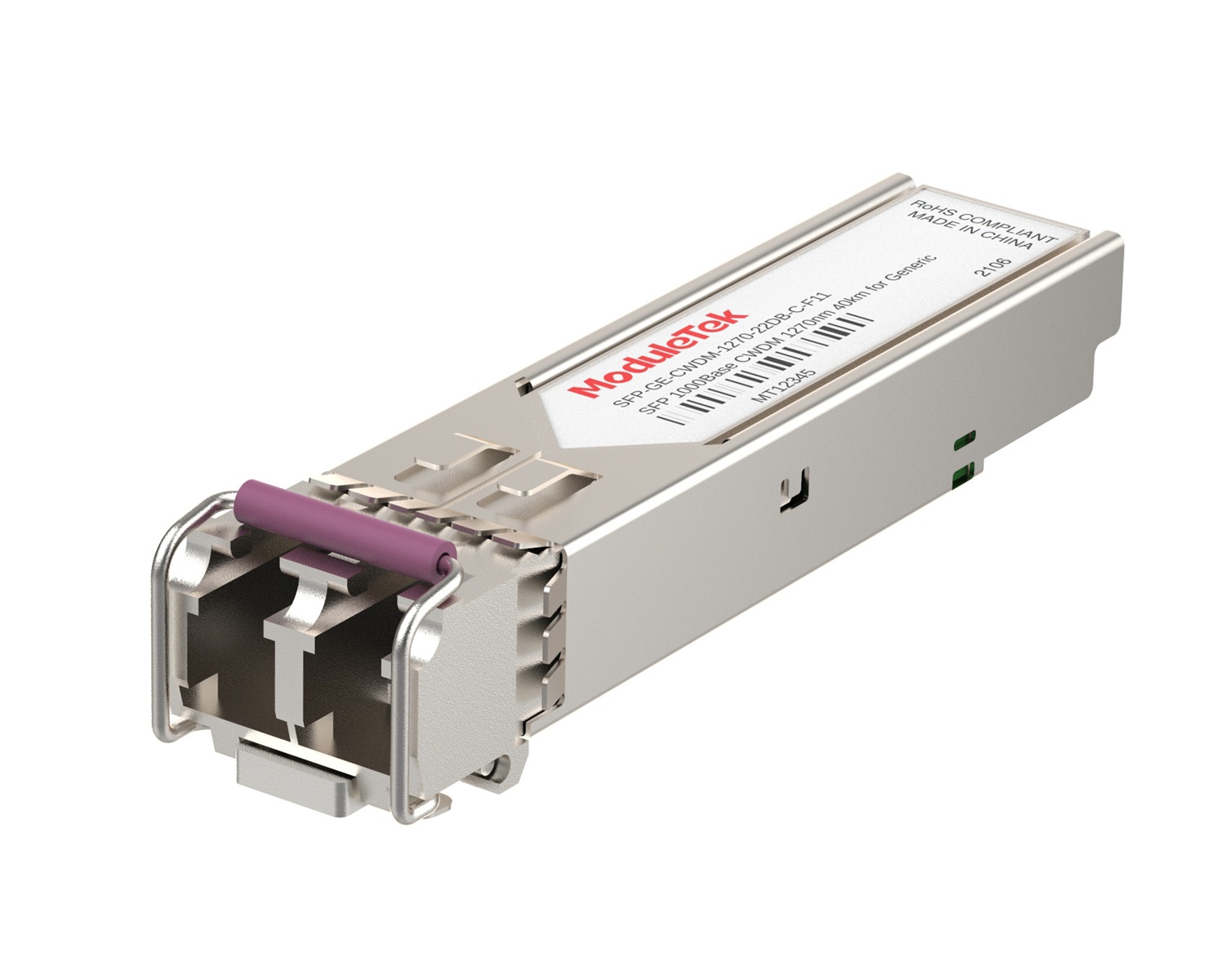 CWDM Optical Transceivers
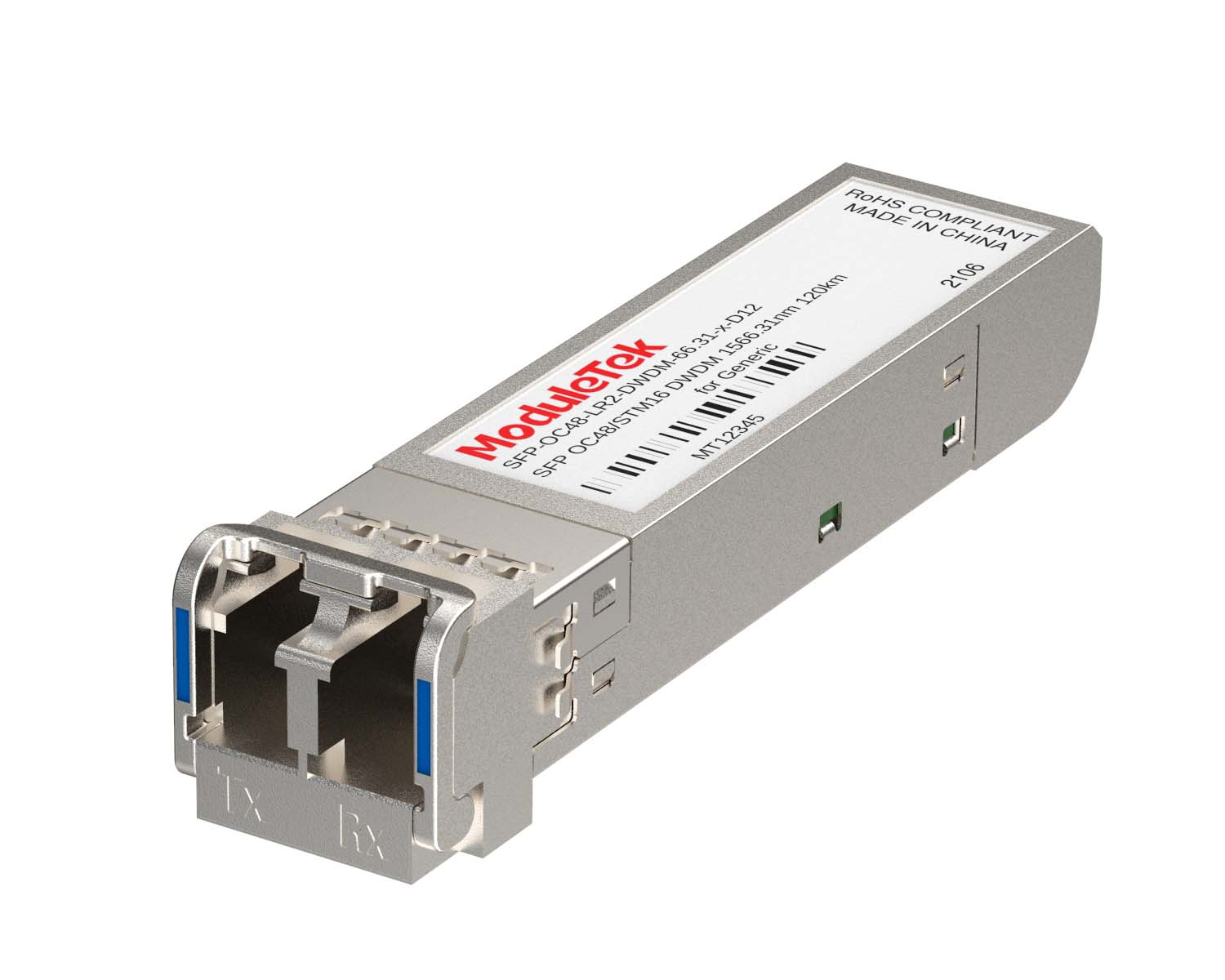 DWDM Optical Transceivers
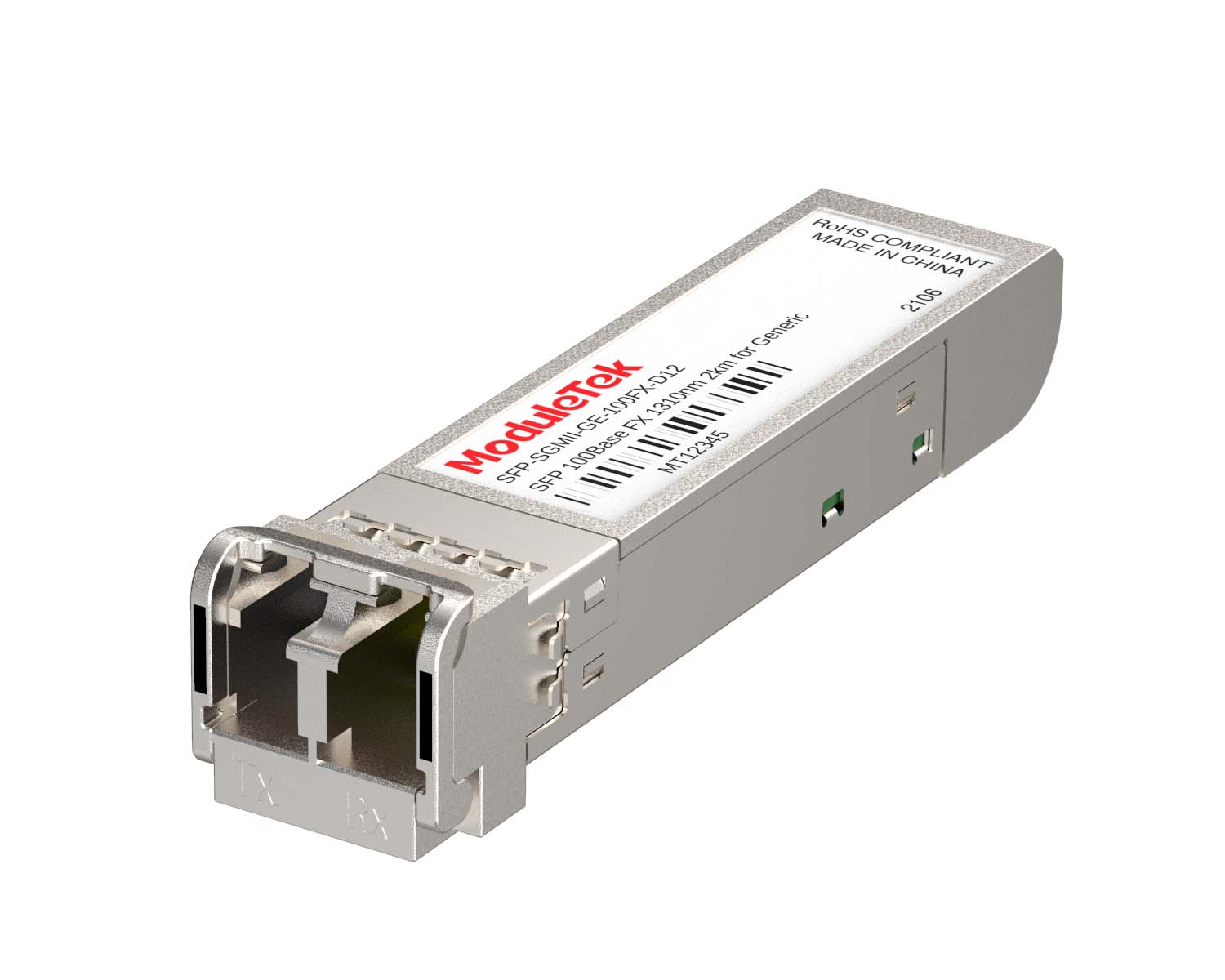 SGMII Port Optical Transceivers
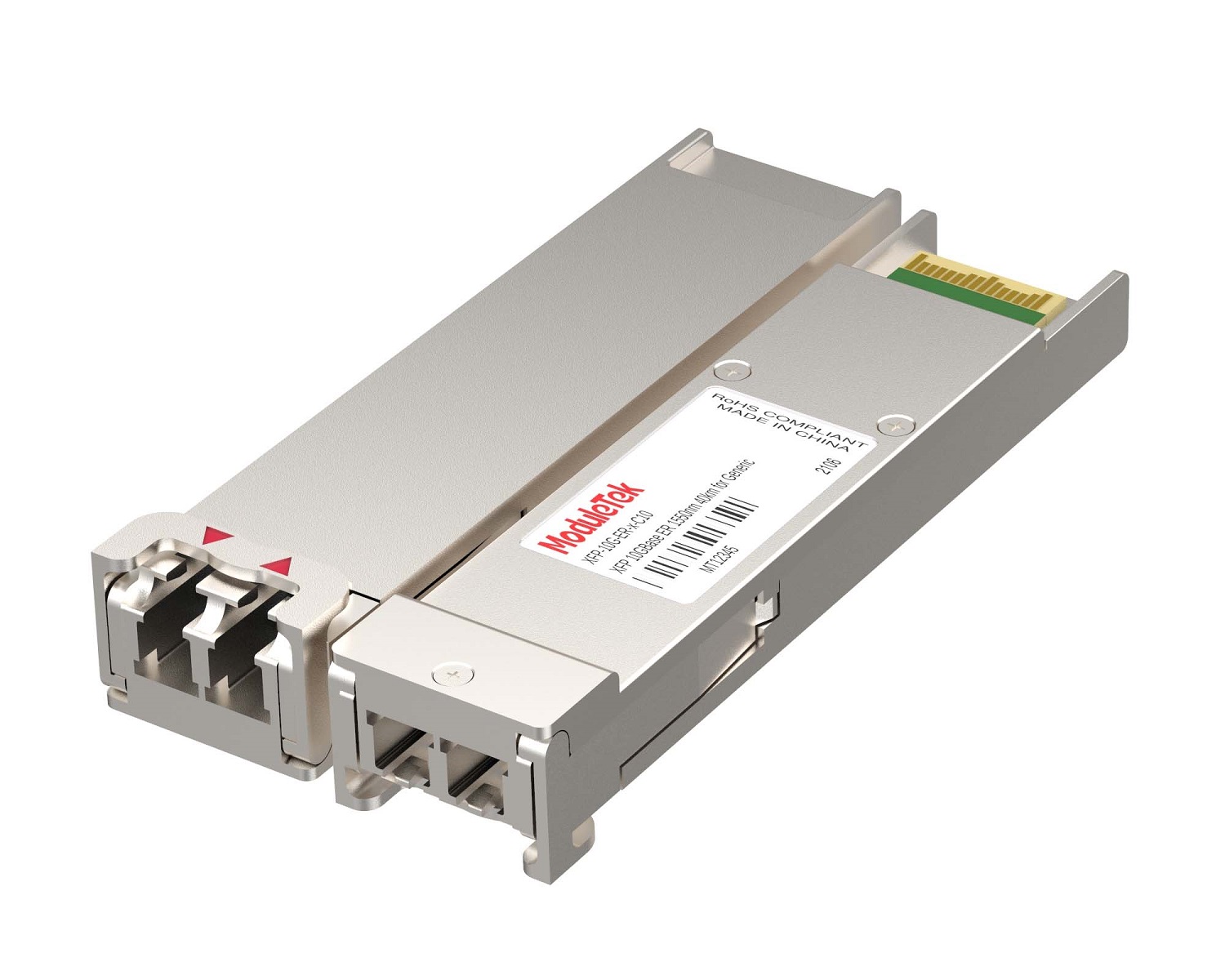 XFP Optical Transceivers
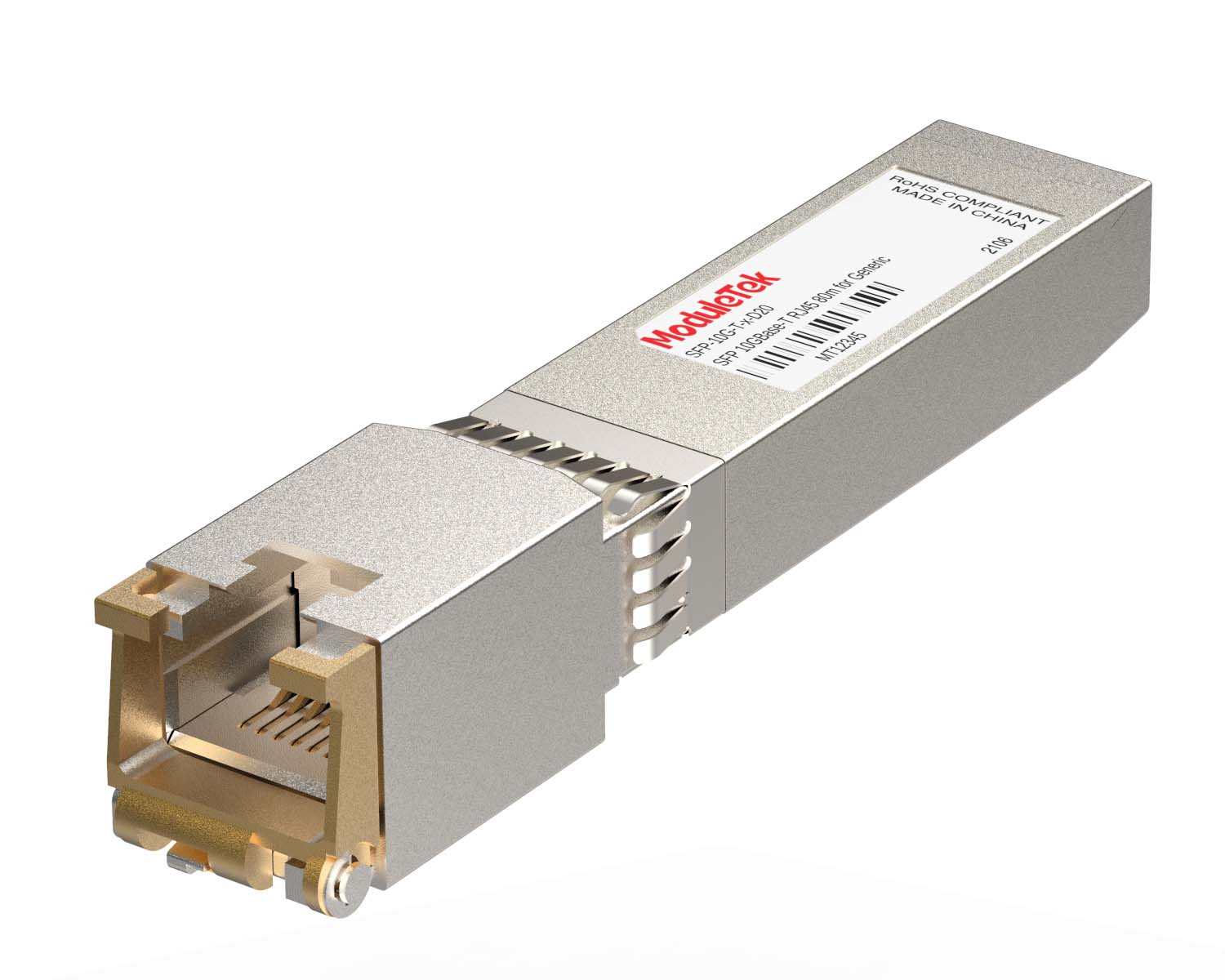 100M/1G/10G Coppers
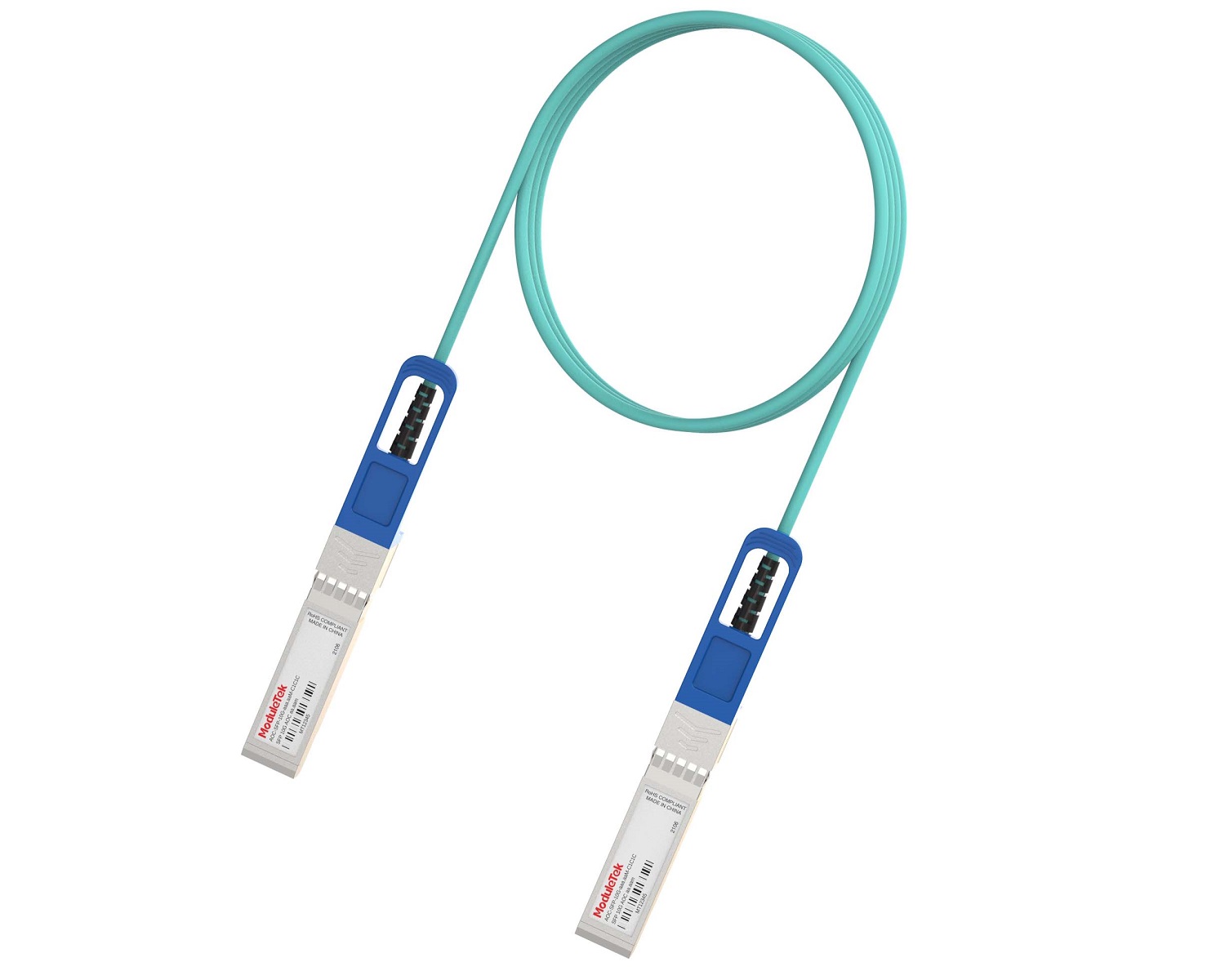 Full-Rate AOC & Breakout Series
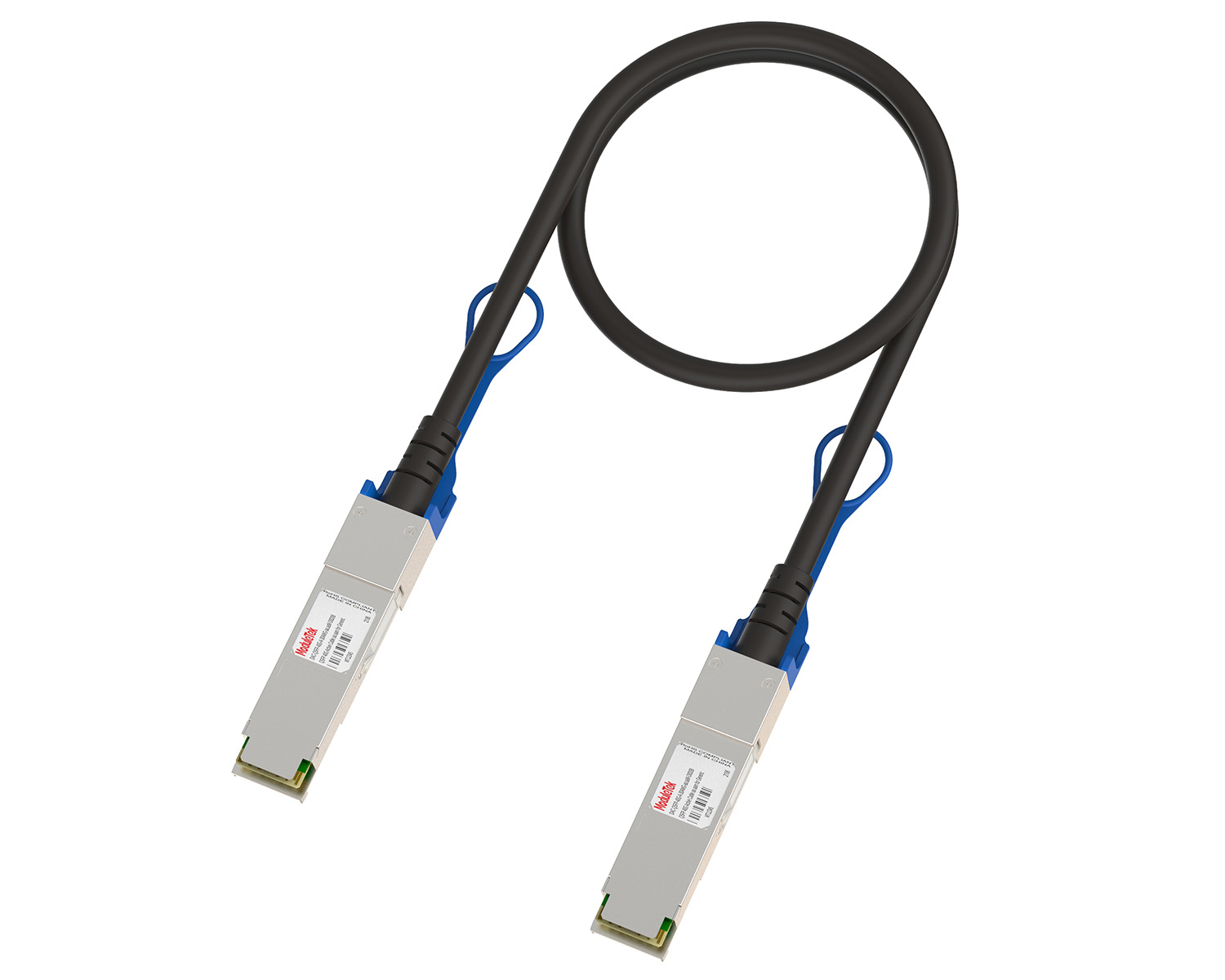 10G/40G Active DAC Series
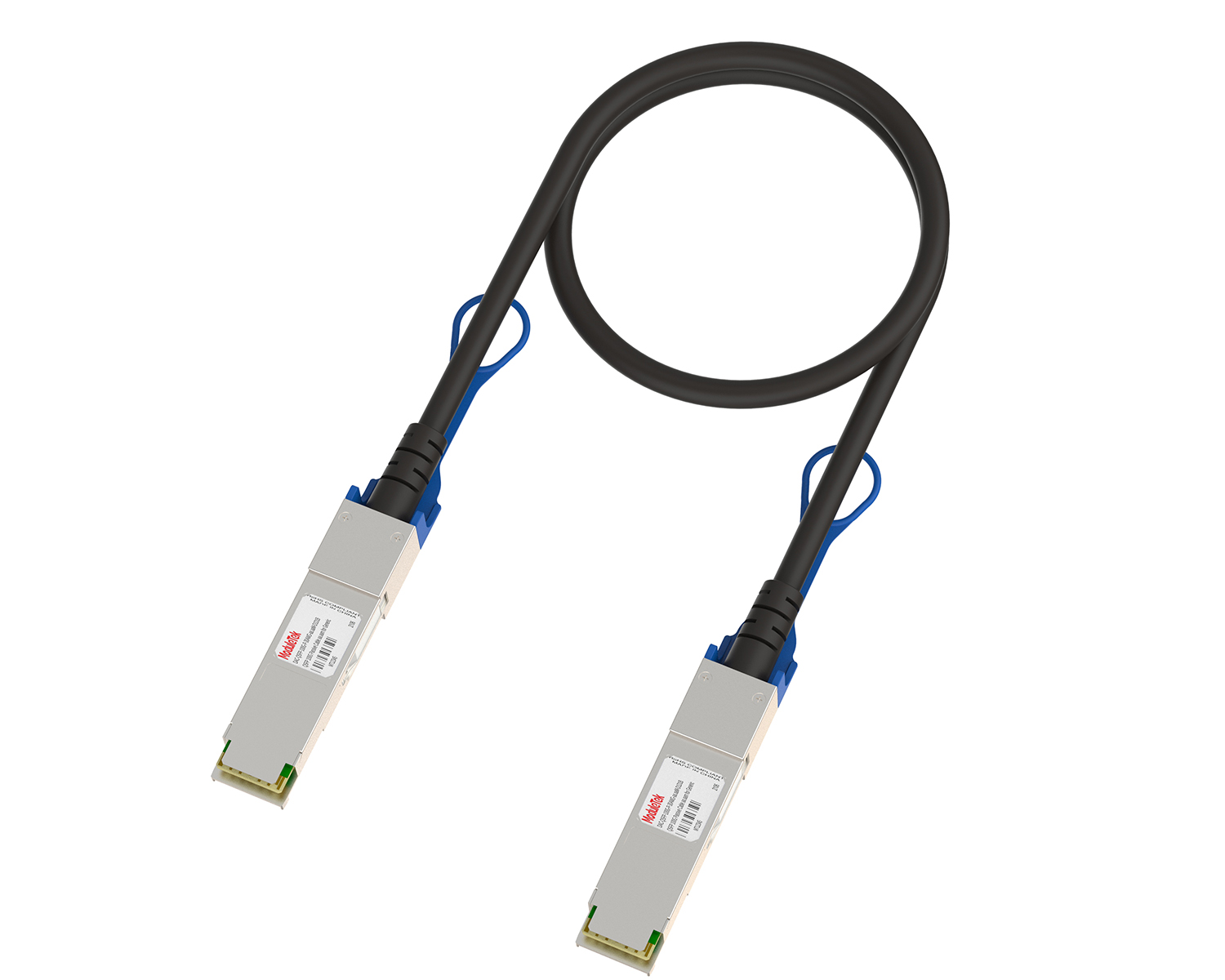 Full-Rate Passive DAC Series
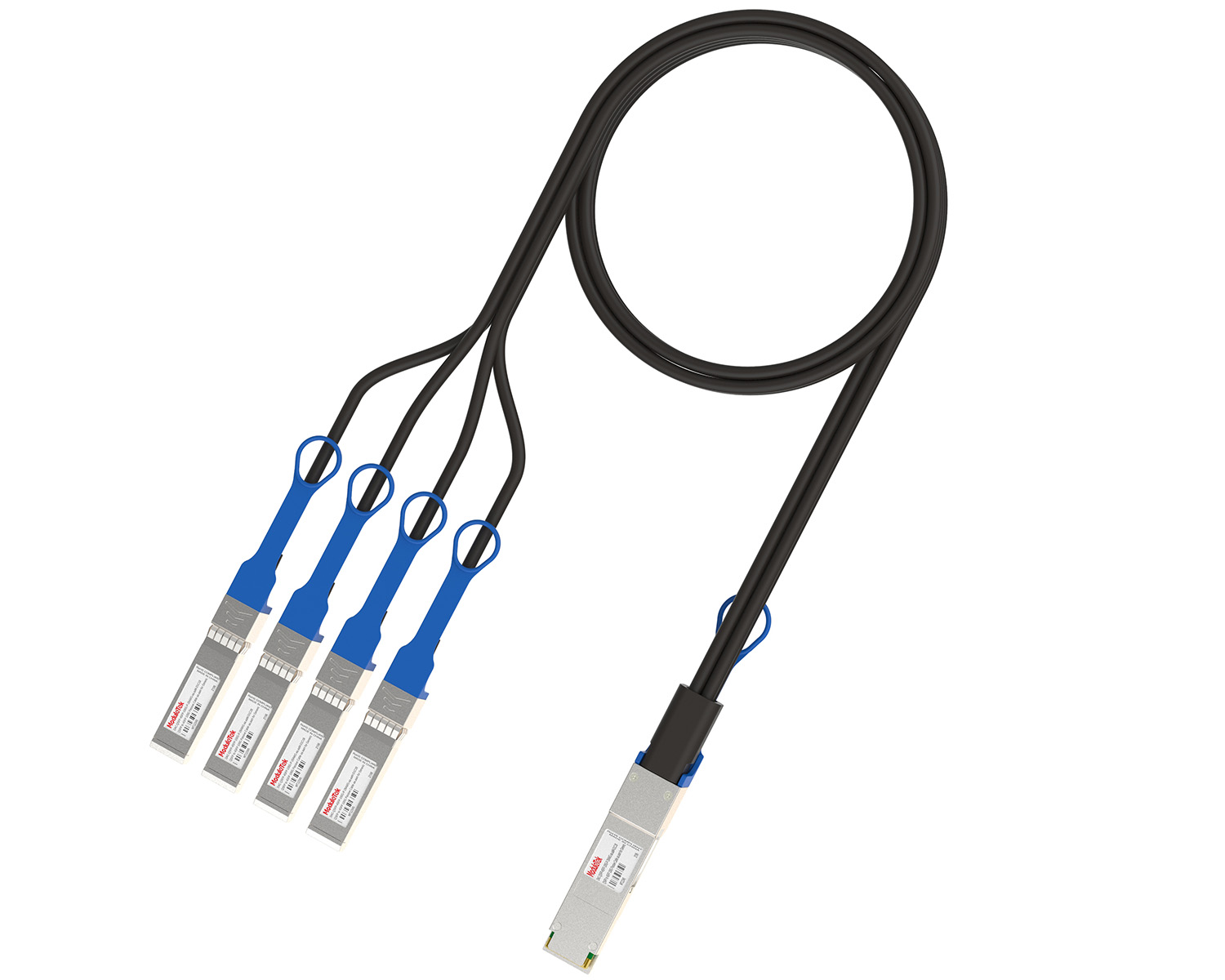 40G/100G Passive Breakout DAC Series
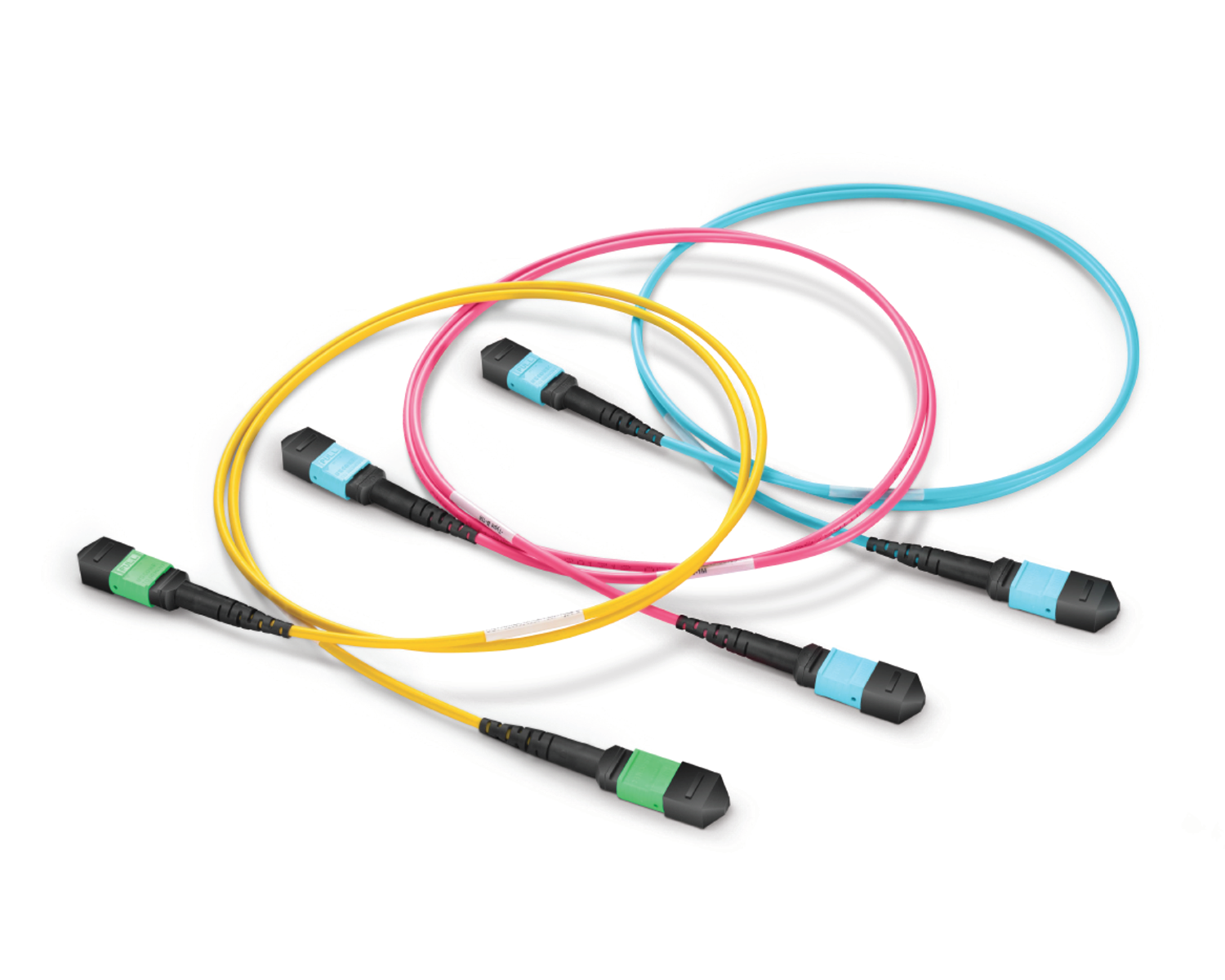 Regular/MTP-MPO Fiber Patch Cords
 MT2011
 MT2010
 CodingBox
 QSFP to SFP Adapter
CIENA Switch How To View The Supported Optical Module Models
Time: 2024-07-11
Previously we have introduced the Ciena switch to view the optical module information method , probably understand the CIENA switch to access the optical module will have a certain authentication operation; unauthenticated third-party module or device does not support the model, CIENA will not directly close the port so that it can not work, but may trigger an alarm.
Next, taking CIENA 3930 as an example, Moduleek Labs takes you to learn how CIENA switches view supported optical module models.
Use the CIENA 160-9103-900 original module to access the CIENA 3930 switch, check the optical module information, and find that the Oper State shows UCTF, i.e., uncetified, indicating that the current module is a non-certified module.
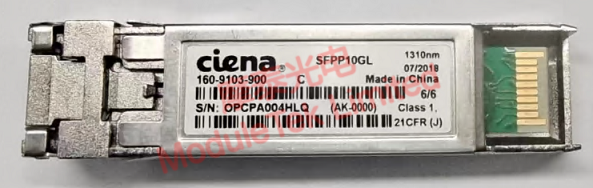
Figure 1 CIENA 160-9103-900 module
This module is an original CIENA module, which rules out non-authentication alarms caused by third-party modules. Next, check the optical module models supported by the CIENA 3930 switch and execute the command "port xcvr show supported". The output of this command is all the supported CIENA optical module models and their corresponding rates under the current switch model/current system. From the output, you can see that the 160-9103-900 module is not in the list of supported module models of the switch, so the non-authentication alarm appears.
Referring to the above list, accessing the Moduletek SFP+ LR (compatible with CIENA XCVR-S10V31) optical module, the Oper State shows Ena, i.e., enable, indicating that the current module is a CIENA 3930 certified module.
Moduletek can provide CIENA switch compatible optical module products, welcome to buy.
If you have any questions about the above content, please contact us via email: sales@moduletek.com