 40G/100G Optical Transceivers
 25G Optical Transceivers
 10G Optical Transceivers
 155M/2.5G Optical Transceivers
 1G Optical Transceivers
 FC 16G/32G Optical Transceivers
 1G BIDI Optical Transceivers
 Dual-Rate Optical Transceivers
 CWDM Optical Transceivers
 DWDM Optical Transceivers
 SGMII Port Optical Transceivers
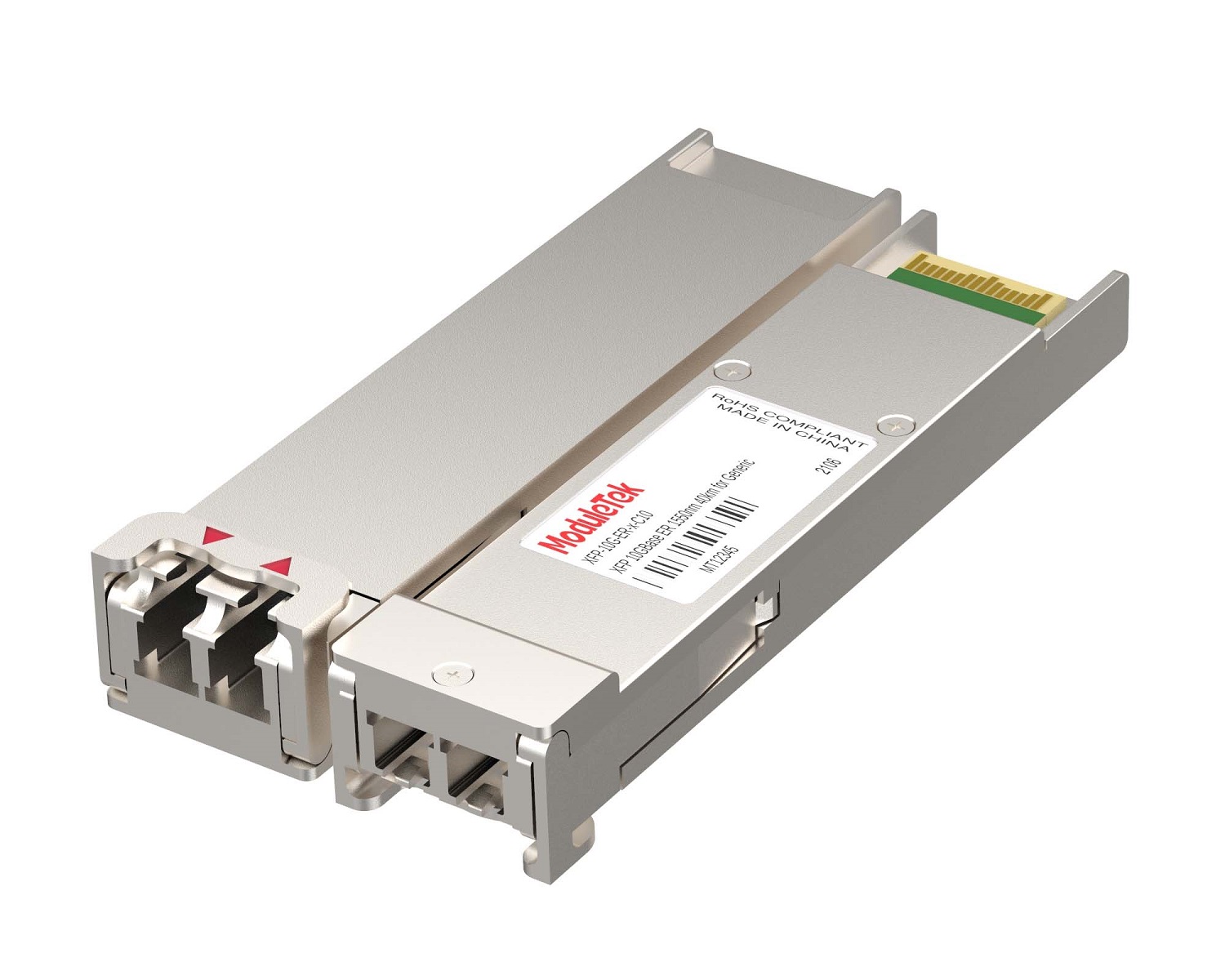 XFP Optical Transceivers
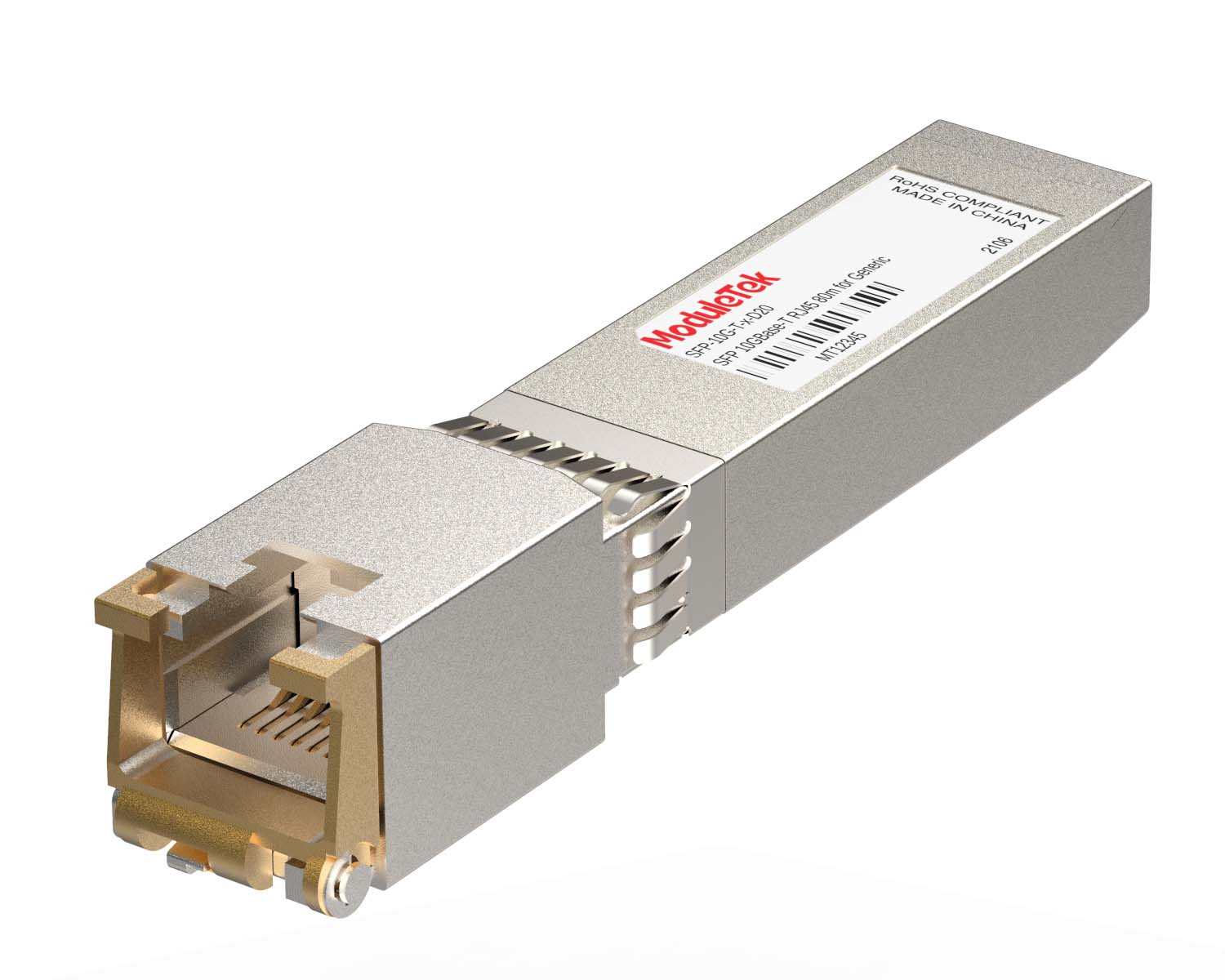 100M/1G/10G Coppers
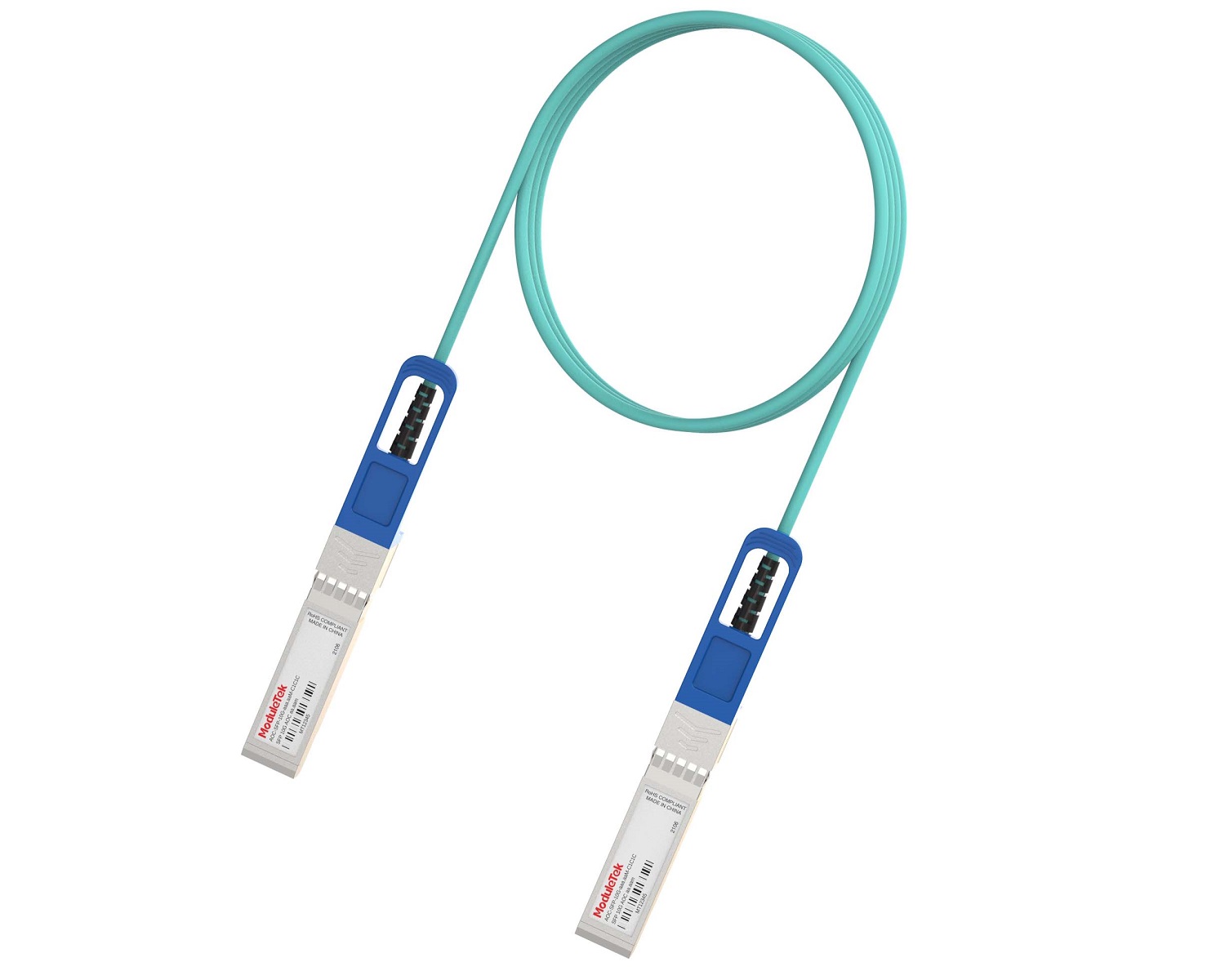 Full-Rate AOC & Breakout Series
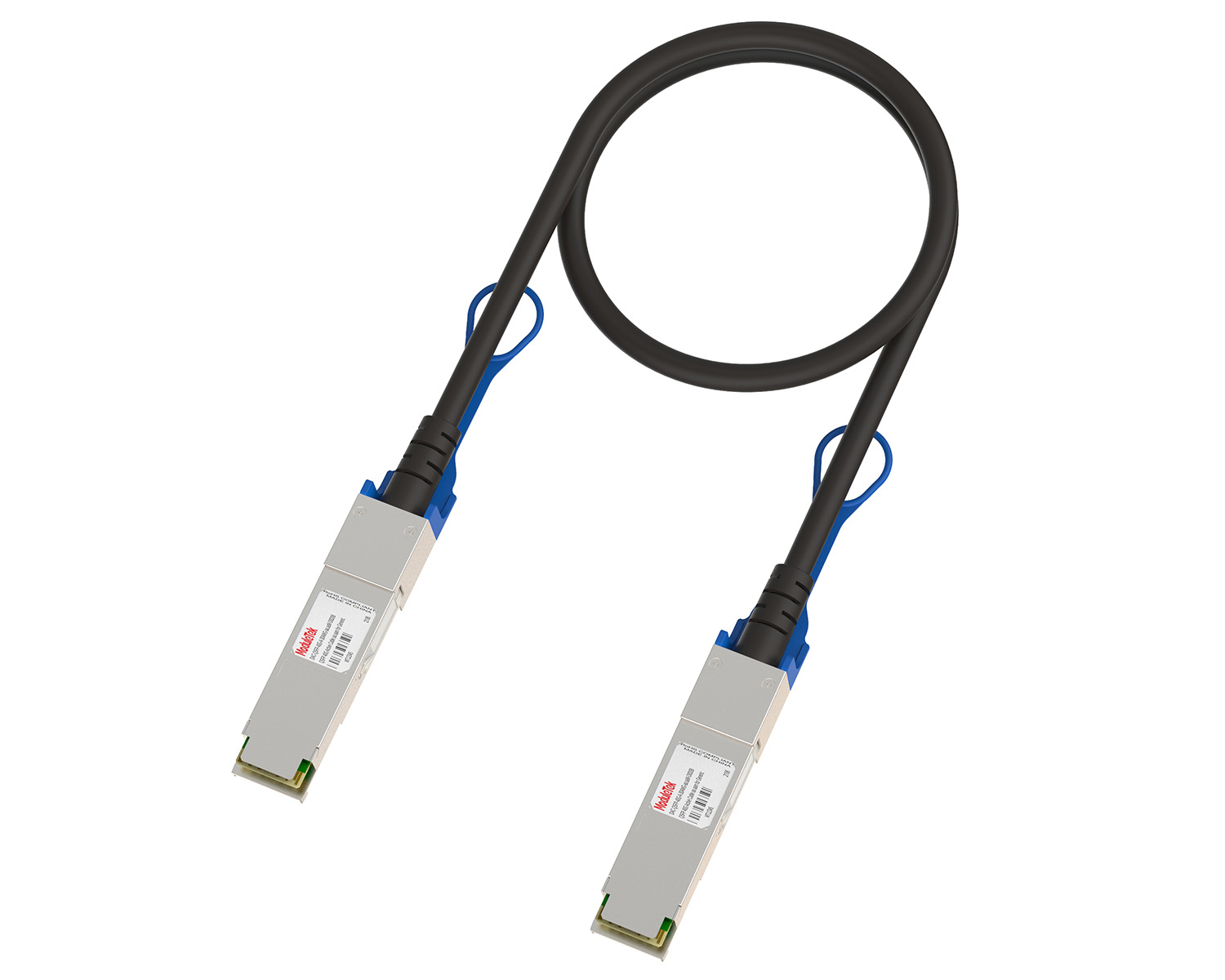 10G/40G Active DAC Series
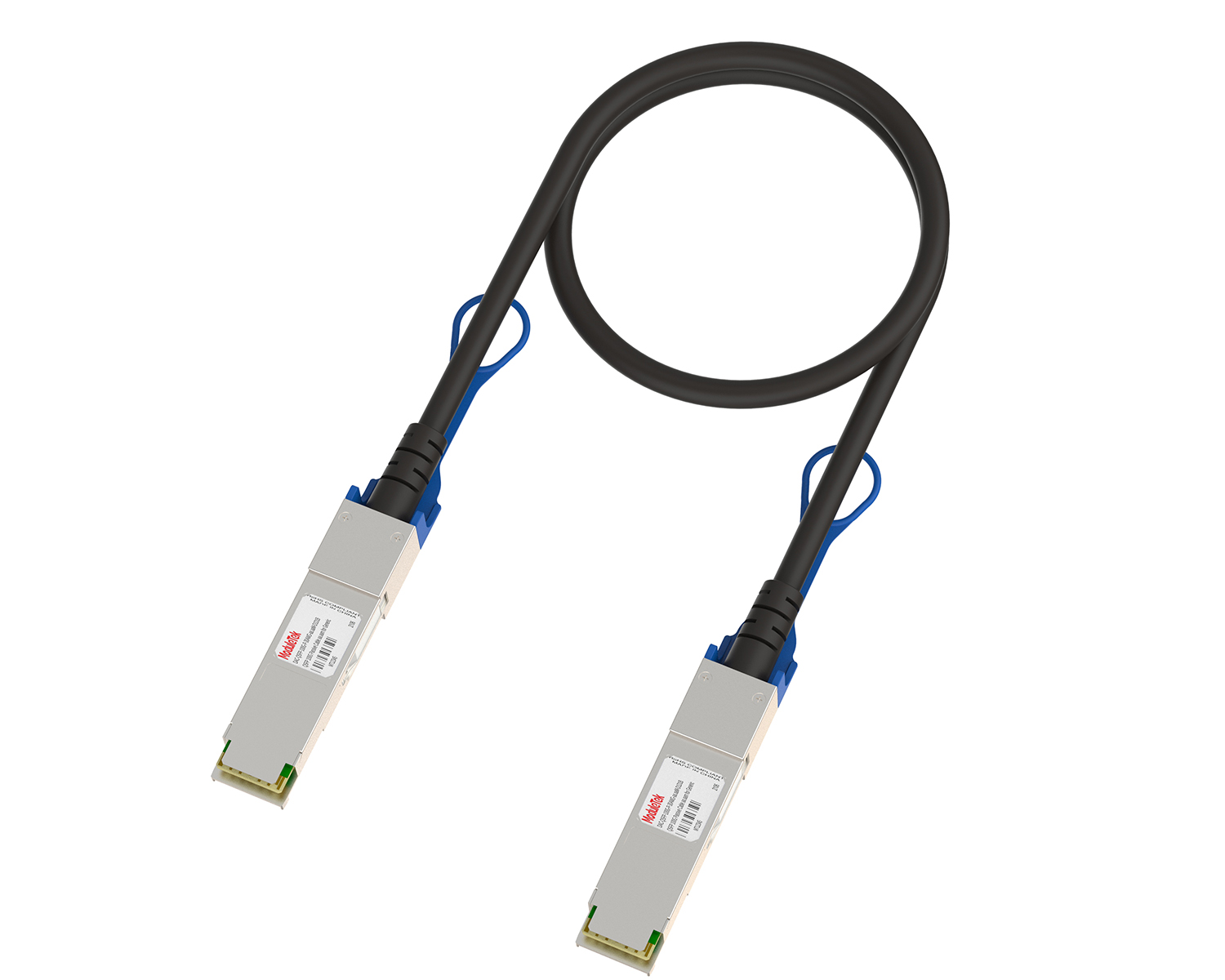 Full-Rate Passive DAC Series
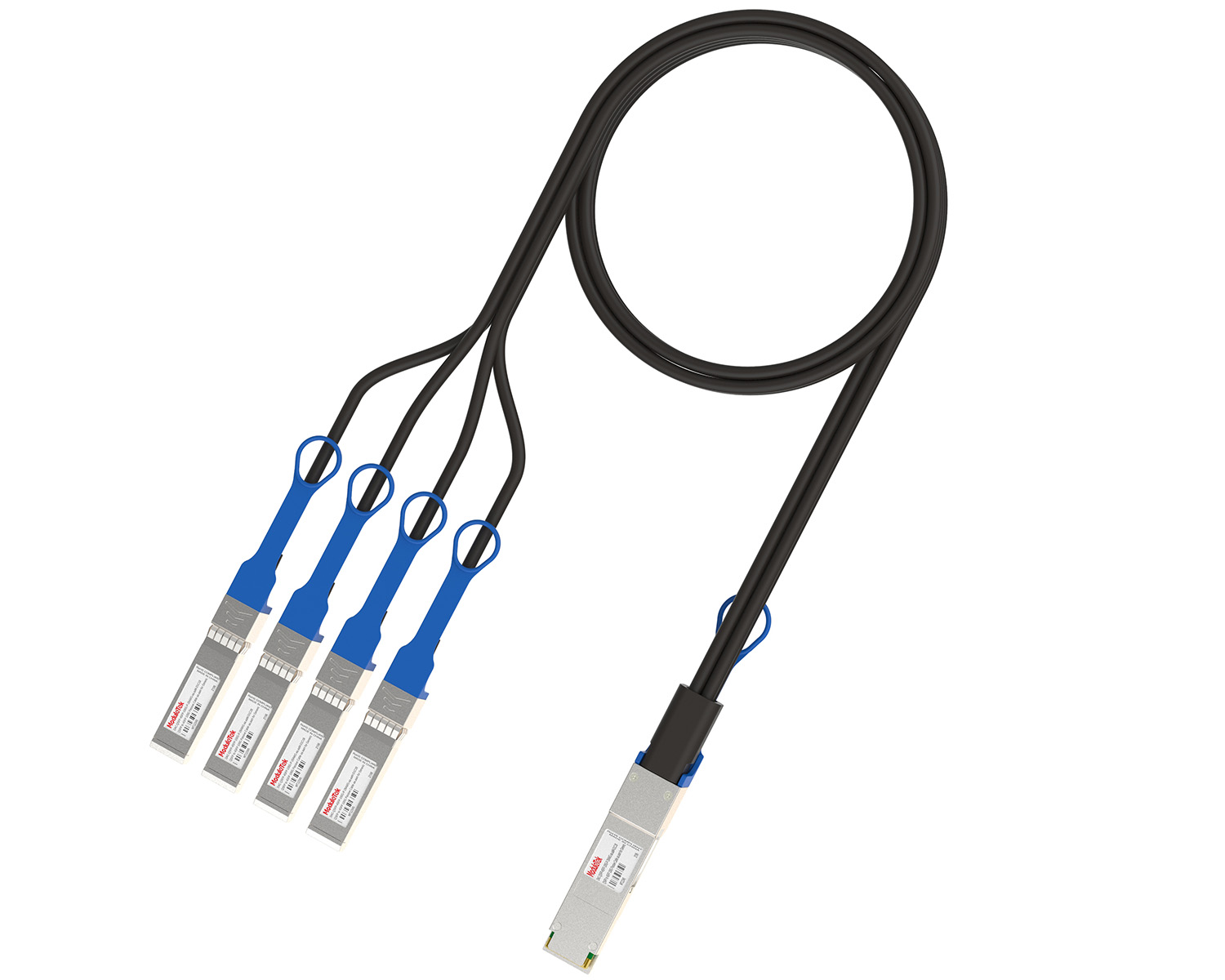 40G/100G Passive Breakout DAC Series
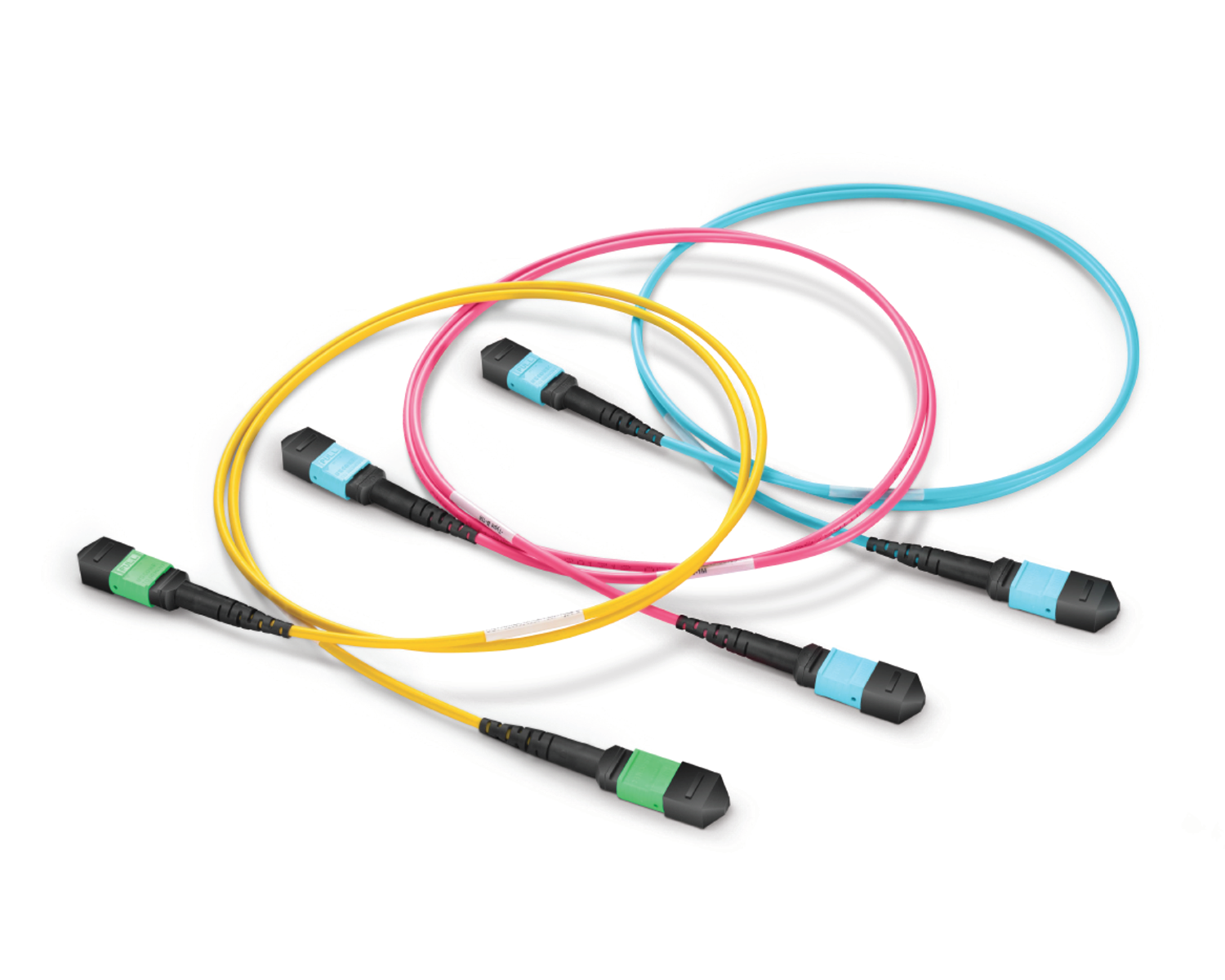 Regular/MTP-MPO Fiber Patch Cords
 MT2011
 MT2010
 CodingBox
 QSFP to SFP Adapter
VLAN Configuration Method For Nokia Switch SR OS System
Time: 2025-05-21
Switches usually need to configure VLANs in practical applications for separating broadcast domains, enhancing network security, flexible networking and simplifying network management, etc.; for example, traffic isolation can be achieved by dividing different departments into different logical networks through VLANs when the same switch is connected to multiple departments and data isolation between different departments has been completed.
The method of configuring VLANs in NOKIA switch SR OS system is different from the regular CISCO or HUAWEI commands. Next, ModuleTek Laboratory shares the configuration method with the actual case of NOKIA 7250 IXR-e switch SR OS system version 23.10.R1:
Table 1 Specific configuration for creating VLANs
|
Item
|
Procedure
|
Specific Configuration/Command
|
|
Create a VLAN
|
1. Enter mix mode in CLI mode and save
|
A:NS2203C6306#configure system management-interface configuration-mode mixed
Applying Changes to Model-Driven Database ... OK
A:NS2203C6306#admin save
|
|
2. Create vlan 10
|
A:NS2203C6306#configure service vpls 10 customer 1 create
Applying Changes to Model-Driven Database ... OK |
|
|
Configure the interface
|
3. Enter the interface configuration
|
*A:NS2203C6306>config>service>vpls$/configure port 1/1/c33/1
|
|
4. Configure port access mode
|
*A:NS2203C6306>config>port#ethernet mode access
|
|
|
5. Configure encap dot1q(only tag field is needed of TM )
|
*A:NS2203C6306>config>port#ethernet encap-type dot1q
|
|
|
6. Activate the interface
|
*A:NS2203C6306>config>port#no shutdown
|
|
|
7. View the interface configuration
|
*A:NS2203C6306>config>port#info
|
|
|
Configure the interface to VLAN
|
8. Enter the service configuration
|
*A:NS2203C6306#configure service
|
|
9. Enter VLAN 10
|
*A:NS2203C6306>config>service#vpls 10
|
|
|
10. Configure specific ports to vlan 10, activate and save to exit
|
*A:NS2203C6306>config>service>vpls# sap 1/1/c33/1:* create
*A:NS2203C6306>config>service>vpls>sap$& no shutdown
*A:NS2203C6306>config>service>vpls>sap$ exit
*A:NS2203C6306>config>service# exit
A:NS2203C6306# admin save
|
|
|
11. Enter the port and configure mtu to the maximum value, save the configuration and exit
|
A:NS2203C6306#configure port 1/1/c33/1
A:NS2203C6306>config>port# ethernet mtu 9800
*A:NS2203C6306>config>port# exit
A:NS2203C6306# admin save
|
|
|
View configuration of VLAN
|
12. view status of vlan
|
*A:NS2203C6306>config>service>vpls# show service service-using
|
|
13. View the members of ;vlan
|
*A:NS2203C6306>config>service>vpls#show service sap-using
|
ModuleTek Limited is at your service !
If you have any questions about the above content, please contact us via email: sales@moduletek.com