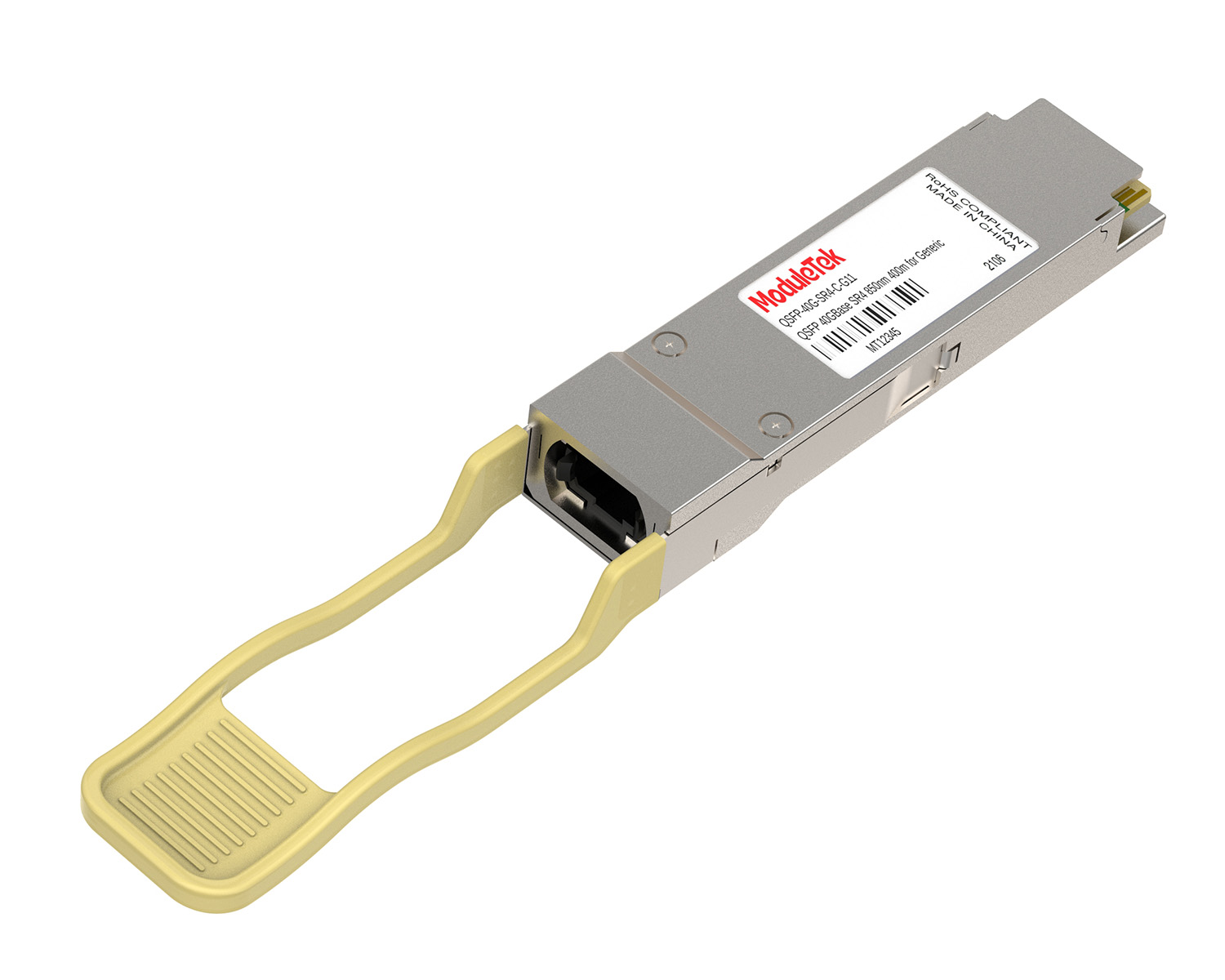
 40G/100G Optical Transceivers
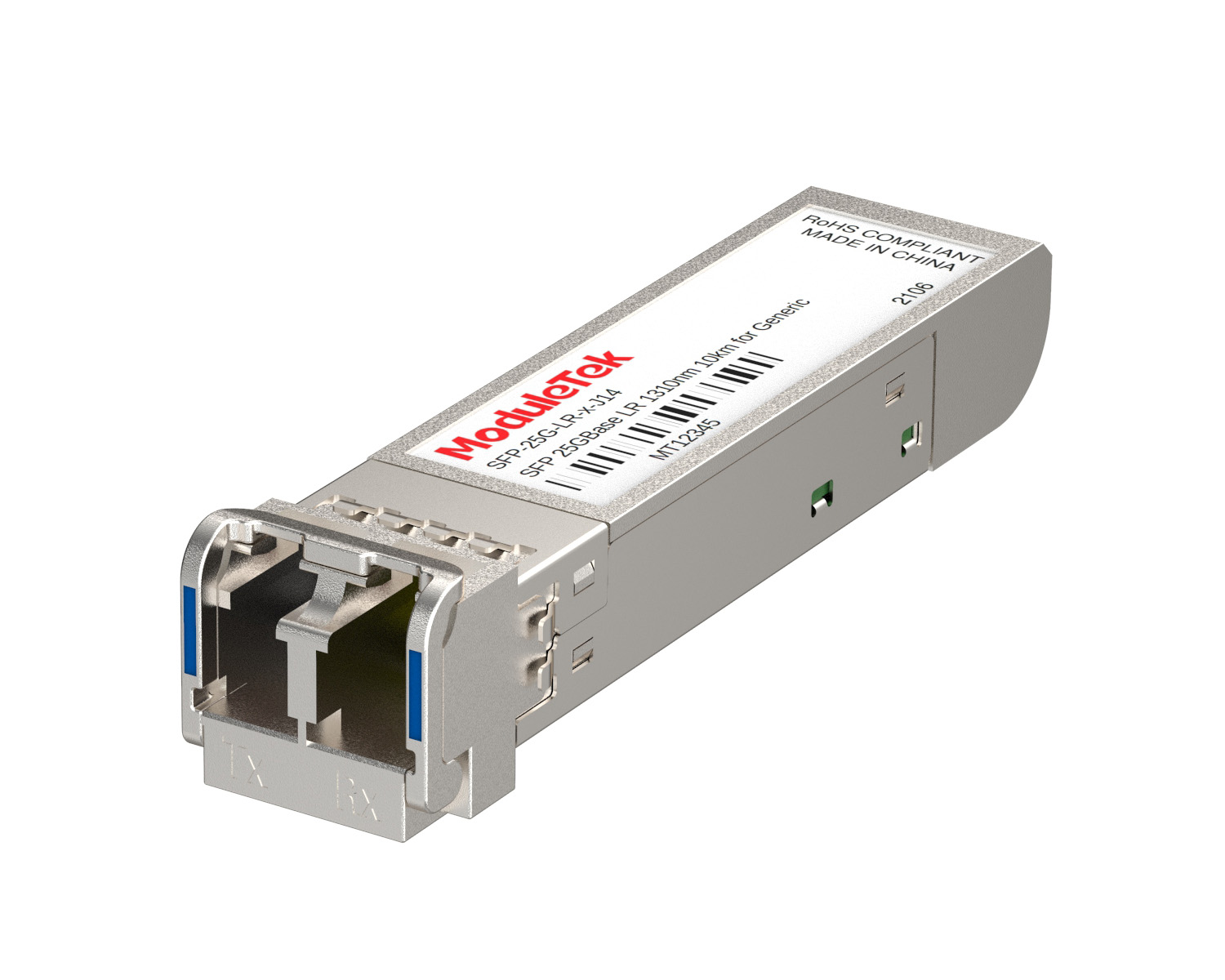 25G Optical Transceivers
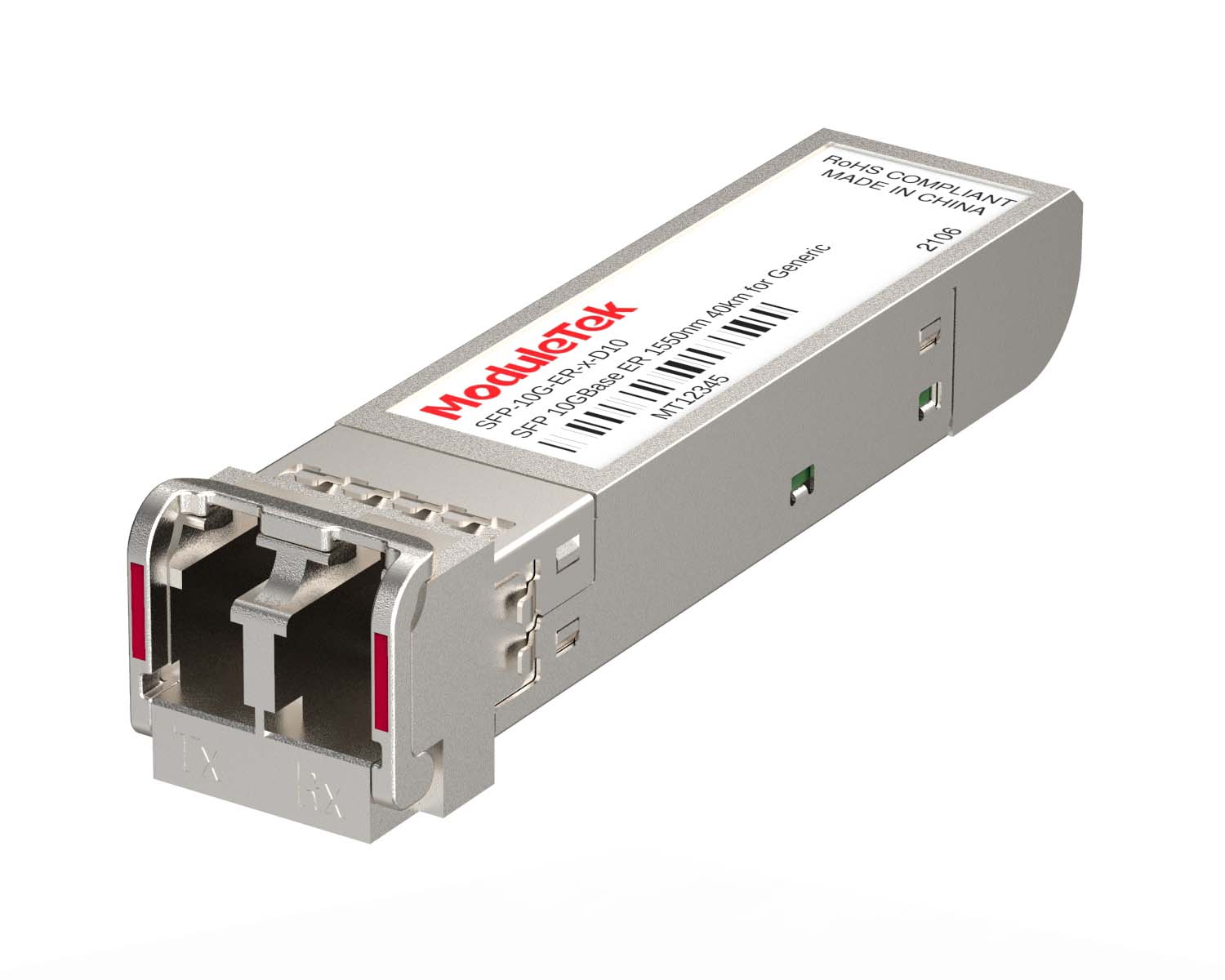 10G Optical Transceivers
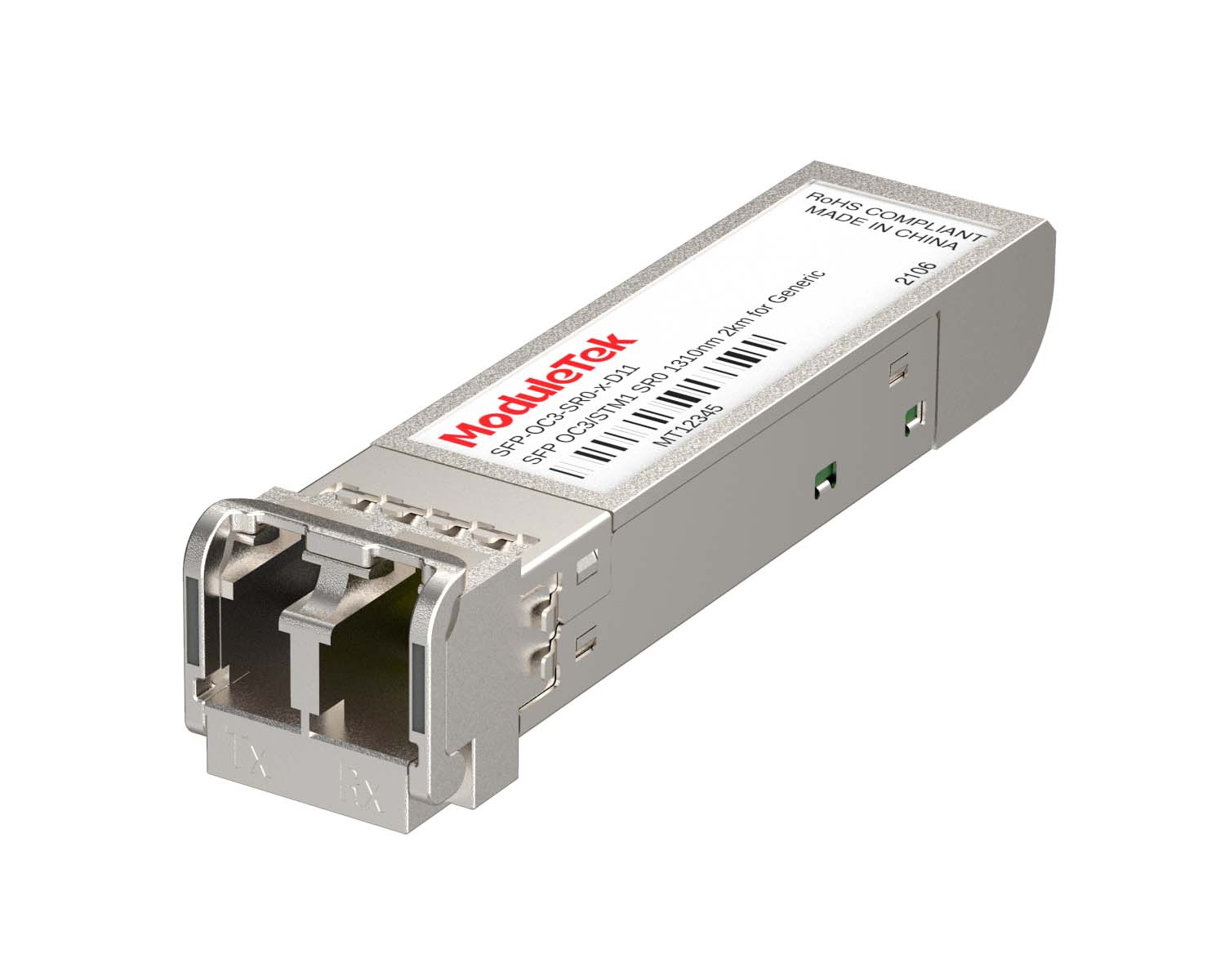 155M/2.5G Optical Transceivers
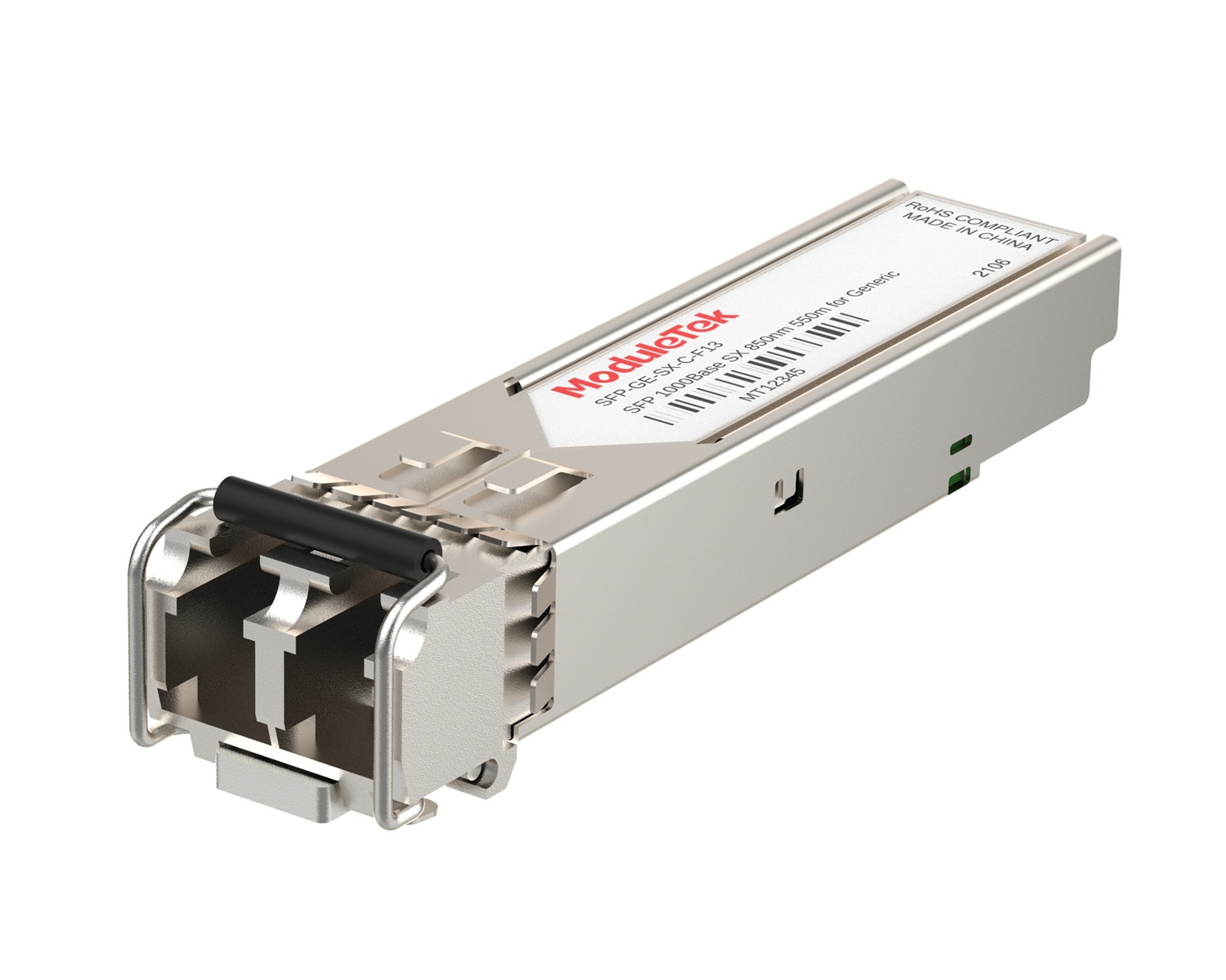 1G Optical Transceivers
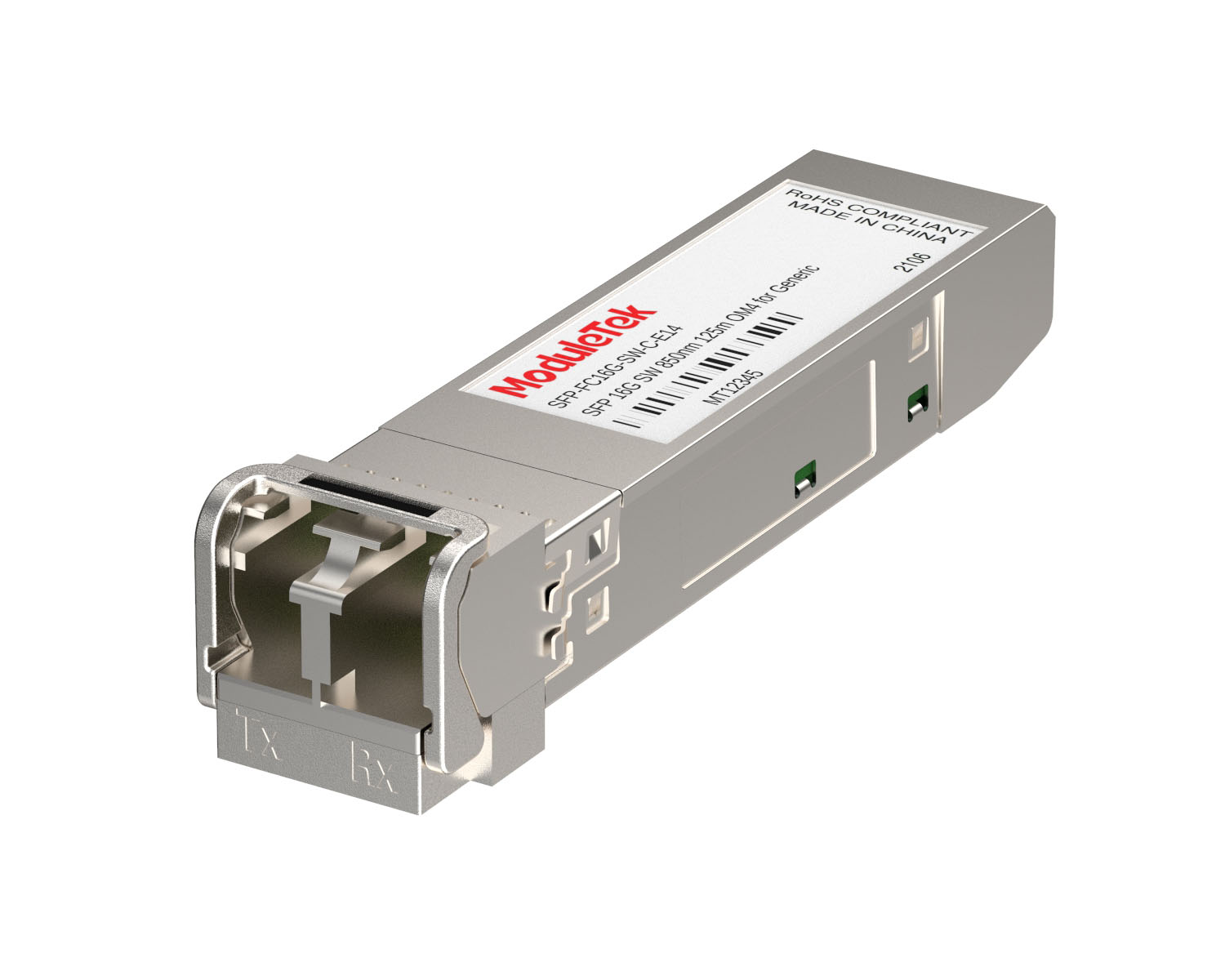 FC 16G/32G Optical Transceivers
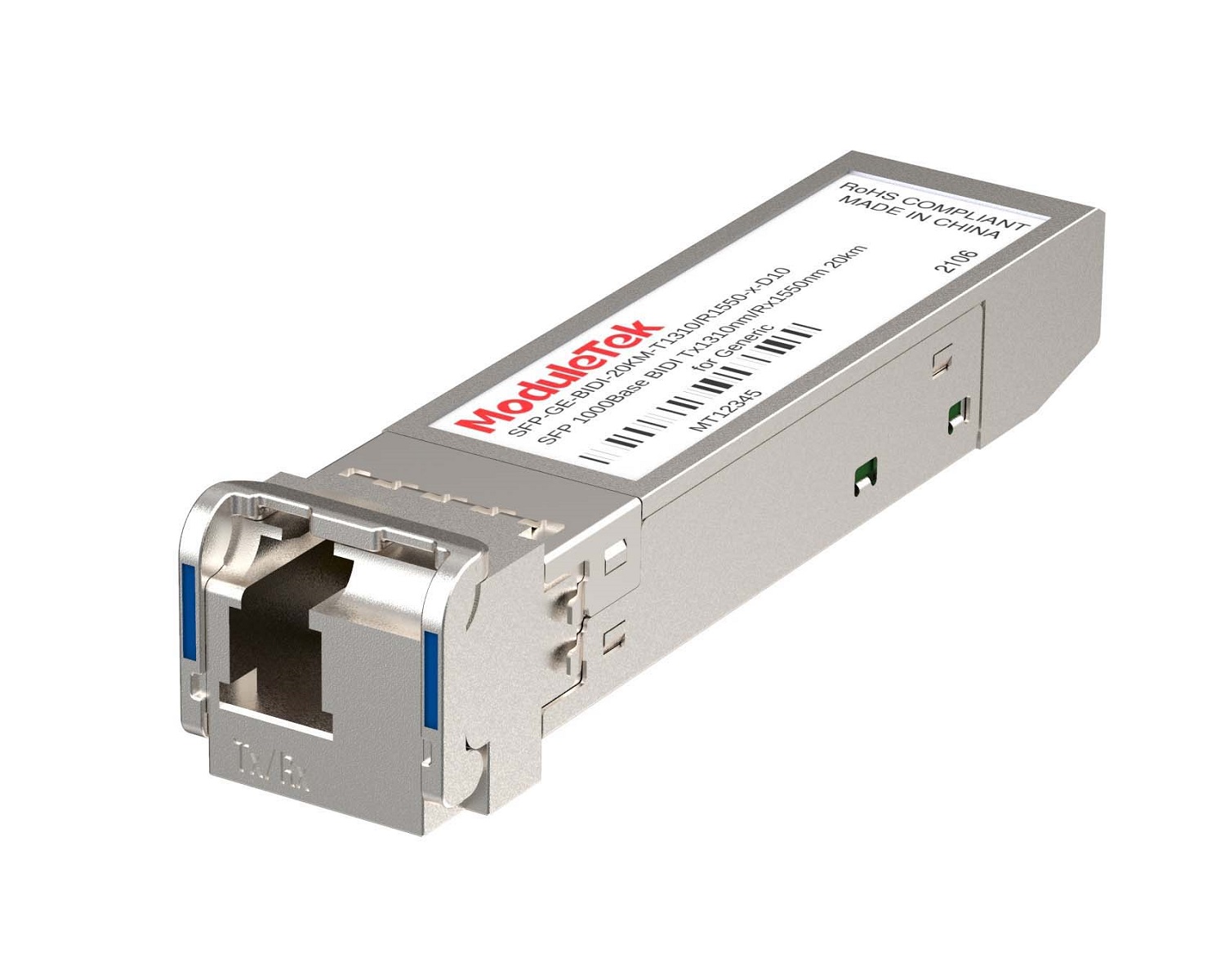 1G BIDI Optical Transceivers
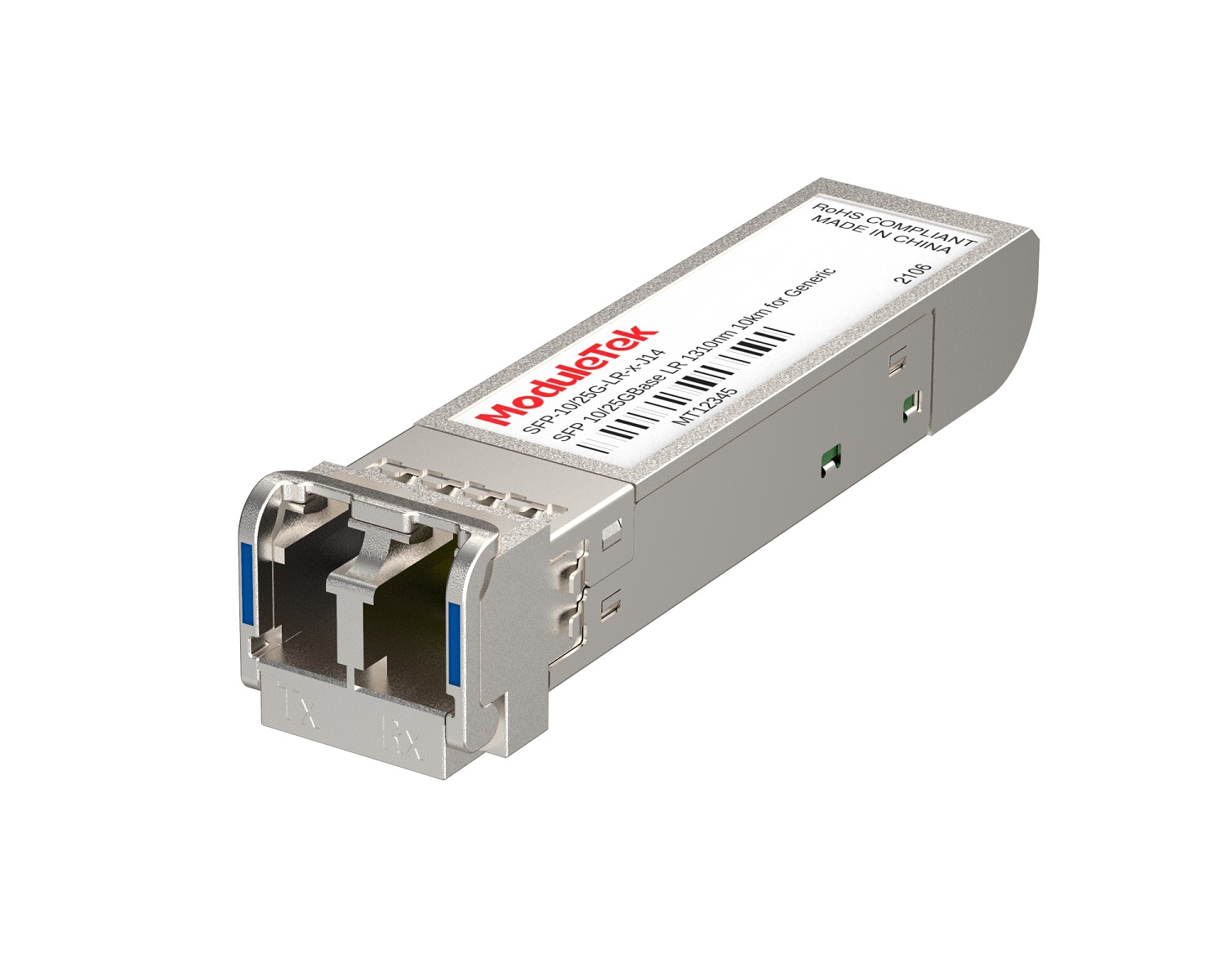 Dual-Rate Optical Transceivers
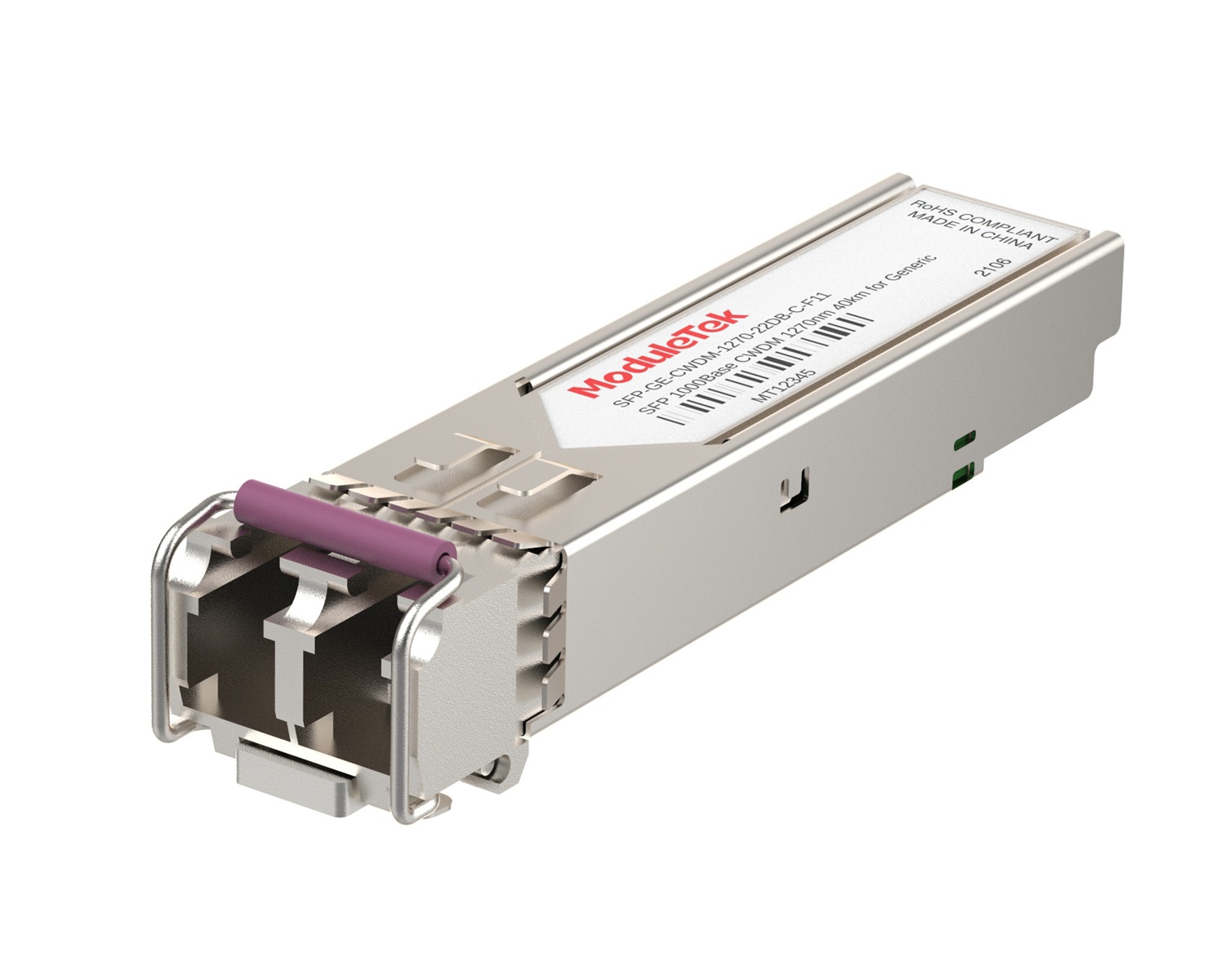 CWDM Optical Transceivers
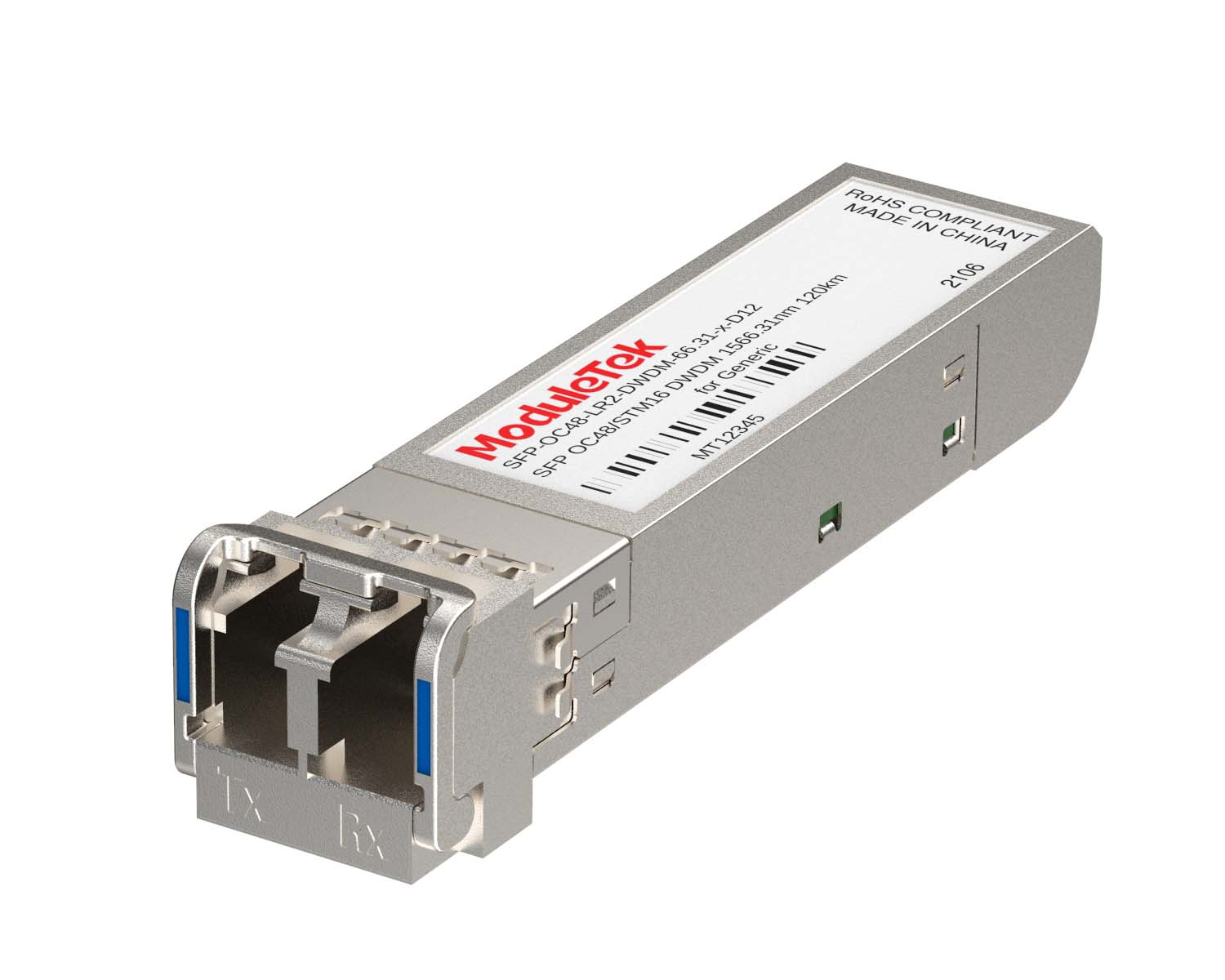 DWDM Optical Transceivers
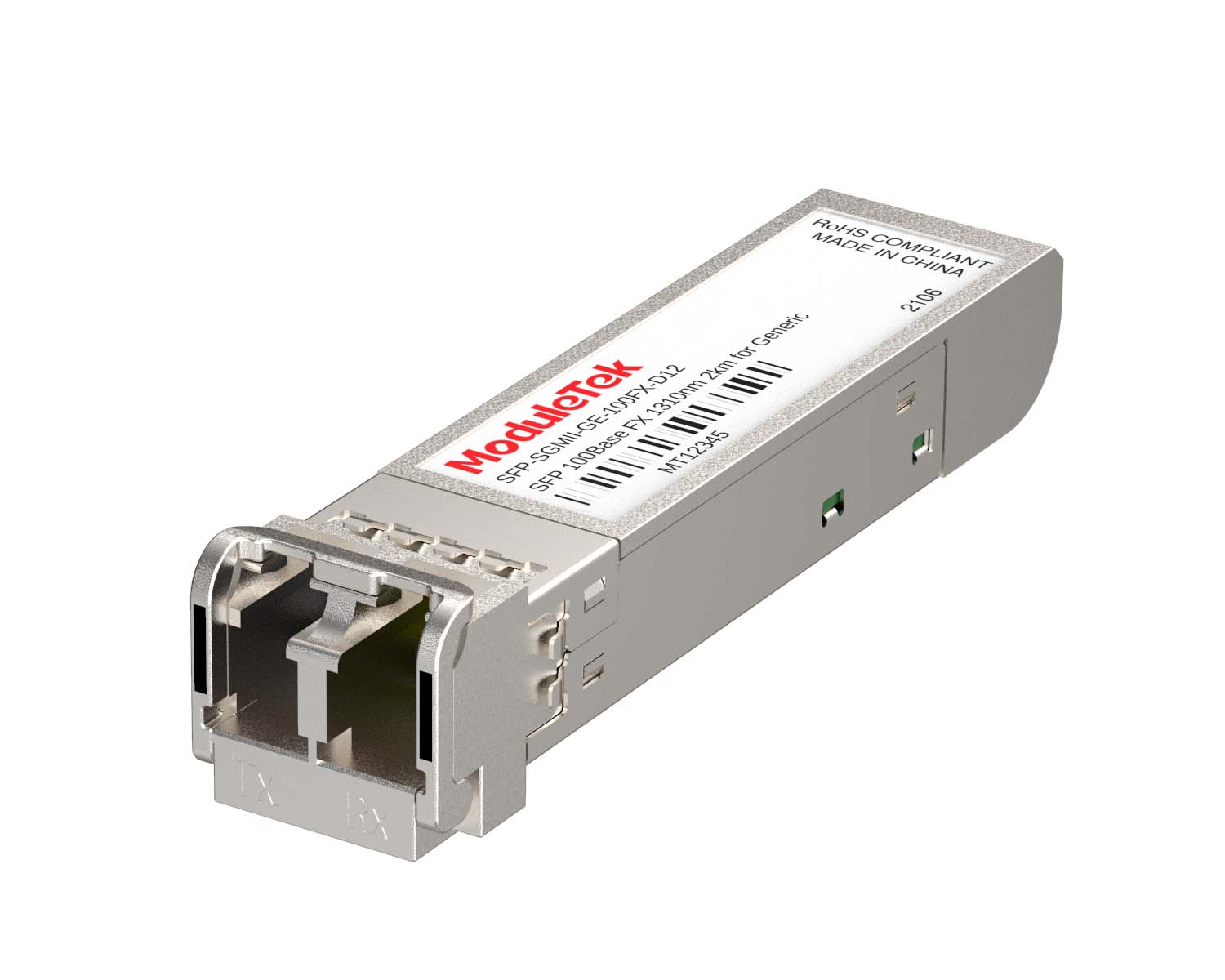 SGMII Port Optical Transceivers
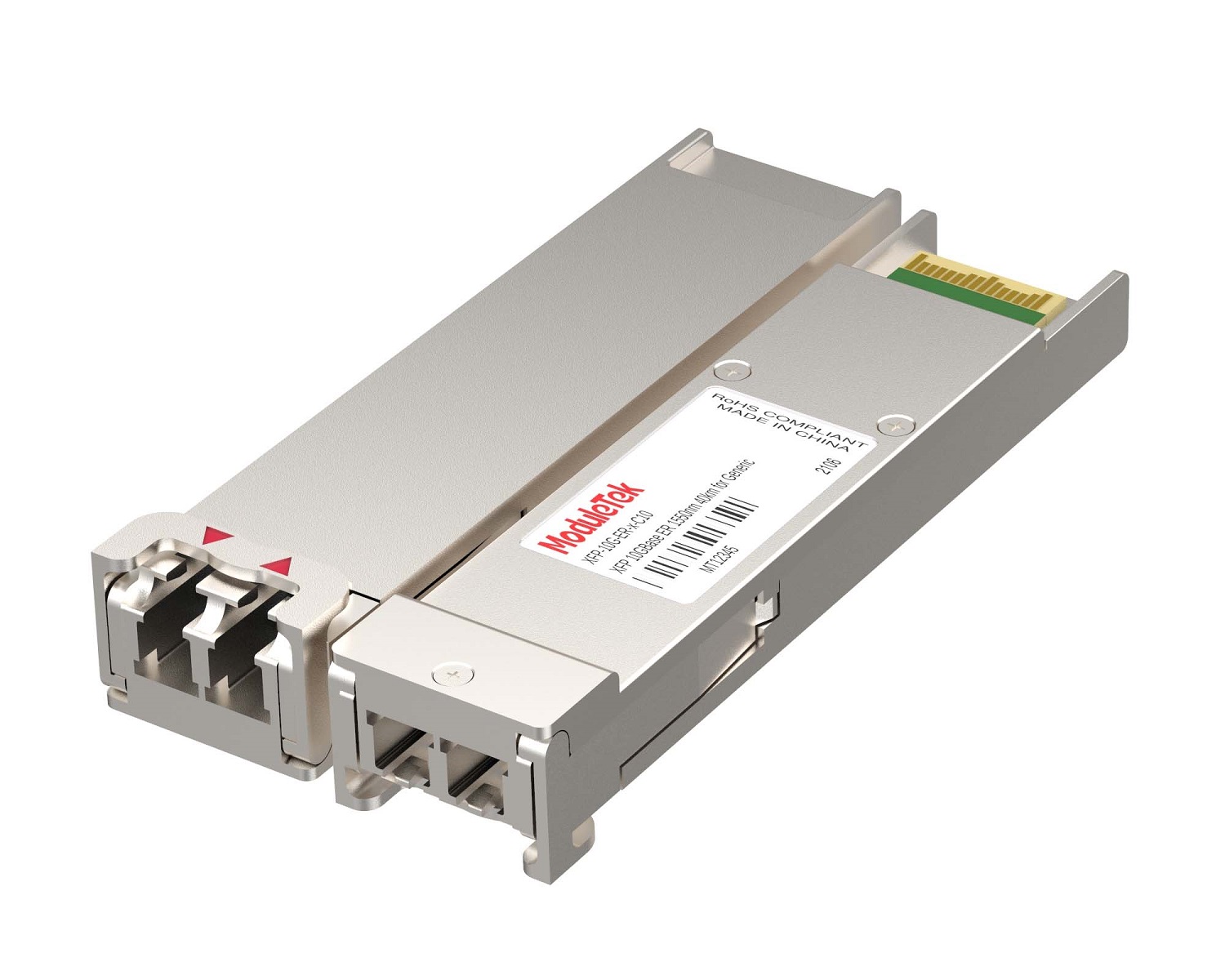 XFP Optical Transceivers
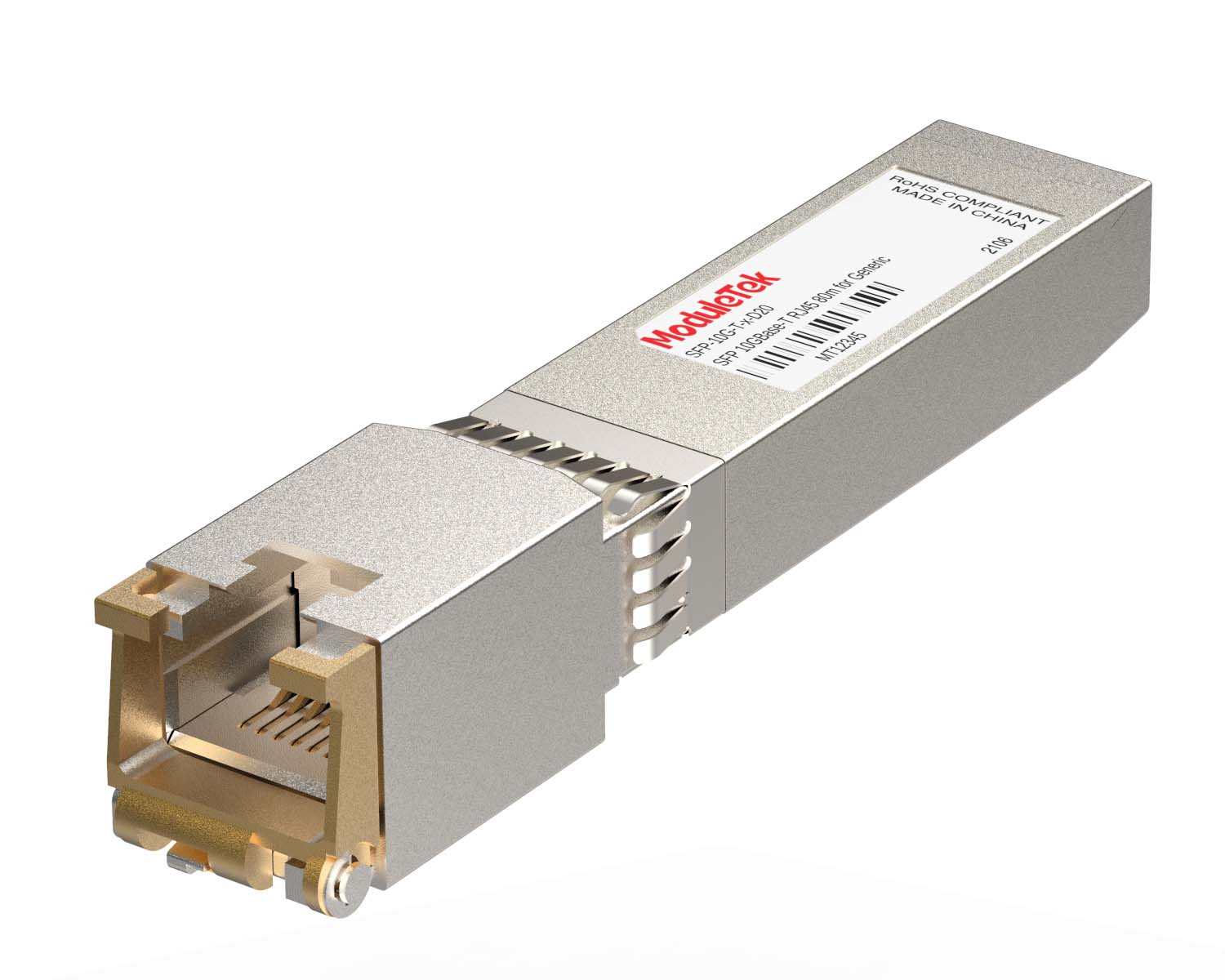 100M/1G/10G Coppers
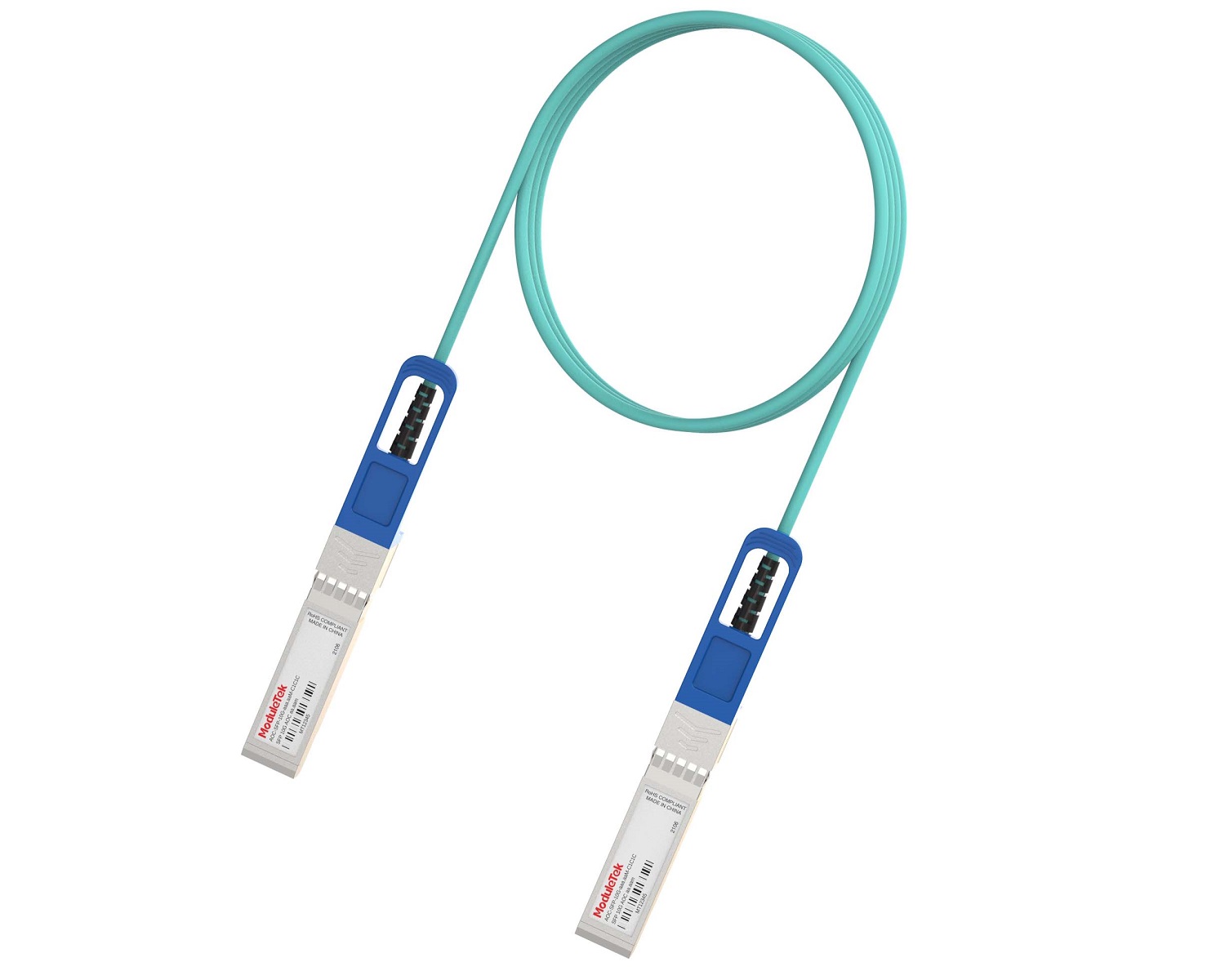 Full-Rate AOC & Breakout Series
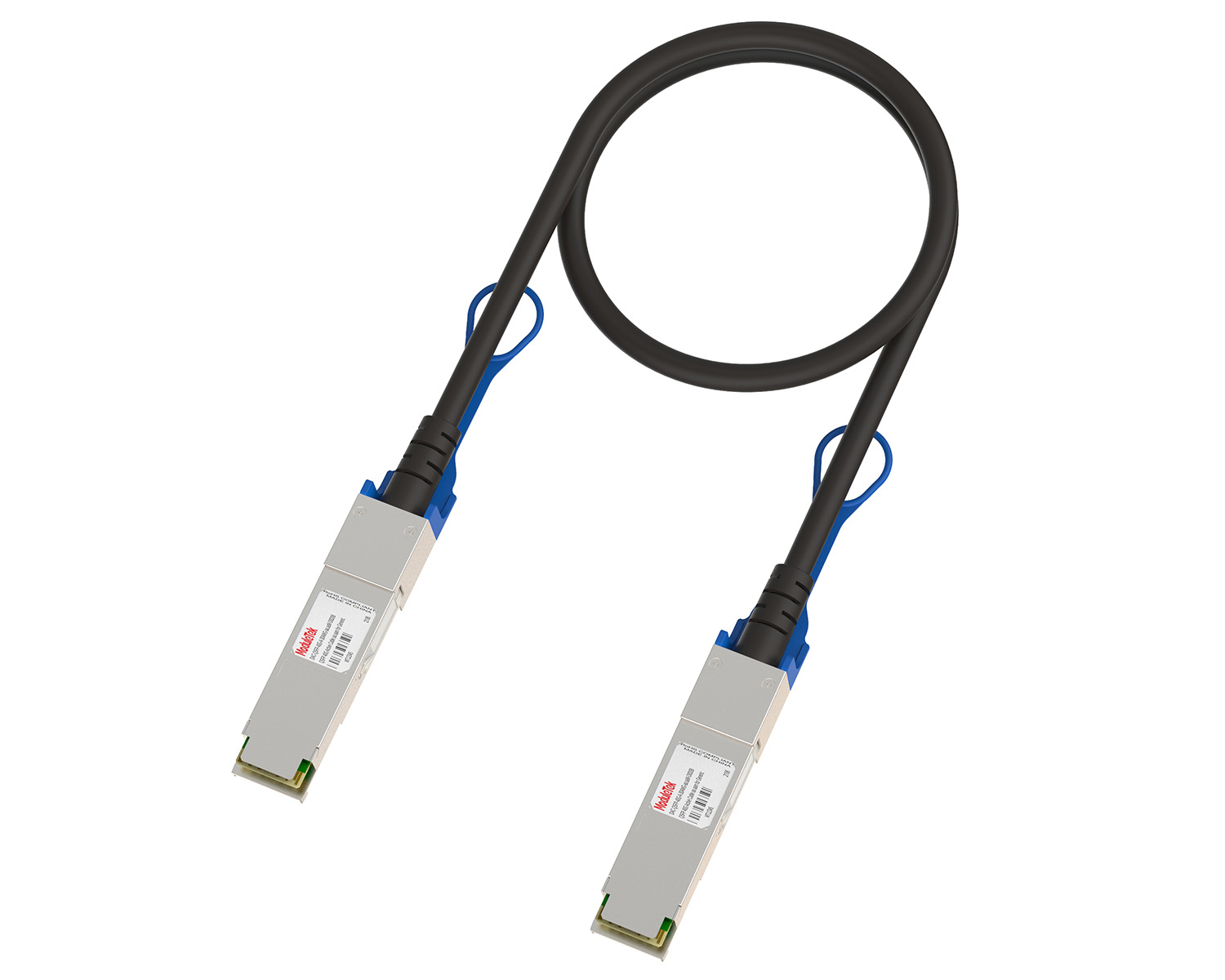 10G/40G Active DAC Series
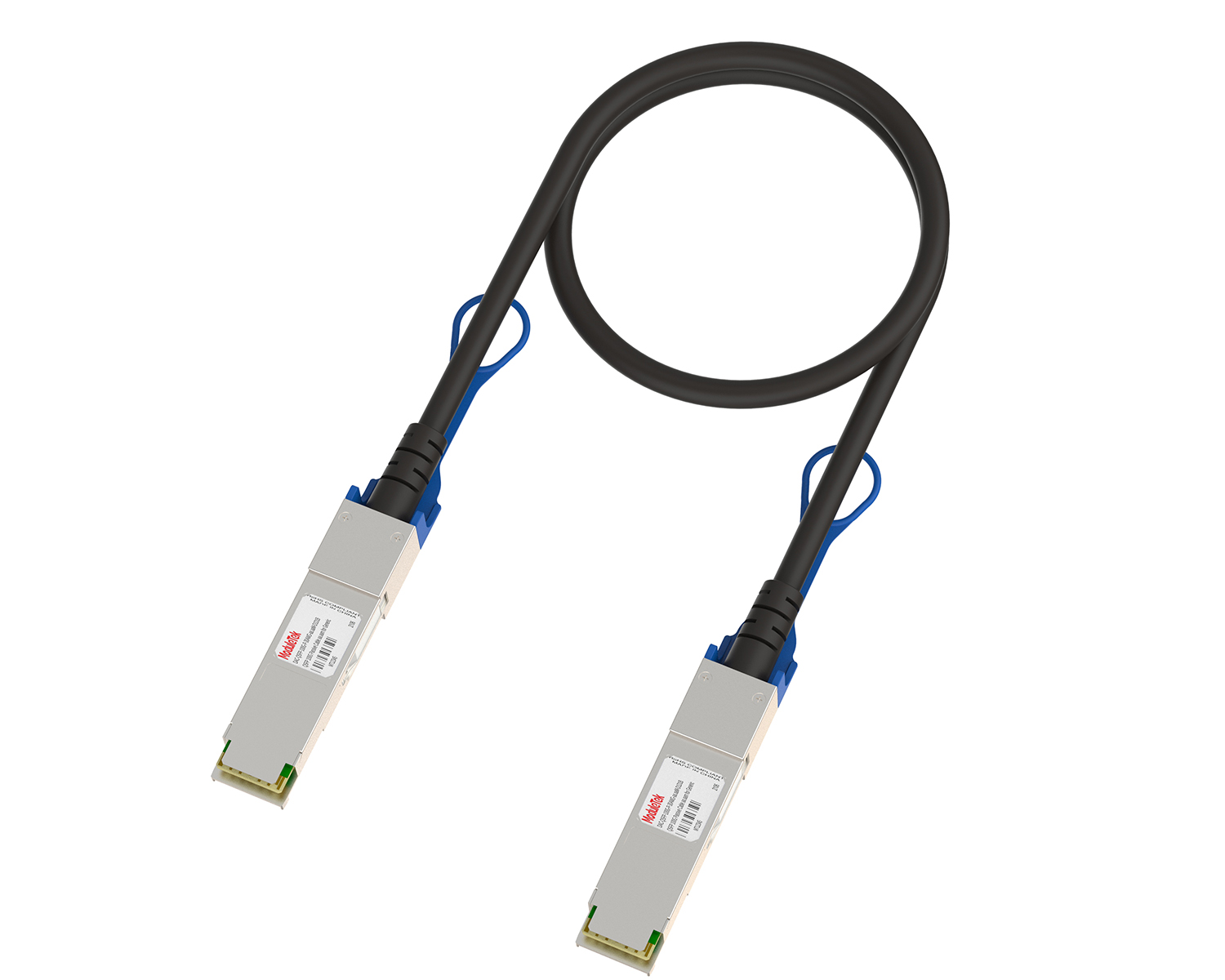 Full-Rate Passive DAC Series
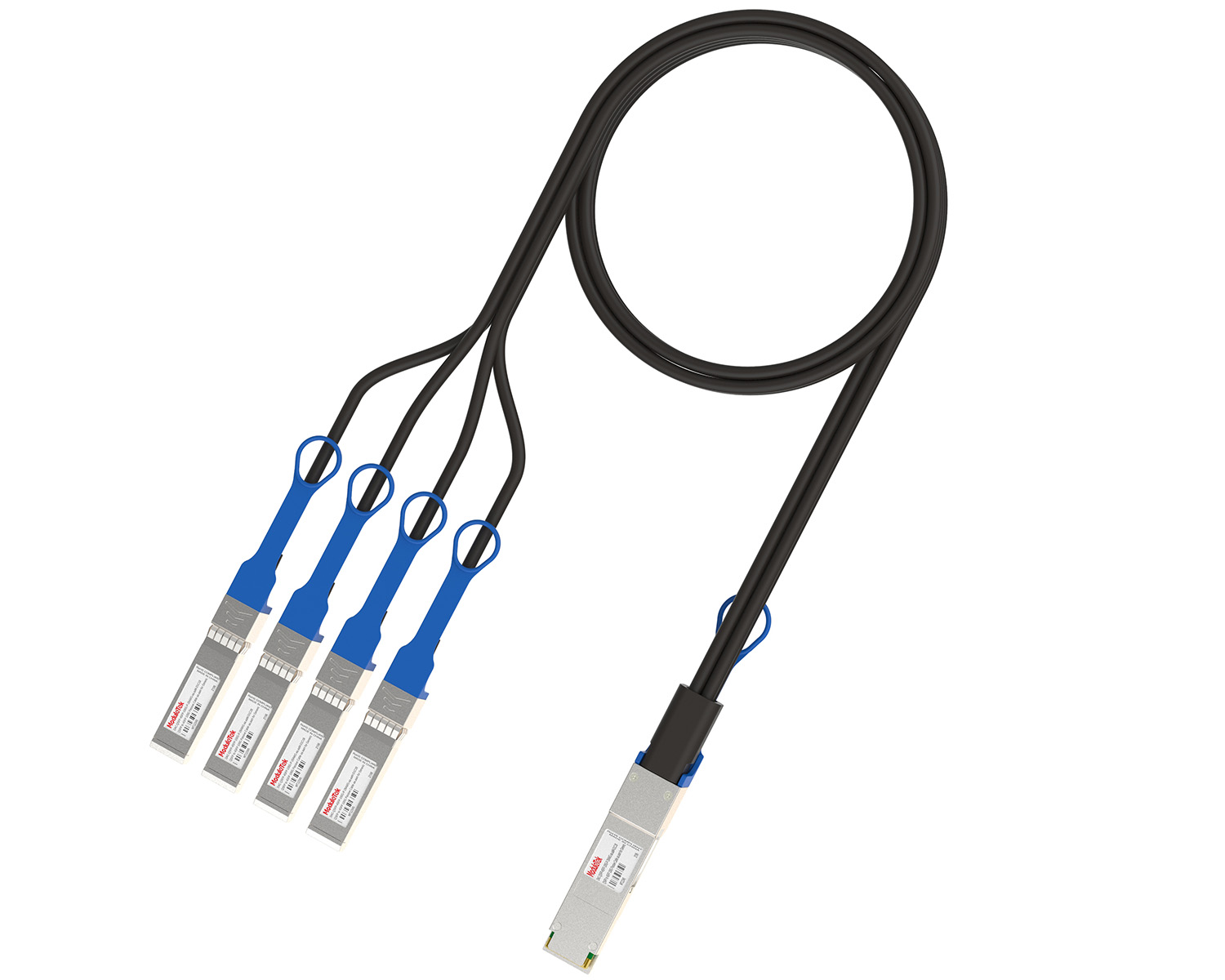 40G/100G Passive Breakout DAC Series
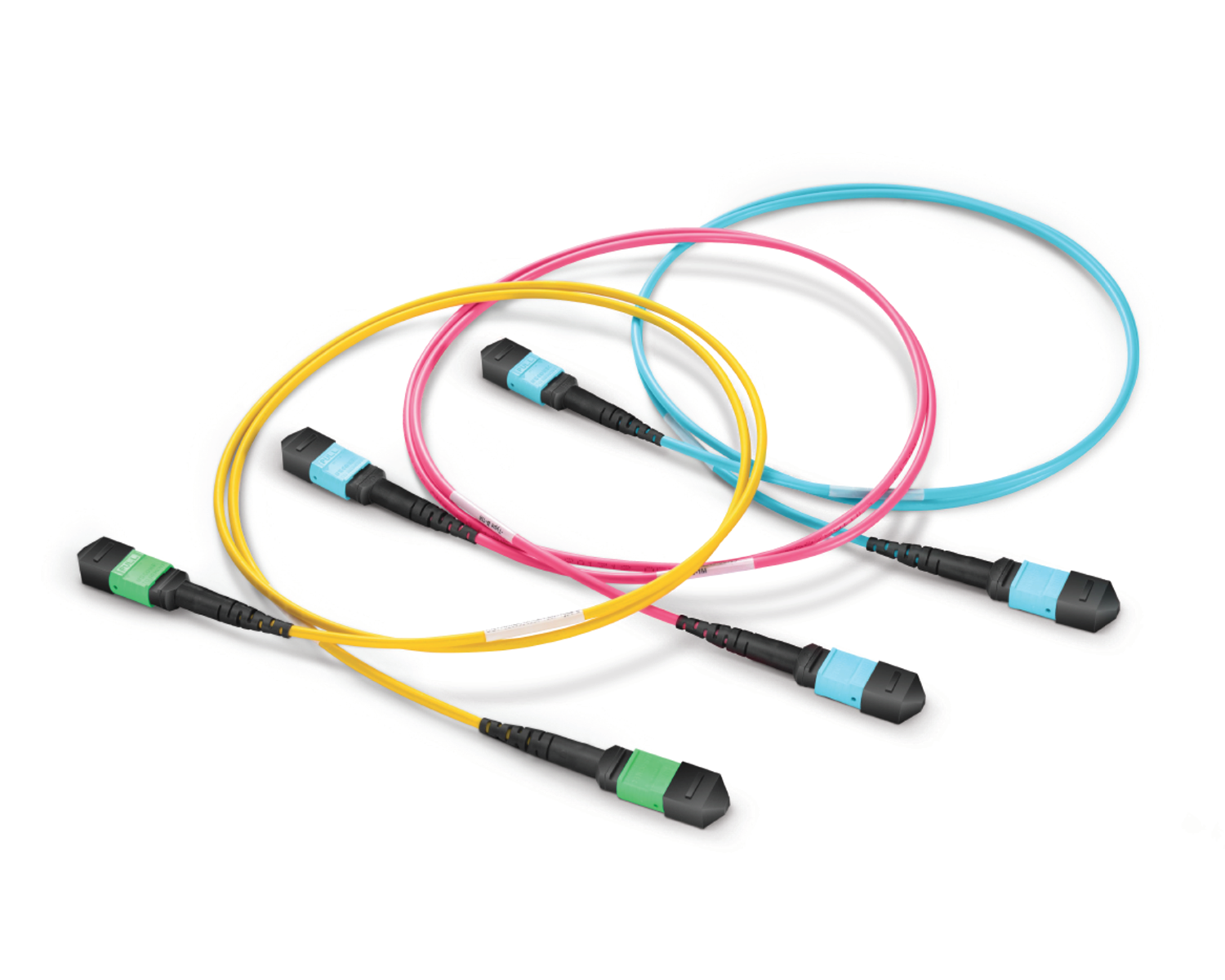 Regular/MTP-MPO Fiber Patch Cords
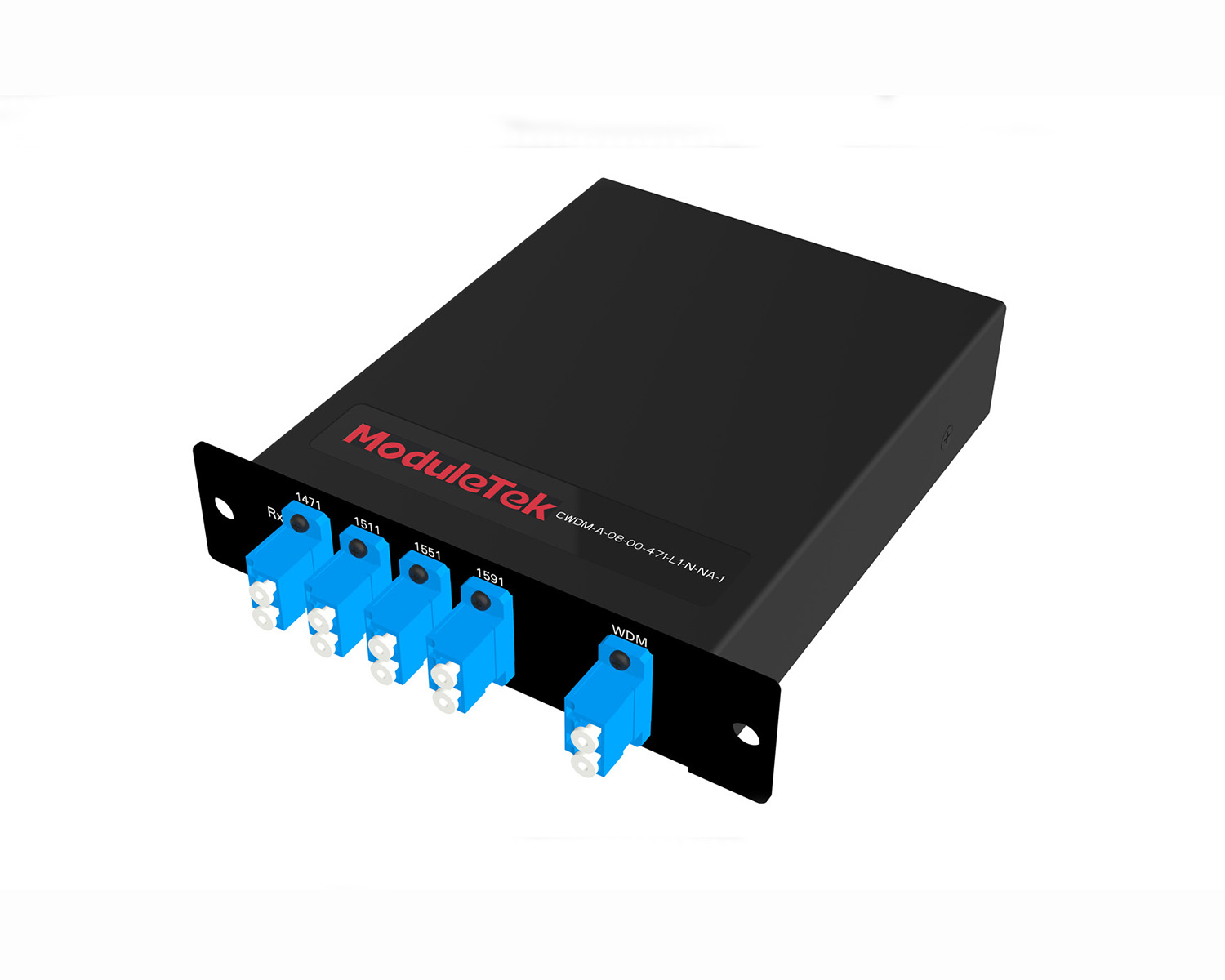 MT2011
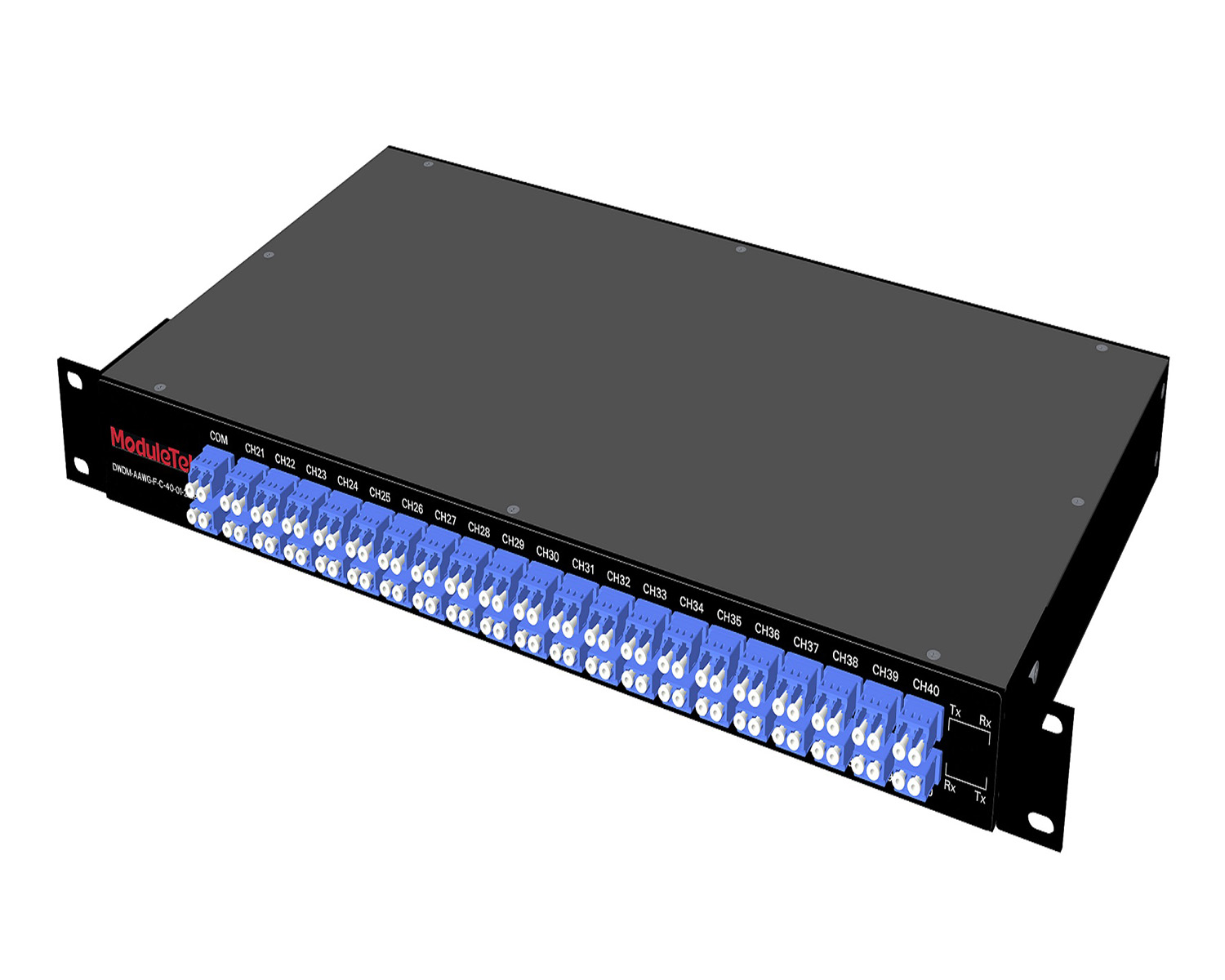 MT2010
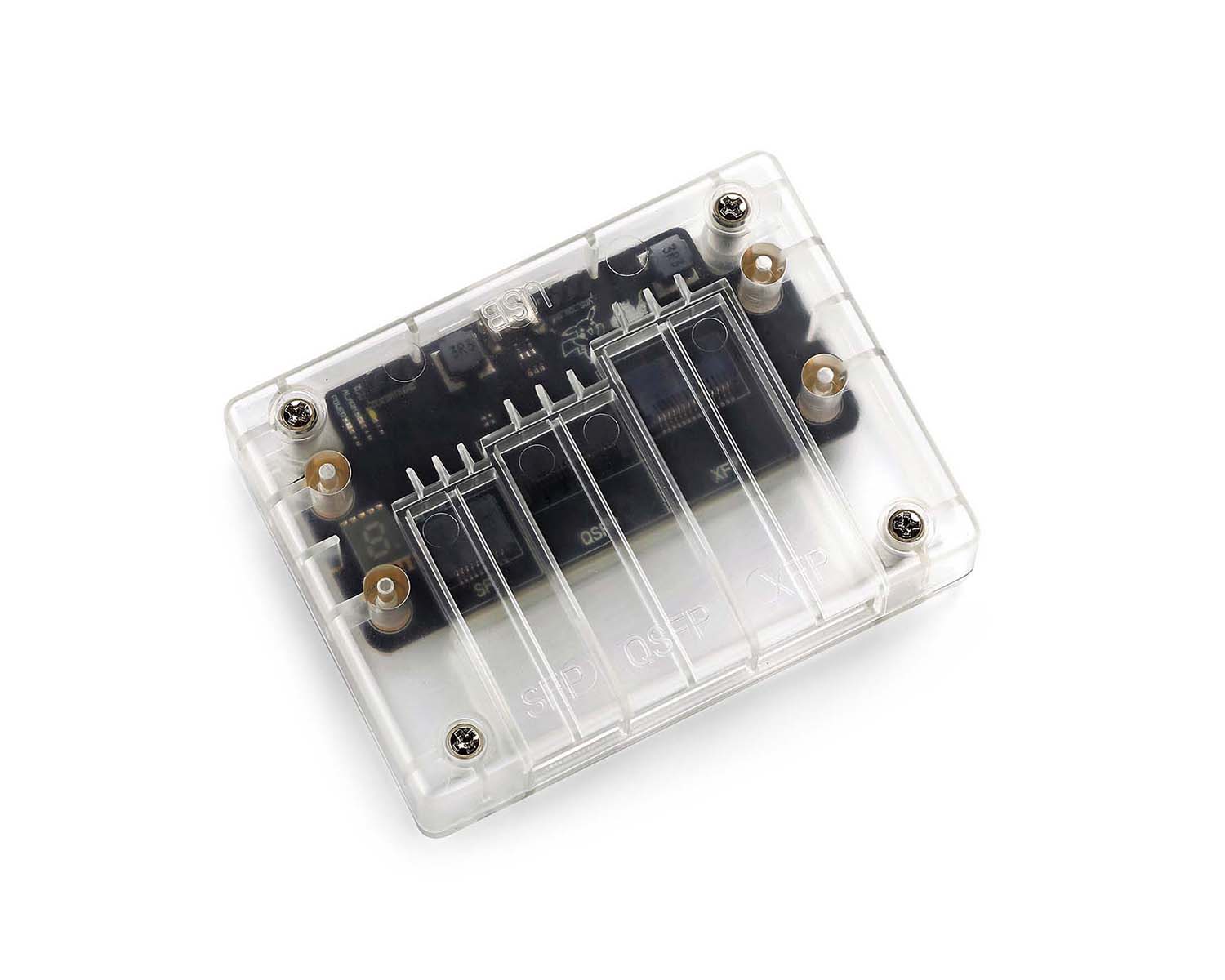 CodingBox
 QSFP to SFP Adapter
Huawei Switch Password Recovery Guidelines
Time: 2024-11-01
Users usually configure the console user account and password when logging in using the console port of the switch, which is used for authentication and preventing unauthorized access, so as to maintain operational security and protect data. So what should you do if this password is forgotten?
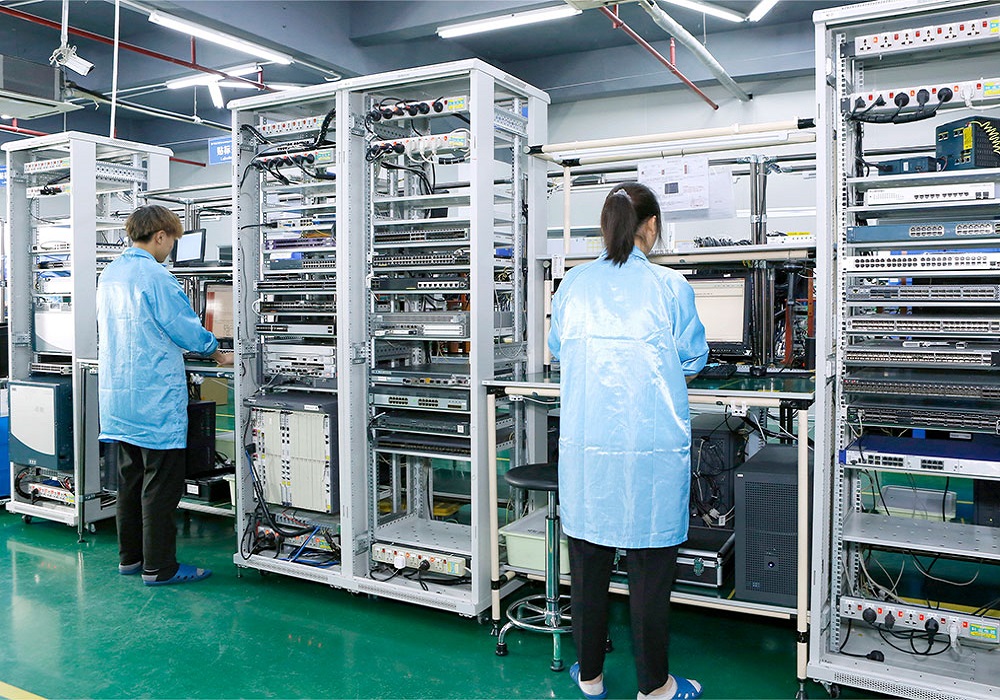
Moduletek Laboratory takes Huawei S5700S-28P-LI-AC switch as an example to show you how to log in when Huawei switch forgets the console user password.
1. Hot reboot the switch and press "Ctrl+B" in time to enter BOOTROM mode when the following print message appears on the interface;
2. Enter the BootROM/BootLoad password (password: Admin@huawei.com or huawei ) to enter the main menu;
3. Select " 7 " in the BootROM menu and "Clear password for console user" to clear the console user password mode;
4. BootROM menu, select " 1 ", "Boot with default mode", boot with default mode;
5. after the completion of the boot will be directly into the password reset operation, this time to set a new Console password can be entered into the user mode after the implementation of "save" to save the configuration.
Moduletek Limited is at your service.
H3C switch to temporarily clear the authentication password to restore the password operation can refer to : H3C switch password recovery to temporarily clear the authentication password .
If you have any questions about the above content, please contact us via email: sales@moduletek.com