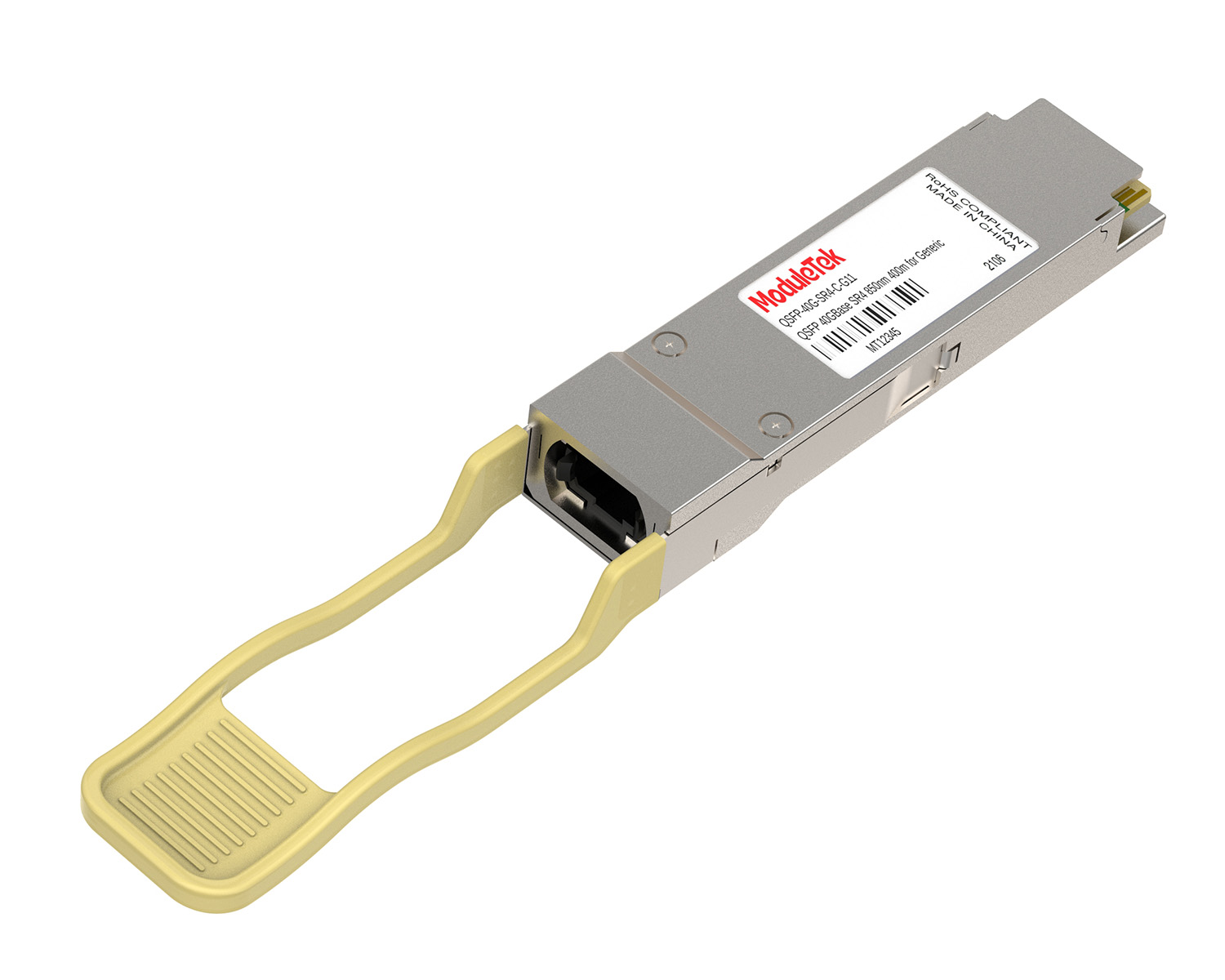
 40G/100G Optical Transceivers
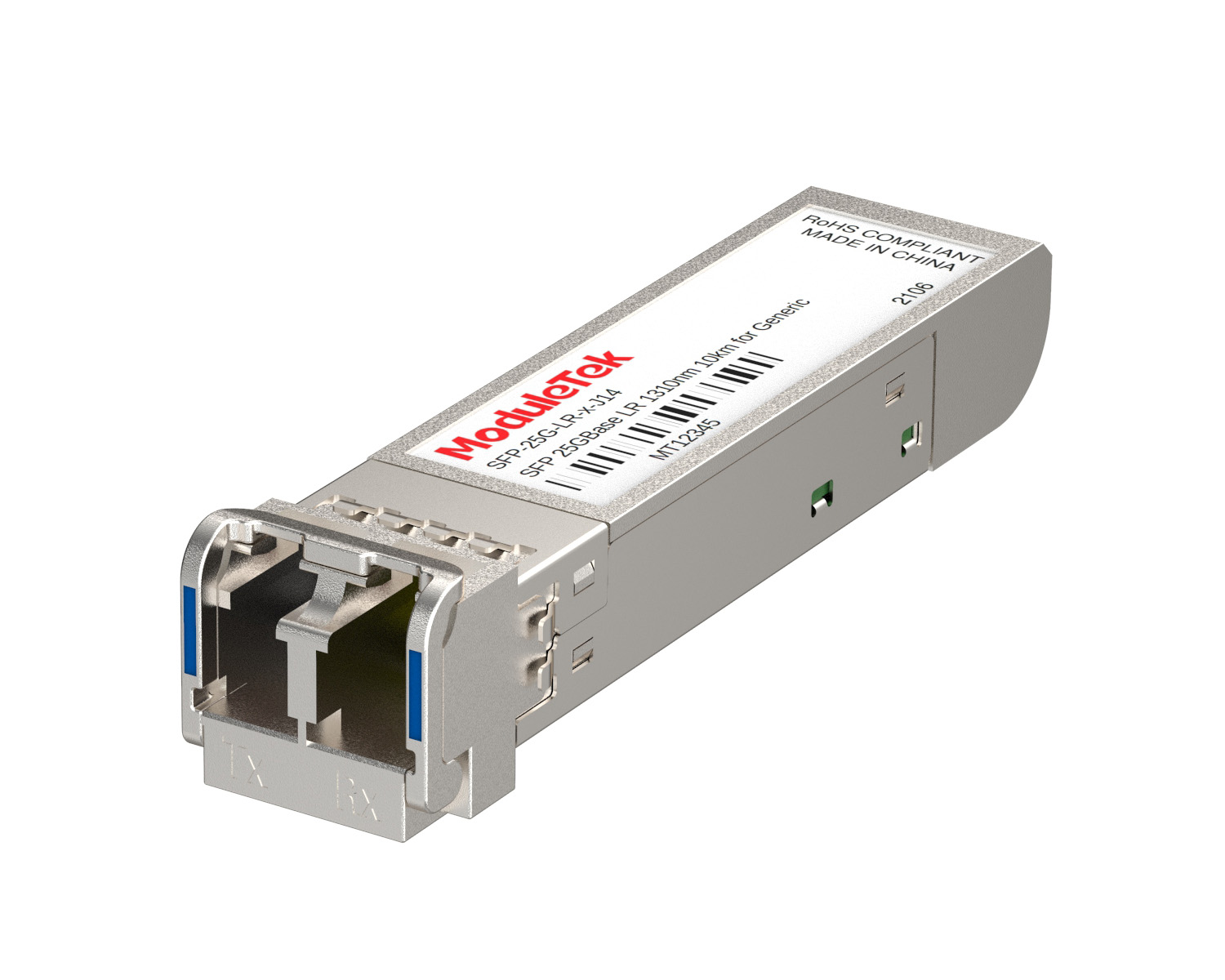 25G Optical Transceivers
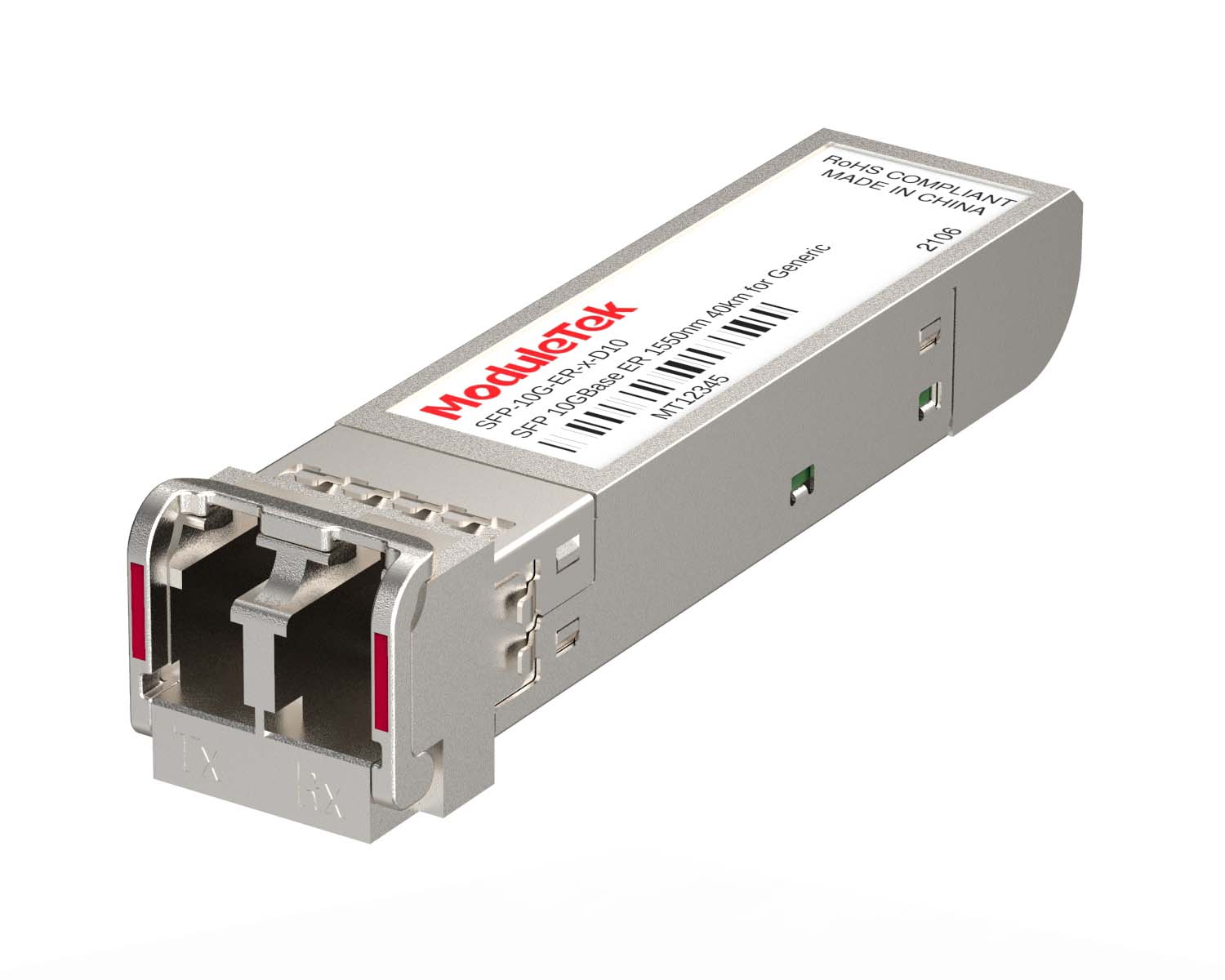 10G Optical Transceivers
 155M/2.5G Optical Transceivers
 1G Optical Transceivers
 FC 16G/32G Optical Transceivers
 1G BIDI Optical Transceivers
 Dual-Rate Optical Transceivers
 CWDM Optical Transceivers
 DWDM Optical Transceivers
 SGMII Port Optical Transceivers
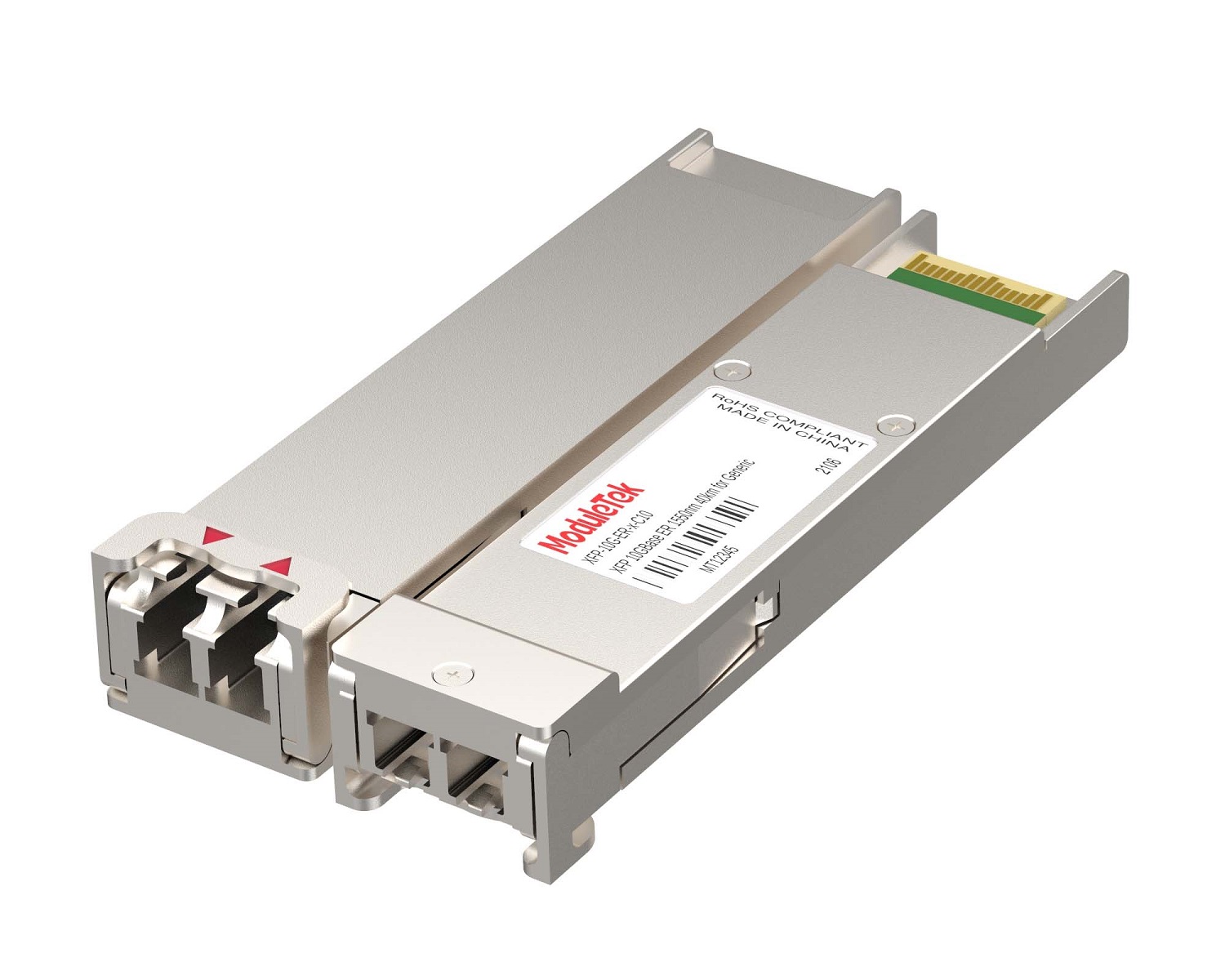 XFP Optical Transceivers
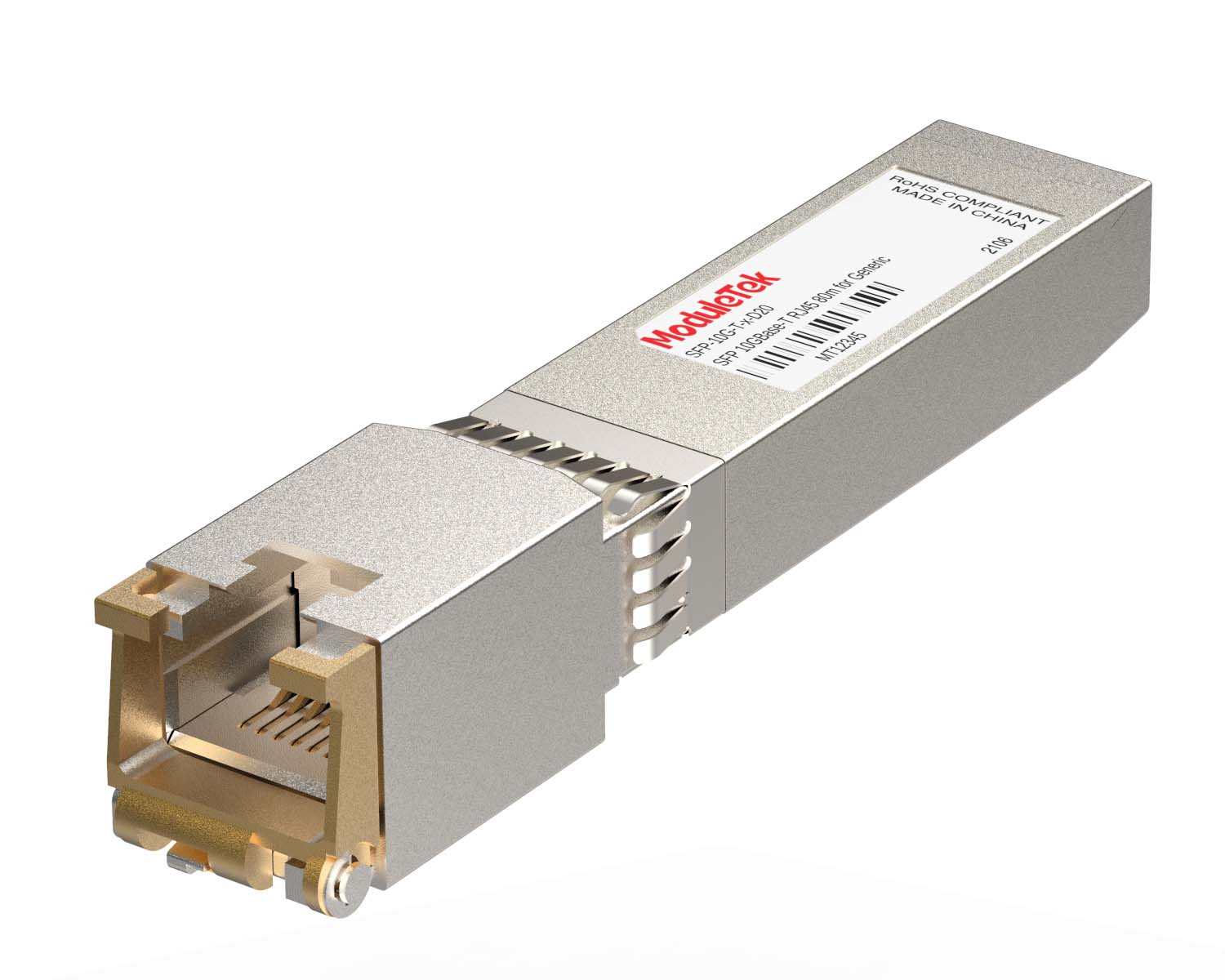 100M/1G/10G Coppers
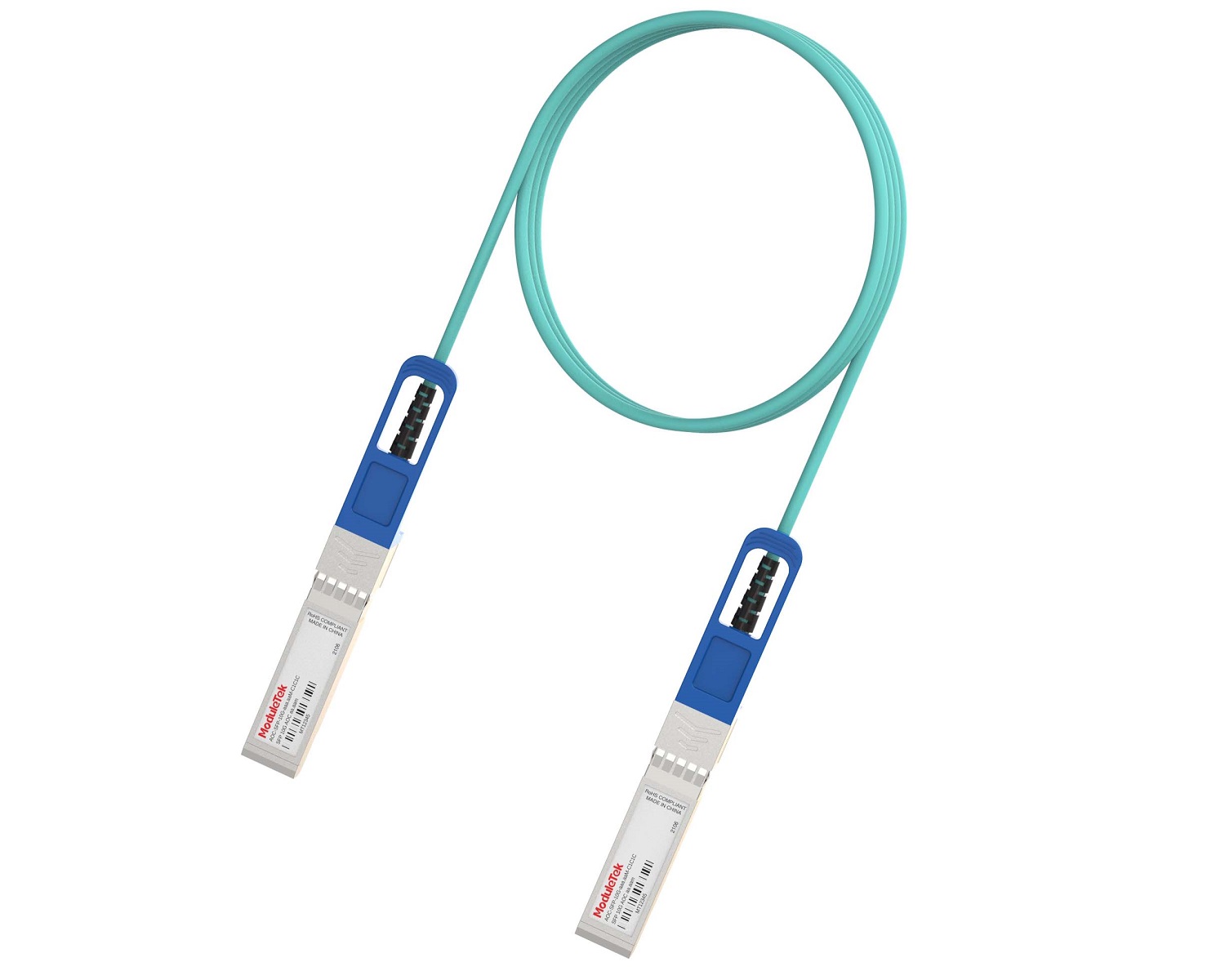 Full-Rate AOC & Breakout Series
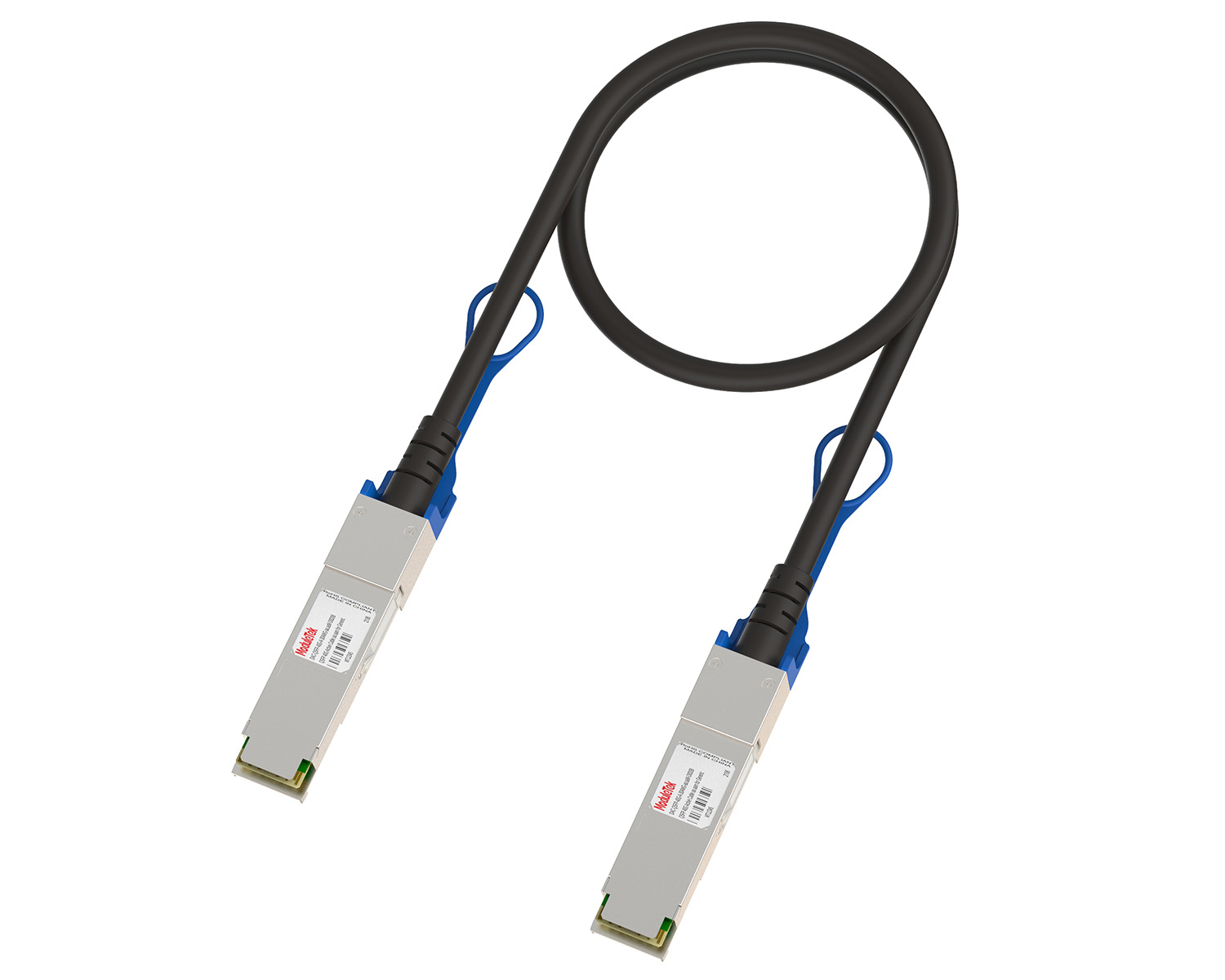 10G/40G Active DAC Series
 Full-Rate Passive DAC Series
 40G/100G Passive Breakout DAC Series
 Regular/MTP-MPO Fiber Patch Cords
 MT2011
 MT2010
 CodingBox
 QSFP to SFP Adapter
 首頁 > Home > Application Notes > H3C Switch Password Recovery To Temporarily Clear The Authentication Password
H3C Switch Password Recovery To Temporarily Clear The Authentication Password
Time: 2024-11-27
Previously we introduced the Huasan switch forget Console authentication password, how to ignore the current configuration of the system to start to log in to the device, specifically refer to the H3C Switch Password Recovery by Ignoring Current Configuration .
Today, Moduletek Laboratory takes the H3C S6850-56HF switch as an example to show you another way of password recovery, that is, how to temporarily clear the system's current configuration of the Console port login authentication password to log in to the device and recover the password.
1. Connect the serial port, reboot the switch, and press "Ctrl+B" in time to enter the BootRom mode when the following printout message appears on the interface;
2. Enter the main menu of BOOT, the first message will show whether the device enables the password recovery function, make sure that the state is enable; Select "Change authentication for console login", in this case, the option Ctrl+P is used to skip the authentication for console login, and the device only restores the default configuration of the console port to start (only effective this time);
3. The system will prompt the successful configuration, BOOT menu appears again, select "Reboot", reboot the device;
4. After the completion of the boot system directly into the user mode, this time the device configuration is empty, the user can configure a new Console login authentication mode and password in the system view and save, so as to complete the password recovery.
Compared with restoring the default configuration of the device, restoring only the default configuration of the Console port seems to be simpler and more convenient. However, it is observed that some older versions of the system do not have the option of ignoring the Console login configuration in the main menu, which does not seem to support the restoration of the default configuration of the Console port, such as the H3C S5120-20P-SI system version 5.20, R1513P95, and H3C S5120-20P-SI system version 5.20, R1513P95. R1513P95.
Note: Different device models or system configuration commands may vary, please refer to the actual situation of the device.
Moduletek Limited is at your service.
If you have any questions about the above content, please contact us via email: sales@moduletek.com